Complete Guide to Setting Up Voicemail on Your Phone
In today's world, voicemail is a crucial feature that ensures you never miss important messages. Whether you're an iPhone, Android, or any other device user, setting up your voicemail is a simple process that can be completed in just a few steps. In this comprehensive guide, we'll walk you through the step-by-step instructions on how to set up voicemail on your phone, fix common issues, and troubleshoot when voicemail isn't working.
Understanding Voicemail Basics
Voicemail is a feature that allows you to receive and manage messages when you're not available to answer calls. When someone calls your phone and you're unable to pick up, the call goes to voicemail, and the caller can leave a message. You can then access and listen to your voicemail messages from your phone or online.
Setting Up Voicemail on Your Phone
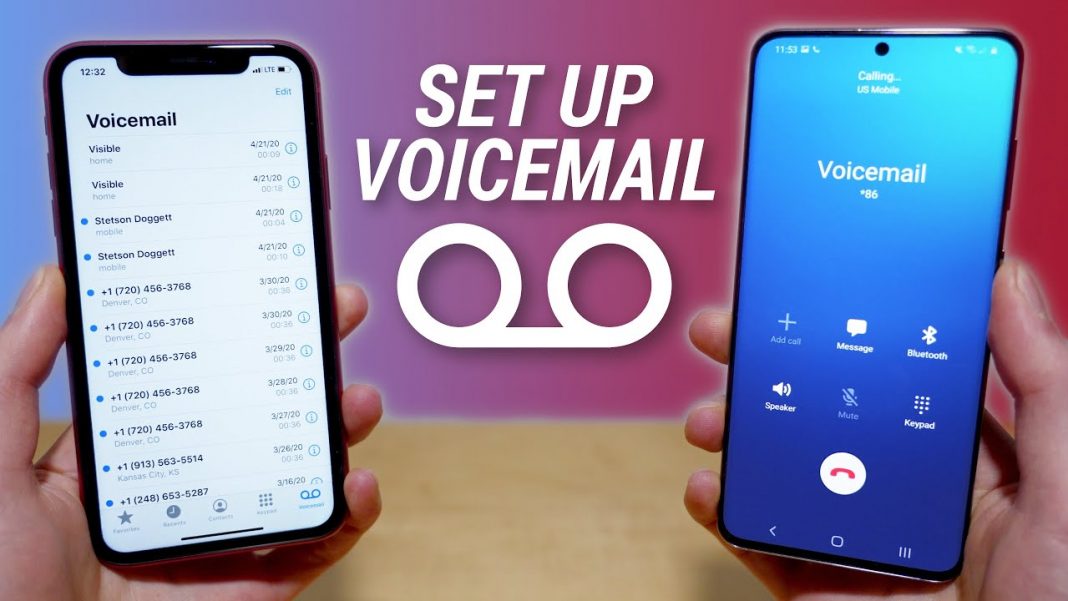
The process of setting up voicemail varies depending on your phone's operating system and model. Here's a general guide for setting up voicemail on Android and iPhone devices:
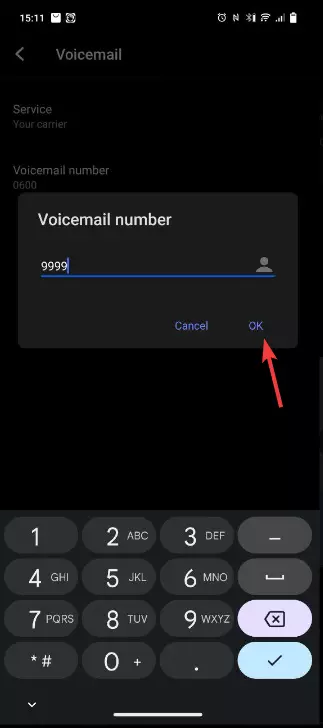
- For Android devices:
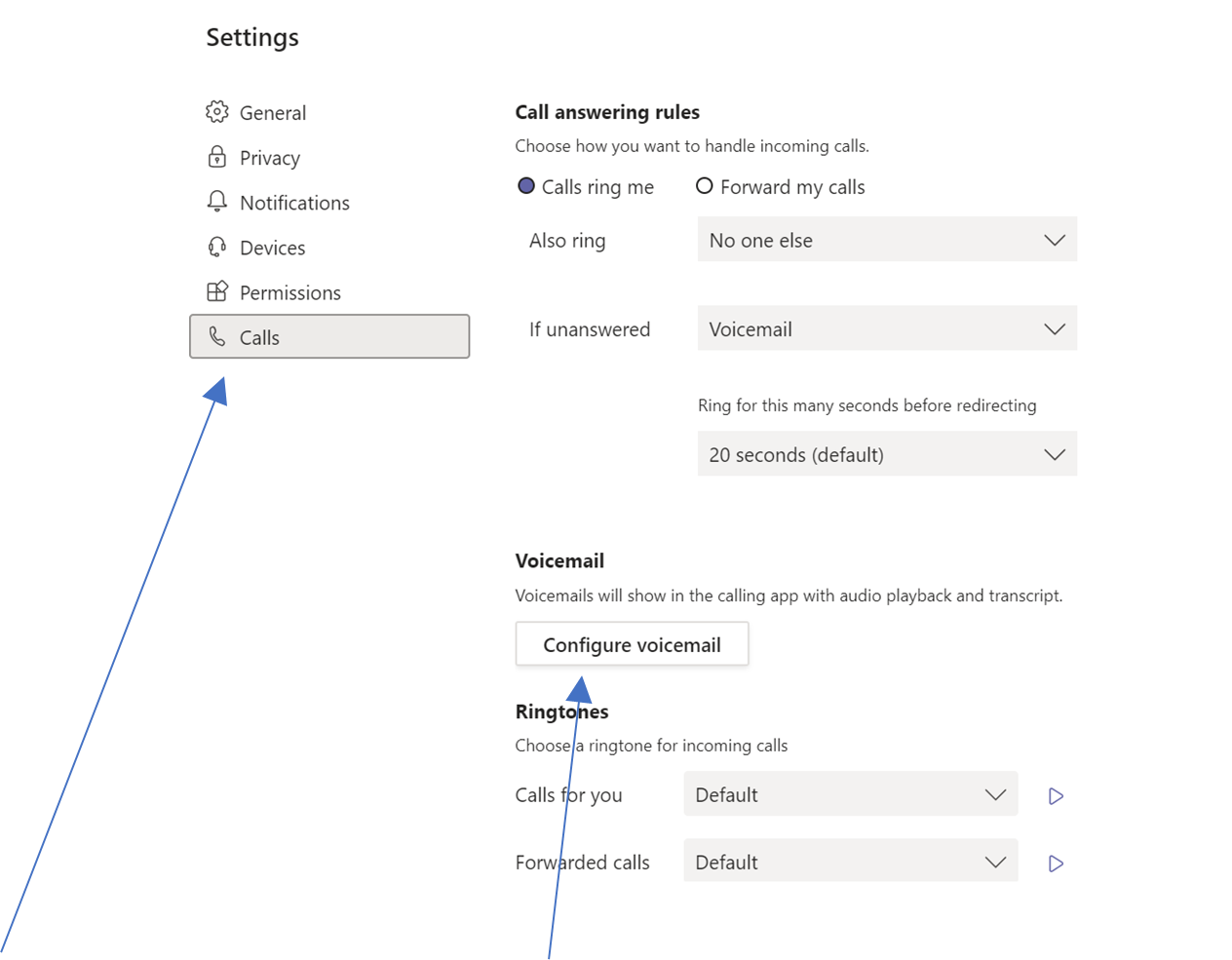
- Go to your phone's Settings app
- Select "Calls" or "Phone app"
- Tap on the "Voicemail" or "Visual Voicemail" option
- Follow the prompts to set up your voicemail, including recording a personal greeting and creating a password
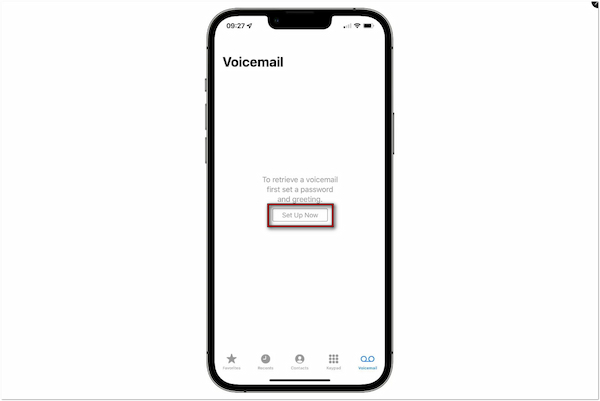
- For iPhone devices:
- Go to your phone's Phone app
- Tap on the "Contacts" tab
- Tap on the "Voicemail" button
- Follow the prompts to set up your voicemail, including recording a personal greeting and creating a password
Customizing Your Voicemail Settings
Once you've set up your voicemail, you can customize your settings to suit your preferences. Here are some common voicemail settings you can adjust:
- Personalized greeting: Record a personal greeting that identifies you and lets callers know when you're available.
- Password: Set up a password to secure your voicemail and prevent unauthorized access.
- Message storage: Adjust the number of messages you can store in your voicemail inbox.
- Notification settings: Set up notifications to alert you when you receive new voicemail messages.
Fixing Common Voicemail Issues
From failed set up attempts to issues with message playback, there are several common problems you may encounter when using voicemail. Here are some troubleshooting tips to help you resolve these issues:

- Failed setup attempt: Try resetting your voicemail settings or seeking assistance from your phone's manufacturer or service provider.
- Problem with message playback: Check your phone's audio settings or contact your service provider for assistance.
- Missed message notification: Ensure that you have notifications enabled for voicemail messages and check your phone's settings for any issues.
Advanced Voicemail Features
Some phones and carriers offer advanced voicemail features, such as live transcription, automated message playback, and visual voicemail. Here's a brief overview of these features:
Live transcription: Allows you to receive real-time transcriptions of your voicemail messages, enabling you to quickly scan and respond to important messages.
Automated message playback: Enables your voicemail system to automatically play new messages when you dial into your voicemail inbox.
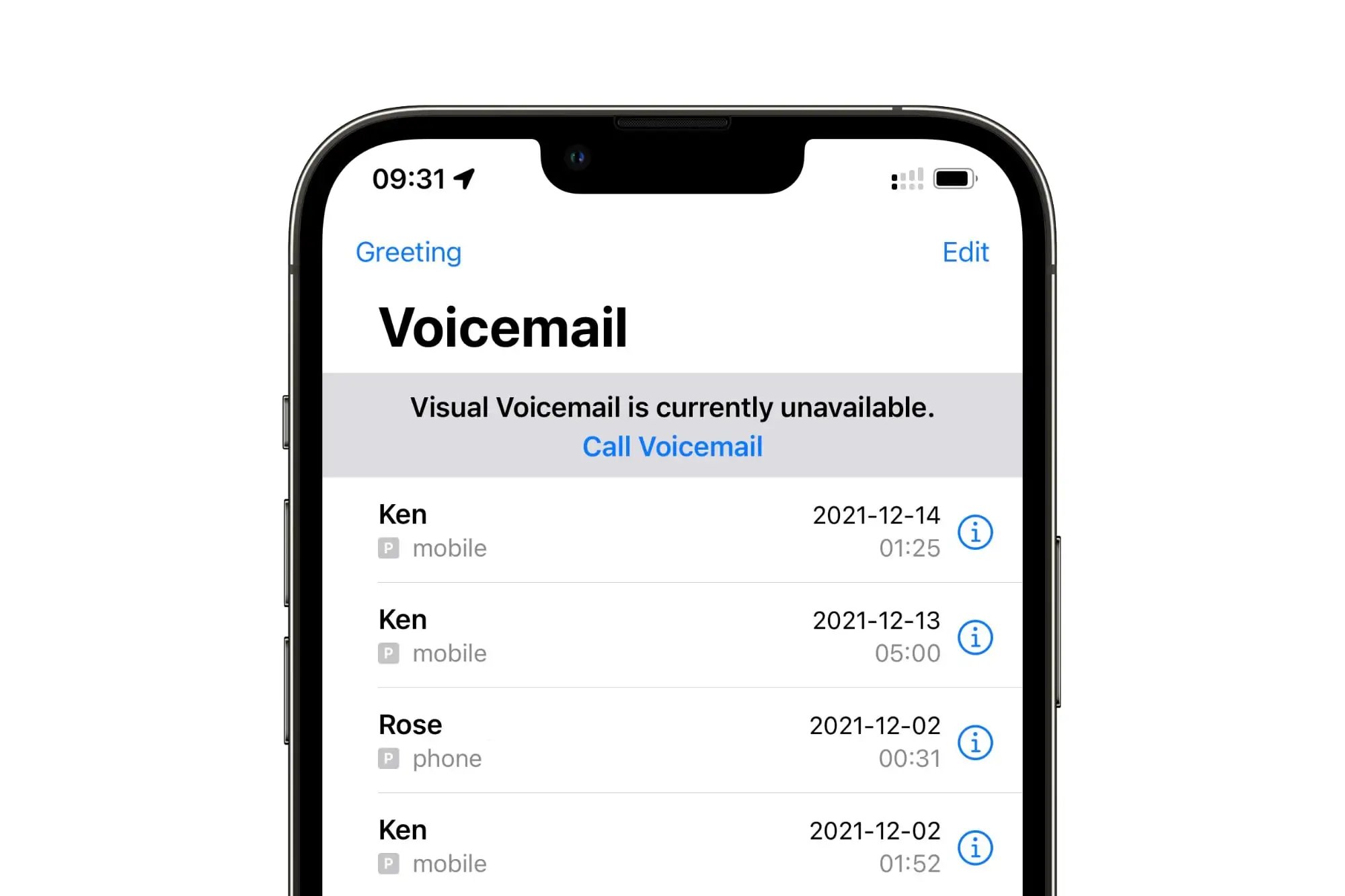
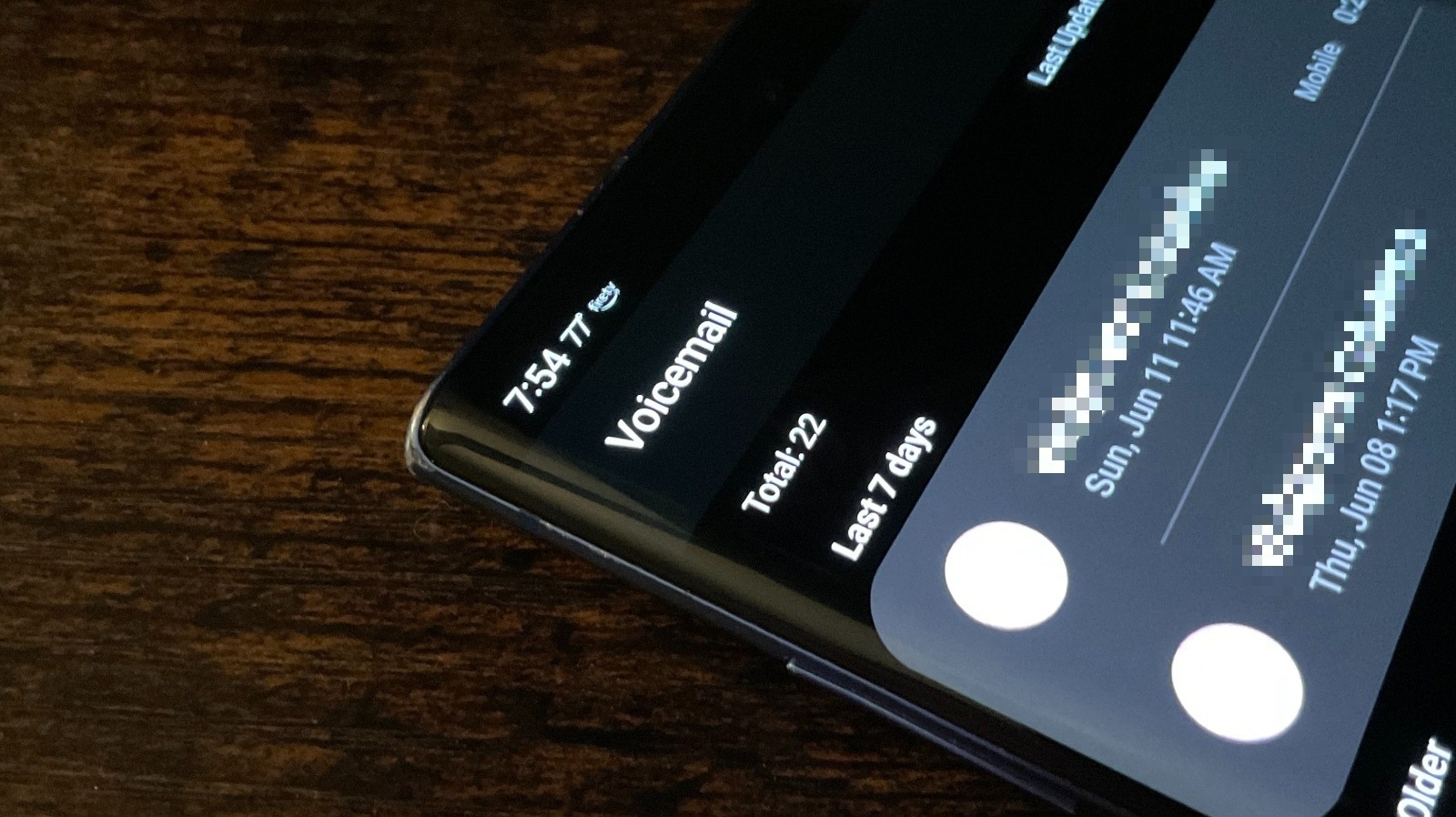
Visual voicemail: Displays a list of your voicemail messages, allowing you to easily access, play, and delete messages.
Benefits of Using Voicemail
Voicemail offers numerous benefits for individuals and businesses alike, including:
- Improved communication: Voicemail allows you to receive and manage messages when you're unable to answer calls.
- Enhanced productivity: By setting up voicemail, you can respond to messages at your convenience, reducing the time spent processing calls.
- Increased security: Voicemail password protection helps safeguard your personal and professional communications.
Conclusion
Setting up voicemail on your phone is a straightforward process that offers numerous benefits for improved communication, productivity, and security. By following the step-by-step guide provided in this article, you can set up voicemail on your Android or iPhone device and customize your settings to suit your preferences. Don't let busy calls and missed messages hold you back – take control of your communications with a voicemail phone setup guide.

![Set Up Voicemail on Android and iPhone: The Best Guide[2026]](https://i.ytimg.com/vi/AJdT_Qf7eIc/maxresdefault.jpg "Set Up Voicemail on Android and iPhone: The Best Guide[2026]")