Cell Phone Troubleshooting: A Comprehensive Guide to Fixing Common Issues
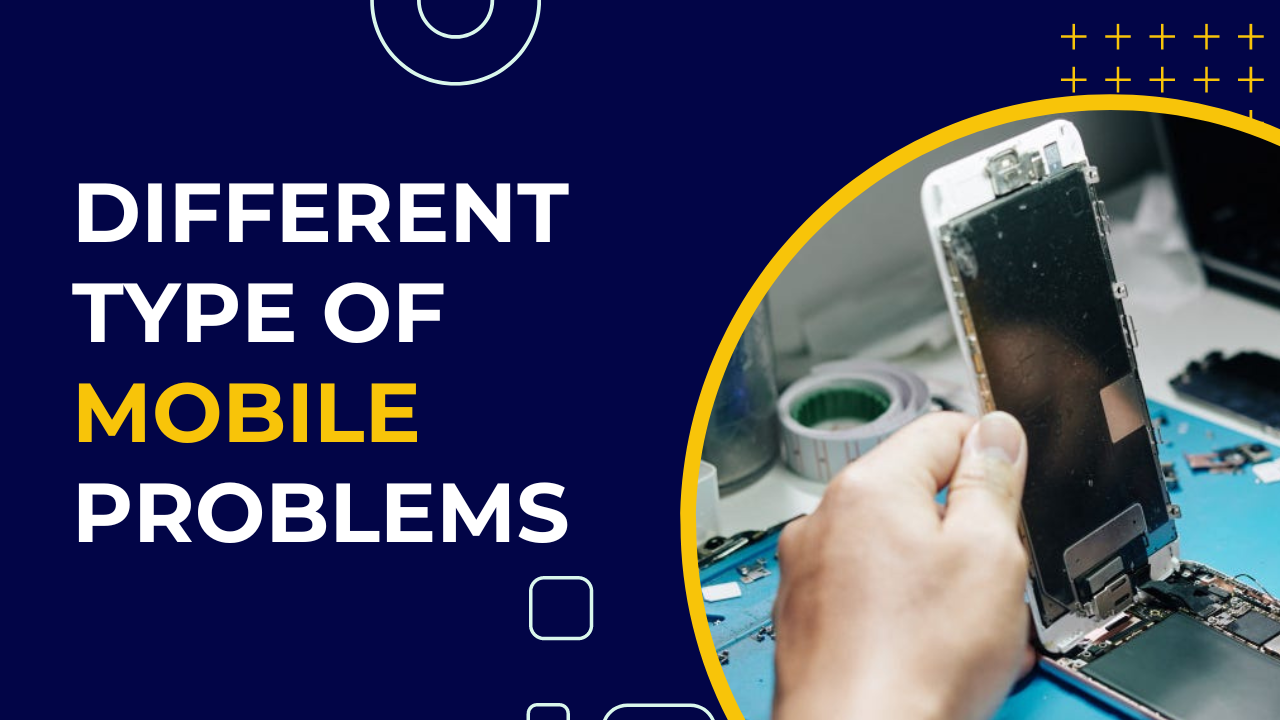
Smartphones have become an essential part of our daily lives, and we rely on them for communication, entertainment, and information. However, despite their advanced technology, cell phones can experience various issues, making it frustrating for users. In this article, we will explore the most common cell phone problems and provide step-by-step guides on how to troubleshoot and fix them.
Common Cell Phone Issues
Before we dive into the troubleshooting process, it's essential to understand the most common cell phone issues that users face. Some of these problems include:
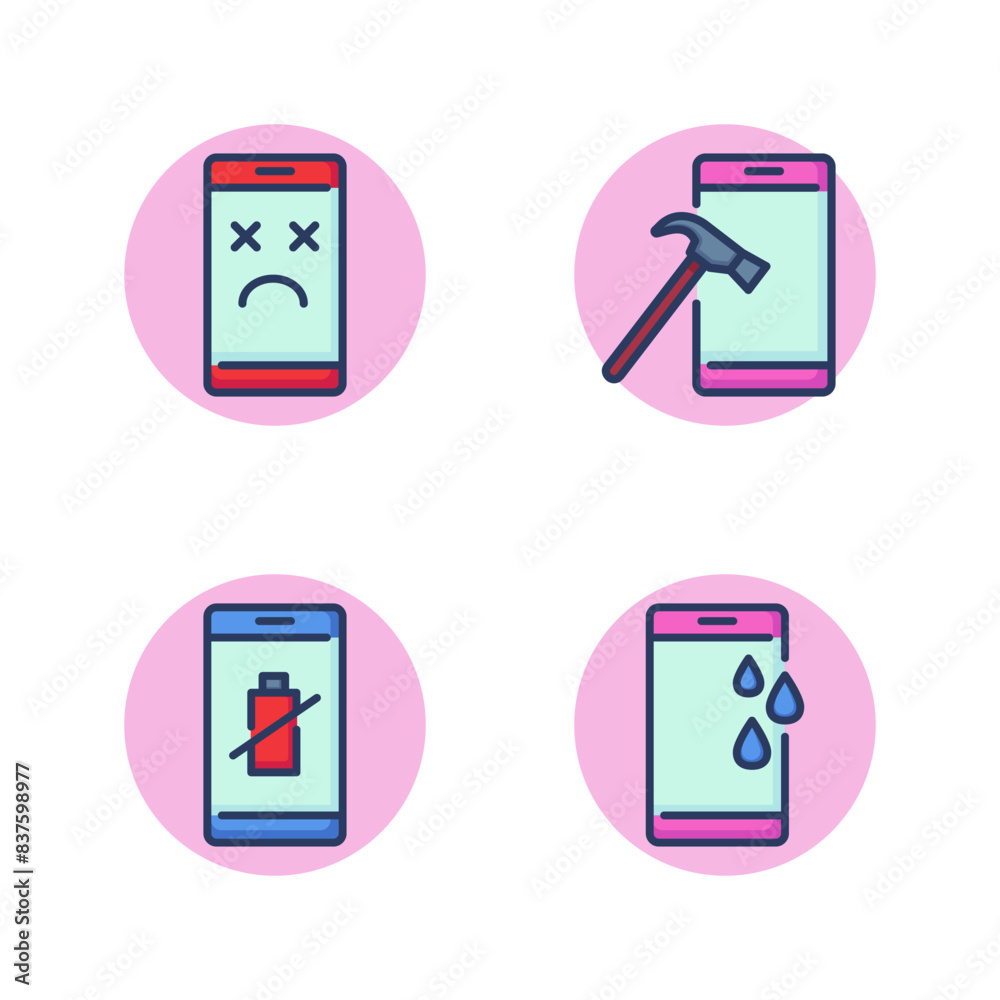
- Screen problems (cracked, frozen, or unresponsive)
- Battery issues (low battery life, overcharging, or won't charge)
- App crashes or freezing
- Connectivity problems (slow internet, dropped calls, or no signal)
- Water damage or moisture issues
- Slow performance or lagging
- Camera issues (poor image quality or camera not working)
Step 1: Basic Troubleshooting
Before proceeding with advanced troubleshooting, it's essential to try some basic fixes that might resolve the issue. These include:
- Restarting the phone
- Checking for software updates
- Rebooting in safe mode
- Resetting the phone to its factory settings
Step 2: Advanced Troubleshooting
If the basic troubleshooting steps don't resolve the issue, it's time to move on to more advanced troubleshooting methods. These include:
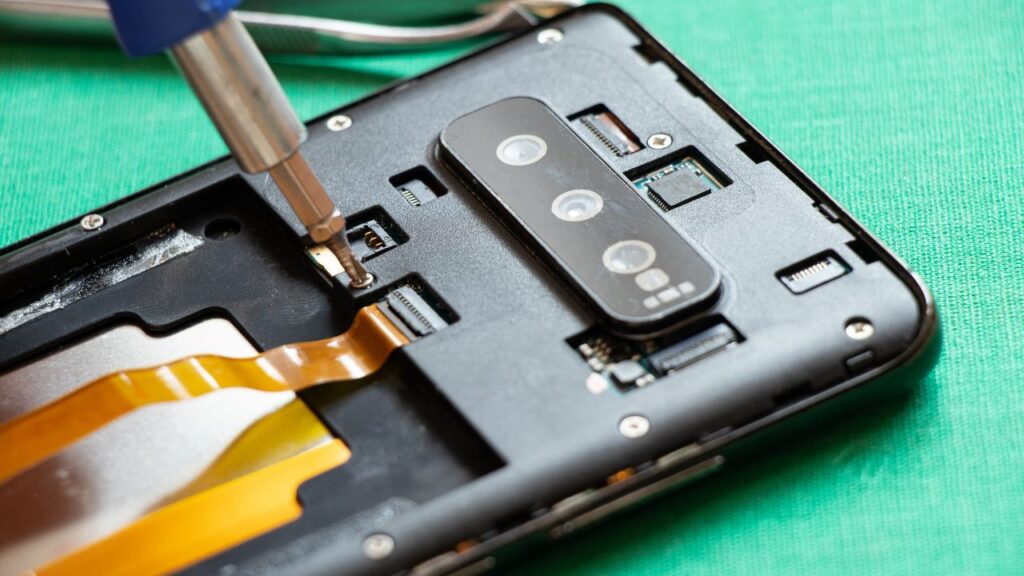
- Checking for hardware issues (such as a faulty charging port or battery)
- Inspecting the phone's exterior for signs of water damage or physical damage
- Checking for software glitches or bugs
- Resetting the phone's settings to their default values
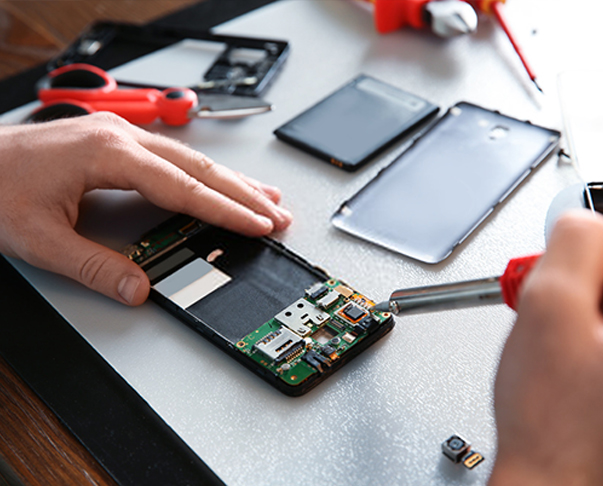
Step 3: Professional Repair
If the advanced troubleshooting steps don't resolve the issue, it may be time to seek professional help. Cell phone repair services can diagnose and fix complex issues, including hardware problems and software bugs.
Preventing Cell Phone Issues
Prevention is the best way to avoid cell phone issues. Some tips to prevent common problems include:
- Regularly updating software and apps
- Using a high-quality screen protector and case
- Avoiding extreme temperatures and exposure to water
- Using a reliable power source and avoiding overcharging
Conclusion
Cell phone troubleshooting can be a daunting task, but with the right knowledge and tools, users can fix common issues and extend the lifespan of their device. By following the steps outlined in this article, users can troubleshoot and resolve common cell phone problems, saving time and money in the process. Remember to always keep your phone up to date, use a high-quality screen protector and case, and avoid extreme temperatures and exposure to water to prevent common issues from arising.
Additional Resources
For more information on cell phone troubleshooting and repair, users can visit the following websites:
- Official Android Help Center
- Official Apple Support
- Repair guides and disassembly information for phones from all manufacturers and service providers