Protect Computer From Ransomware Attack: A Comprehensive Guide
Ransomware is a sophisticated type of malware that can hold your sensitive data or personally identifiable information (PII) hostage until a fee, or "ransom" is paid. Cybercriminals often use a binary encryption key to restrict data access to extort money from victims. A ransomware attack can be especially dangerous for businesses, hospitals, and individuals, as it can paralyze digital operations, steal information, and exploit essential services. Here, we'll discuss how to protect your computer from ransomware attacks.
What is Ransomware?
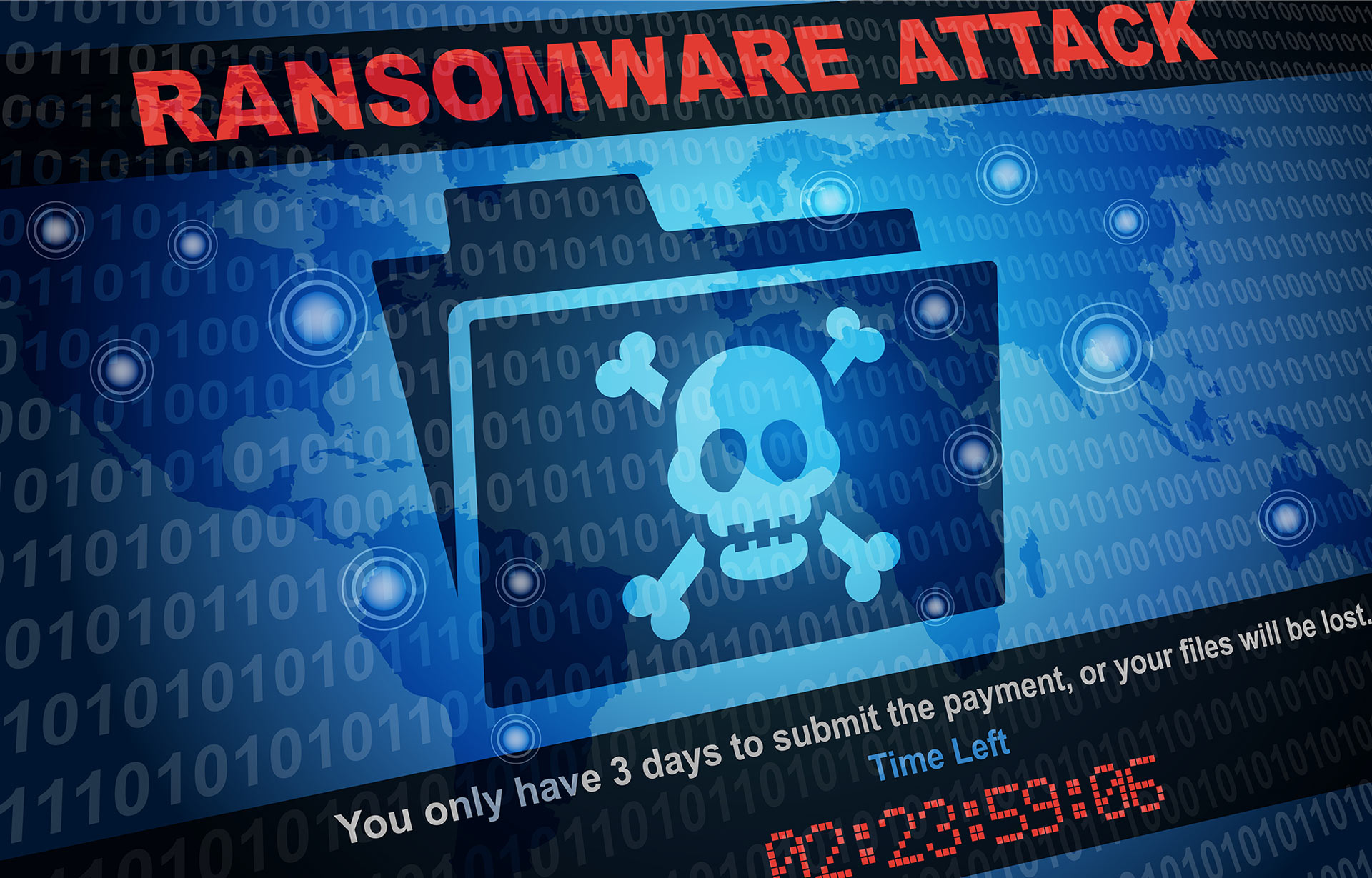
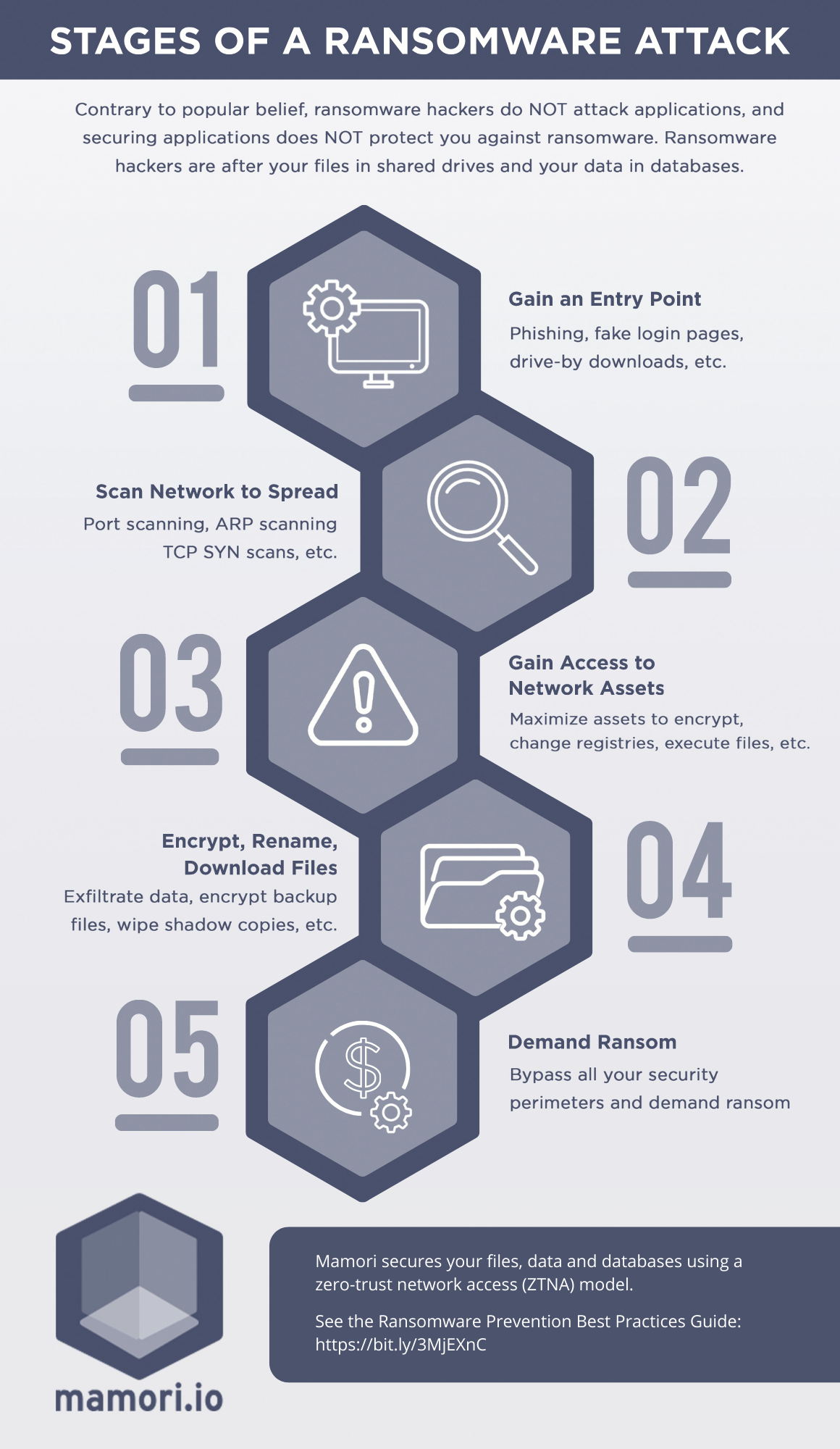
Ransomware is a type of malware that encrypts your files or locks your operating system, demanding a ransom for its release. It's one of the most prevalent and profitable cybercrimes in recent years, with new variants emerging daily. Understanding what ransomware is and how it works is crucial to staying protected.
How to Protect Your Computer from Ransomware Attack
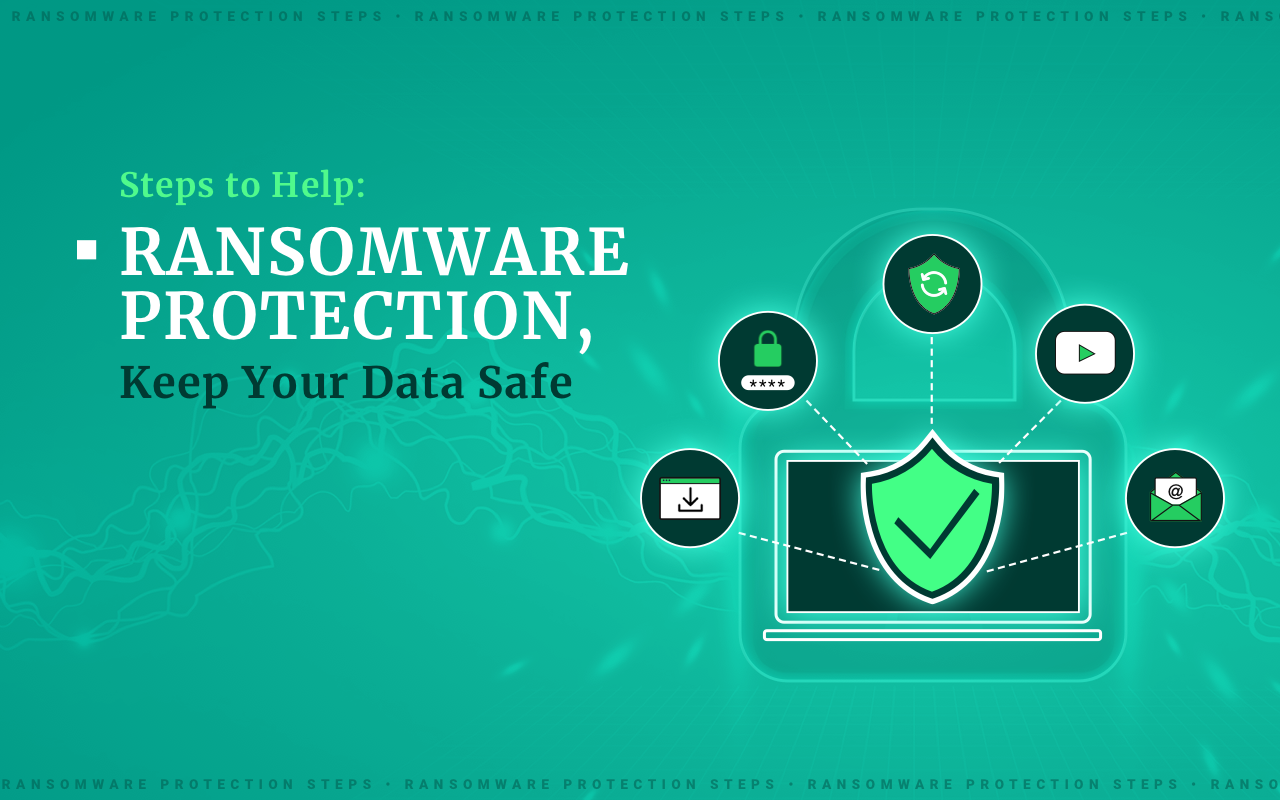
Protecting your computer from ransomware attacks requires a proactive approach and robust security measures. Here are the essential steps to follow:
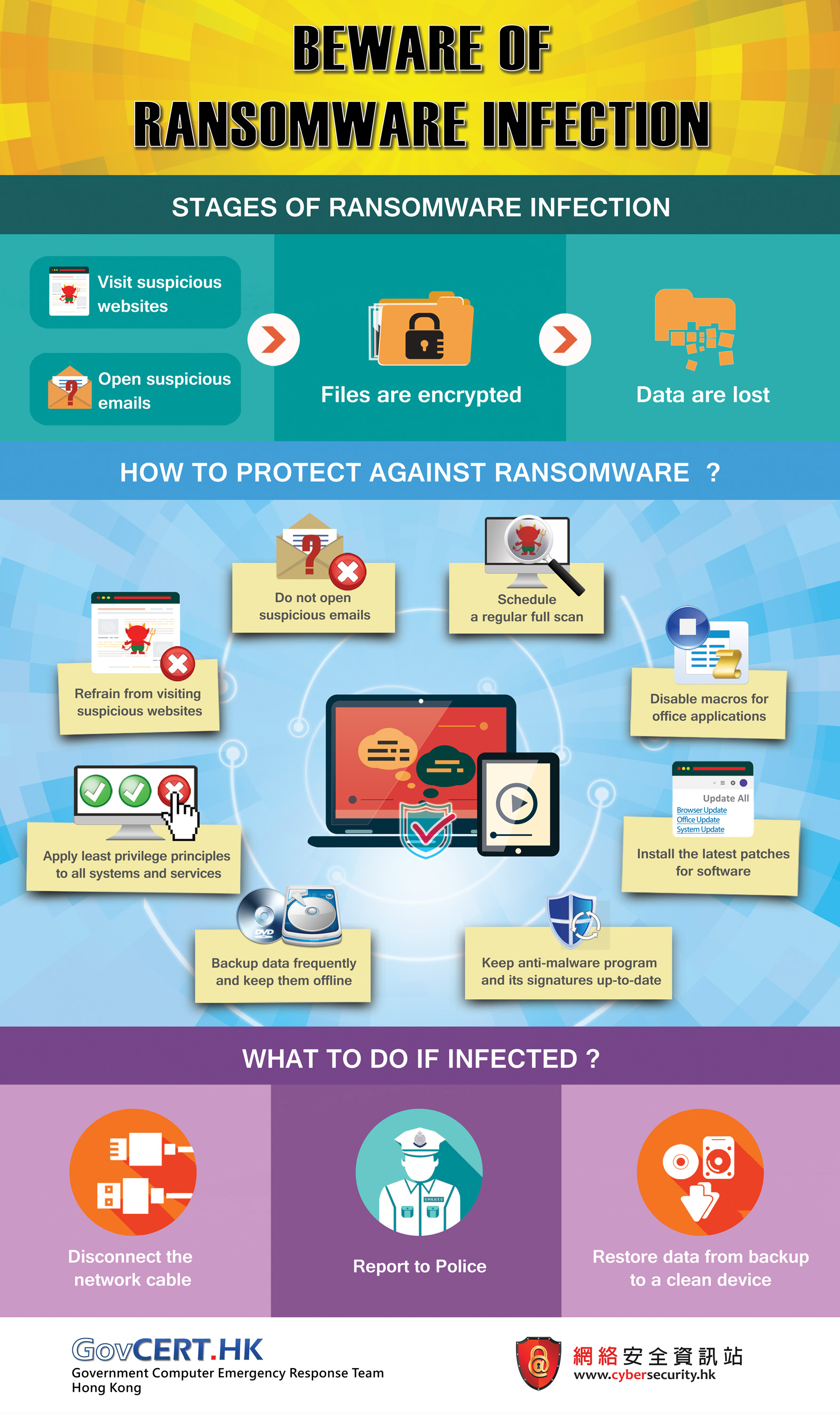
- 1. Use Reliable Antivirus Software: Investing in reputable antivirus software is fundamental in protecting your computer from ransomware.
- 2. Keep Your System and Software Up-to-Date: Ensure that your operating system, antivirus software, and other programs are updated regularly to prevent vulnerabilities.
- 3. Use Strong Passwords and Enable Two-Factor Authentication: Use complex passwords and enable two-factor authentication to prevent unauthorized access to your system and accounts.
- 4. Be Cautious with Emails and Attachments: Avoid opening suspicious emails or attachments, as they may contain ransomware.
- 5. Use Cloud Backup and Regularly Back Up Your Data: Store your sensitive data in a cloud backup and regularly back up your files to prevent data loss in case of a ransomware attack.
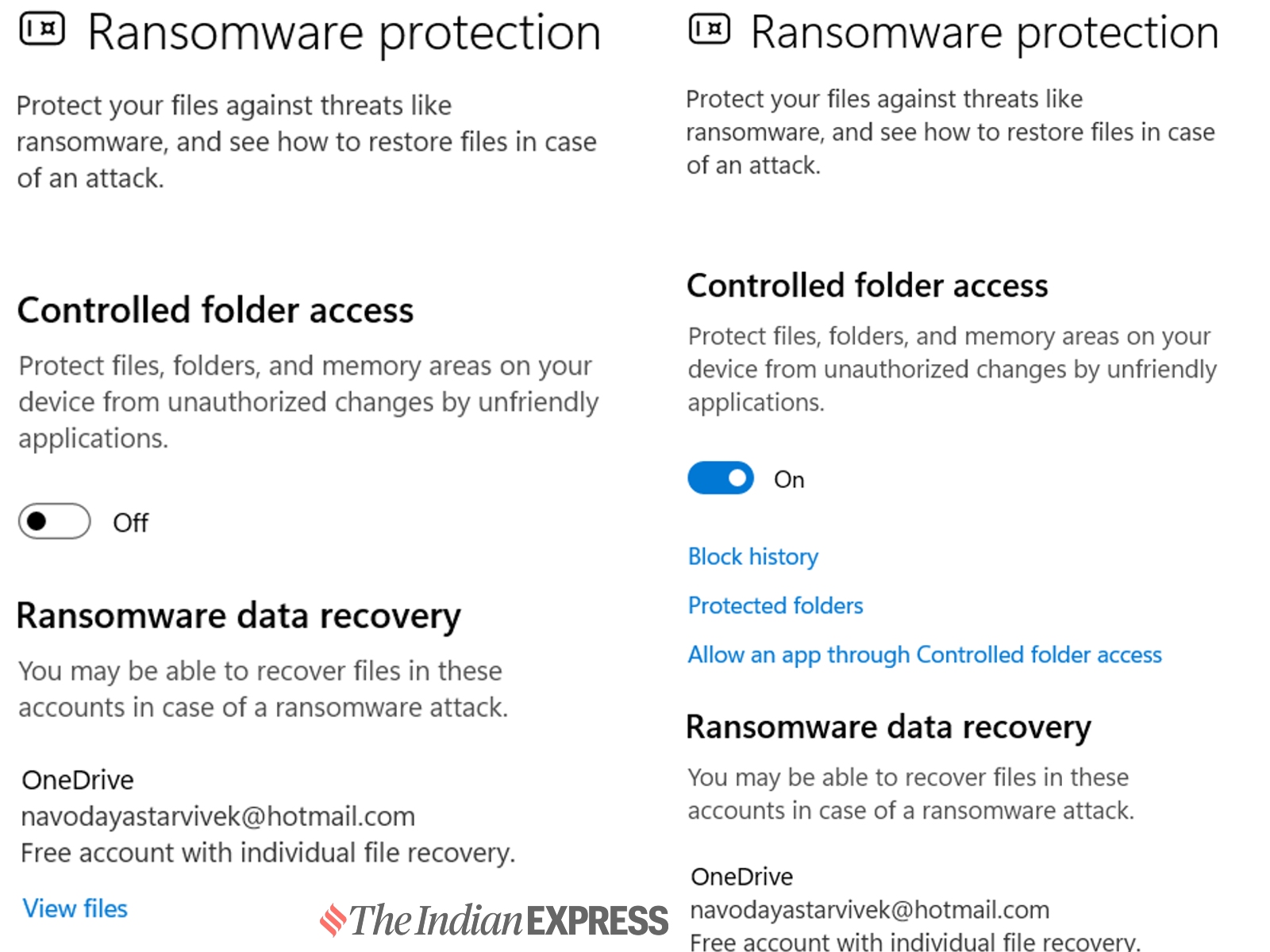
- 6. Install Anti-Ransomware Software: Use anti-ransomware software that can detect and prevent ransomware attacks.
Understanding Ransomware Attacks
Ransomware attacks can occur through various means, including:
- Visiting unsafe or suspicious websites
- Opening malicious emails or attachments
- Using infected software or apps
- Infected removable media (e.g., USB drives)

Responding to a Ransomware Attack
If you suspect a ransomware attack on your computer, follow these steps:
- Disconnect your computer from the internet to prevent further spread
- Do not attempt to pay the ransom, as it's not guaranteed to recover your data
- Use anti-ransomware software to try and remove the malware
- Seek professional help from IT experts or cybersecurity professionals
Preventing Ransomware Attacks
Preventing ransomware attacks requires a combination of technical measures, user awareness, and regular maintenance. Here are some additional tips to help prevent ransomware attacks:
- Use a reputable antivirus software
- Keep your system and software up-to-date
- Use strong passwords and enable two-factor authentication
- Be cautious with emails and attachments
- Regularly back up your data
Conclusion
Protecting your computer from ransomware attacks requires a proactive approach and robust security measures. By understanding what ransomware is, how it works, and how to protect yourself, you can significantly reduce the risk of a successful ransomware attack. Remember to use reliable antivirus software, keep your system and software up-to-date, and regularly back up your data to stay protected.