Setup Echo Dot with Cellular Connection: A Comprehensive Guide
If you're looking to experience the convenience of Amazon's Echo Dot without the need for a stable Wi-Fi connection, setting up your Echo Dot with a cellular connection is the way to go. In this article, we'll walk you through the steps to connect your Echo Dot to your phone's mobile hotspot and make the most out of your smart speaker.
Why Set Up Echo Dot with Cellular Connection?
There are several reasons why you might want to set up your Echo Dot with a cellular connection. For one, it allows you to use your Echo Dot in areas where Wi-Fi is not available, such as in the yard or in a room without a stable internet connection. Additionally, setting up your Echo Dot with a cellular connection can be a convenient option if you have a phone with a strong mobile data signal.
Prerequisites for Setting Up Echo Dot with Cellular Connection
Before you start setting up your Echo Dot with a cellular connection, make sure you have the following:
- Your Echo Dot device
- Your phone with a strong mobile data signal
- The Alexa app installed on your phone
- Access to your phone's settings to enable mobile hotspot
Step 1: Enable Mobile Hotspot on Your Phone
To enable mobile hotspot on your phone, follow these steps:
- Navigate to your phone's settings
- Select the Portable hotspot, which could be called Mobile Hotspot on some phones
- Enable the Hotspot with preconfigured settings
Step 2: Connect Echo Dot to Mobile Hotspot
Once you've enabled mobile hotspot on your phone, you can connect your Echo Dot to the hotspot. To do this, follow these steps:
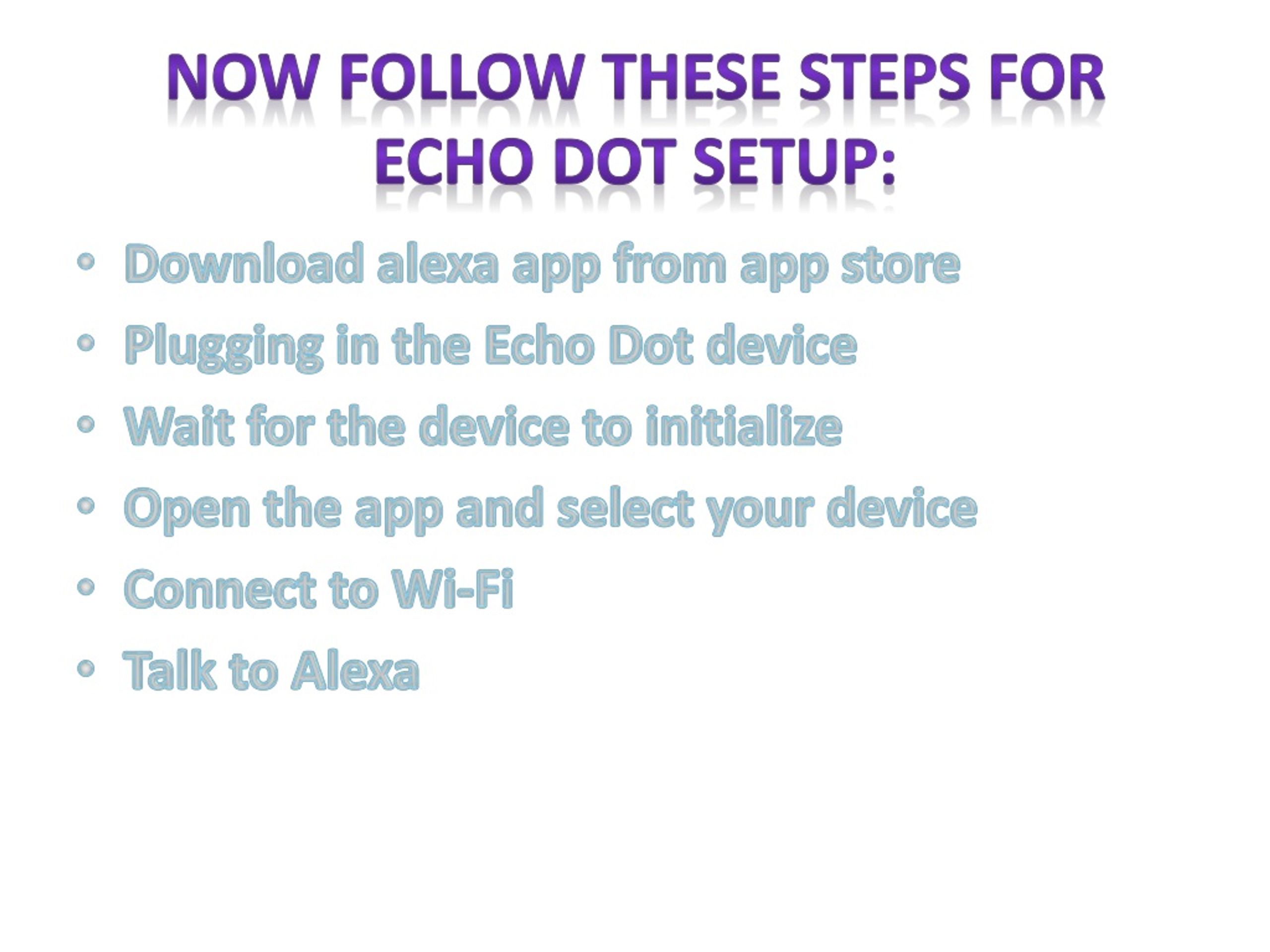
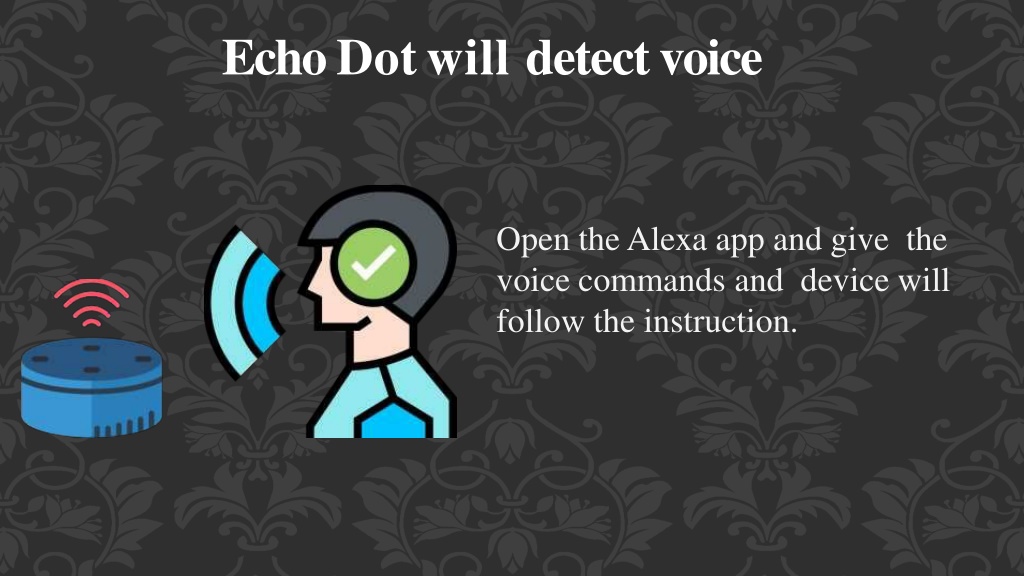
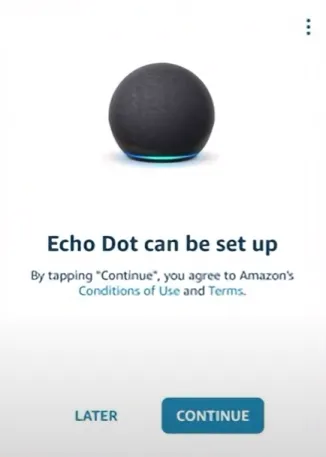
- Open the Alexa app on your phone
- Select your Echo Dot from the list of available devices
- Follow the prompts to connect your Echo Dot to the mobile hotspot

Step 3: Configure Echo Dot Settings
Once you've connected your Echo Dot to the mobile hotspot, you can configure its settings to optimize its performance. To do this, follow these steps:
- Open the Alexa app on your phone
- Select your Echo Dot from the list of available devices
- Go to the device settings and adjust the settings as needed, such as setting the wake word or adjusting the volume
Troubleshooting Tips
If you encounter any issues while setting up your Echo Dot with a cellular connection, try the following troubleshooting tips:
- Check that your phone has a strong mobile data signal
- Make sure that your Echo Dot is connected to the mobile hotspot and that the connection is stable
- Restart your Echo Dot and your phone to ensure that the connection is re-established
Conclusion
Setting up your Echo Dot with a cellular connection is a great way to experience the convenience of Amazon's smart speaker without the need for a stable Wi-Fi connection. By following the steps outlined in this article, you can connect your Echo Dot to your phone's mobile hotspot and make the most out of your smart speaker. Happy setup!
Further Reading
If you're looking for more information on how to set up your Echo Dot or troubleshoot common issues, be sure to check out the following resources:
- Amazon's official Echo Dot setup guide
- Amazon's Echo Dot troubleshooting guide
- Third-party reviews and tutorials on Echo Dot setup and configuration
By following these resources and the steps outlined in this article, you'll be well on your way to setting up your Echo Dot with a cellular connection and enjoying the benefits of Amazon's smart speaker in your home or on-the-go.
:max_bytes(150000):strip_icc()/003_connect-echo-and-alexa-to-wi-fi-4158308-5c7d89eb46e0fb0001edc8cf.jpg "How to Set Up and Connect Your Echo Dot - Amazon Customer Service")




:max_bytes(150000):strip_icc()/001_connect-echo-dot-to-wifi-5198657-026e7a6b63eb409a88288e6fc621d0a5.jpg "Alexa Is Not Connecting to Wi-Fi - Amazon Customer Service")
