Setup a Discord Server for Business: A Comprehensive Guide
Setting up a Discord server for business is easier than ever, thanks to this step-by-step guide. Whether you're a startup or an established company, Discord can help you connect with your team and customers in new ways. In this article, we'll walk you through the process of creating a server, customizing it to your needs, and leveraging its features to build team collaboration and customer communities.
What is Discord and How Can It Help Your Business?
Discord is a unique platform that allows you to engage in group conversations centered around specific interests or topics. While it started out as a platform for gamers, it has since grown to become a popular choice for businesses and communities of all kinds. With Discord, you can create a community for your customers, partners, or employees, and engage with them in real-time using text, voice, or video channels.
Benefits of Using Discord for Business
- Free and customizableservers with channels, permissions, and bot integrations
- Customer support, affiliate programs, announcements, real-time feedback, and internal team communication
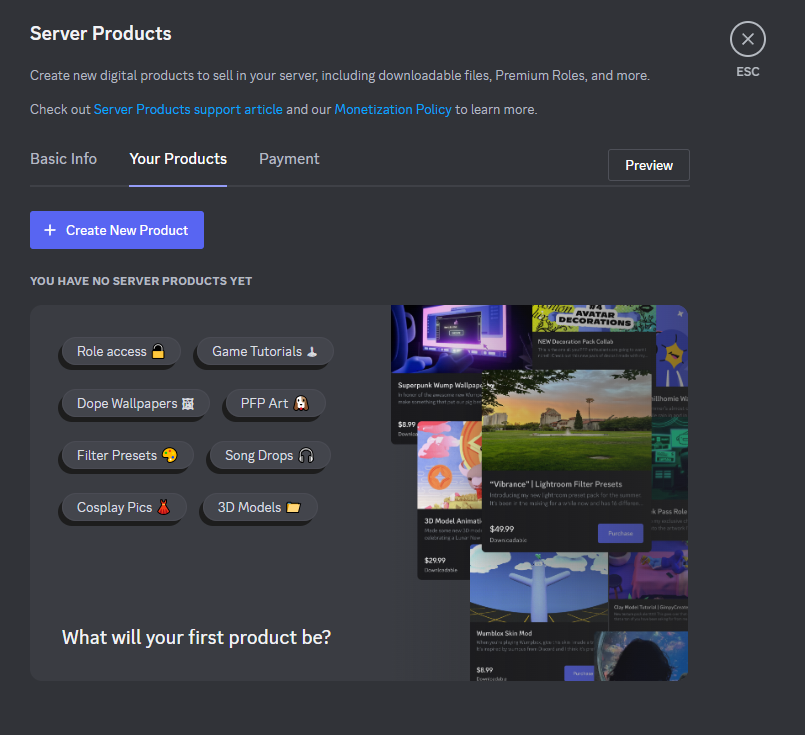
- Monetization opportunities through exclusive content, merchandise, paid events, and subscription models
- Effective community management and member engagement through strategicsetupof channels, roles, and bots
How to Setup a Discord Server for Business
Setting up a Discord server is a straightforward process that takes just a few steps. Here's a step-by-step guide to help you get started:
Step 1: Create a Discord Account
To create a Discord server, you'll need to sign up for a Discord account. This is a quick and easy process that requires only an email address and a password.
Step 2: Create a New Server
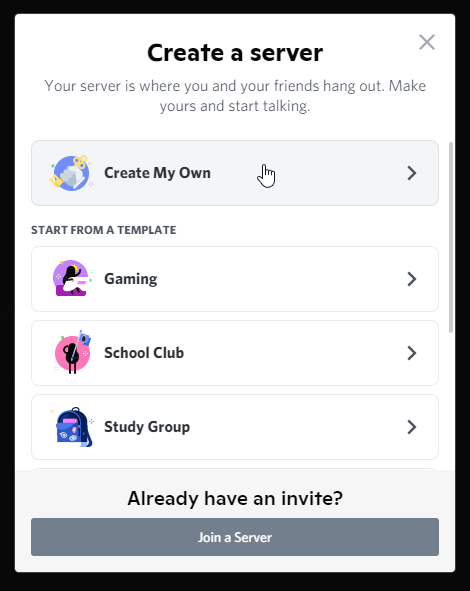
Once you have a Discord account, you can create a new server by clicking on the "Create a Server" button. This will prompt you to enter a server name, description, and icon.
Step 3: Customize Your Server

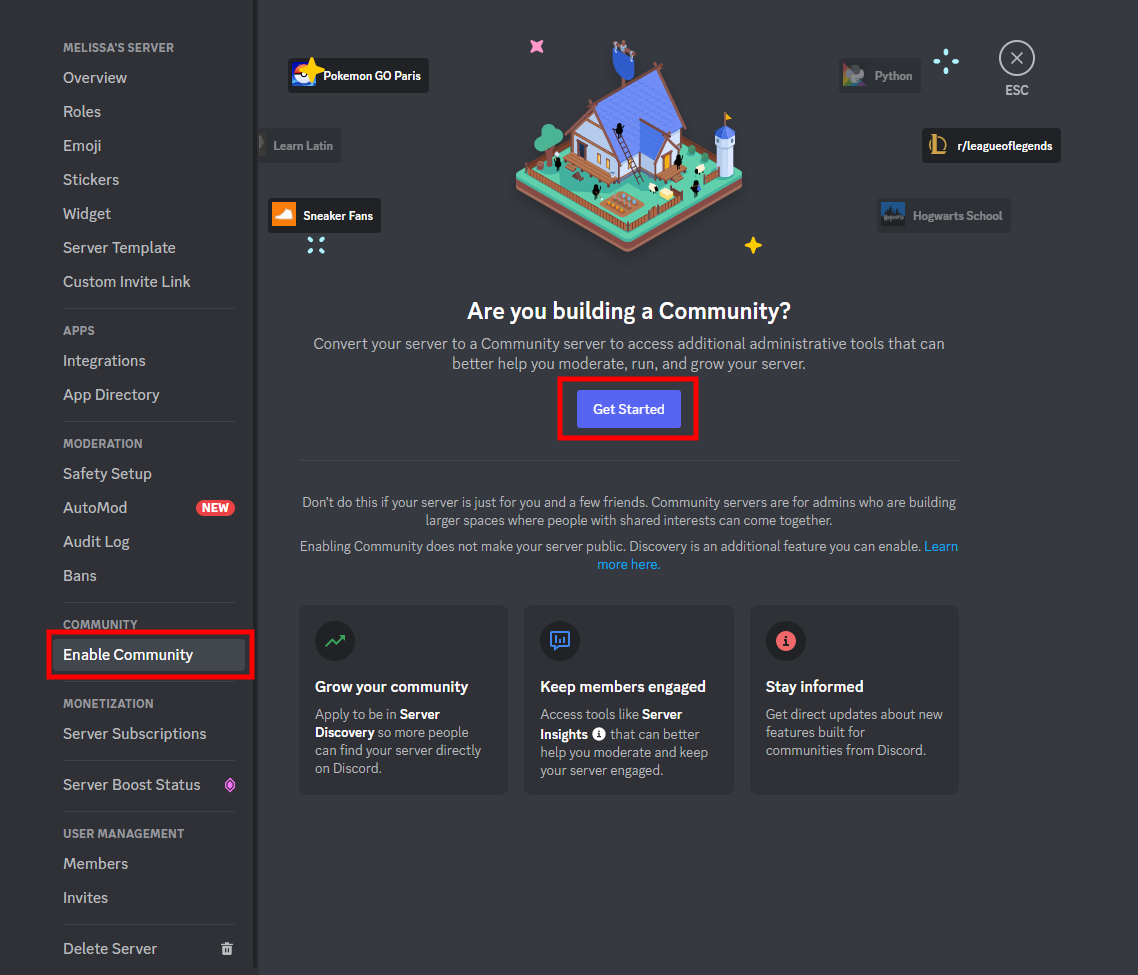
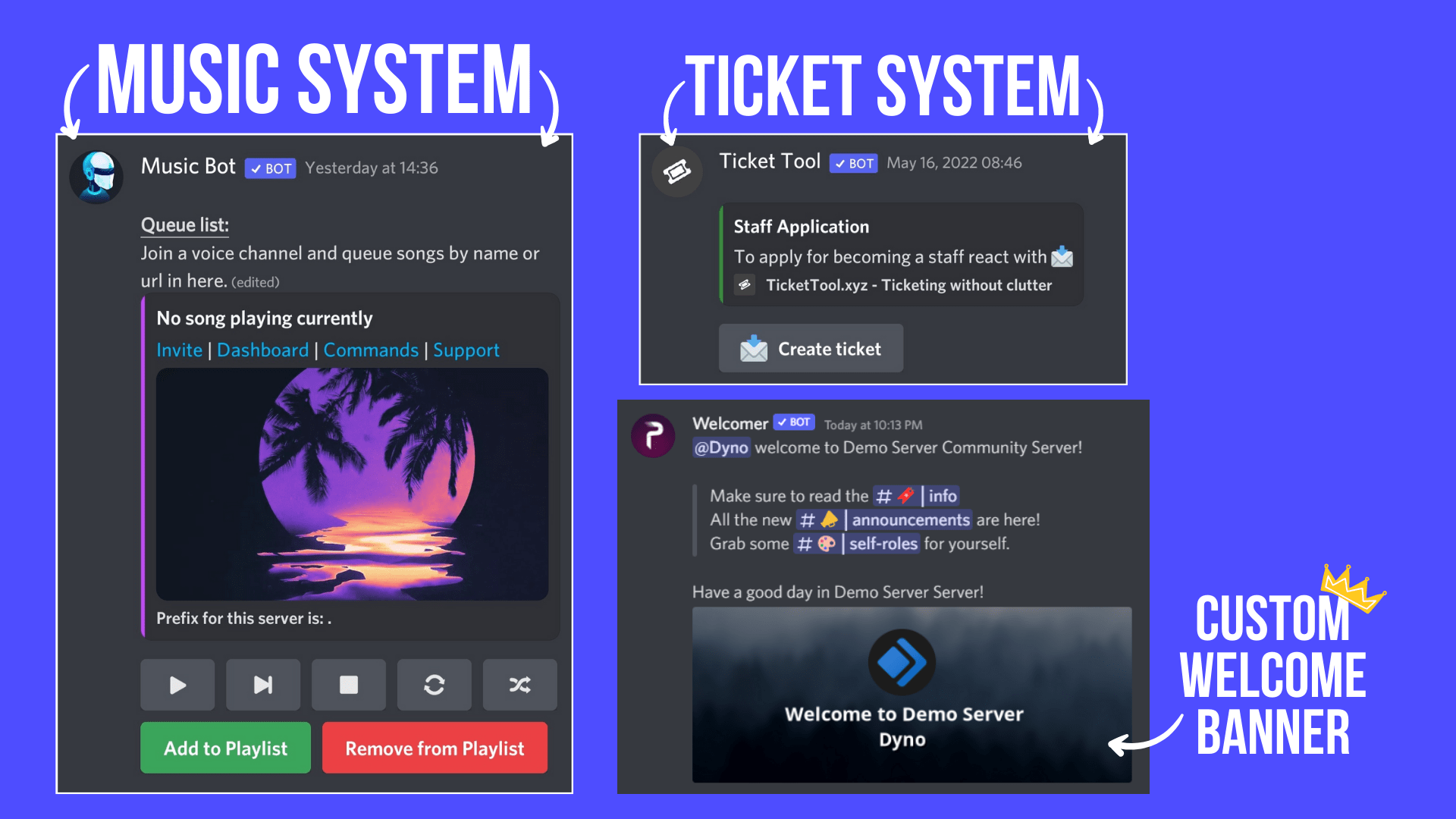
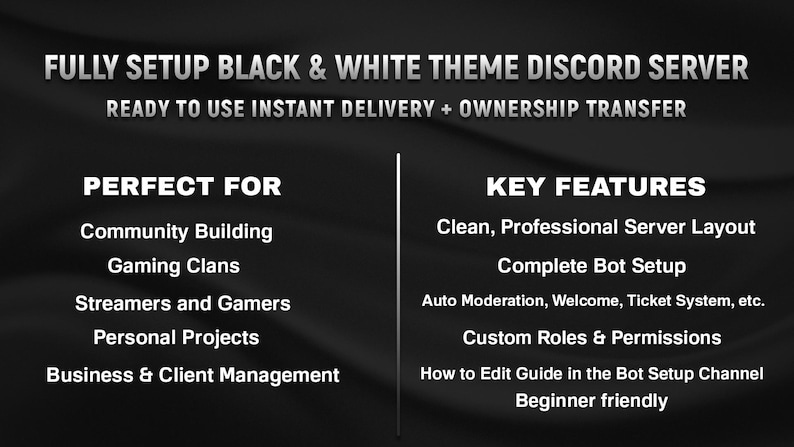
After creating your server, you can customize it to your needs. This includes creating channels, roles, and bots to help manage your community.
Step 4: Invite Members to Your Server
Once your server is set up, you can invite members to join it. This can be done by sending them an invitation link or by sharing the server name and password.
Step 5: Manage Your Server
Finally, you'll need to manage your server by monitoring user activity, moderating content, and making sure everything runs smoothly.
Best Practices for Setting Up a Discord Server for Business
While setting up a Discord server is relatively easy, there are some best practices to keep in mind to ensure its success. Here are a few tips:
- Create clear guidelines and rules for your community
- Use roles and permissions to manage user access and permissions
- Establish a moderation team to monitor and enforce community guidelines
- Use bots and integrations to automate tasks and enhance user experience
- Monitor and analyze user activity to refine your community strategy
Conclusion
Setting up a Discord server for business is a great way to build community, collaborate with team members, and engage with customers. By following this comprehensive guide, you'll be able to create a server that meets your needs and helps you achieve your business goals. Remember to customize your server to your business needs, manage your community effectively, and continuously monitor and refine your strategy to ensure success.
Whether you're a startup or an established company, Discord can help you connect with your team and customers in new ways. So why wait? Setup a Discord server for business today and start building a community that drives growth and success!