Protect Your Phone from Hackers: A Comprehensive Guide
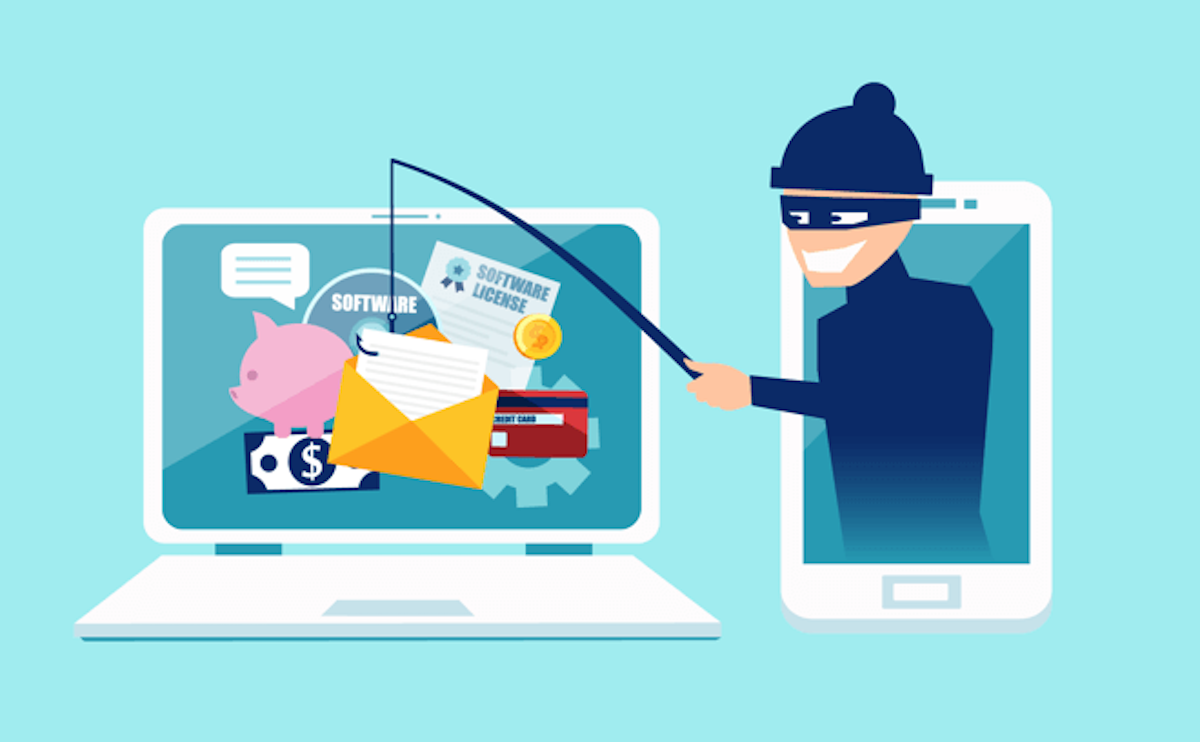
With the increasing concern about phone hacking, it's essential to take proactive steps to safeguard your device and protect your sensitive information. If your phone ends up in the wrong hands, someone could steal your identity, buy stuff with your money, or hack into your email or social media accounts. Here's how to protect your phone:.
Understand the Risks and Consequences of Phone Hacking
Phone hacking is a significant concern today, with millions of smartphones vulnerable to various types of attacks. When a hacker gains access to your phone, they can steal your personal data, including credit card numbers, passwords, and sensitive information. They can also use your phone to send malicious emails, messages, or make unauthorized transactions. By taking proactive steps, you can significantly reduce the risk of phone hacking and protect your digital life.
Update Your Phone's Operating System Regularly
Operating system updates often include security patches that fix vulnerabilities and protect your phone from hacking attempts. Regularly update your phone's operating system to ensure you have the latest security features and patches available. This is a crucial step in protecting your device from hackers and preventing unauthorized access to your data.
How to Update Your Phone's Operating System:
To update your phone's operating system:
- Go to your phone's settings
- Scroll down to the 'System' or 'Software Update' option
- Tap on 'Check for updates' or 'Download and install updates'
Use Strong Passwords and Enable Two-Factor Authentication
Using strong passwords and enabling two-factor authentication (2FA) can significantly reduce the risk of phone hacking. A strong password should be at least 12 characters long, including numbers, letters, and special characters. Enable 2FA to require both a password and a verification code sent to your phone or email to access your account. This adds an extra layer of security and makes it more difficult for hackers to gain access to your phone.

Install a Reliable Mobile Security App
Installing a reliable mobile security app can help protect your phone from hackers and malware. A good mobile security app should include features such as:
- Antivirus and malware protection
- Anti-theft and device lock features
- App scanning and management
- Wi-Fi and Bluetooth scanning
Be Cautious with Unknown Wi-Fi Networks
Public Wi-Fi networks, such as those found in airports, hotels, or coffee shops, can be a vulnerable spot for phone hacking. Hackers can use malicious software to intercept your data or steal your login credentials. When using public Wi-Fi, avoid accessing sensitive information, such as online banking or personal data, and use a virtual private network (VPN) to encrypt your data.
Back Up Your Phone Regularly
Backing up your phone regularly can help protect your data in case your phone is lost, stolen, or compromised by hackers. Use a cloud-based backup service, such as Google Drive or iCloud, to automatically back up your phone's data. You can also use a local backup solution, such as a USB drive, to store your phone's data.
Conclusion
Protecting your phone from hackers requires a combination of proactive steps, including updating your phone's operating system, using strong passwords and 2FA, installing a reliable mobile security app, being cautious with unknown Wi-Fi networks, and backing up your phone regularly. By following these tips, you can significantly reduce the risk of phone hacking and protect your sensitive information. Remember, phone hacking is a serious concern, and it's essential to take proactive steps to safeguard your device and digital life.