Protecting Your Social Media Accounts from Malware
Social media has become an integral part of our daily lives, and with over 56% of the global population using social media, it's crucial to know how to protect your social media accounts from hacks and attacks.
Why Social Media Accounts Matter
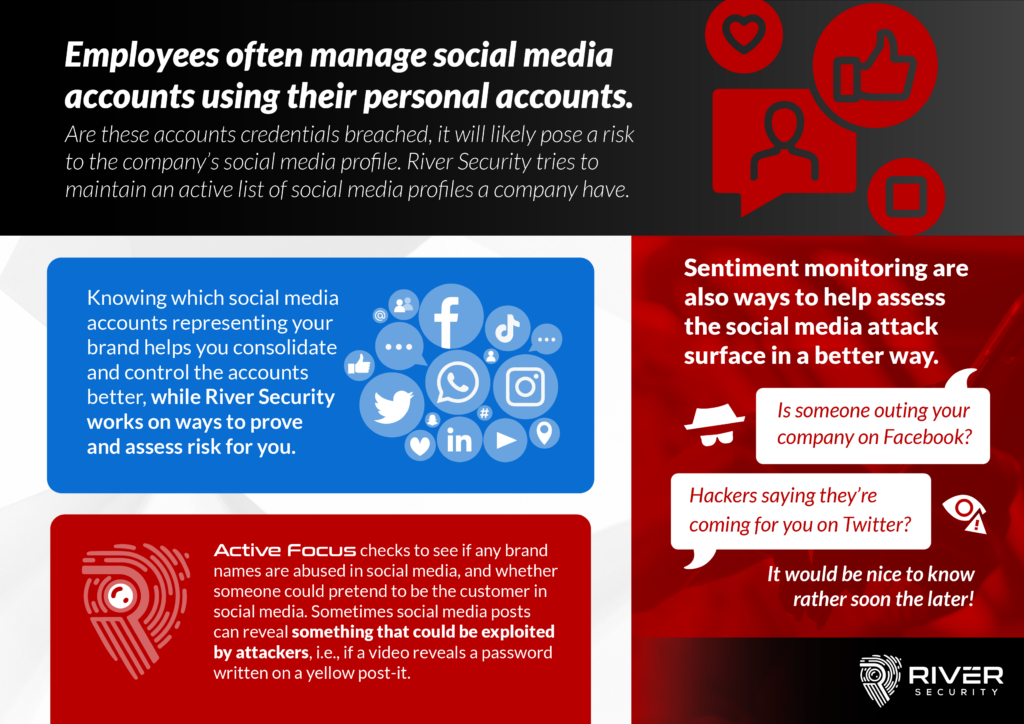
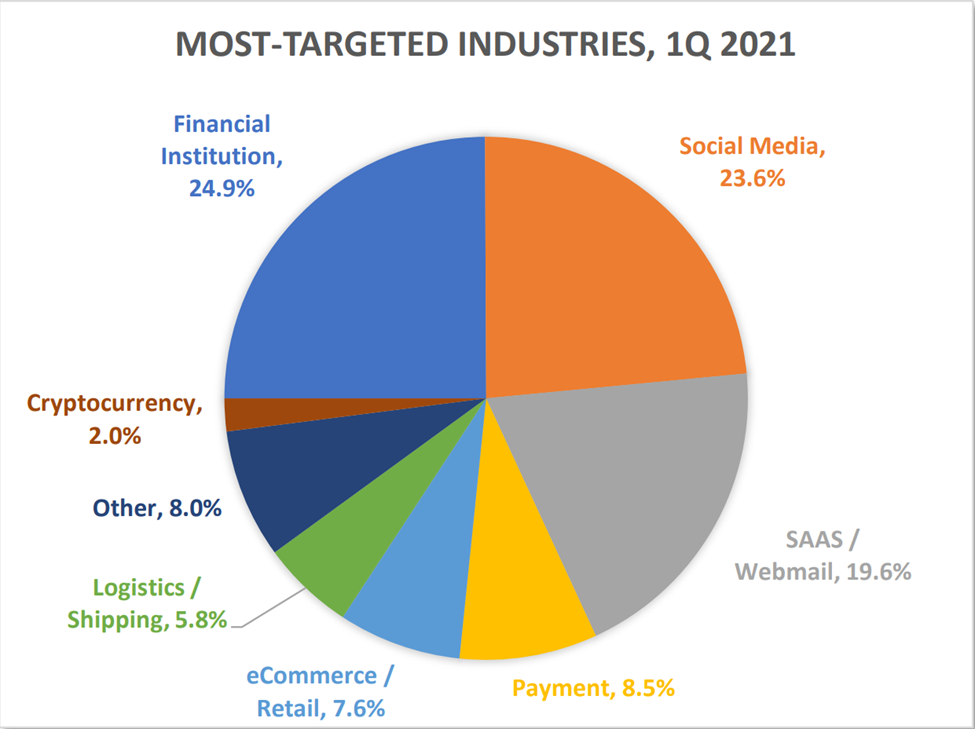
Our social media presence is a reflection of ourselves, and it's essential to safeguard it from scammers and hackers. With so much sensitive information shared on social media, a hack can lead to identity theft, account takeovers, and even financial loss. In fact, phishing attacks have become increasingly sophisticated, with scammers using email, SMS, and social media accounts to trick employees into revealing sensitive information.
Common Social Media Security Risks
The most common social media security risks include:
- Phishing attacks: Hackers use social media to send fake emails, messages, or links that trick users into revealing sensitive information.
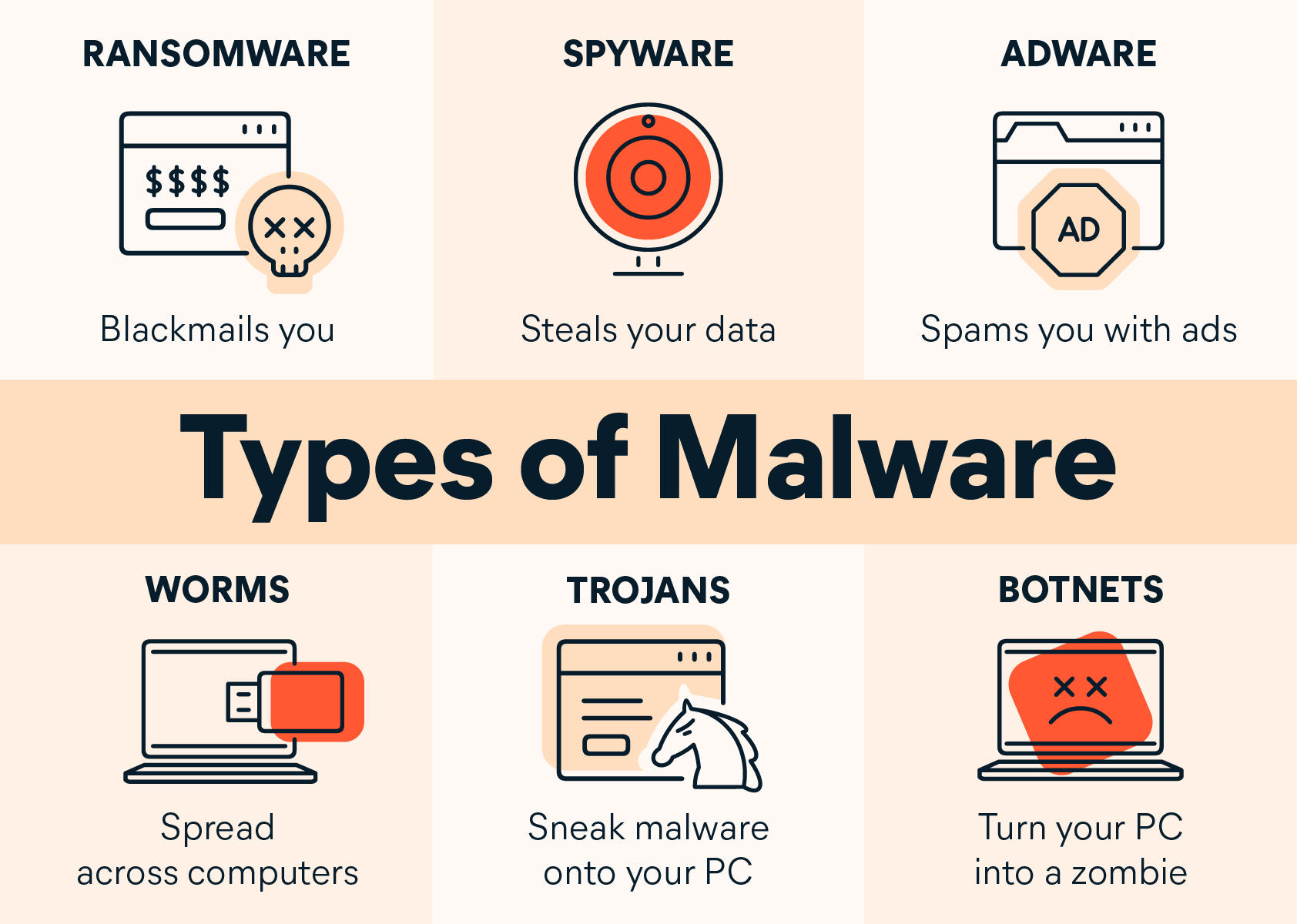
- Malware: Malware-embedded games, apps, or downloads can compromise social media accounts and steal personal information.
- Account Takeovers: Hackers take control of social media accounts by using stolen passwords or login credentials.
- Identity Theft: Exposure of personal information on social media can lead to identity theft and targeted spear phishing.
Protecting Your Social Media Accounts from Malware
To secure your social media accounts, follow these expert-approved steps:
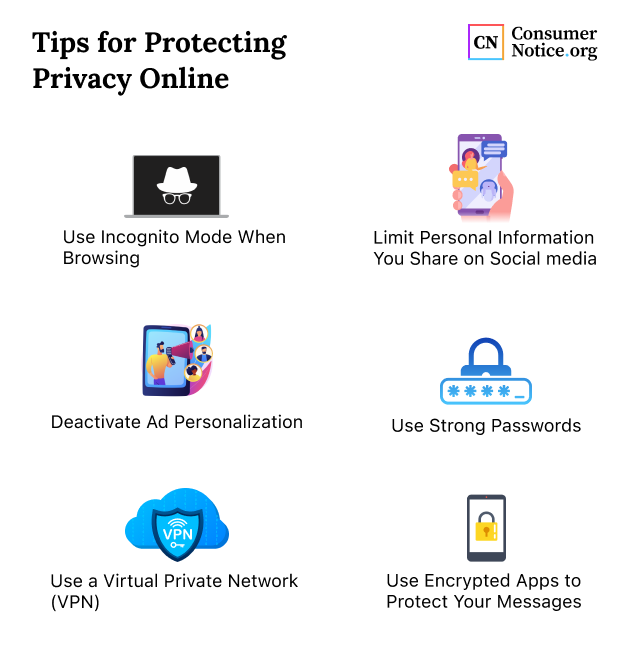
- Use Strong and Unique Passwords: Create a password that is at least 12 characters long and includes a mix of uppercase and lowercase letters, numbers, and special characters.
- Enable Two-Factor Authentication (2FA): Add an extra layer of security by requiring a verification code sent to your phone or email in addition to your password.
- Adjust Your Privacy Settings: Regularly review and adjust your social media privacy settings to control who can see your information and posts.
- Keep an Eye on Account Activity: Monitor your account activity regularly to detect and prevent unauthorized access.
- Use Secure Networks: Only access social media accounts on secure networks, such as those password-protected by a virtual private network (VPN).
- Regularly Update Software: Ensure you have the latest software updates installed on your devices to prevent vulnerabilities and patch security holes.
- Use Antivirus Software: Install and regularly update antivirus software to detect and remove malware from your devices.
- Review Third-Party Apps: Regularly review the third-party apps connected to your social media accounts and delete any that you no longer need or use.
- Be Cautious of Phishing: Be wary of suspicious links, emails, or messages that ask for your login credentials or personal information.
- Use a Password Manager: Consider using a password manager to generate and store complex, unique passwords for each of your social media accounts.
- Monitor Your Credit Reports: Regularly check your credit reports to detect any suspicious activity.
Best Practices for Social Media Security
By following these best practices, you can significantly reduce the risk of being hacked and protect your online presence:
- Use strong and unique passwords.
- Enable two-factor authentication.
- Adjust your privacy settings regularly.
- Keep an eye on account activity.
- Use secure networks and software.
- Regularly review third-party apps.
- Be cautious of phishing attacks.
- Use a password manager.
- Monitor your credit reports.
Conclusion
Protecting your social media accounts from malware is crucial in today's digital age. By following these expert-approved steps and best practices, you can significantly reduce the risk of being hacked and protect your online presence. Remember, your social media presence is a reflection of yourself, and it's essential to safeguard it from scammers and hackers.
-1920w.png "How to Protect Your Social Media Accounts - McAfee Blog")