How to Use WiFi Network Securely
With the increasing number of devices connected to the internet, securing your Wi-Fi network has become a crucial aspect of maintaining your online security. Here, we will discuss how to use WiFi network securely and the essential steps you can take to protect your network from unauthorized access.
Why is Securing Your Wi-Fi Network Important?
There are always people who want to gain access to your Wi-Fi network to steal your bandwidth or money. If you don't take the necessary steps to secure your Wi-Fi network, you could be unknowingly leaving your Wi-Fi wide open to hackers, data theft, and other digital threats. In this article, we will explain how to secure Wi-Fi and help you protect your devices and data.
Understand WiFi Jamming and Security Risks
Wi-Fi jamming refers to the process of disrupting or inhibiting Wi-Fi signals using a device capable of emitting radio waves at the same frequency as Wi-Fi. Understanding how Wi-Fi jamming works is crucial in maintaining a secure network. Here are some security risks associated with Wi-Fi jamming:
- Unauthorized Access to Your Network: When a jamming device disrupts your Wi-Fi signals, it can cause your devices to disconnect from the network, and hackers may take advantage of the situation to gain unauthorized access to your network.
- Data Theft: When hackers gain access to your network, they can steal sensitive information, including login credentials, financial data, and personal identifiable information.
- Malware and Viruses: Unauthorized access to your network can also lead to malware and virus infections, which can compromise your device's security and put your data at risk.
Step-by-Step Instructions for How to Secure Wi-Fi Network

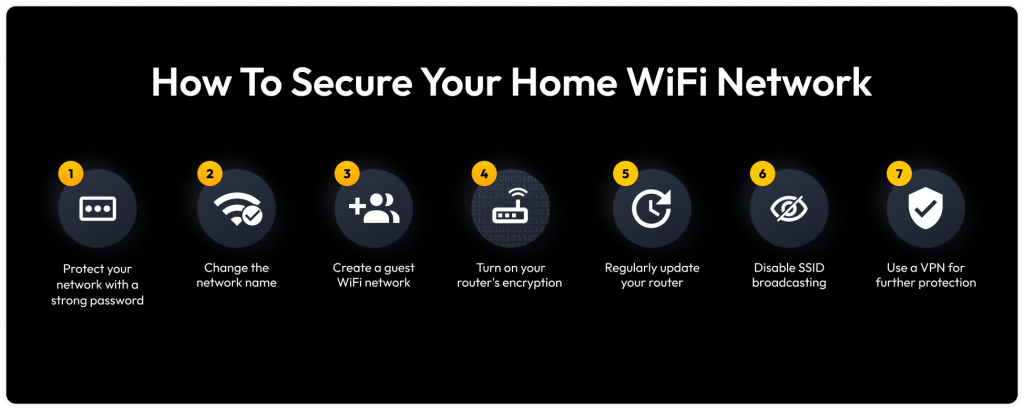
To secure your Wi-Fi network, you need to take the following steps:
- Choose a Strong Wi-Fi Network Name: Avoid using your real name, address, or any other personally identifiable information for your Wi-Fi network name.
- Change Your Wi-Fi Password Regularly: Change your password every 60 days to prevent unauthorized access to your network.
- Use WPA3 Encryption: WPA3 is the most secure Wi-Fi encryption protocol available. Make sure to use it to protect your network from hackers.
- Set Up Guest Network: Set up a separate guest network for visitors to prevent them from accessing your main network.
- Keep Your Router Firmware Up to Date: Regularly update your router's firmware to ensure that you have the latest security patches and features.
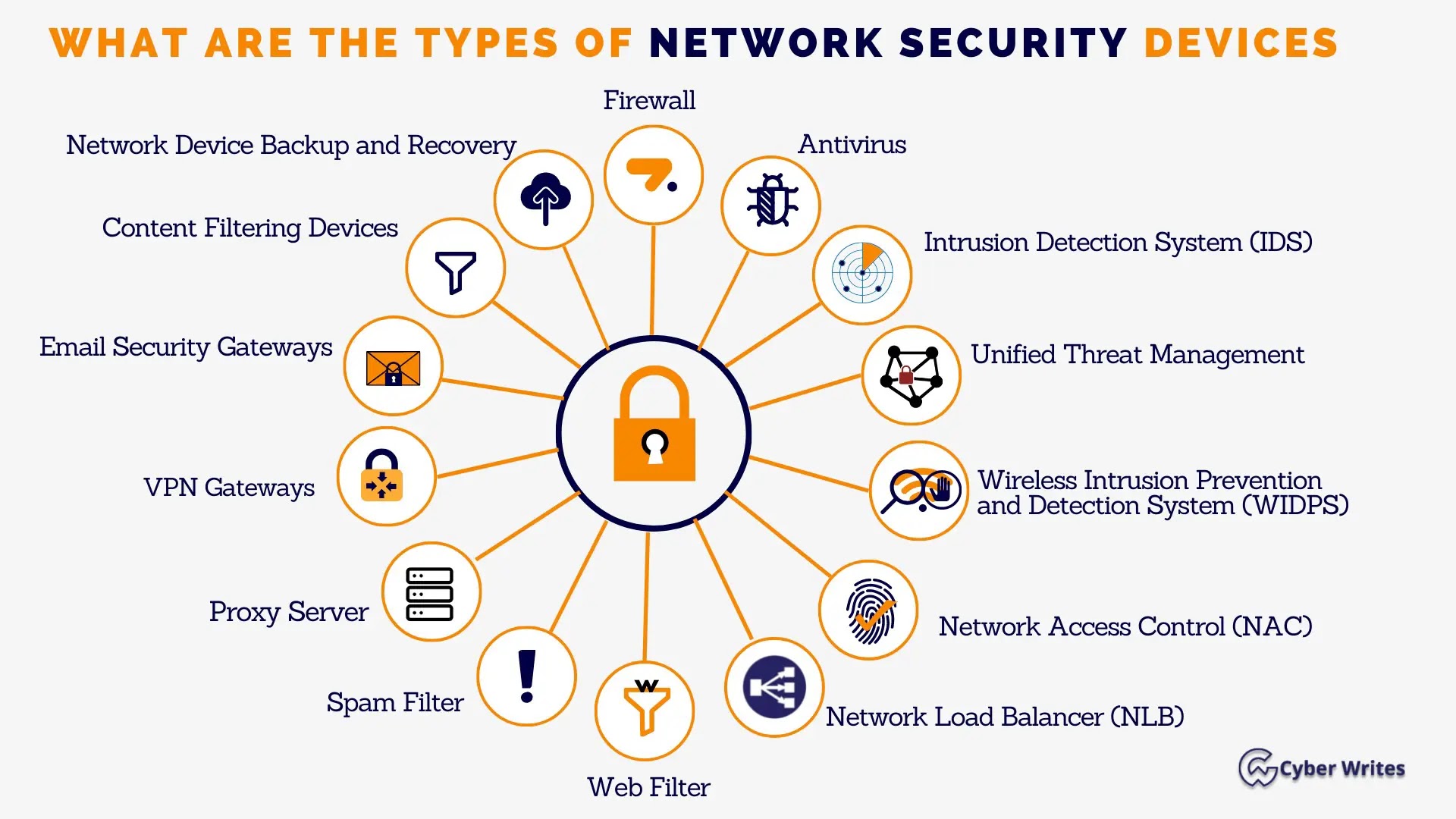
- Implement Network Segmentation: Segment your network to prevent devices from communicating with each other, which can reduce the attack surface.
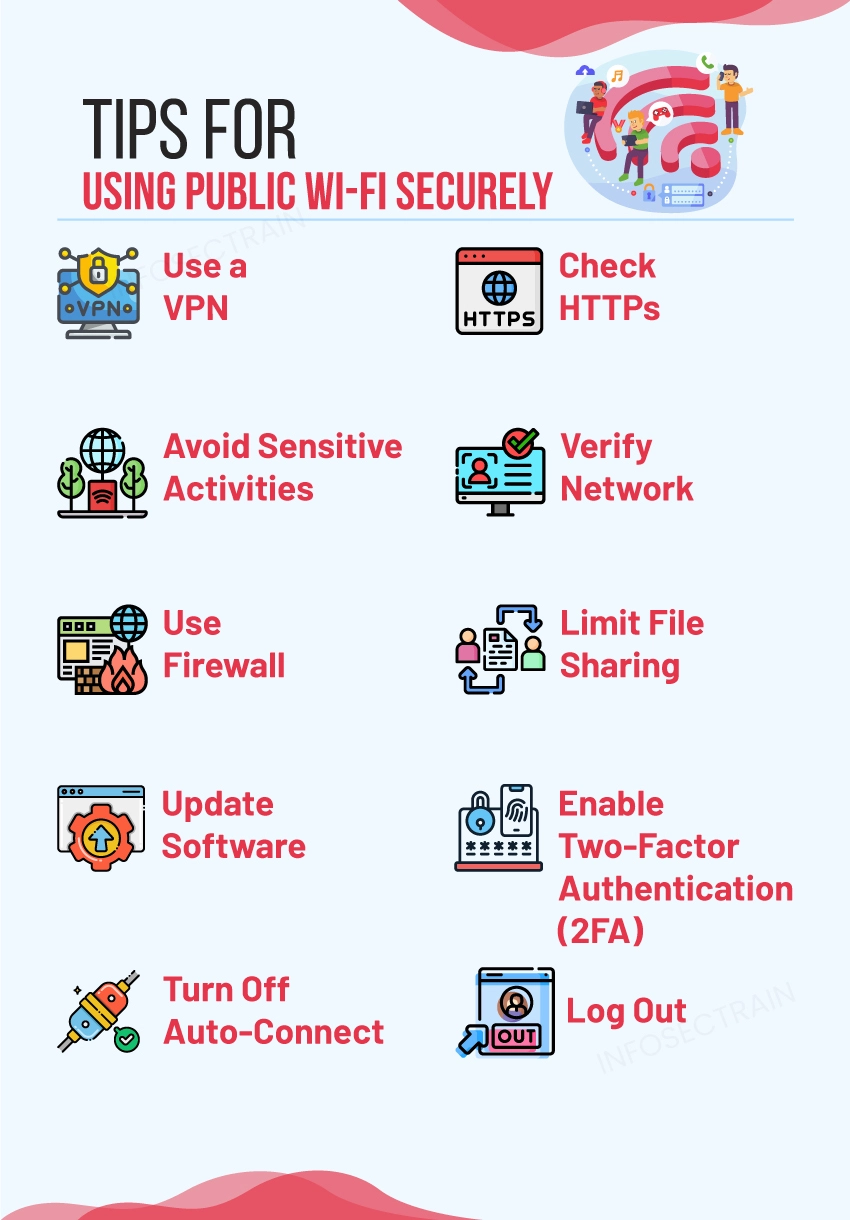
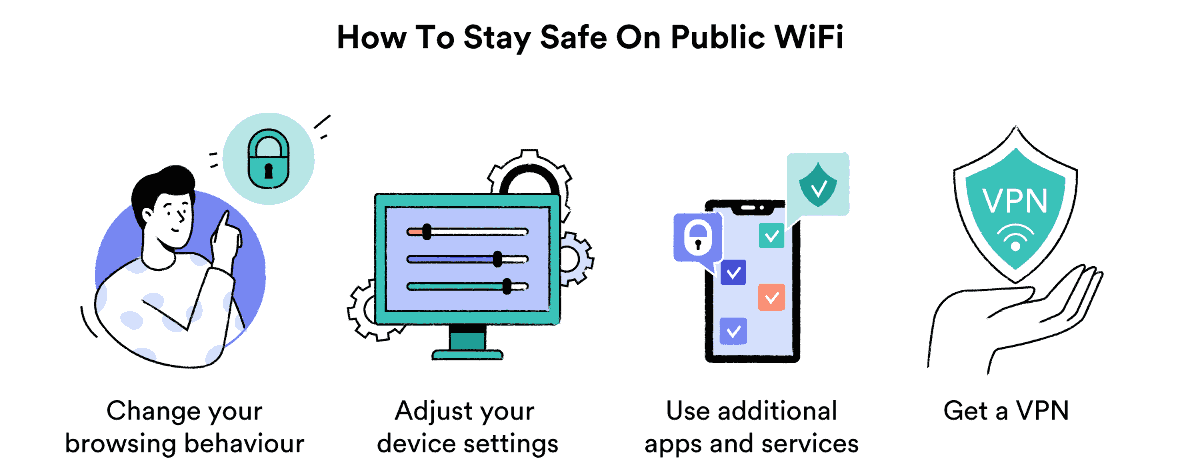
- Use a VPN: Use a virtual private network (VPN) to create a secure and encrypted connection to the internet, especially when using public Wi-Fi networks.
- Monitor Your Network Activity: Regularly monitor your network activity to detect any unusual or suspicious activity.
Managing Your Wi-Fi Network Settings
To manage your Wi-Fi network settings, follow these steps:
- Click on the lower right corner of your Windows screen and select Settings > Network & Internet > Wi-Fi.
- Click on Manage Wi-Fi settings and then click on Advanced Options.
- Under Advanced Options, select the Wi-Fi network you want to manage and click on Edit.
- Change the network name and password as needed, and click Save.
Conclusion
Securing your Wi-Fi network is crucial in maintaining your online security. By following the steps outlined above, you can secure your Wi-Fi network and protect your devices and data from unauthorized access. Remember, cybersecurity is a shared responsibility, and you should take the necessary steps to protect your network and devices.