How to Use Google Home with Google Duo
Are you eager to make hands-free video and voice calls with your Google Home? With Google Duo integrated into your Google Home, you can now make and receive calls using just your voice. In this comprehensive guide, we'll walk you through the step-by-step process of setting up Duo calling, syncing contacts, managing preferences, and troubleshooting common issues.Setting Up Duo Calling
To start using Google Duo with your Google Home, follow these easy steps:Open the Google Home app on your smartphone.
Find your device (like the Nest Hub Max) and tap on the device.
Tap on the Settings icon in the top right.
Scroll down and select "Google Duo" or "Call management".
Follow the prompts to link your Google Duo account to your Google Home device.
Syncing Contacts
To make and receive calls with your Google Home, you need to sync your contacts. Here's how:Open the Google Home app on your smartphone.
Find your device (like the Nest Hub Max) and tap on the device.
Tap on the Settings icon in the top right.
Scroll down and select "Contacts" or "Account settings".
Make sure your Google account is selected and that you've given Google Home permission to access your contacts.
Managing Preferences
With Google Duo integrated into your Google Home, you can customize your preferences to suit your needs. Here's how:Open the Google Home app on your smartphone.

Find your device (like the Nest Hub Max) and tap on the device.
Tap on the Settings icon in the top right.
Scroll down and select "Calling settings" or "Call preferences".
Choose your preferred calling options, such as video calling, voice calling, or both.
Troubleshooting Common Issues
Don't worry if you encounter any issues while using Google Duo with your Google Home. Here are some common problems and their solutions:- Video calls not working: Ensure that your Google Home device and smartphone are both connected to the same Wi-Fi network.
- Voice calls not working: Check that your Google Home device is properly paired with your smartphone and that you've given Google Home permission to access your contacts.
- Call quality issues: Restart your Google Home device and smartphone to resolve any connectivity issues.
Using Google Duo on Multiple Devices
If you have multiple Google Home devices and want to use Google Duo on multiple devices, follow these steps:Open the Google Home app on your smartphone.
Find your device (like the Nest Hub Max) and tap on the device.
Tap on the Settings icon in the top right.
Scroll down and select "Google Duo" or "Call management".
Toggle on any devices on which you want to make Google Duo calls over Wi-Fi.
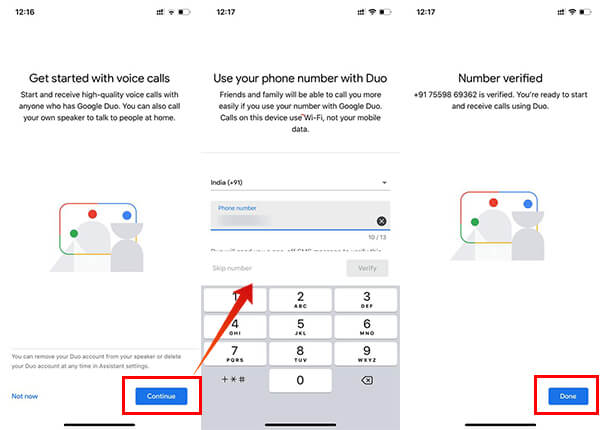
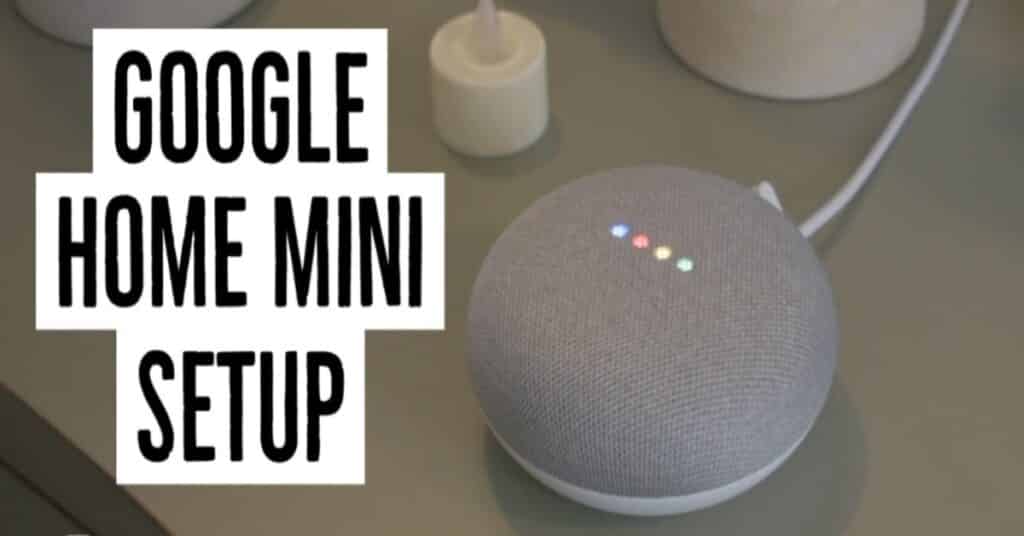
:max_bytes(150000):strip_icc():format(webp)/GoogleHomeAssistanttab-5bec6c0446e0fb0026c381ba.jpg "So you can make a Duo call from Google Home")
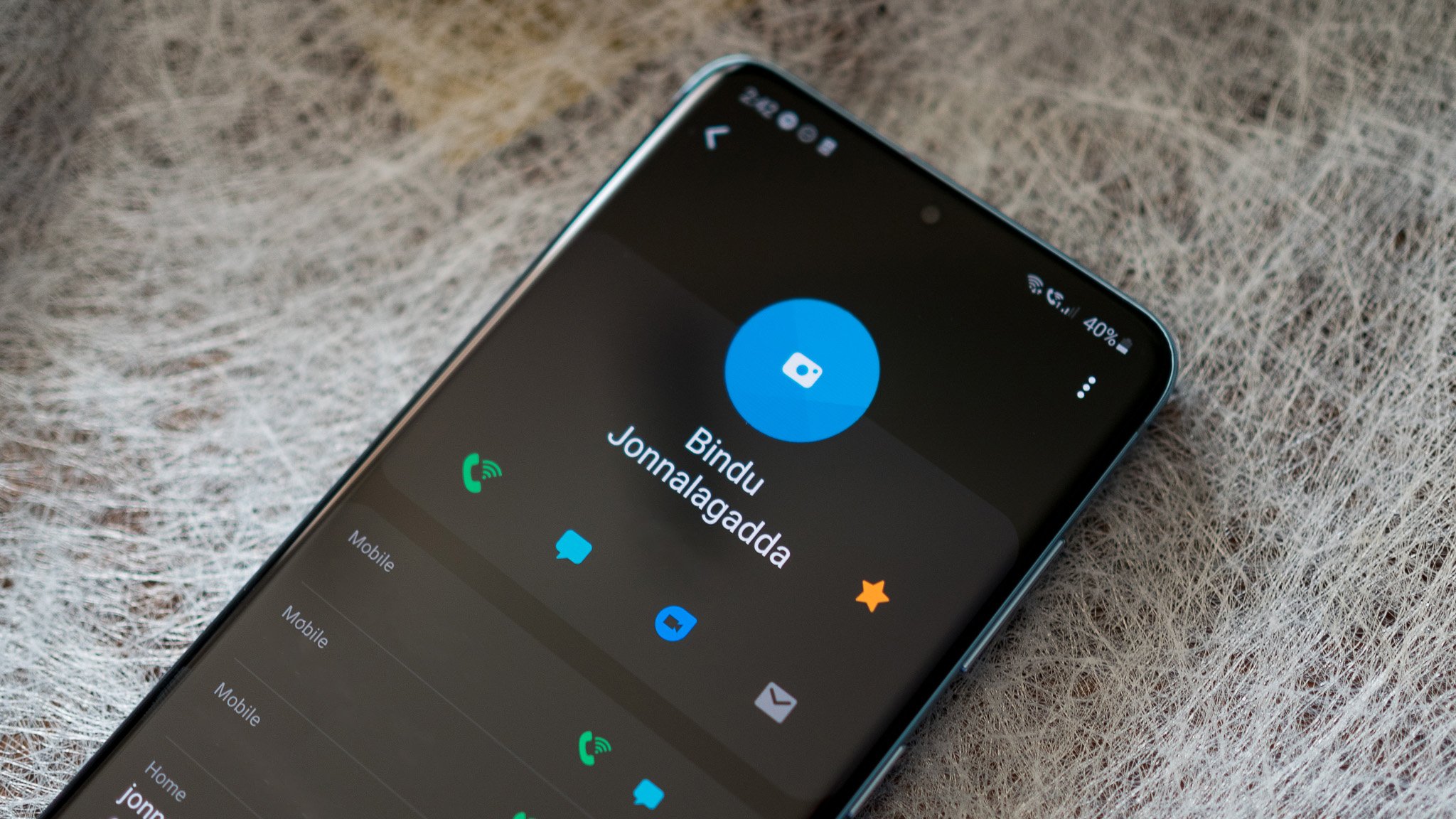

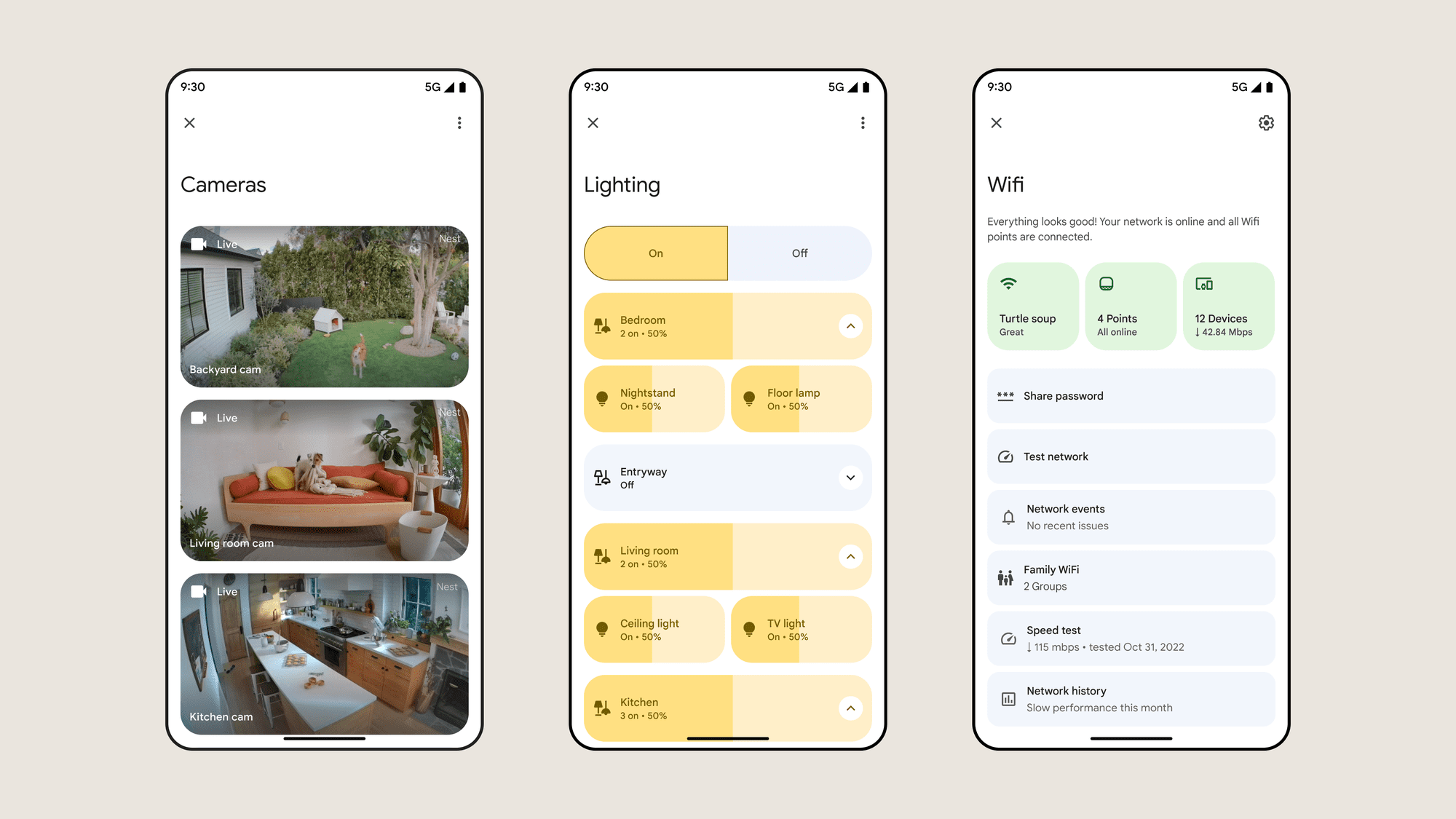

![Home [www.traderjoes.com]](https://jetstream.buzz/wp-content/uploads/2019/10/Google-Duo-1-5.jpg "Home [www.traderjoes.com]")
:max_bytes(150000):strip_icc():format(webp)/GoogleHomeroutines-5bec6d7c46e0fb002db494de.jpg "Makeup for Mature Skin - Laura Geller Beauty")