How to Create a Reverse Chronological Resume: Expert Tips and Templates
When it comes to creating a resume, the format you choose is crucial in showcasing your skills, experience, and qualifications to potential employers. One popular and effective format is the reverse chronological resume, which lists your most recent job first. In this article, we will guide you on how to create a reverse chronological resume that stands out from the competition and increases your chances of landing an interview.
What is a Reverse Chronological Resume?
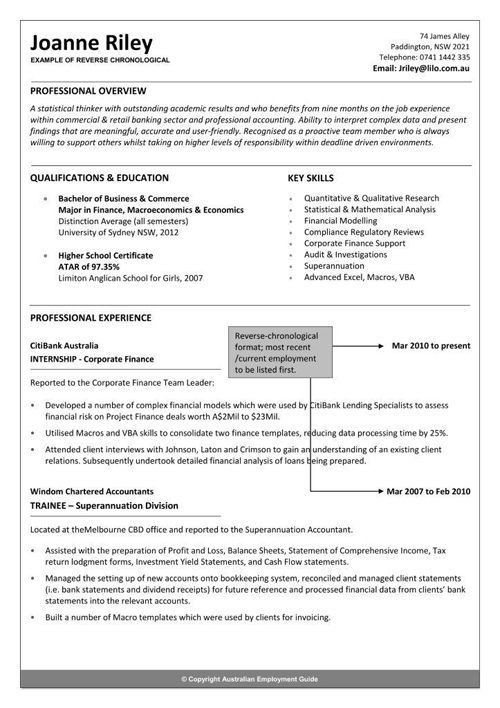
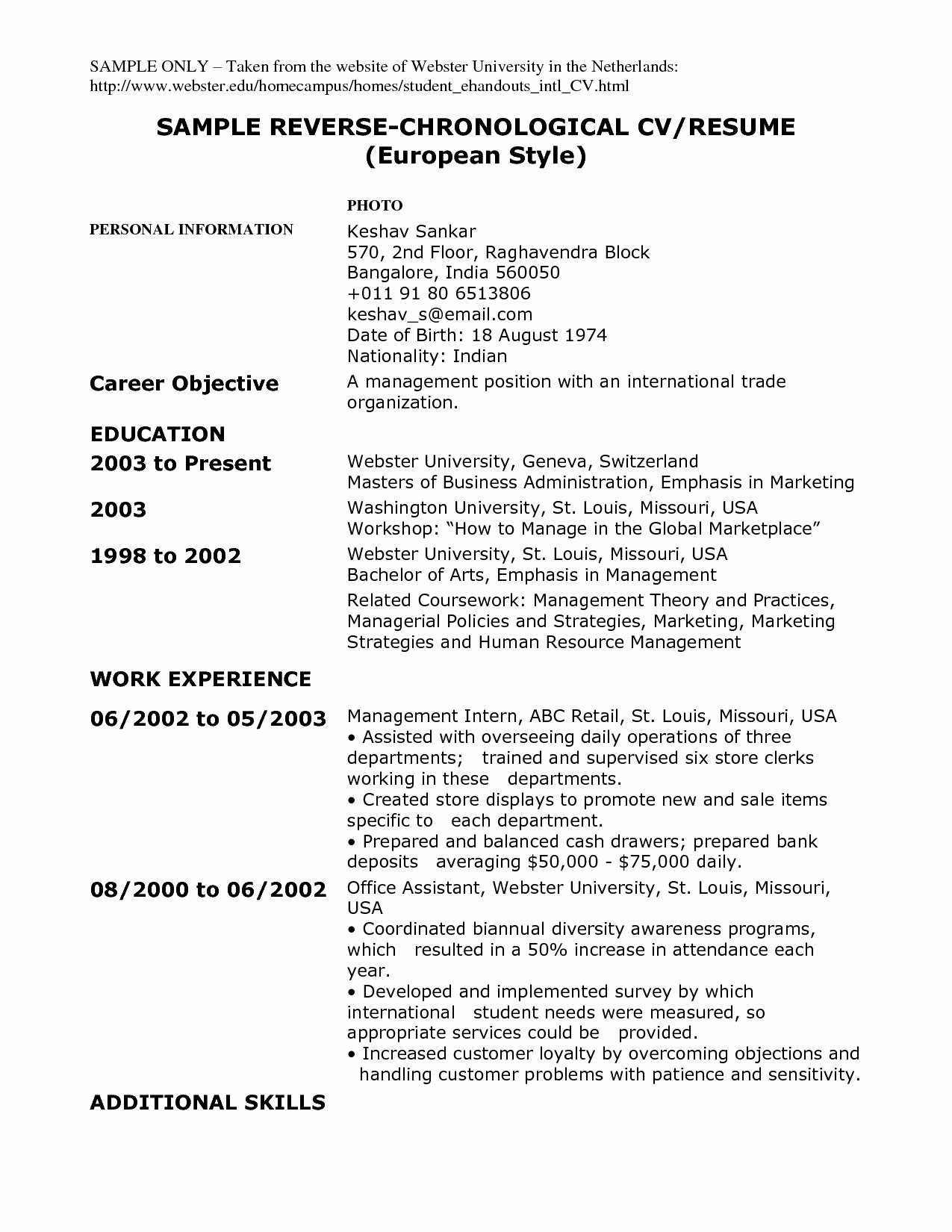
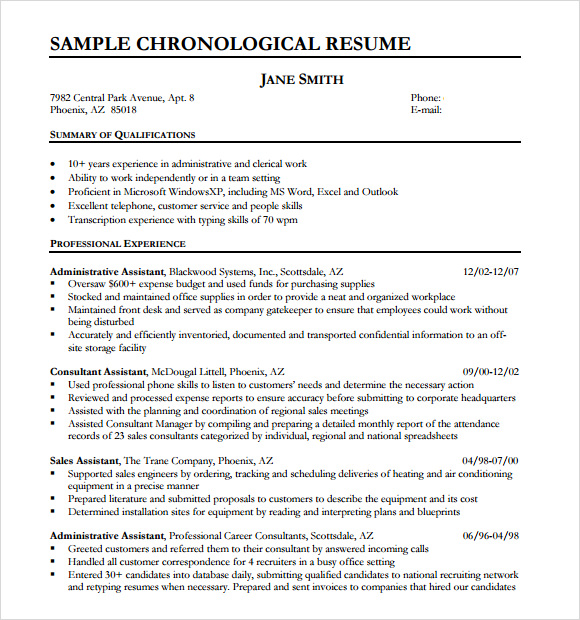
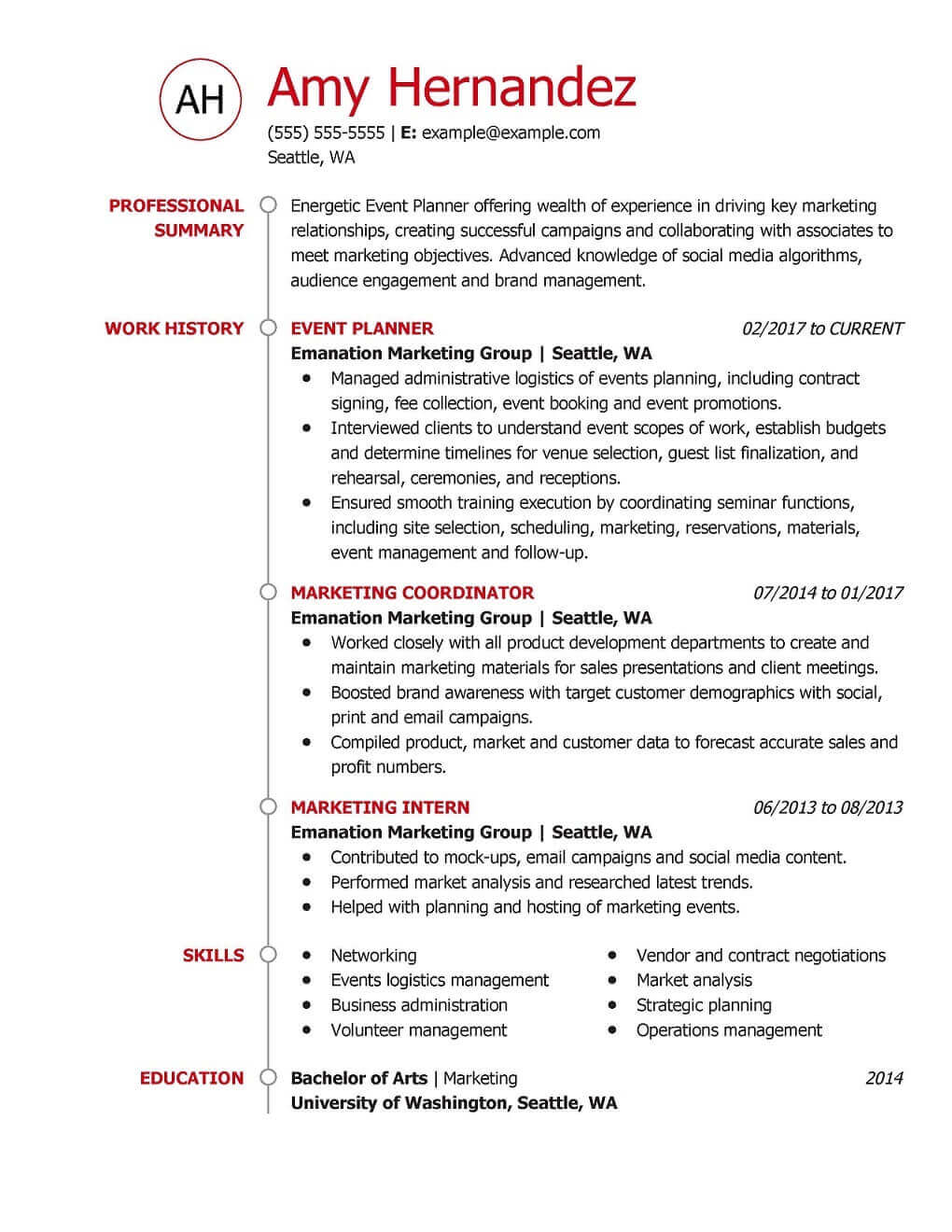
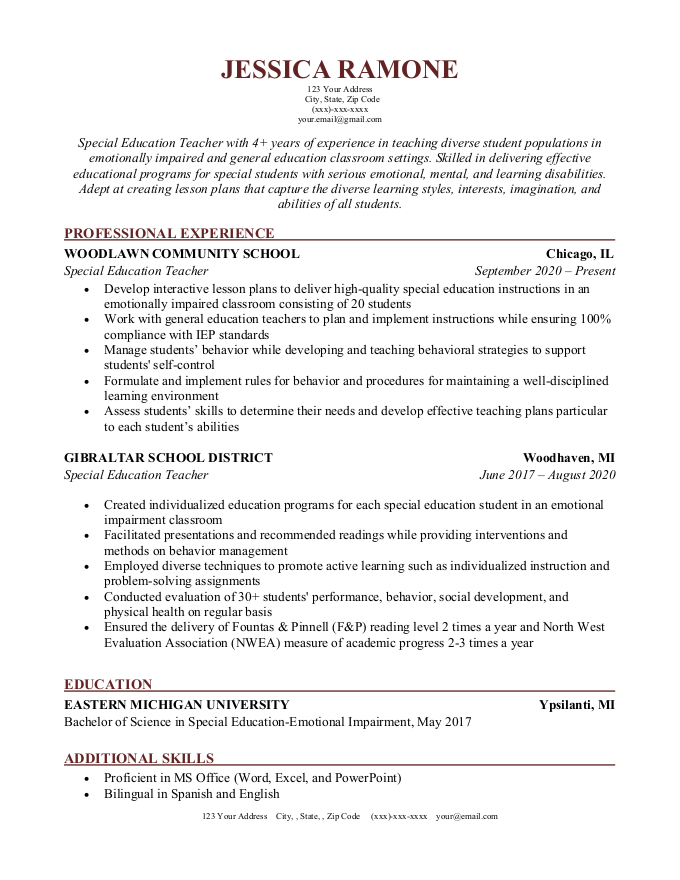
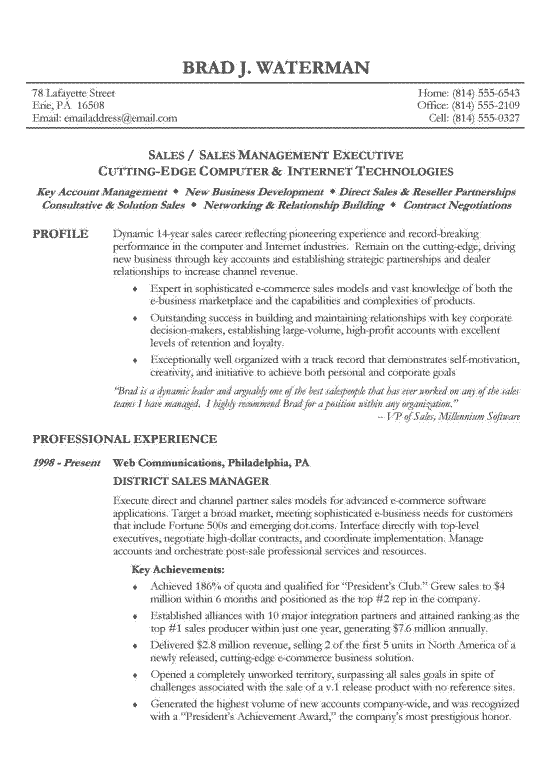
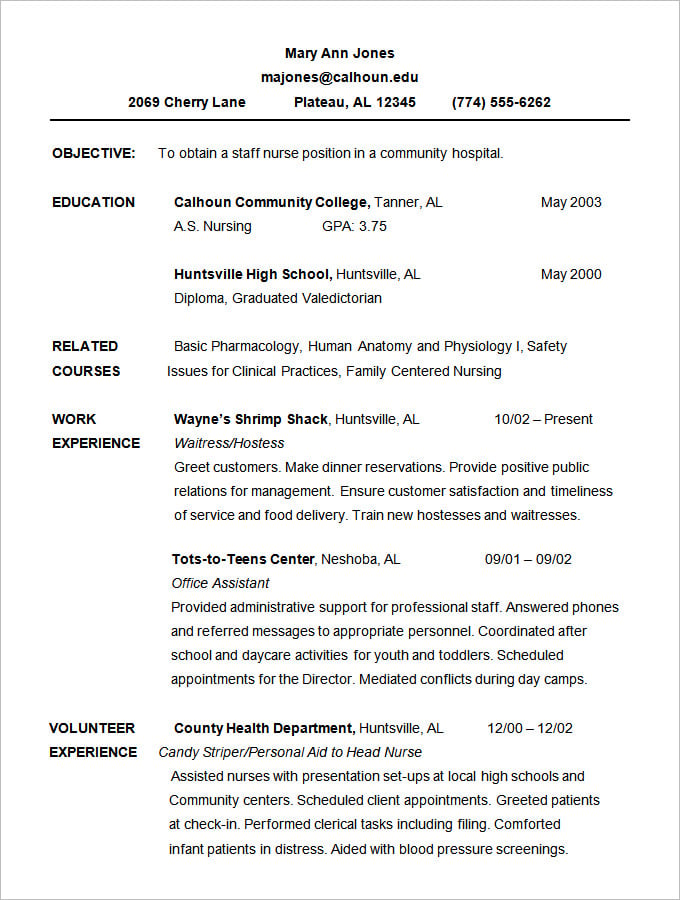
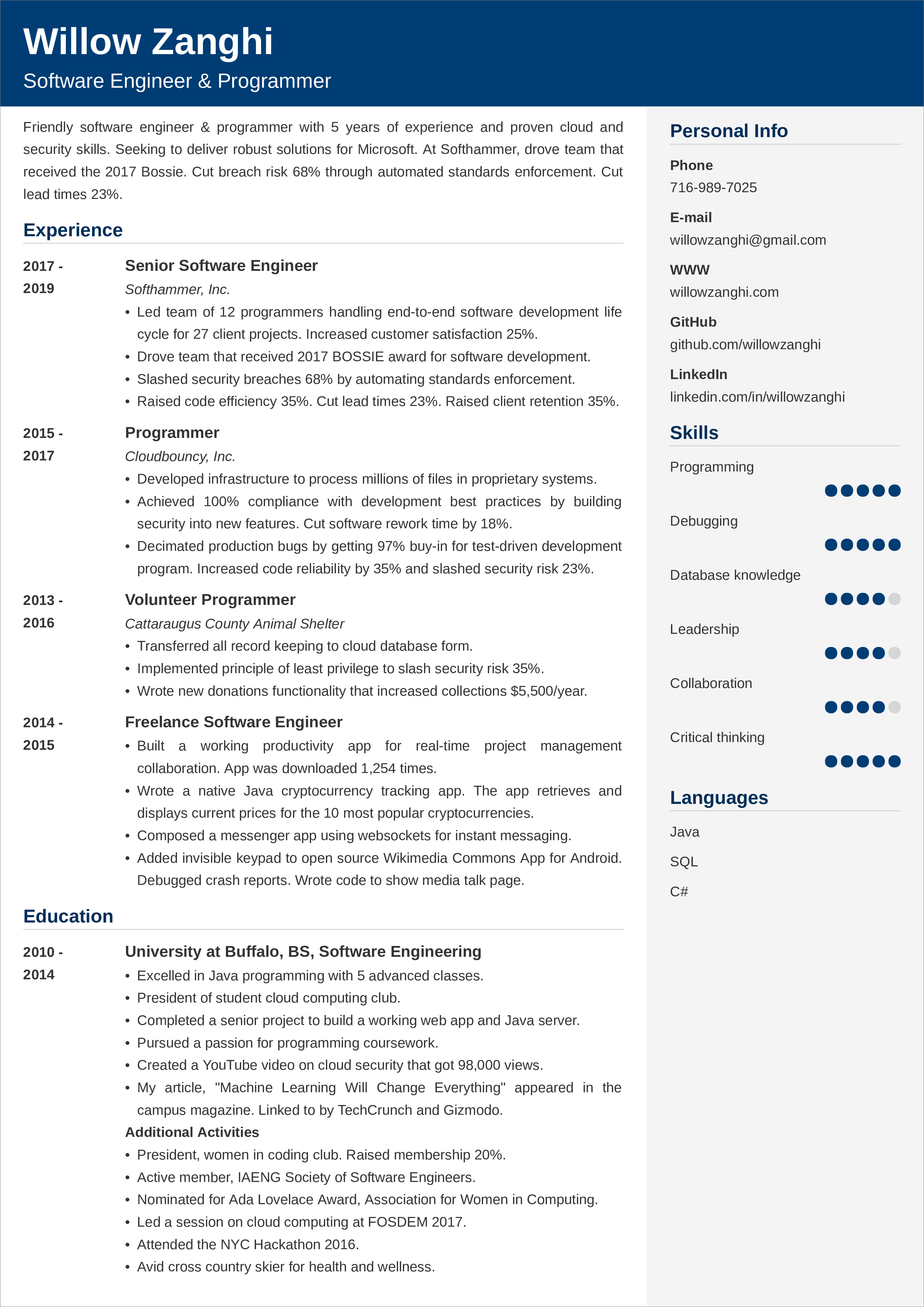
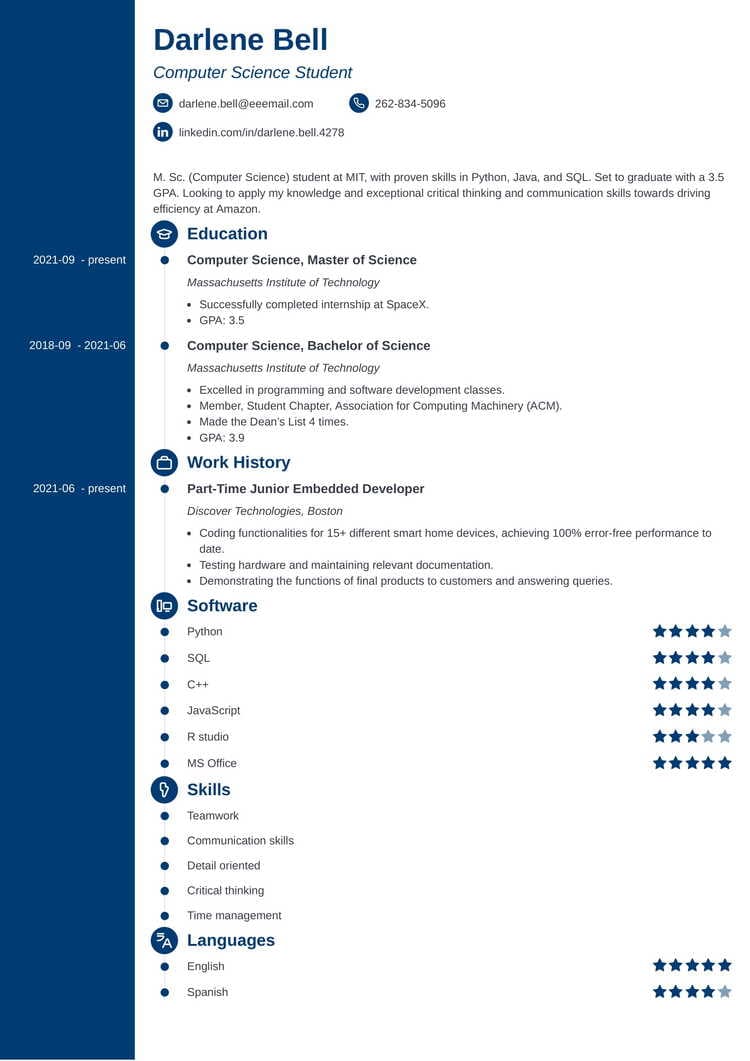
A reverse chronological resume is a type of resume where your work experience is listed in reverse chronological order, starting with the most recent position first. This format is ideal for showcasing steady career growth and recent accomplishments, making it easier for employers to understand your career progression.
Benefits of a Reverse Chronological Resume
- Highlights recent experience and career growth
- Easy to read and understand
- Ideal for demonstrating relevance and potential fit for the role
- ATS-friendly format
How to Create a Reverse Chronological Resume
Creating a reverse chronological resume is easy and straightforward. Here are the steps to follow:
Step 1: List Your Most Recent Job First
Start by listing your most recent job at the top of your resume. This is the job where you have the most recent experience and skills that align with the job you are applying for.
Step 2: List Previous Jobs in Reverse Chronological Order
After listing your most recent job, list your previous jobs in reverse chronological order, starting with the most recent position first, followed by older positions.
Step 3: Use a Clear and Concise Format
Use a clear and concise format to list your work experience, skills, and qualifications. Avoid using too many keywords or jargon that may confuse employers.
Step 4: Tailor Your Resume to the Job
Customize your resume to the job you are applying for by highlighting the skills and experience that align with the job requirements.
Step 5: Use Action Verbs and Keywords
Including action verbs and keywords related to the job, helps to show that you have the necessary skills and experience required for the position.
Step 6: Include Relevant Sections and Information
Make sure to include relevant sections and information, such as a summary or objective statement, skills section, and education section.
Step 7: Proofread and Edit
Finally, proofread and edit your resume to ensure that it is error-free and easy to read.
Reverse Chronological Resume Templates
Here are some tips and resources to help you create a reverse chronological resume:
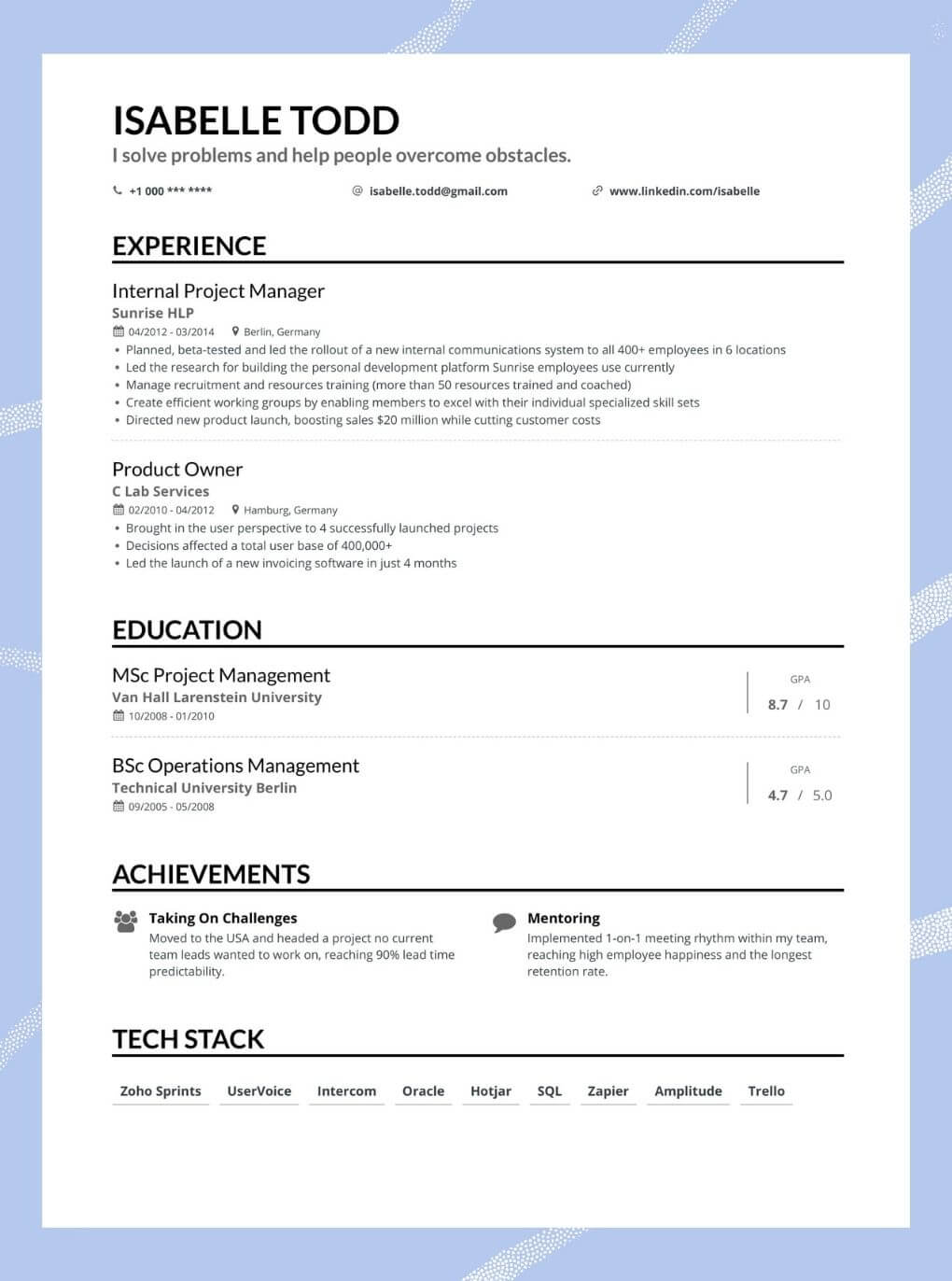
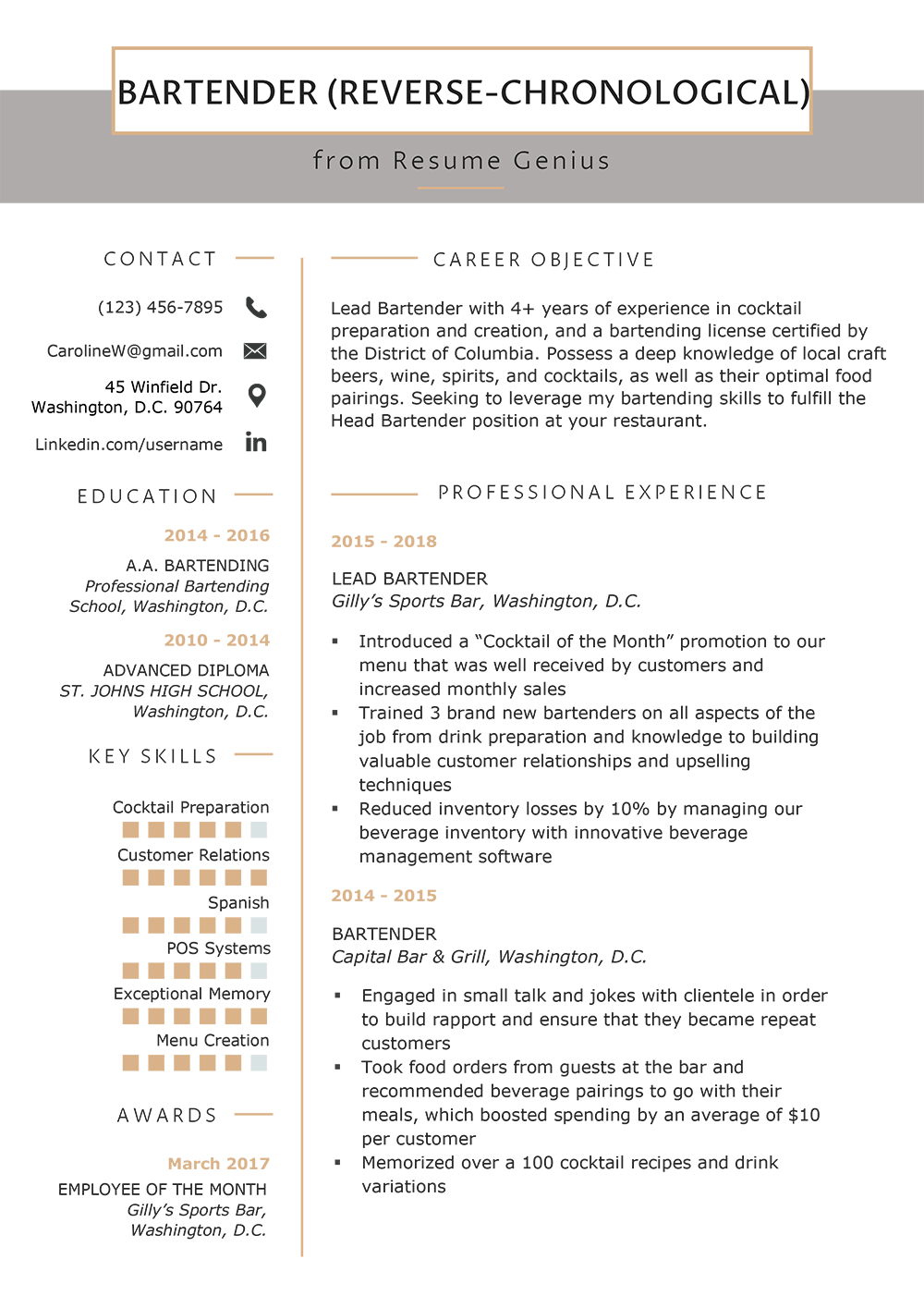
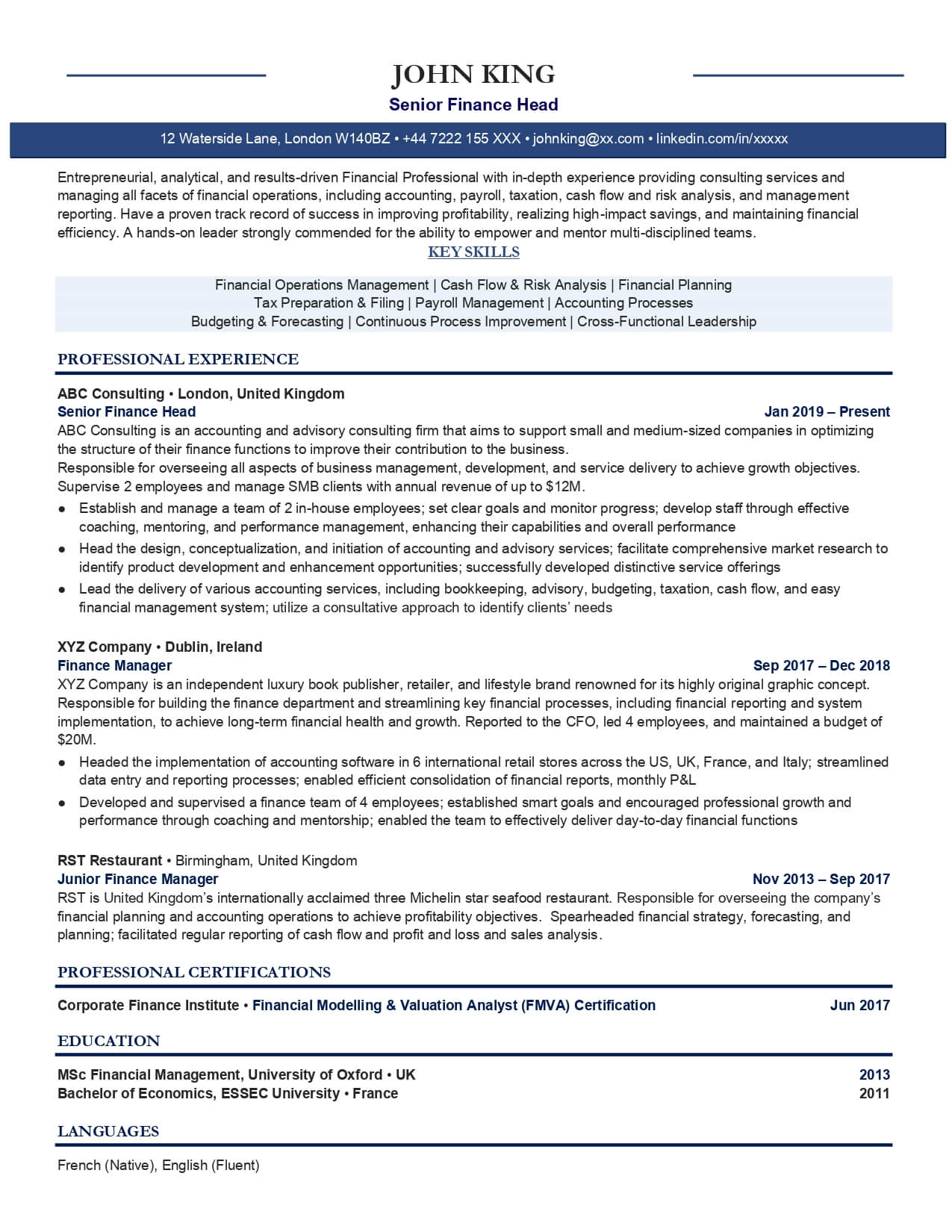
- Use a reverse chronological resume template to guide you in creating your own resume.
- Choose a layout that is clean and easy to read.
- Use a standard font, such as Arial or Calibri.
- Use bullet points to break up large blocks of text.
- Template options include Office Word, Google Docs, and resume building sites.
Conclusion
Creating a reverse chronological resume is a straightforward process that requires attention to detail. By following these steps, you can create a reverse chronological resume that showcases your skills, experience, and qualifications to potential employers, increasing your chances of landing an interview.