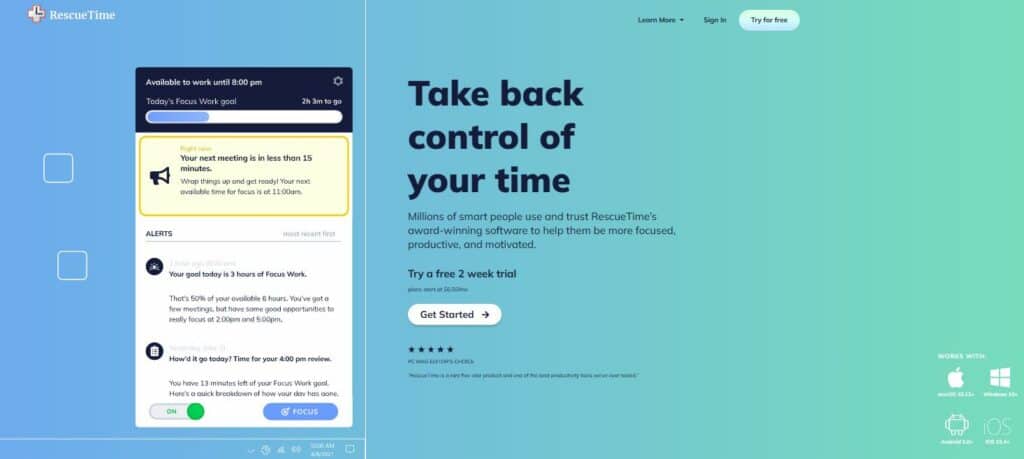
Take Control of Your Digital Life with the Best Tools for Tracking Screen Time
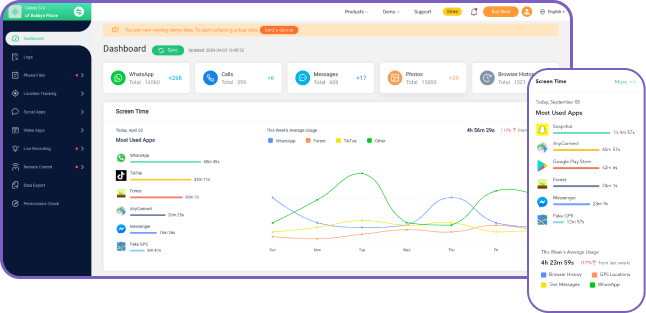
In today's digital age, it's easy to get caught up in the constant stream of notifications, social media updates, and endless hours of screen time. However, excessive screen time can have serious consequences for our physical and mental health, relationships, and productivity. That's where tools for tracking screen time come in – to help you monitor and manage your screen time habits, build healthier digital habits, and take control of your digital life.
Why is Screen Time Tracking Important?
Screen time tracking is essential for various reasons:
- Identifying unhealthy screen time habits and minimizing their impact on physical and mental health
- Ensuring children and teens use devices responsibly and balance screen time with other activities
- Improving productivity and staying focused on work and personal tasks
- Setting boundaries and limits on screen time to maintain a healthy work-life balance
Discover the Best Tools for Tracking Screen Time
There are numerous tools for tracking screen time, ranging from built-in browser features to third-party apps and software. Here are some of the top tools to consider:
Browser-Based Tools
Many modern browsers, such as Microsoft Edge, offer built-in features for tracking screen time. For example:
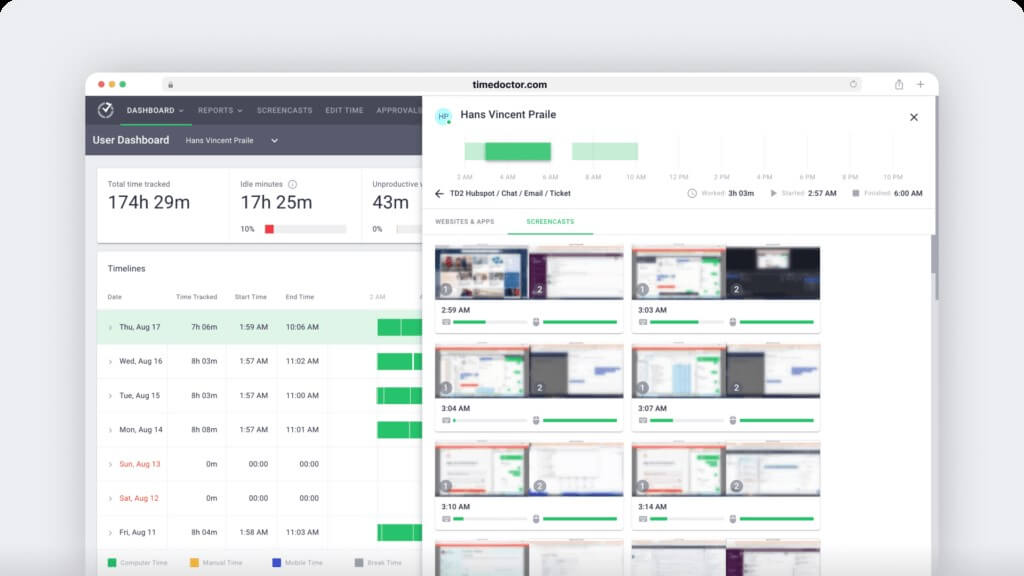
- Microsoft Edge: Monitor screen time directly from the browser and view browsing history and activity
Third-Party Apps and Software
Third-party apps and software offer more advanced features and customization options. Some popular options include:
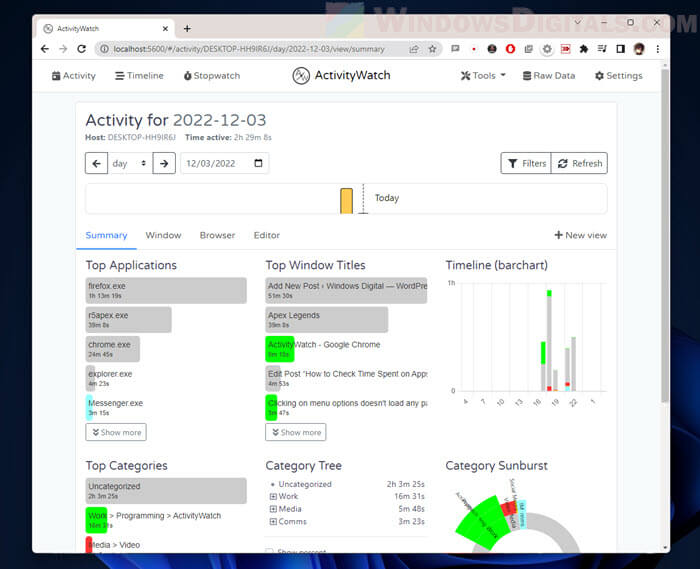
- ActivityWatch: A free and open-source time tracking app for Windows, macOS, Linux, and Android
- Google Family Link: A parental control app for families with Android devices, allowing parents to set digital ground rules, manage app permissions, and track location
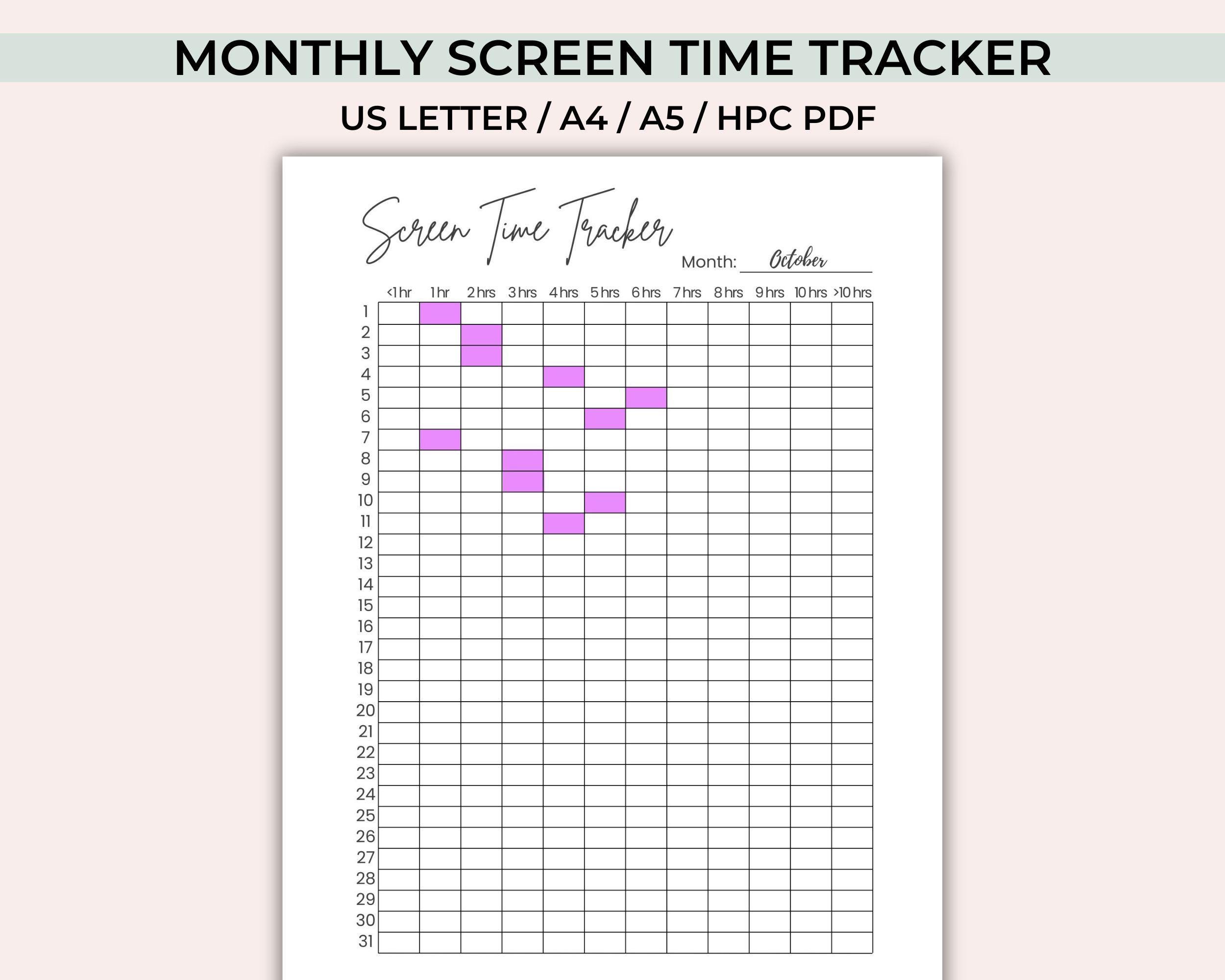
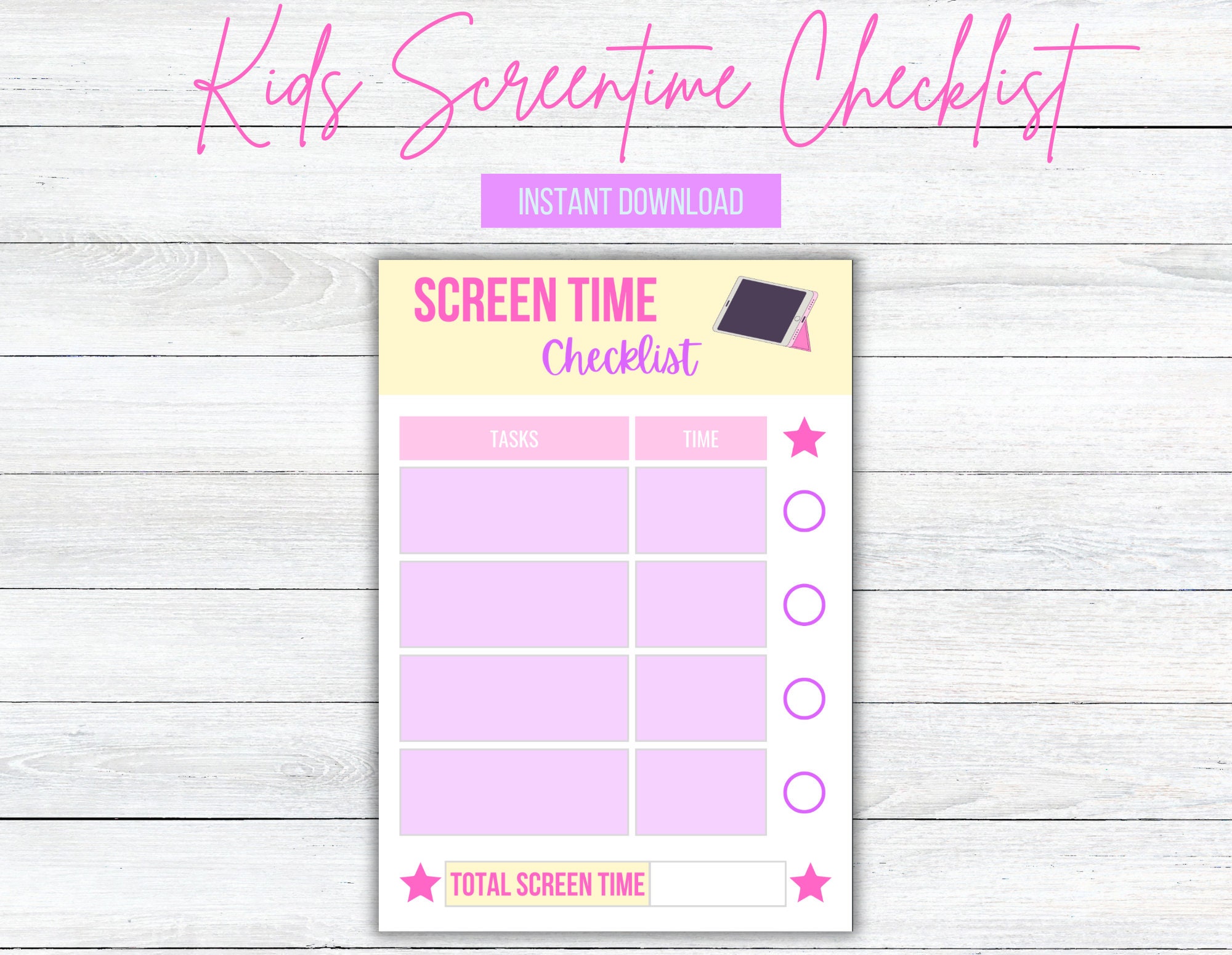
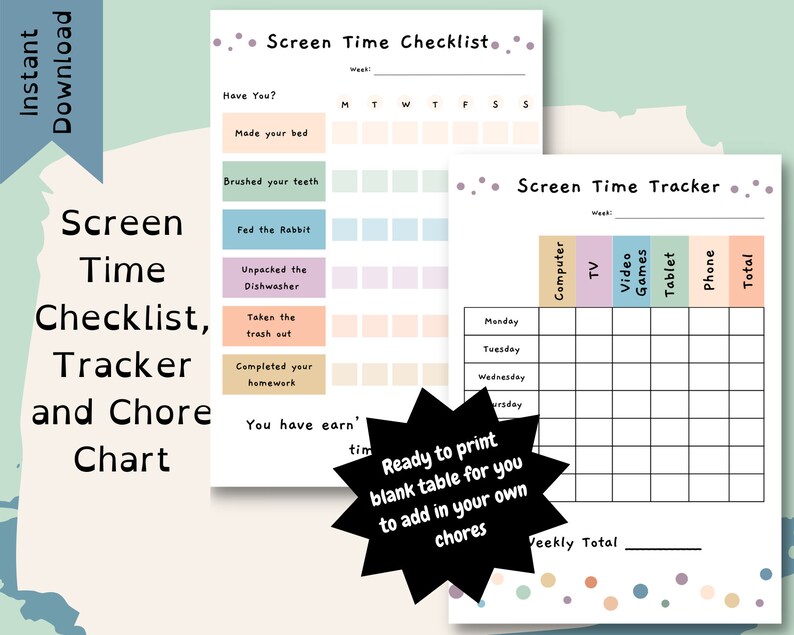
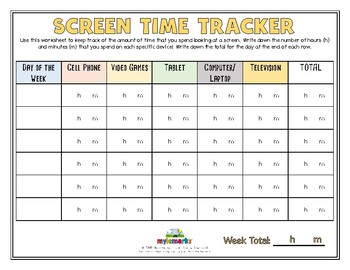
- Screen Time Chart: A tool to help families manage electronics and track screen time by setting limits and monitoring usage
- StayFree: A comprehensive screen time tracking app that provides clear, cross-device stats and easy-to-read graphs
Additional Tips and Strategies
To get the most out of your screen time tracking tools and build healthier digital habits, consider the following:
- Track first, change second: Accurate tracking (using tools or system tools) reveals habits you can target for improvement
- Use a combination of tools: One app to log screen time, plus one sleep app or bedtime routine for optimal results
- Set limits and prioritize other activities, such as homework, reading, or physical exercise
- Explore apps and tools that help with positivity, emotion recognition, and screen time management, promoting overall well-being
Conclusion
Tools for tracking screen time are an essential step towards building healthier digital habits and taking control of your digital life. By using the right tools and strategies, you can monitor your screen time, set limits, and prioritize other activities that promote physical and mental well-being. Don't let excessive screen time control your life – take the first step towards a healthier digital balance today!


![8 Best Screen Time Apps for Adults & Families [Tested By Us]](https://strategiesforlearning.com/wp-content/uploads/2022/10/10-TIPS-FOR-MANAGING-SCREEN-TIME-1024x1024.png "8 Best Screen Time Apps for Adults & Families [Tested By Us]")