IP Address Protection for Chrome Browser: Understanding the Benefits
The rise of online tracking and surveillance has led to a growing concern for internet users about their online privacy. One of the primary culprits behind this invasion of privacy is the visible IP address that's constantly shared while browsing the web. This is where Google's IP protection for Chrome browser comes in, aiming to mask users' IP addresses while browsing the web.
What is IP Protection for Chrome?
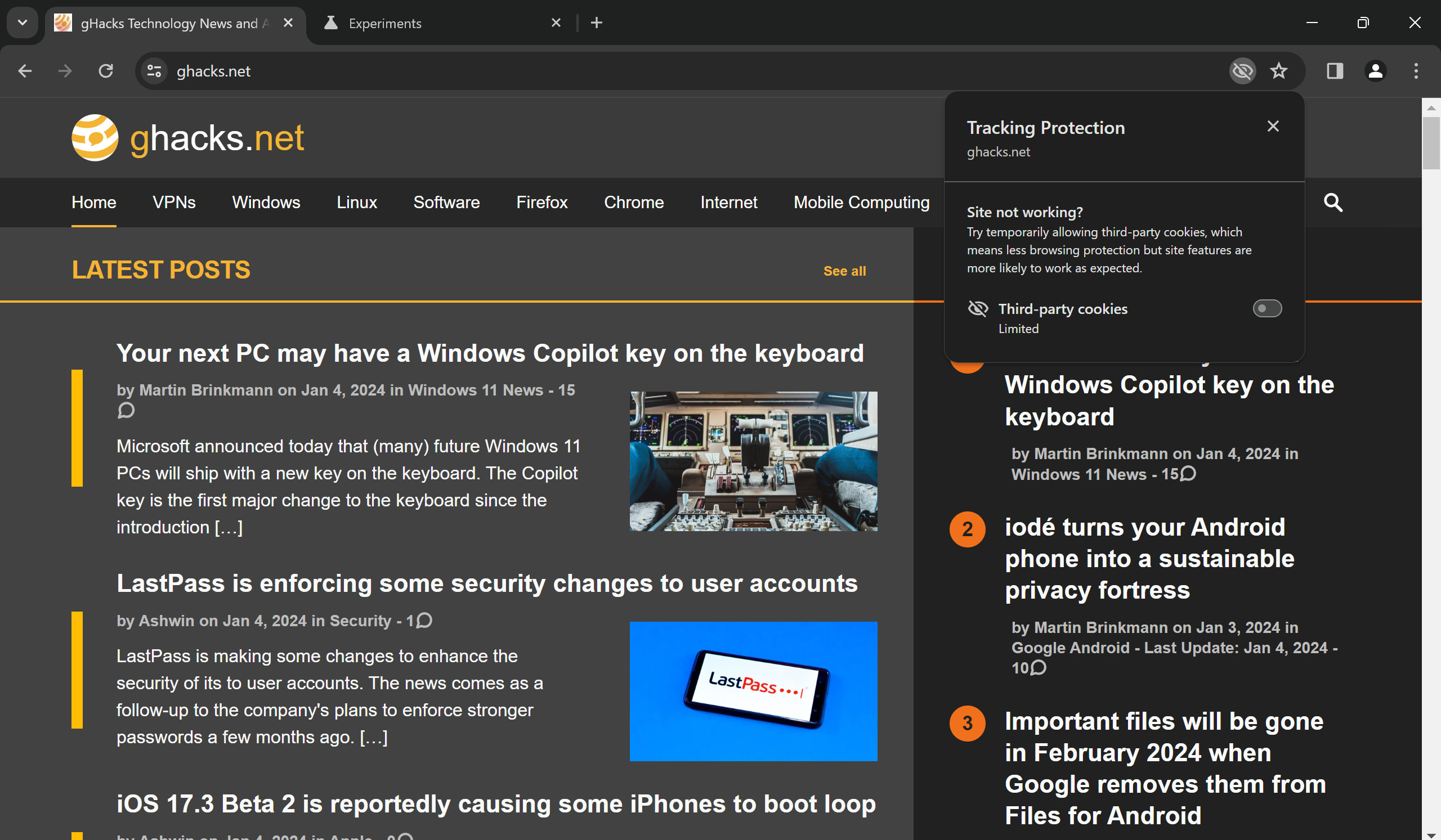
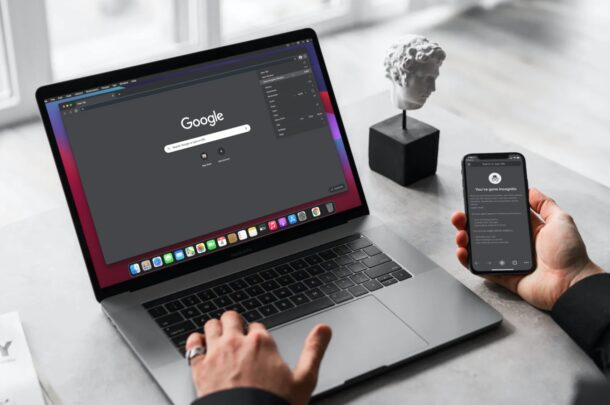
IP protection for Chrome, also known as Incognito tracking protections, is a feature designed to protect users' online privacy by masking their IP addresses when browsing in Incognito mode. This feature will be rolled out in phases, enhancing the existing tracking protection features in Chrome.
How Does IP Protection Work?
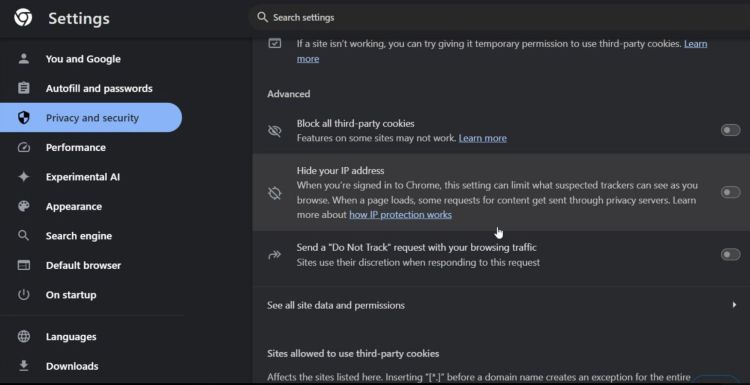
Unlike cookies, which can be blocked by browsers, IP addresses can't be blocked. However, IP protection for Chrome changes how IP addresses are shared by routing third-party traffic from specific third-party sites through proxy servers. This makes the user's IP address invisible to those sites, thereby protecting their data and online identity.
The Need for IP Address Protection
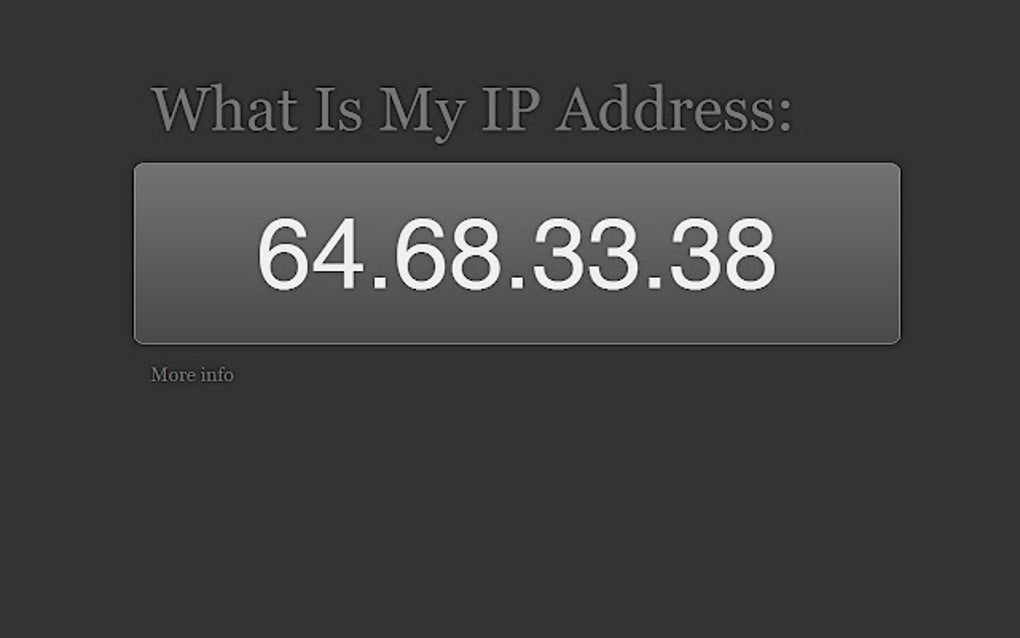
A user's location can be easily determined by their IP address, and their online activity can be tracked by websites and third-party services. With IP protection for Chrome, users can browse online while keeping their IP address hidden. This means that advertisers, marketers, and other third-party sites won't be able to track their online behavior and personalize ads based on their IP address.
Why Matters for Online Privacy?
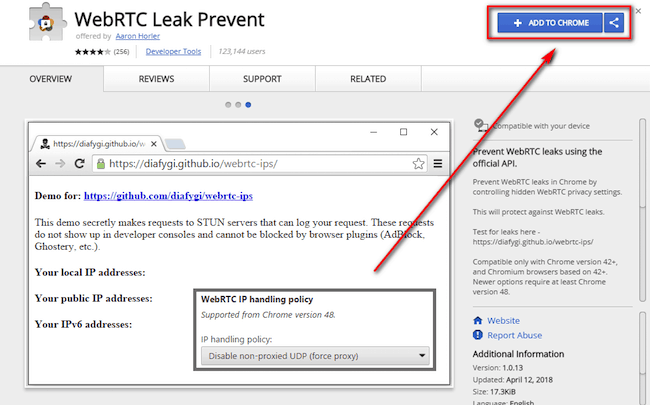
Browser leaks are tools that identify ways in which websites may leak a user's real IP address, collect information about their device, and perform browser fingerprinting. With IP protection for Chrome, users can have peace of mind while browsing the web, knowing that their online activity is protected.
What Else You Can Do to Protect Your Online Privacy
- Use a VPN proxy extension: VPN proxy extensions, like NordVPN and ZenMate, can encrypt your browser traffic and shield your IP address. While they don't offer system-wide protection like a full VPN, they can greatly improve your browsing privacy.
- Use a VPN service: A VPN service provides system-wide protection, encrypting all your internet traffic, and changing your IP address. This ensures that your online activity remains private.
- Use a private browser: A private browser, such as Avast Secure Browser, can block tracking and ads while providing a secure browsing experience.
- Check your internet service provider: Your internet service provider can potentially be tracking your online activity. Consider switching to a VPN or a different ISP.
Conclusion:
Google's IP protection feature for Chrome browser is an essential development in online privacy. By routing third-party traffic through proxy servers, users' IP addresses remain hidden from third-party sites. This means that online activities, such as shopping, browsing, and other online behaviors, can no longer be tracked by marketers and advertisers. While there are many other measures users can take to protect their online privacy, the IP protection feature is an excellent step towards ensuring the security of internet users.
Here are some of the best tools to mask your IP address:
- ExpressVPN: A VPN service that provides secure browsing and masking of IP addresses.
- IPBurger: A tool that provides proxy servers to mask users' IP addresses, providing secure and private web access.



:max_bytes(150000):strip_icc()/Routeraddress-5ca2795871a645b3a30a6afe33f627e5.jpg "Google Chrome wants to hide your IP address")