Twitch Live Stream Setup Options: A Comprehensive Guide
At its most basic, livestreaming is broadcasting audio and video over the internet in real-time. At Twitch, the main information pipeline for a stream starts with you. Whether you're a seasoned gamer or a content creator looking to showcase your skills, a well-planned Twitch live stream setup is essential for delivering a high-quality viewing experience to your audience.
Choosing the Right Equipment
To get started on Twitch, you don't need to invest much in gear as a beginner. Many streamers are able to use a PC they already own and just add a microphone and a camera. However, upgrading your streaming setup is essential for improving your channel and attracting more Twitch viewers.
- Camera: A good quality webcam or camera is essential for capturing high-definition video. Popular options include Logitech C920, Razer Kiyo, and Elgato Cam Link 4K.
- Microphone: A quality microphone is necessary for clear and crisp audio. Popular options include Blue Yeti, HyperX QuadCast Gaming Microphone, and Razer Seiren X.
- Capture Card: If you want to stream gameplay from a console or capture high-quality video from a camera, a capture card is necessary. Popular options include Elgato HD60, AVerMedia Extremecap U3, and Razer Ripsaw.
- Headphones: Good quality headphones are necessary for communicating with your audience and monitoring audio levels. Popular options include HyperX Cloud II, SteelSeries Arctis 7, and Turtle Beach Recon 200.
Streaming Software Options
Twitch live stream setup options also include various streaming software that can help you broadcast high-quality video and audio. Some popular options include:
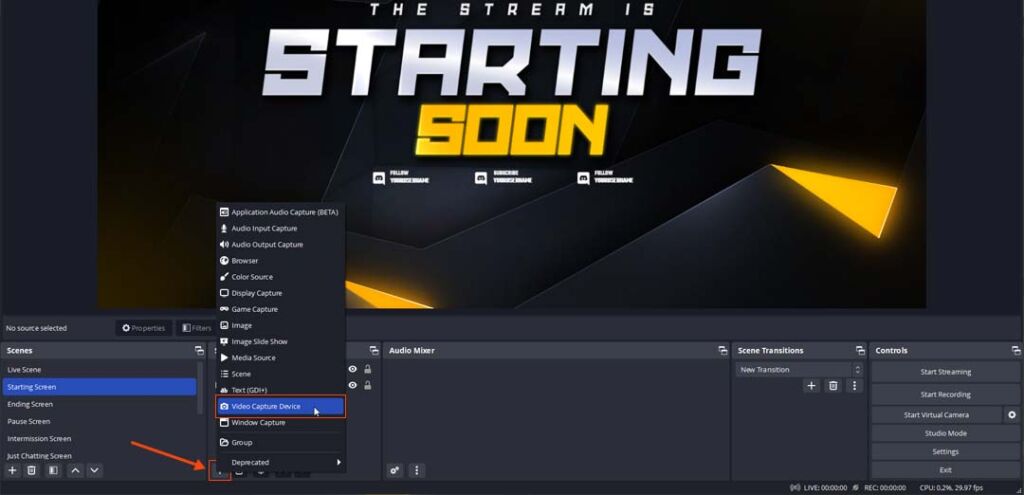
- OBS Studio: A popular and free open-source streaming software that offers advanced features and customization options.
- Streamlabs OBS: A customizable and user-friendly streaming software that integrates with popular streaming platforms, including Twitch.
- XSplit: A feature-rich streaming software that offers advanced features, including chroma keying and audio processing.
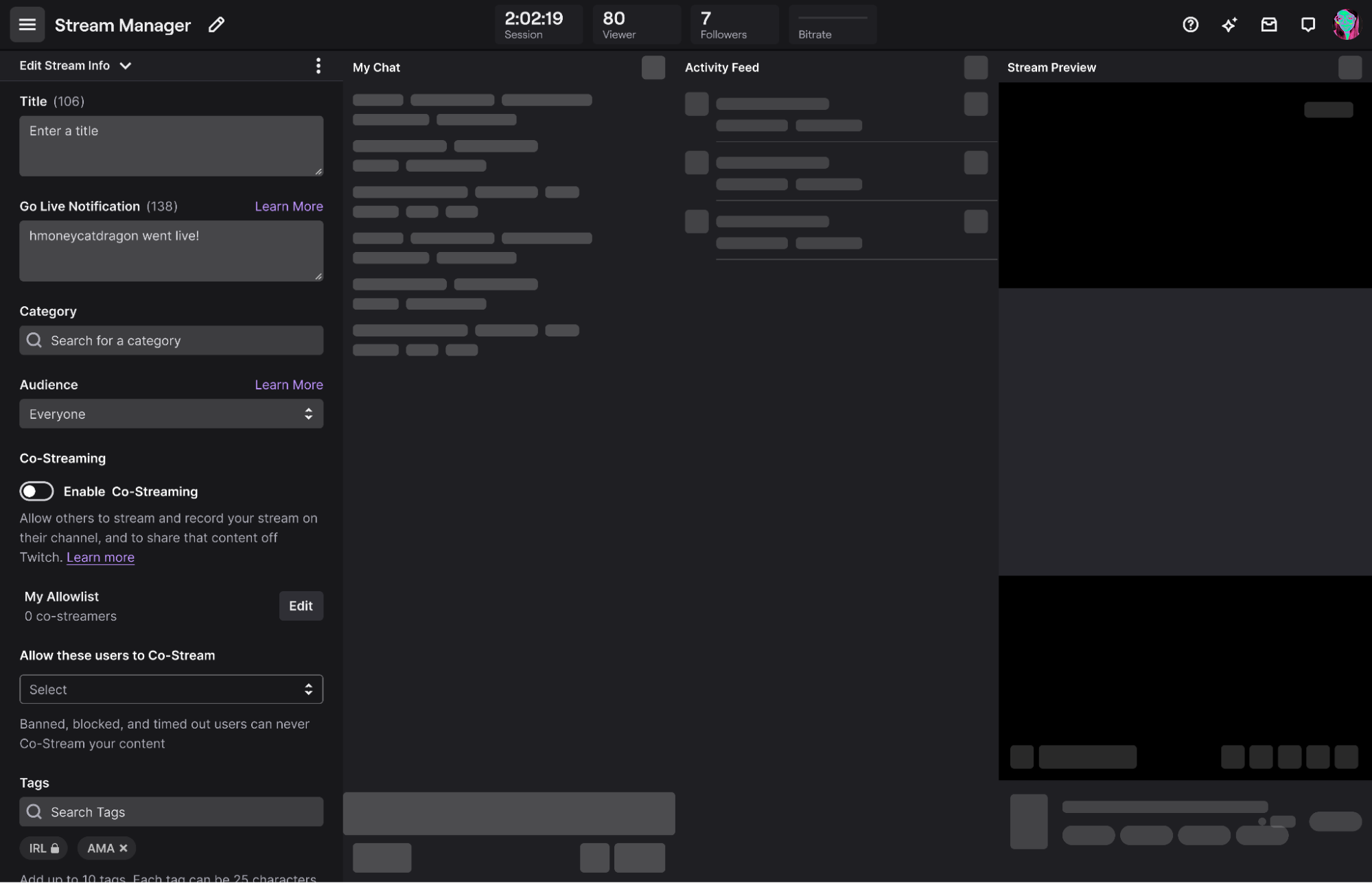
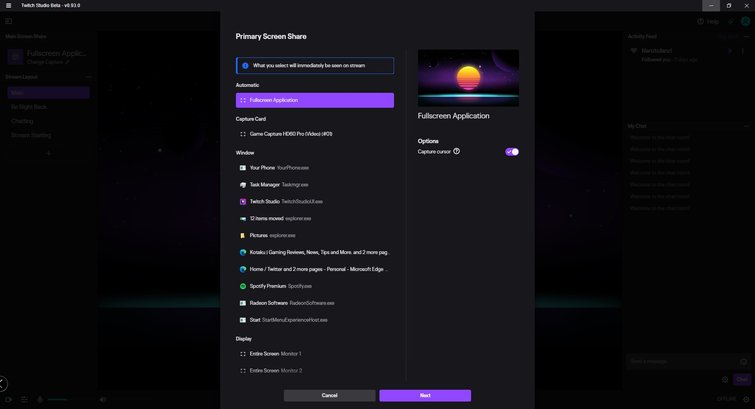
- Twitch Studio: A free, user-friendly streaming software created by Twitch that offers advanced features and customization options.
Streaming Settings and Optimization
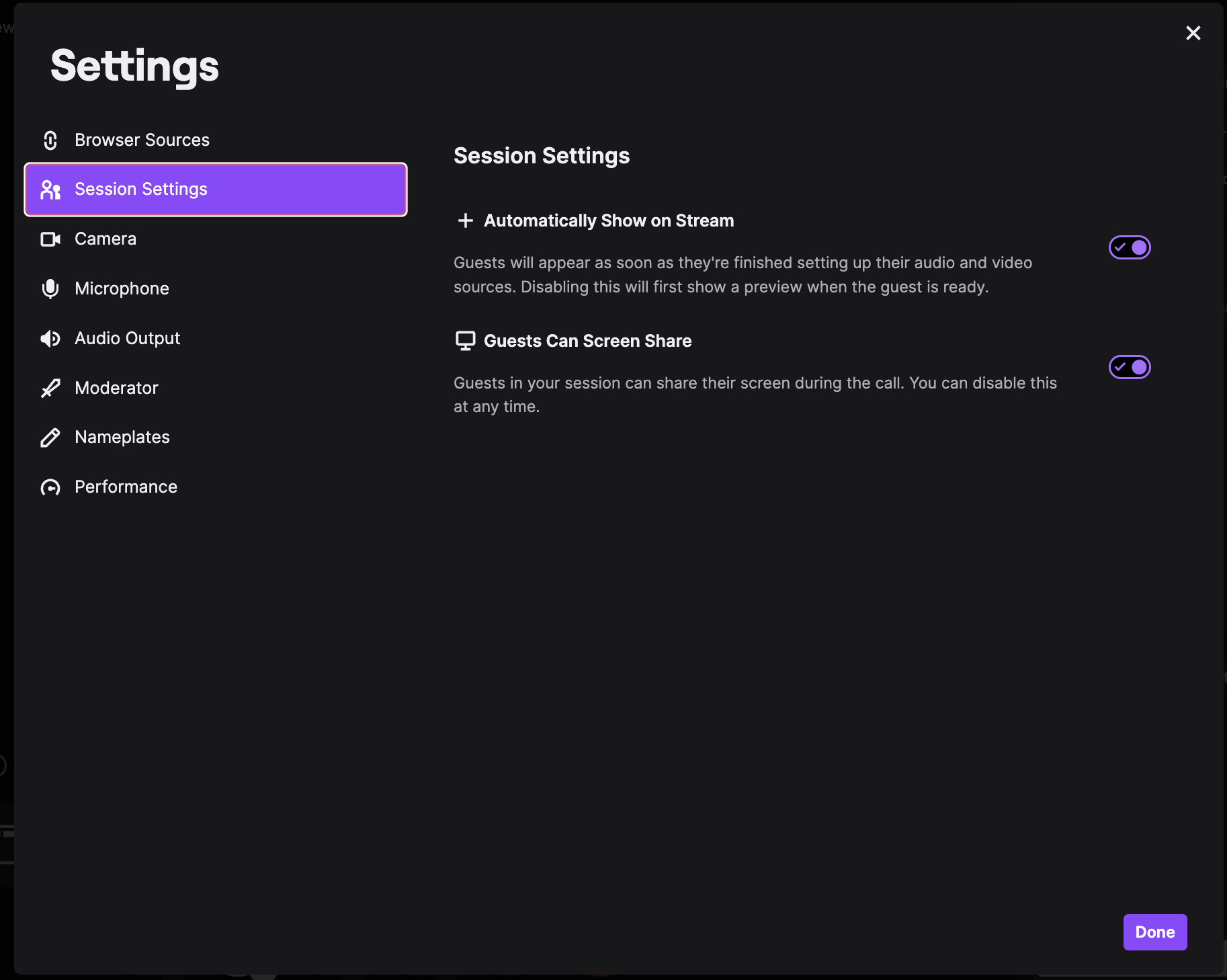
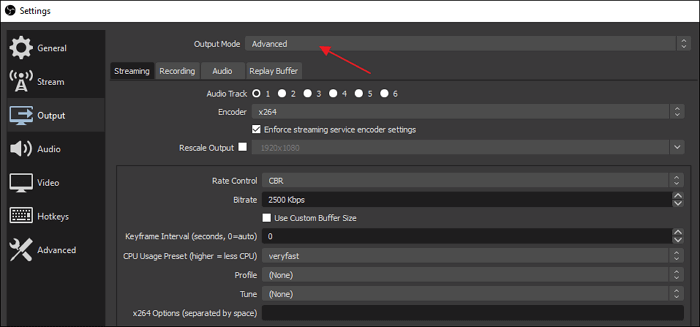
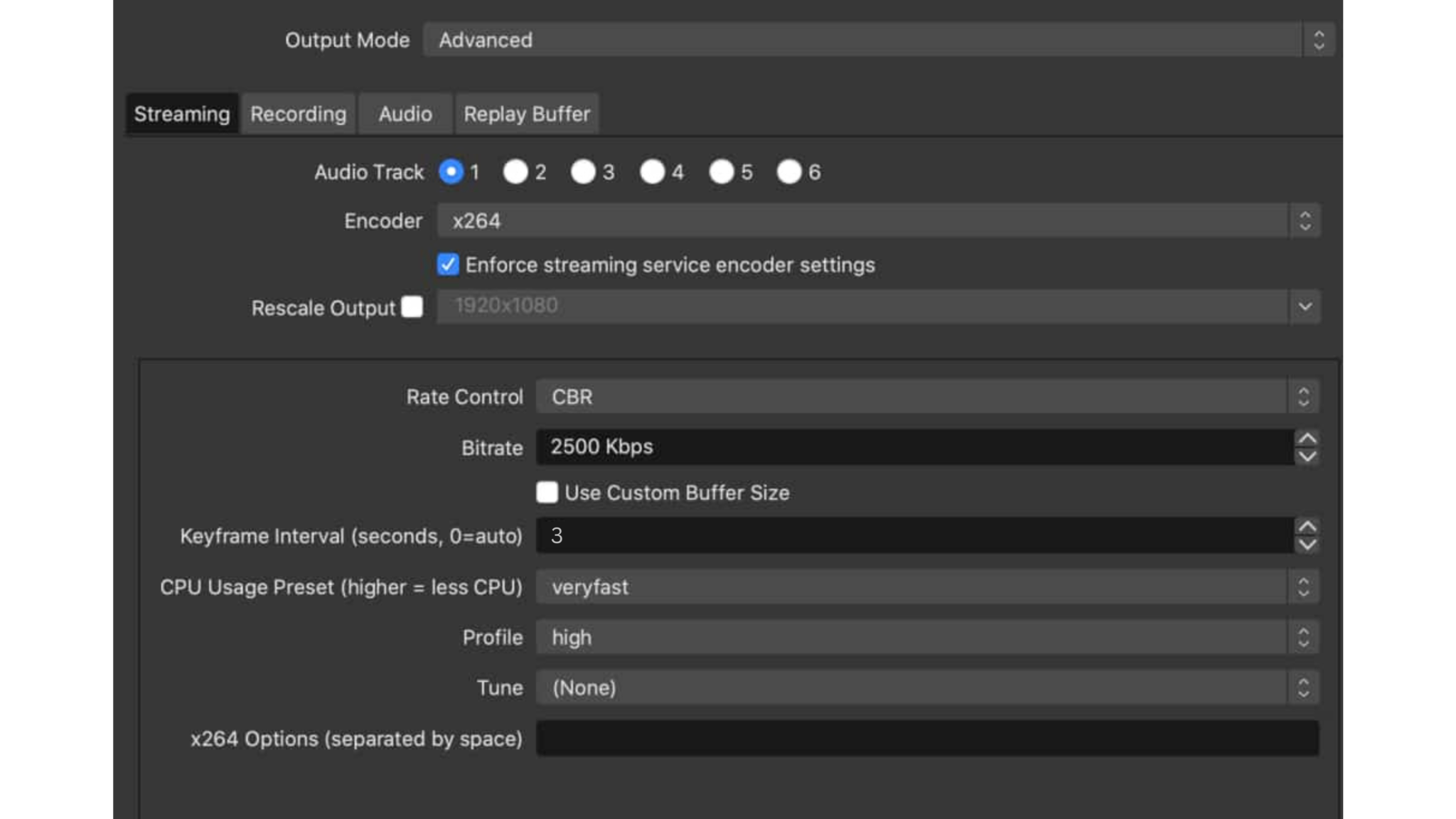
To deliver a high-quality viewing experience, it's essential to optimize your streaming settings and bitrate. Here are some tips to help you get started:
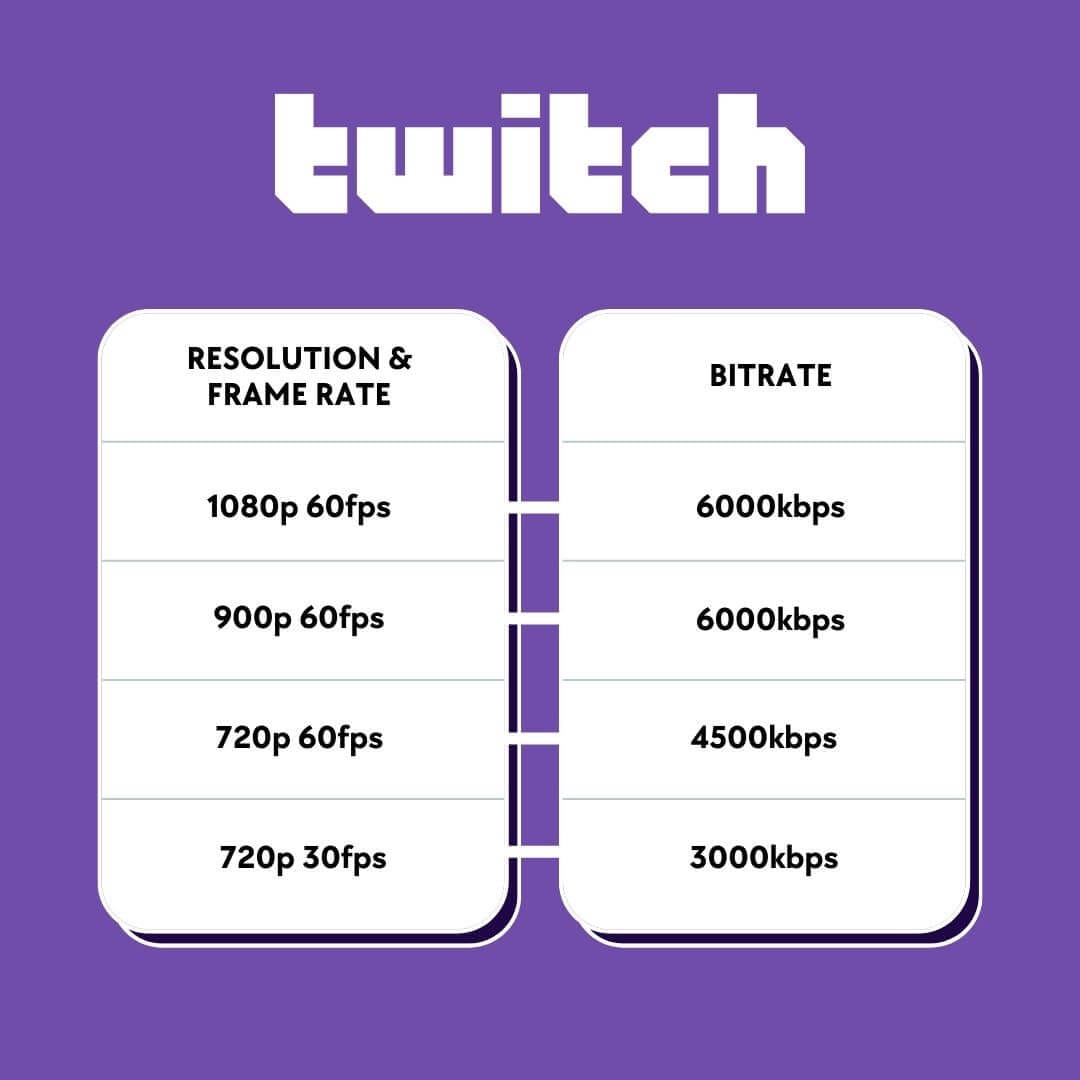
- Bitrate: The optimal bitrate for Twitch streaming is 8000, but 6500 remains a viable alternative.
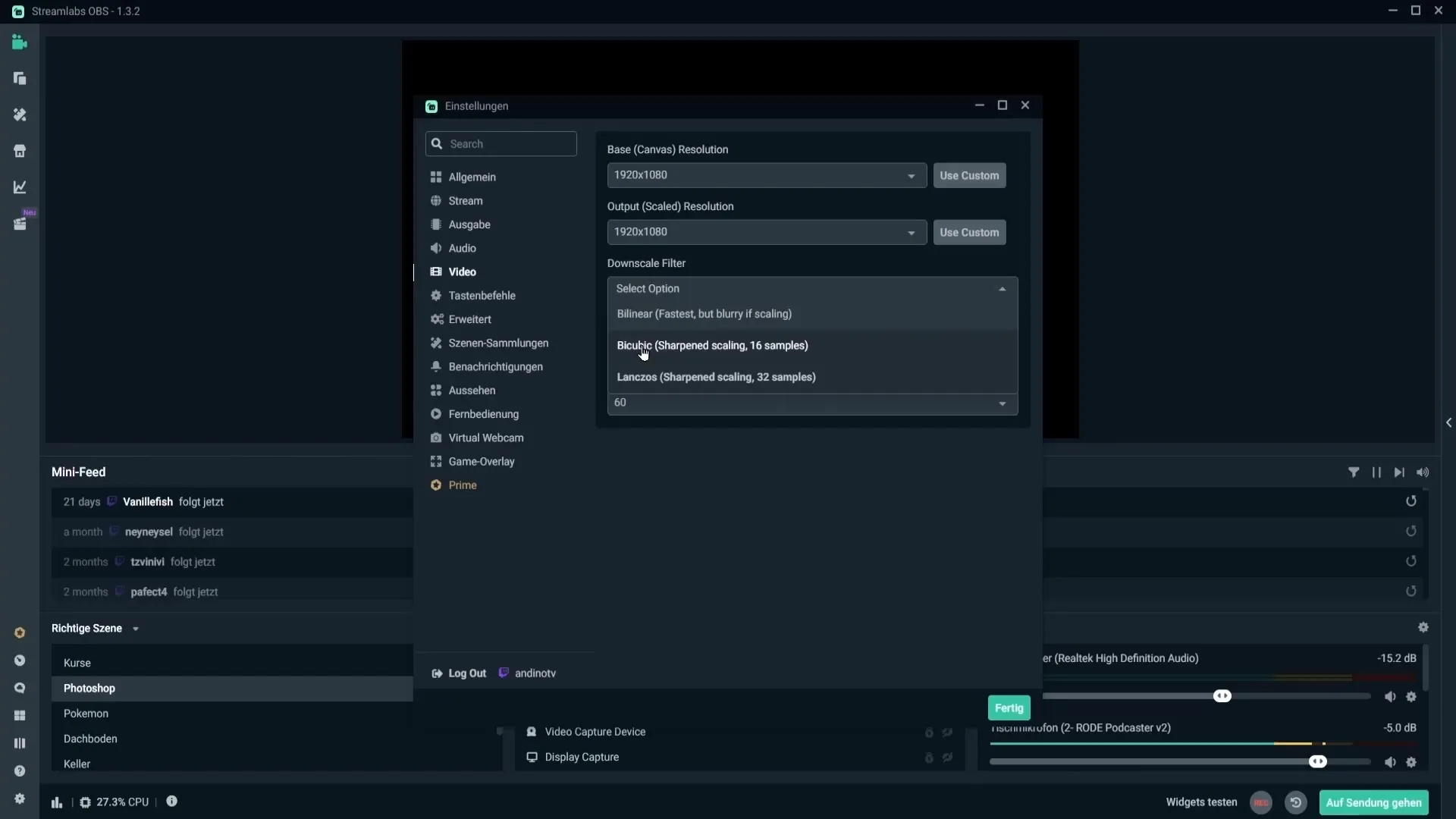
- Resolution: For 1080p streaming, use a resolution of 1920x1080. For 4K streaming, use a resolution of 3840x2160.
- Frame Rate: Use a frame rate of 30 or 60 FPS for smooth and stutter-free streaming.
- Audio Settings: Use a sample rate of 44.1 kHz and a bit depth of 16 bits for high-quality audio.
Setting Up Your Twitch Account
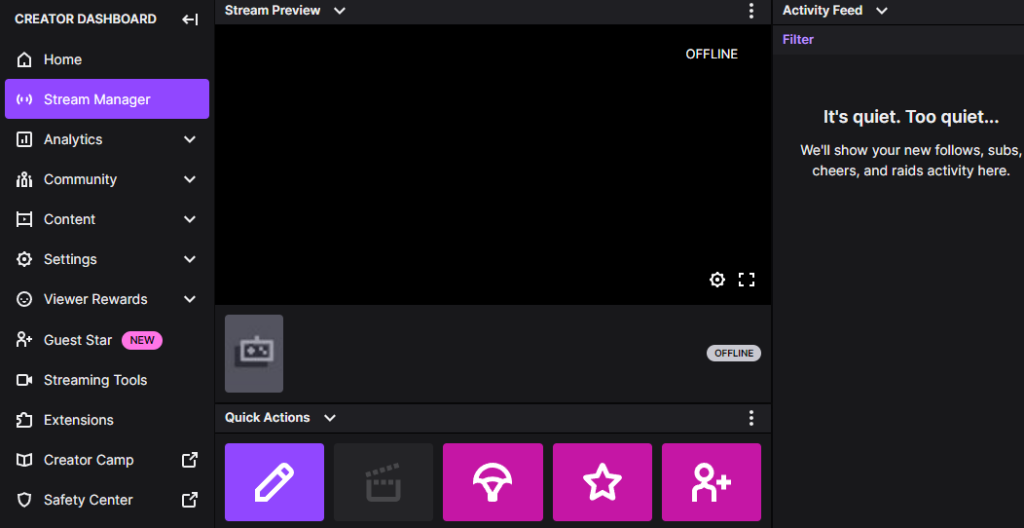
Before you can start streaming on Twitch, you need to set up your account. Here's a step-by-step guide to help you get started:
- Create an account: Go to twitch.tv and create a new account.
- Verify your account: Verify your email address and password to activate your account.
- Set up your channel: Customize your channel with a profile picture, banner, and bio.
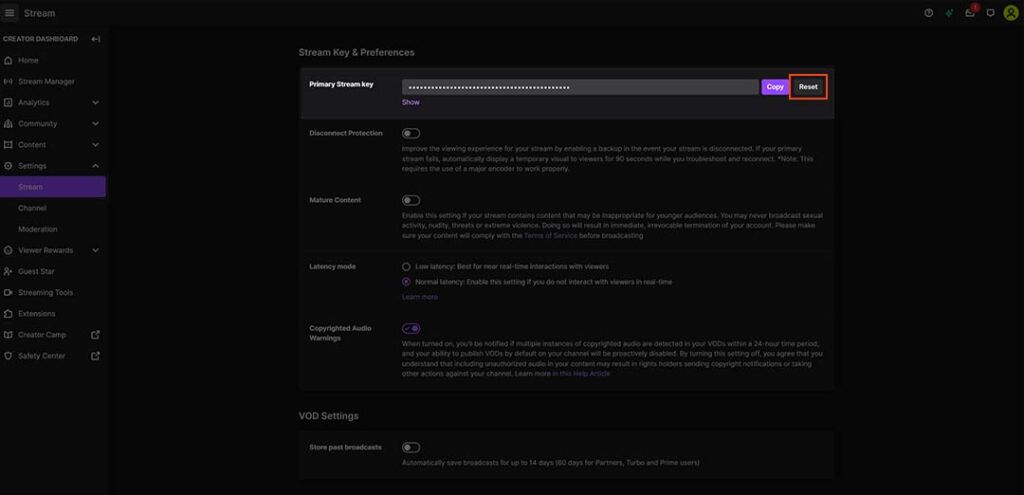
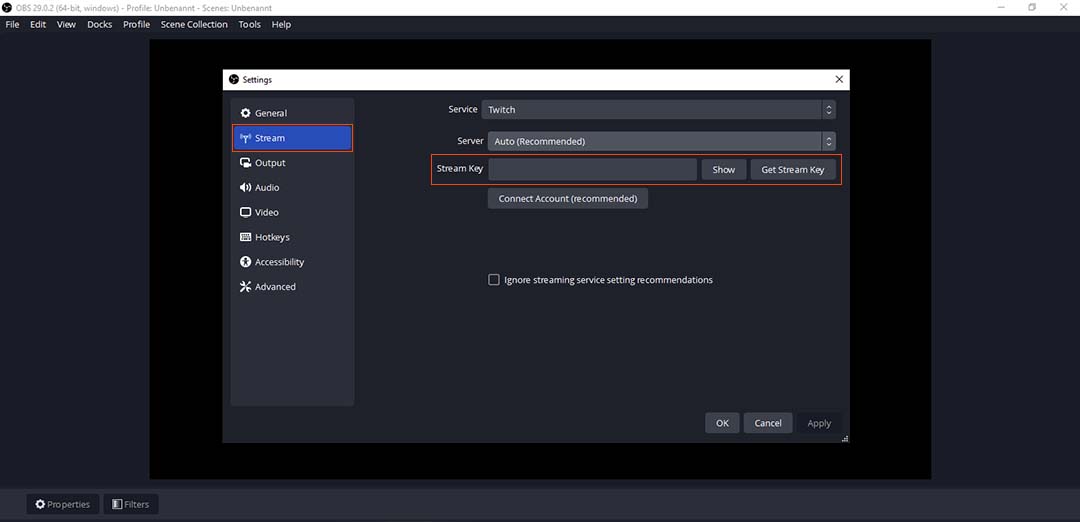
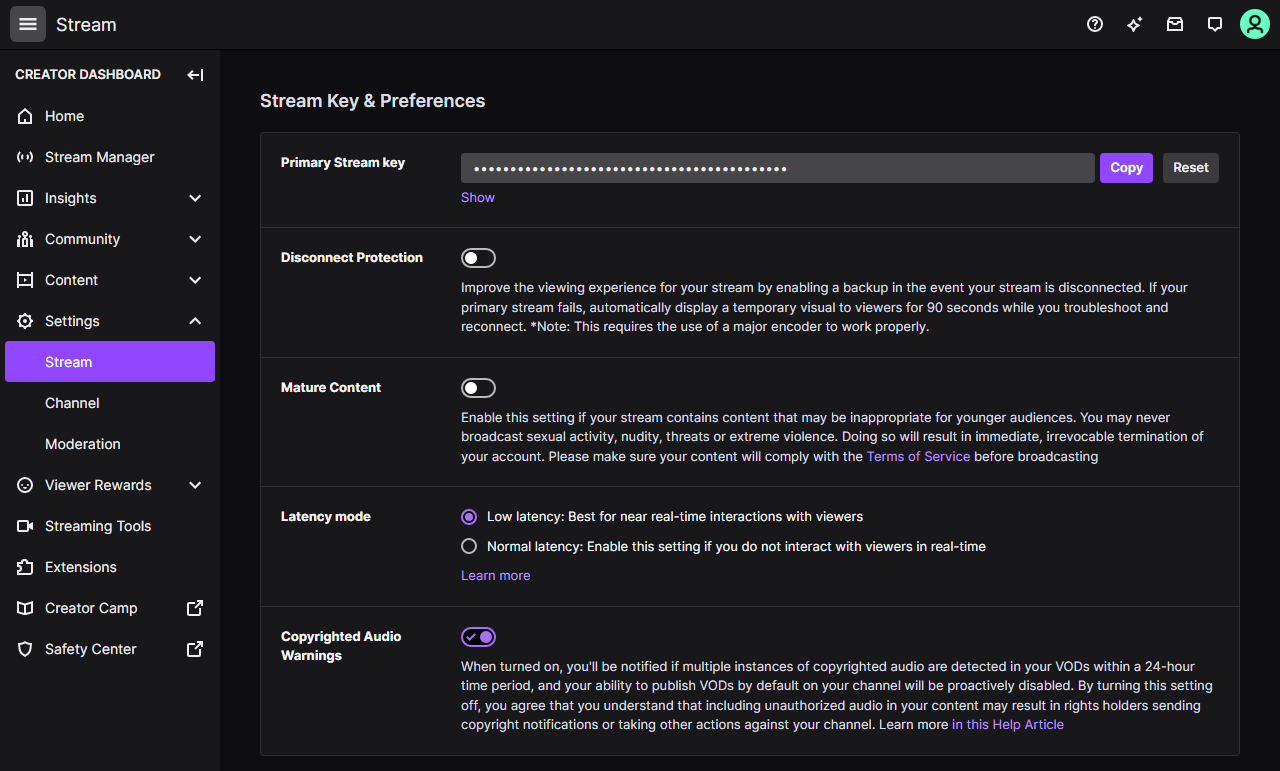
- Configure your streaming settings: Set up your streaming settings, including bitrate, resolution, and frame rate.
Conclusion
Twitch live stream setup options are endless, and the key to delivering a high-quality viewing experience lies in choosing the right equipment, streaming software, and optimizing your streaming settings. With this comprehensive guide, you're well on your way to setting up a top-notch Twitch live stream setup that will captivate your audience and help you achieve your goals as a content creator.



![[Full Guide] Streaming Setup Guide for Beginners - OBSBOT](https://contenthub-cdn.streamlabs.com/static/imgs/posts/sources%20settings%20how%20to%20costream%20on%20twitch.png "[Full Guide] Streaming Setup Guide for Beginners - OBSBOT")
