Ways to Protect My Router from Hacking
Protecting your router from hacking is crucial in today's digital age, where cyber threats are becoming increasingly sophisticated. As the hub of your home network, your router is a prime target for hackers, who can use it to gain access to all the devices connected to it. In this article, we'll explore some simple yet effective ways to protect your router from hacking and ensure the security of your home network.
Disable Remote Access
Your router's web interface can be accessed remotely, allowing you to configure settings and troubleshoot issues. However, this feature can also be used by hackers to gain access to your router. To prevent this, disable remote access to your router's web interface. This will prevent hackers from accessing your router, even if they have your IP address.
Use WPA3 Encryption
WPA3 (Wi-Fi Protected Access 3) is the latest encryption standard for wireless networks. It provides stronger encryption than its predecessors, making it more difficult for hackers to intercept your data. Enable WPA3 encryption on your router to protect your data and prevent eavesdropping.
Update Your Router Firmware Regularly
Router firmware updates often include security patches that can fix vulnerabilities in your router. Regularly update your router firmware to ensure that you have the latest security patches. You can usually find firmware updates on your router manufacturer's website.
Use a VPN (Virtual Private Network)
A VPN creates a secure and encrypted connection between your device and the internet, preventing hackers from intercepting your data. Use a VPN when connecting to public Wi-Fi networks or when accessing sensitive information online.
Use a Strong and Unique Password
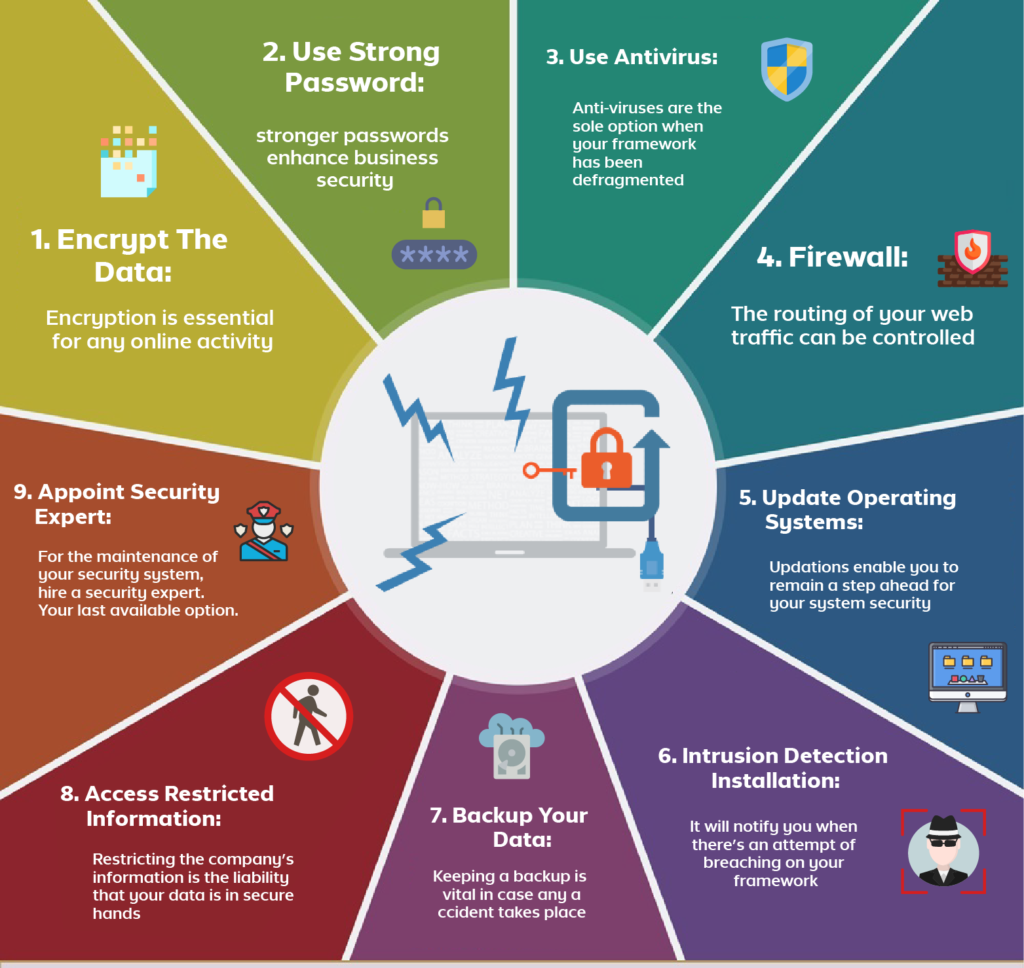
Use a strong and unique password for your router's admin interface. Avoid using default passwords or easily guessable passwords, as these can be easily cracked by hackers. Use a password manager to generate and store complex passwords.
Use a Long and Complex Password for Your Wi-Fi Network
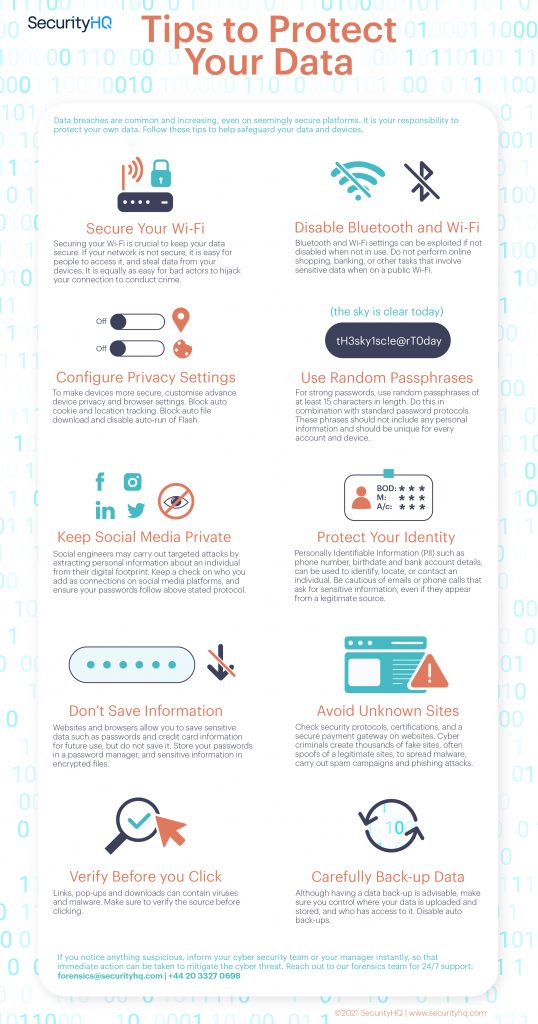
A strong password for your Wi-Fi network is essential in preventing unauthorized access. Use a long and complex password that includes a mix of letters, numbers, and symbols. Avoid using easily guessable passwords, such as your name or birthdate.
Secure Your Wi-Fi Network with WPA2-AES

WPA2-AES is a secure encryption standard that provides strong protection for your Wi-Fi network. Enable WPA2-AES encryption on your router to prevent hackers from accessing your network.
Remove Unknown Users Instantly
Remove unknown devices from your Wi-Fi network instantly to prevent unauthorized access. Use your router's settings to configure the maximum number of connected devices and automatically disconnect unknown devices.
Use a Router Security Suite
A router security suite provides an additional layer of protection for your router and home network. These suites often include features such as malware detection, intrusion prevention, and network scanning.
Monitor Your Router for Signs of Hacking
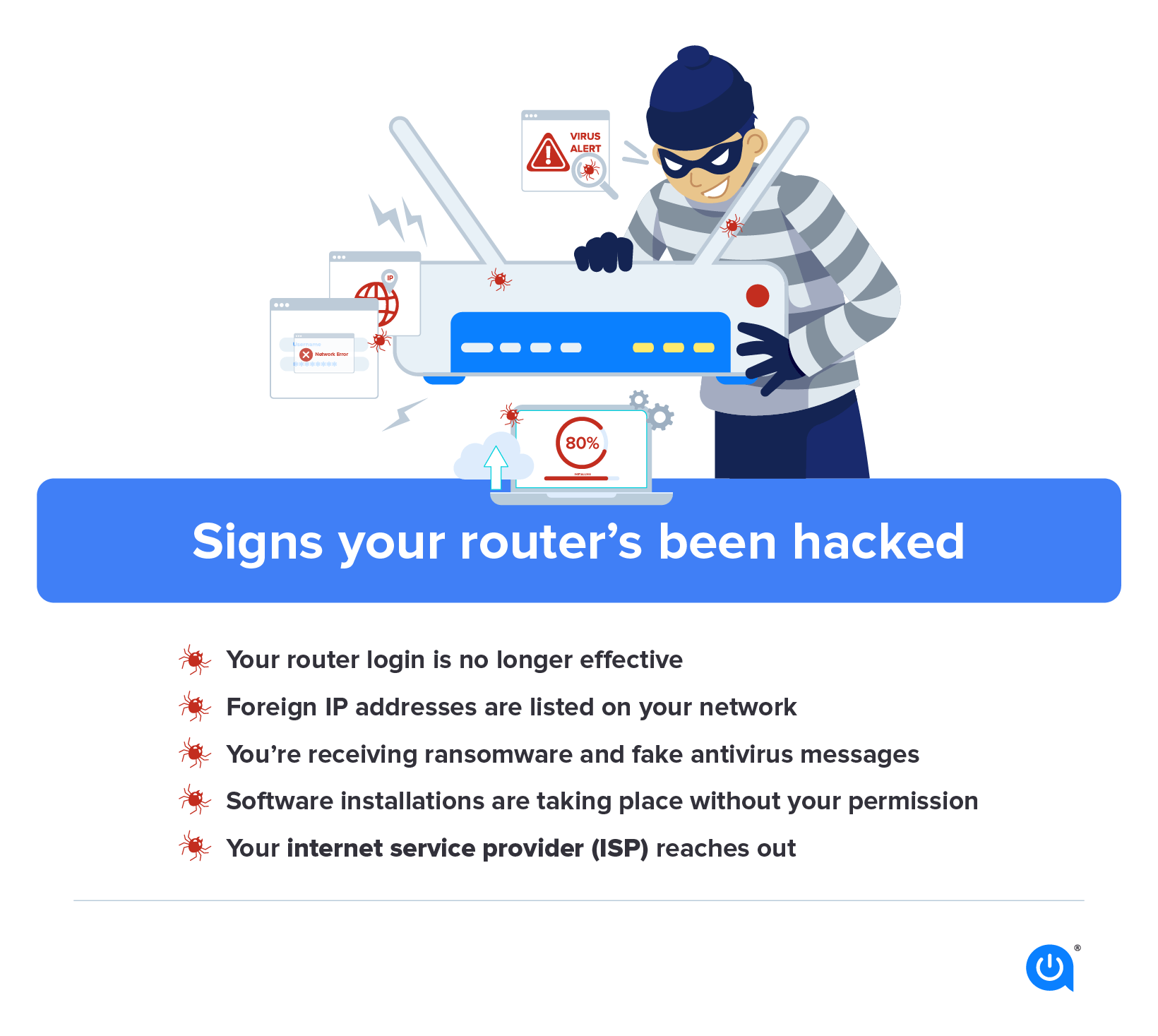
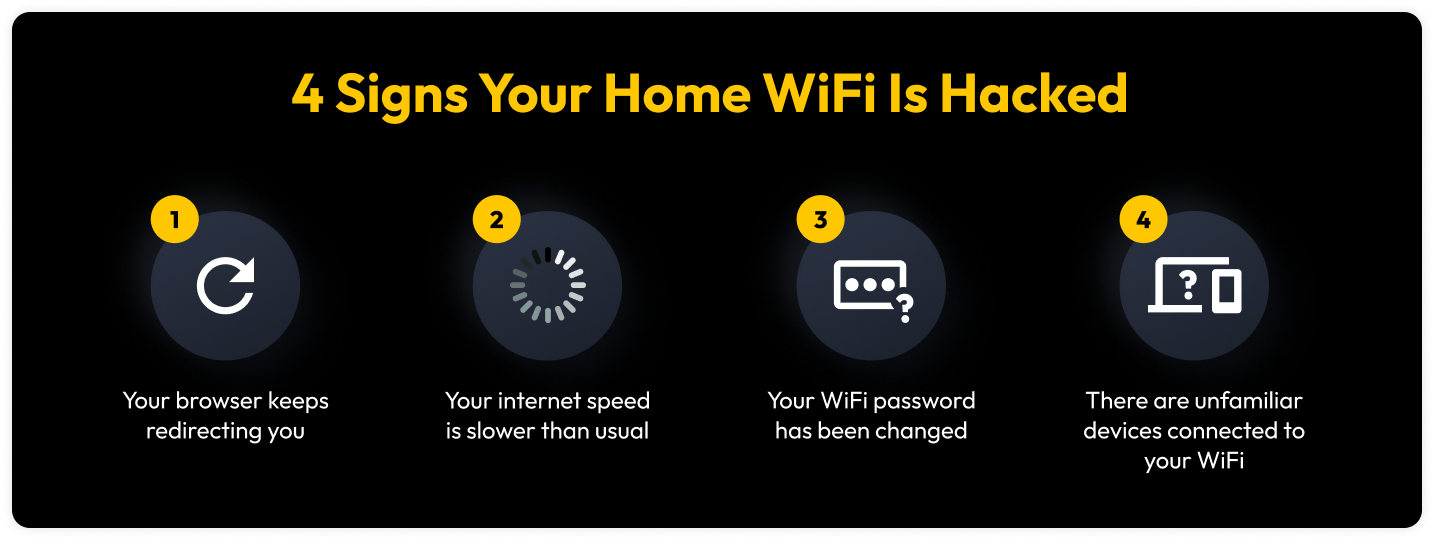
Monitor your router for signs of hacking, such as slow internet speeds, strange noises from your router, or unusual device connections. If you suspect that your router has been hacked, reset it to its default settings and contact your internet service provider for assistance.
Conduct Regular Router Scans
Conduct regular router scans to identify potential vulnerabilities and security threats. Use tools such as Nmap or OpenVAS to scan your router and identify potential weaknesses.
Change Your Router's Default Password
Change your router's default password to prevent hackers from accessing your router. Use a strong and unique password that includes a mix of letters, numbers, and symbols.
Use a Firewall
A firewall provides an additional layer of protection for your router and home network. Configure your firewall to block unauthorized access and prevent hackers from accessing your network.

:max_bytes(150000):strip_icc()/secure-wireless-network-173875312-5bf25a2046e0fb00262e39fb-bc6c510d1f114a1ab71fa3c96ccbf3ba.jpg "Secure Your Wireless Router: 8 Things You Can Do Right Now")