Troubleshooting Alexa Setup Issues: A Comprehensive Guide
Are you having trouble setting up your Amazon Alexa? Don't worry, you're not alone! This guide will walk you through the most common issues and provide step-by-step solutions to get your Alexa device up and running smoothly.Common Alexa Setup Issues
Before we dive into the troubleshooting, it's essential to identify the most common issues that can arise during the setup process. These include:- Wi-Fi connectivity issues
- Device registration errors
- Difficulty setting up the Alexa app
- Problem with voice commands not being recognized
- Difficulty linking multiple devices to Alexa
Checking Your Wi-Fi Connection
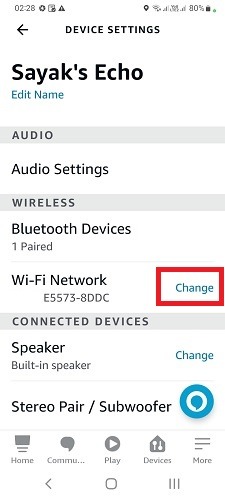
The first step in resolving Alexa setup issues is to ensure your device has a strong and stable Wi-Fi connection. Here's what you need to do:- Check your router and modem to ensure they are working correctly.
- Restart your router to refresh the connection.
- Move your Echo device closer to your router for a stronger signal.
Troubleshooting the Alexa App
If you're experiencing issues with the Alexa app, try the following solutions:- Check for app updates
- Restart the app
- Clear cache and data
- Uninstall and reinstall the app
Device Registration Errors
Device registration errors can occur due to various reasons. Here's how to resolve them:- Check your device's configuration and ensure it's enabled for Wi-Fi.
- Restart your Echo device and try registering it again.
- Check for updates and ensure your device is running the latest software.
Difficulty with Voice Commands
Sometimes, Alexa may not recognize your voice commands. Here's what you can do:- Check your speech settings and ensure they're set correctly.
- Restart your Echo device.
- Try using the Alexa app to invoke the skill instead of voice commands.
Linking Multiple Devices to Alexa
Linking multiple devices to Alexa can be a challenge. Here's how to overcome it:- Check the manufacturer's instructions for specific setup requirements.
- Make sure your devices are compatible with Alexa.
- Try rebooting your devices and relink them to Alexa.
Resetting Your Alexa Device
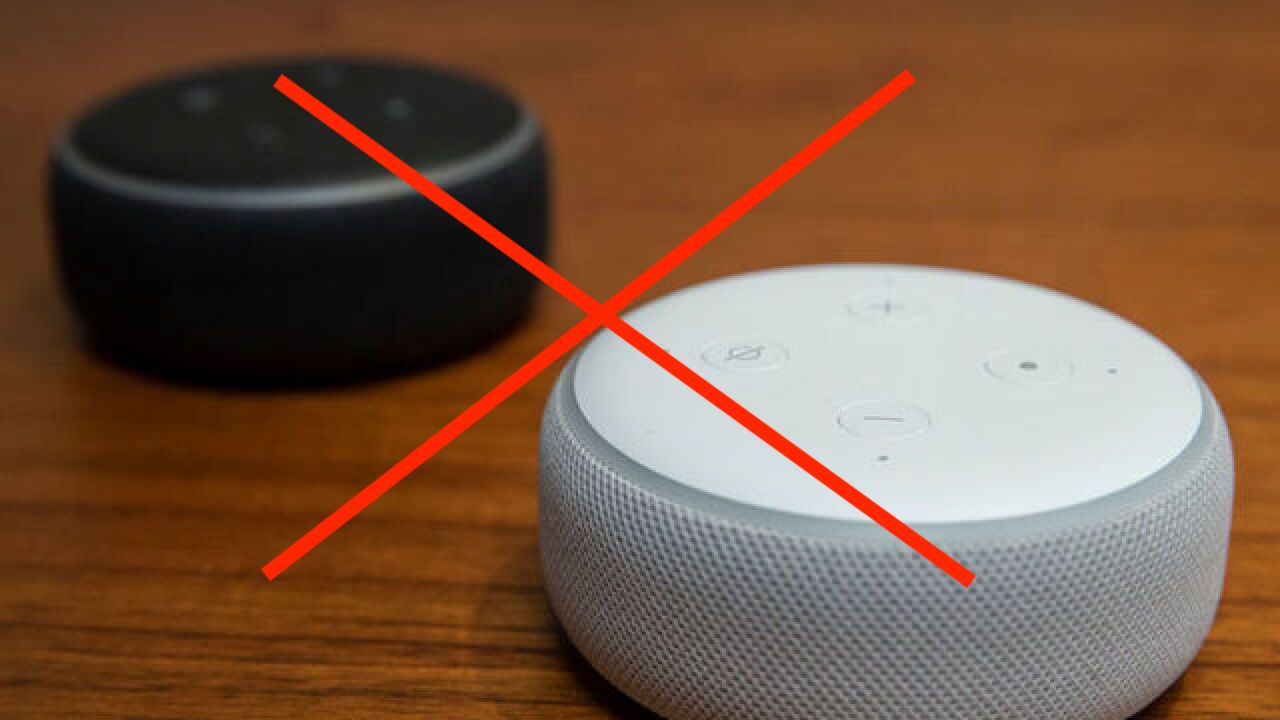
If none of the above steps work, you may need to reset your Alexa device. Here's how to do it:- Press and hold the Microphone Mute button and the Volume Down button simultaneously for 20 seconds.
- Release the buttons and wait for 30 seconds.
- Restart your Echo device and follow the setup process again.