Tablet Troubleshooting: Expert Solutions for Common Tablet Issues
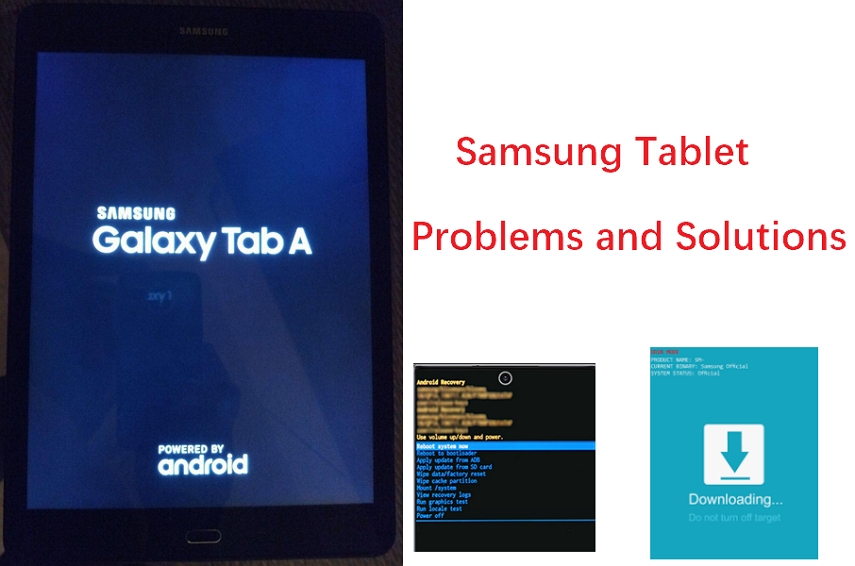
Are you frustrated with your tablet not working as it should? Don't worry, you're not alone. Many tablet users encounter common issues that can be easily resolved with some basic troubleshooting steps. In this comprehensive guide, we'll walk you through the most common tablet problems and provide expert solutions to get your device back on track.7 Common Tablet Problems and Their Working Solutions
Before diving into the troubleshooting process, it's essential to identify the issue you're facing. Here are the 7 most common tablet problems and their solutions:- 1. Battery Won't Hold a Charge: Try a battery replacement, which is usually a straightforward and affordable fix.
- 2. Frozen or Unresponsive Screen: Restart your device, update or uninstall apps, or try recalibrating your screen.
- 3. Connectivity Issues: Restart your device and check your internet connection settings.
- 4. Overheating: Limit usage, close unnecessary apps, and ensure proper ventilation.
- 5. Slow Performance: Clear cache, update apps, and restart your device.
- 6. Water Damage: Dry your device, and if damaged, seek professional repair or replacement.
- 7. Screen Issues: Try recalibrating your screen or replacing it if damaged.
Basic Troubleshooting Steps
Before jumping to more advanced troubleshooting, try these basic steps to resolve minor glitches:- Restart Your Device: Press and hold the power button until the power-off menu appears, then confirm your selection.
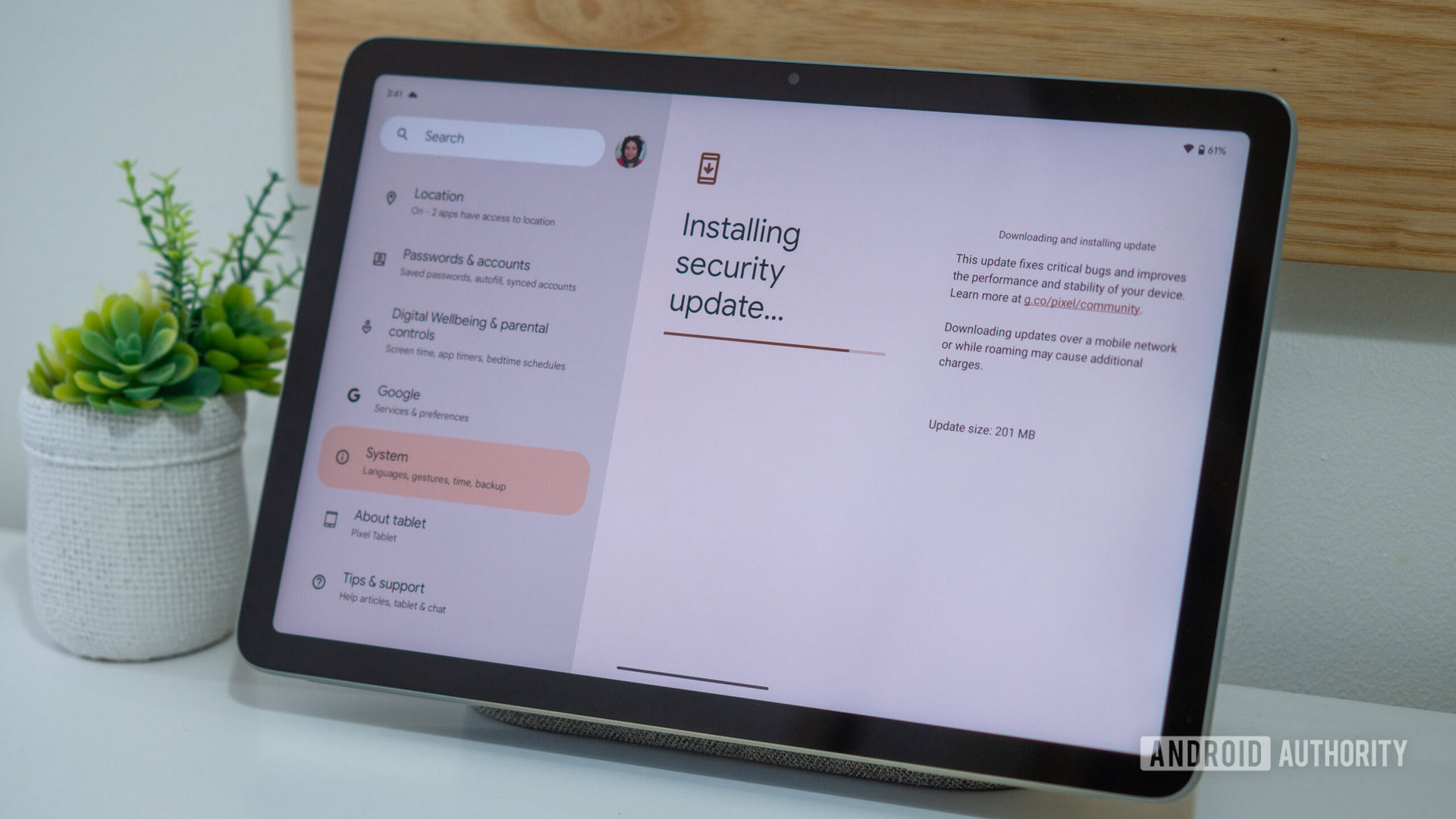
- Update Your Operating System: Check for updates and install the latest software version.
- Clear Cache: Remove temporary files and data to free up space and improve performance.
- Charge Your Device: Check your charger and cable connections to ensure proper charging.

Advanced Troubleshooting Steps
If the basic steps don't resolve the issue, try these advanced troubleshooting methods:- Perform a System Restore: Restore your device to a previous backup or set up a new device to start fresh.
- Reset Your Device: Factory reset your tablet to its original settings.
- Update Drivers: Check for and install updated drivers for your tablet's hardware components.
- Seek Professional Help: Consult the manufacturer's support or visit a repair center for expert assistance.
Prevention and Maintenance
To extend the life of your tablet and prevent common issues, follow these tips:- Regularly Update Your Device: Stay up-to-date with the latest software and security patches.
- Use a Screen Protector: Protect your screen from scratches and damage.
- Clean Your Device Regularly: Remove dust and dirt to prevent overheating and other issues.
- Avoid Overcharging: Charge your device within the recommended time frame to prevent battery degradation.