Mastering the Google Home Setup for Smart Home Devices
The world of smart home automation has never been more exciting, and Google Home is leading the charge. With its seamless integration with thousands of compatible devices, Google Home has become the go-to platform for homeowners who want to simplify their lives and make their homes more intelligent. In this article, we'll take you through the ultimate Google Home setup guide for smart home devices. Whether you're a seasoned smart home enthusiast or just starting out, this guide will help you unlock the full potential of your Google Home device and create a seamless smart home experience.
Why Google Home for Smart Home Devices?
Google Home is one of the best smart home platforms available, offering unparalleled flexibility and convenience. With its ability to sync with thousands of other devices, you can create a customized smart home experience that fits your unique needs. From voice commands to automation routines, Google Home makes it easy to control your smart devices and make life easier.
Getting Started with Google Home Setup
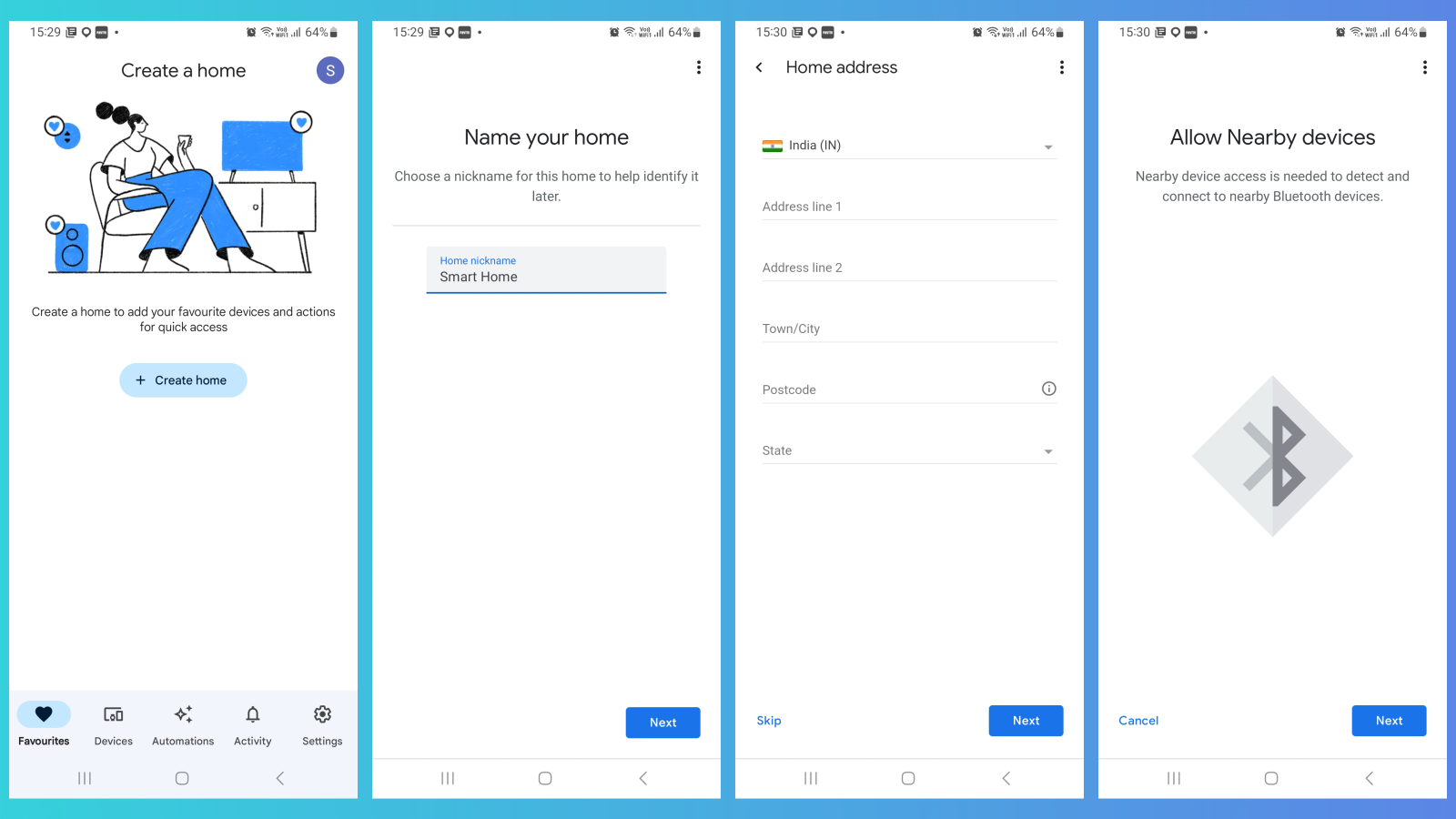
To get started with your Google Home setup, you'll need the Google Home speaker device, a smartphone or tablet, the Google Home app, a Google account, and a secure Wi-Fi internet connection. Follow these simple steps to complete your Google Home setup:
- Unbox your Google Home device and place it on a stable surface.
- Download and install the Google Home app on your smartphone or tablet.
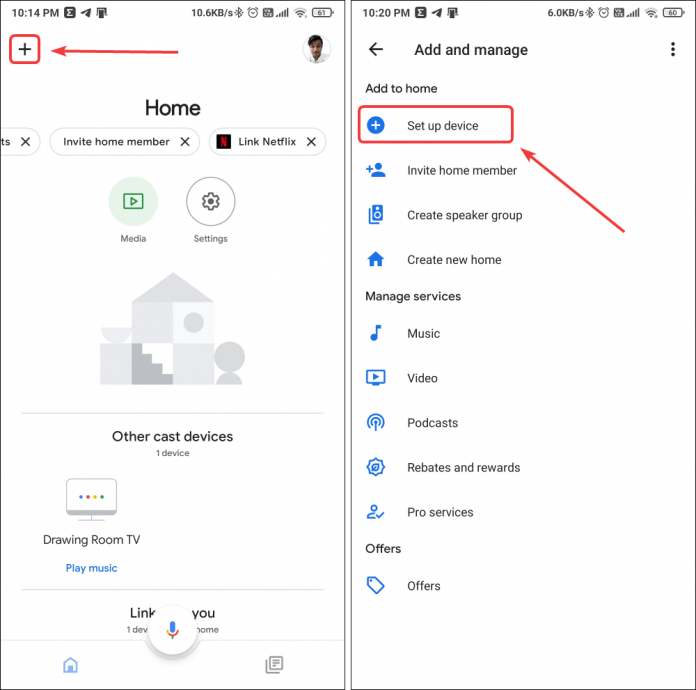
- Launch the Google Home app and follow the on-screen instructions to set up your device.
- Link your Google account to the Google Home app.
- Connect your Google Home device to your Wi-Fi network.
- Teach your Google Home device your voice recognition patterns.
Setting Up Smart Devices with Google Home
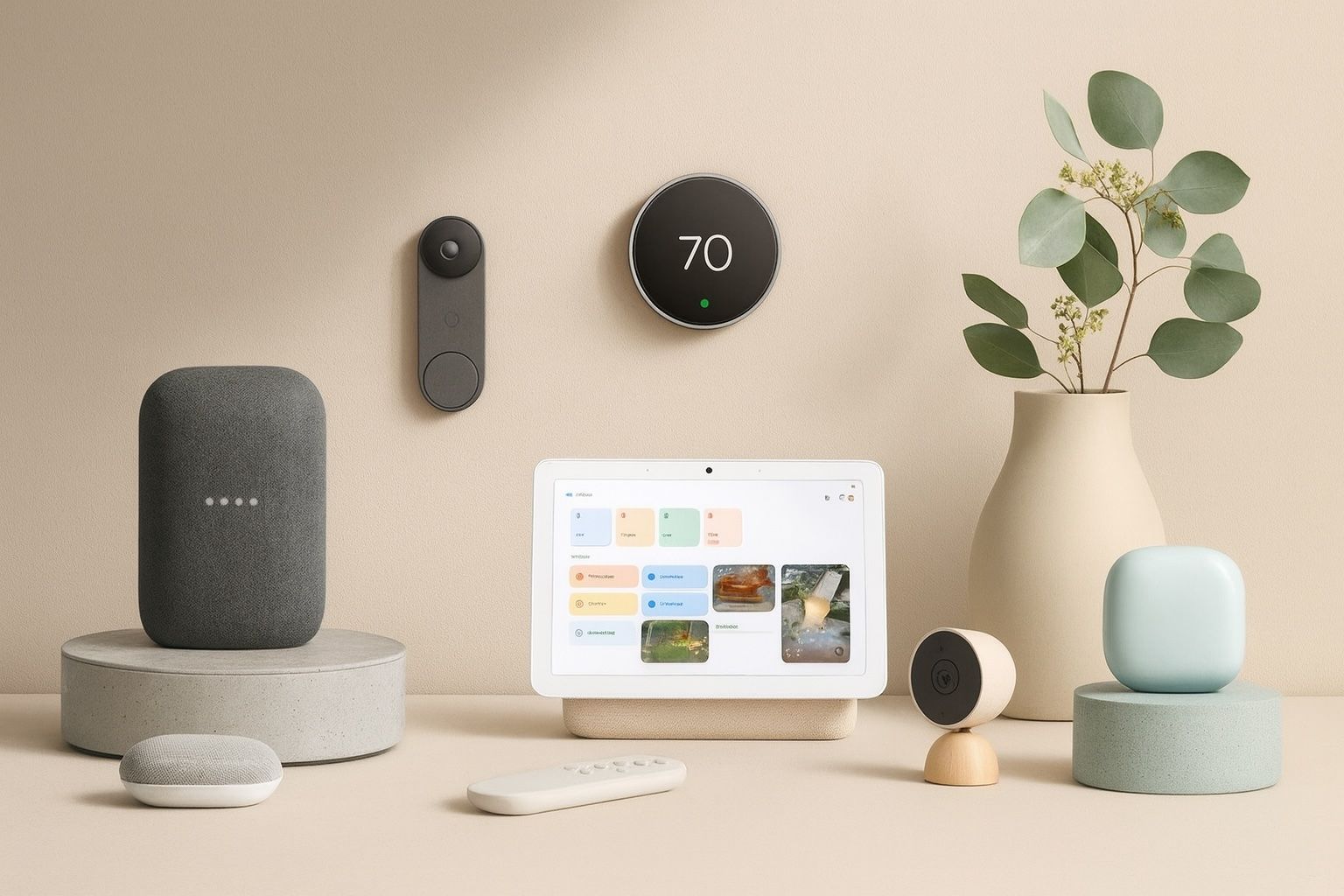
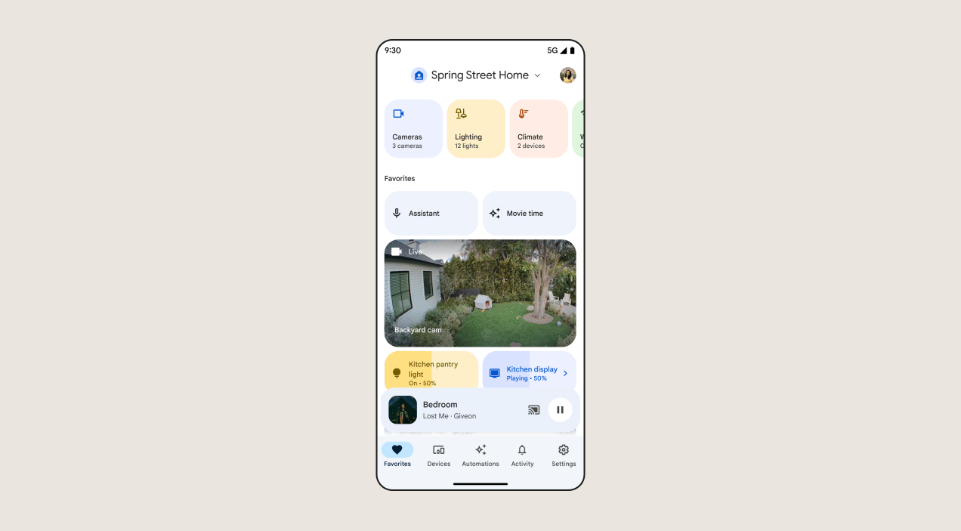
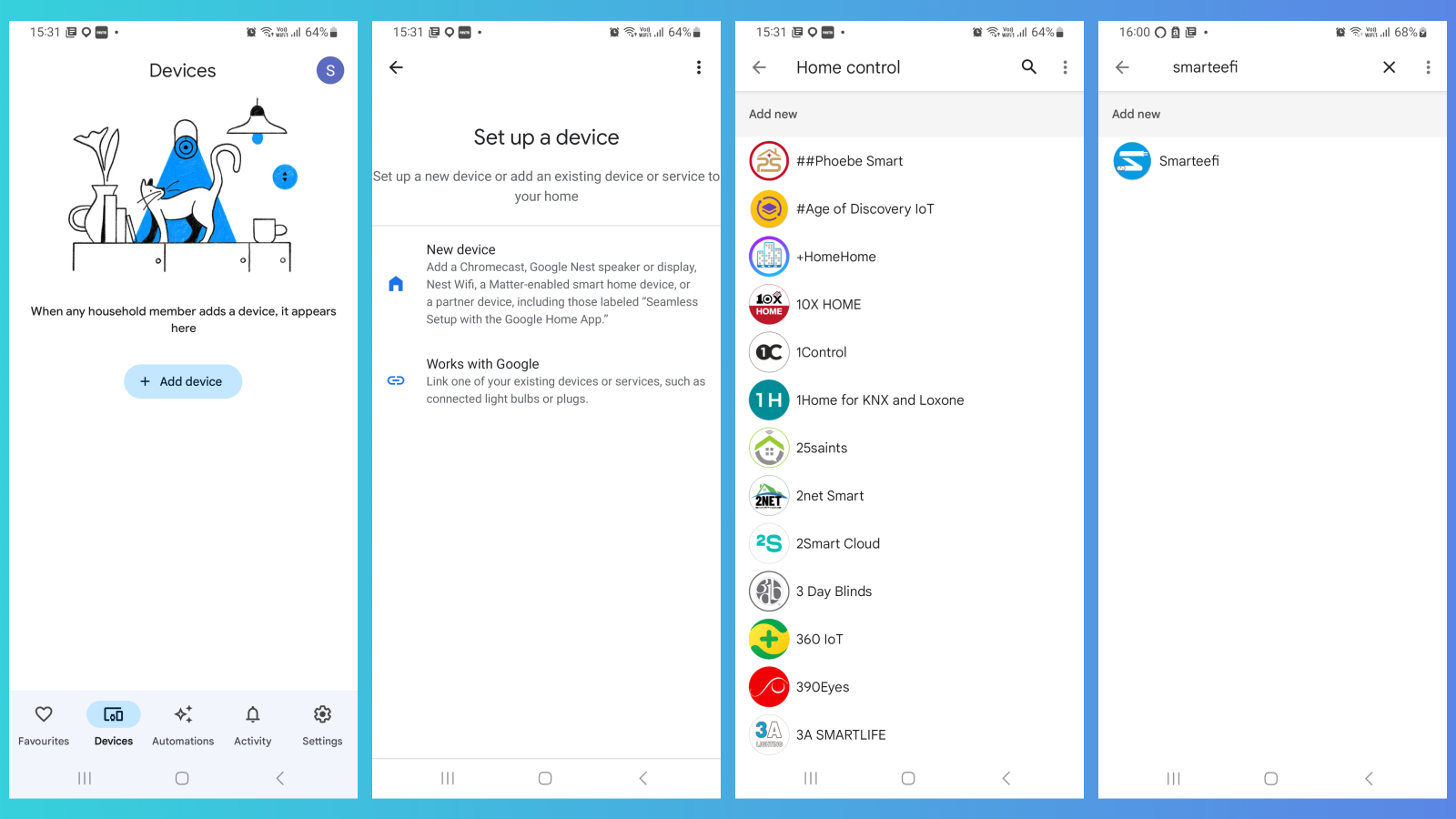
With your Google Home device set up, it's time to add some smart devices to your home. The setup process varies depending on the device and app, so be sure to follow the correct instructions. Here are some popular smart devices you can integrate with your Google Home:
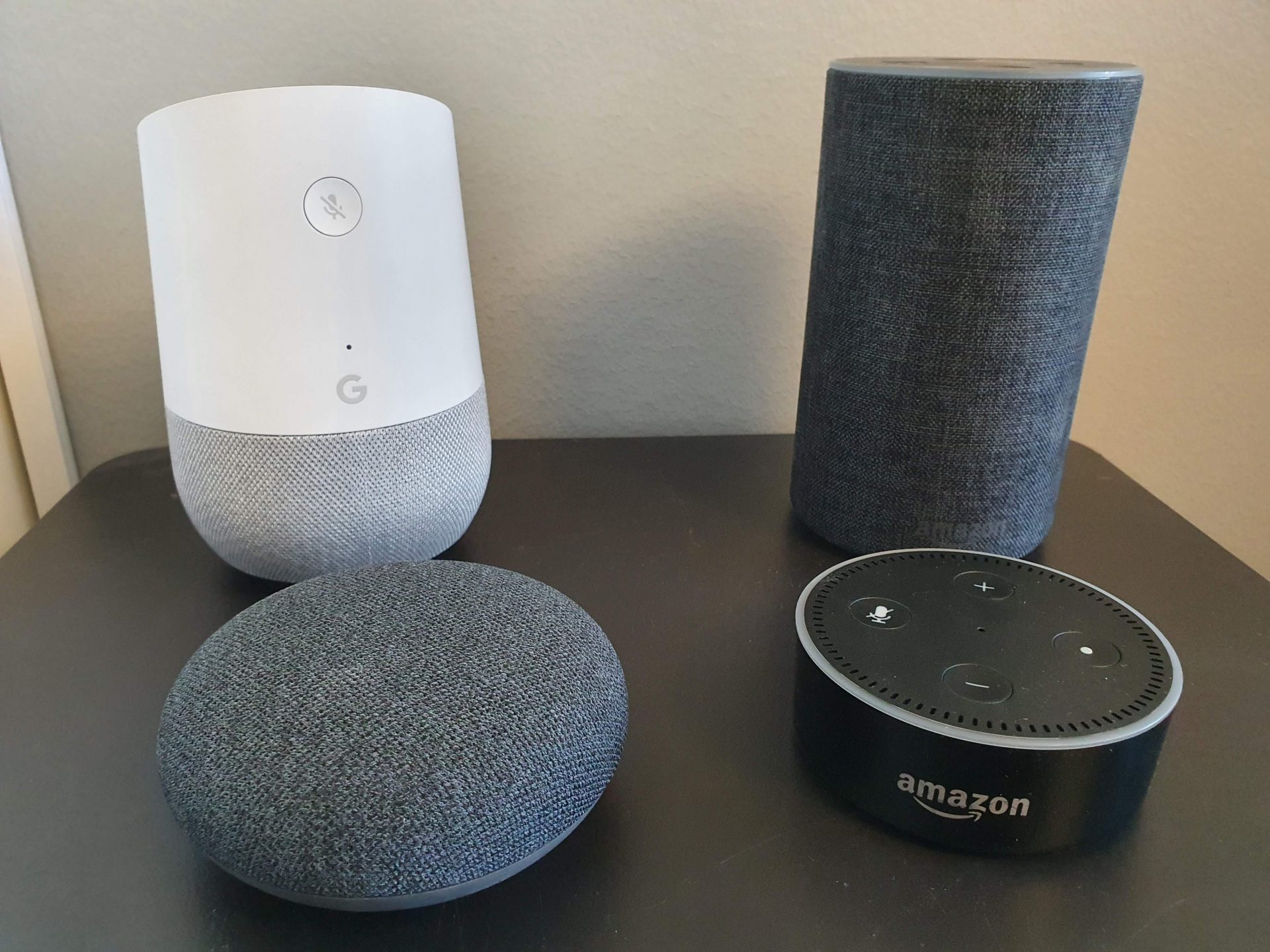
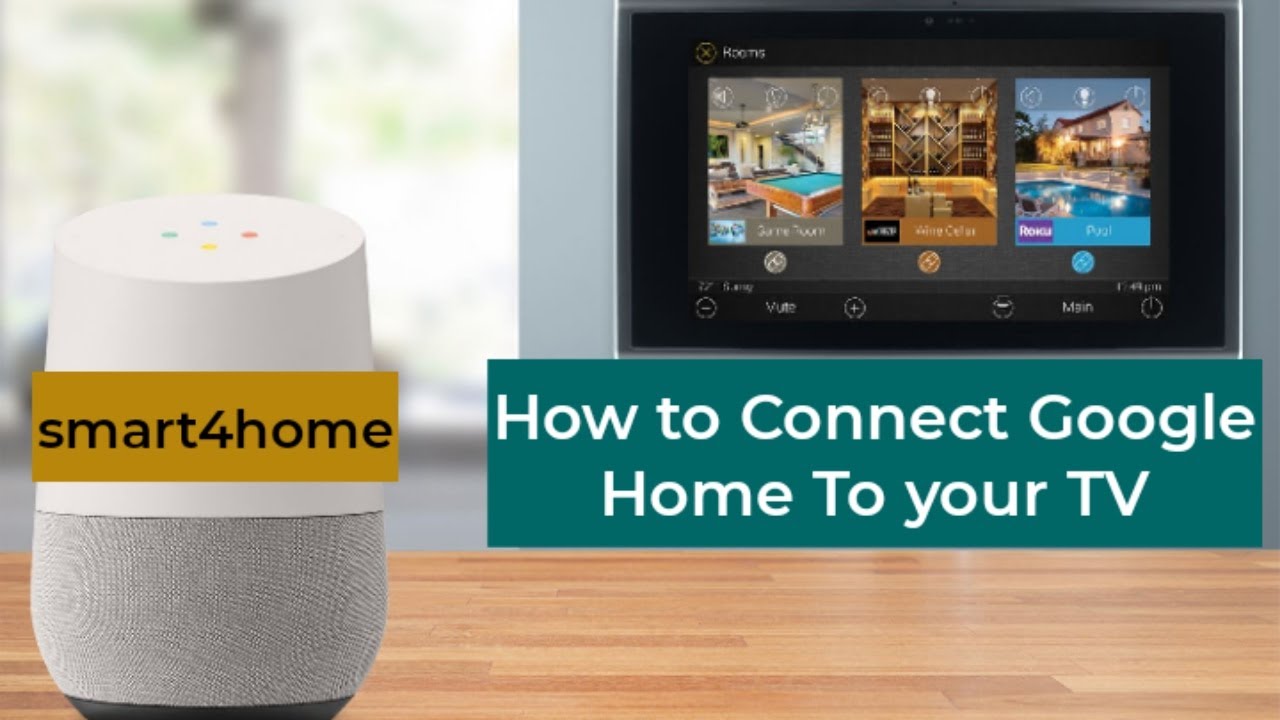
- Smart speakers and displays, such as Google Home and Nest Hub.
- Thermostats and temperature sensors, like the Nest Thermostat E.
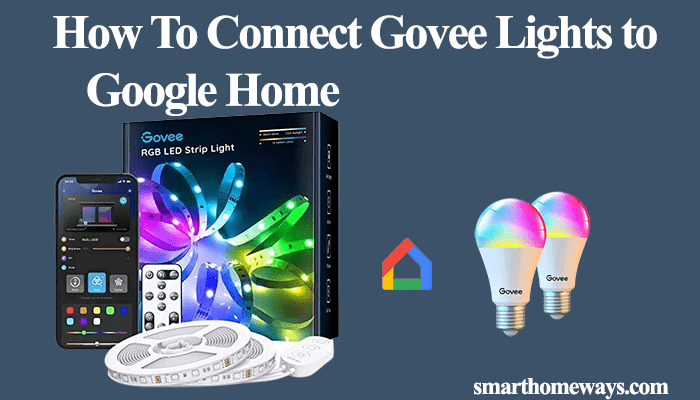
- Lights and plugs, such as Philips Hue and TP-Link.
- Cameras and security systems, like Ring and Nest Cam.
- Appliances and home automation devices, like SmartThings and Insteon.
Enhancing Your Google Home Experience
With your Google Home setup complete, it's time to take your smart home experience to the next level. Here are some tips to enhance your Google Home setup:
- Create custom automation routines to simplify your daily tasks.
- Integrate your Google Home device with other smart devices for seamless control.
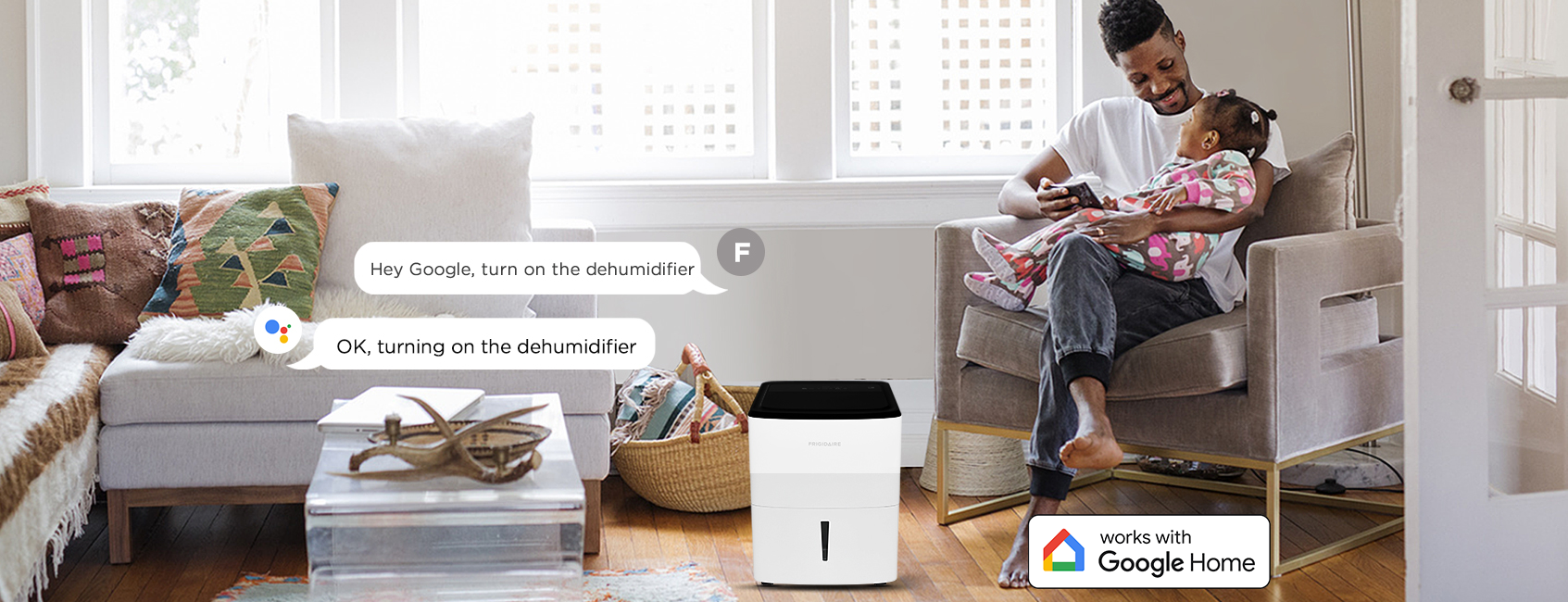
- Use voice commands to control your smart devices and access important information.
- Monitor your home's energy usage and optimize your energy efficiency.
- Stay connected and secure with Google's advanced security features.
Troubleshooting Common Issues
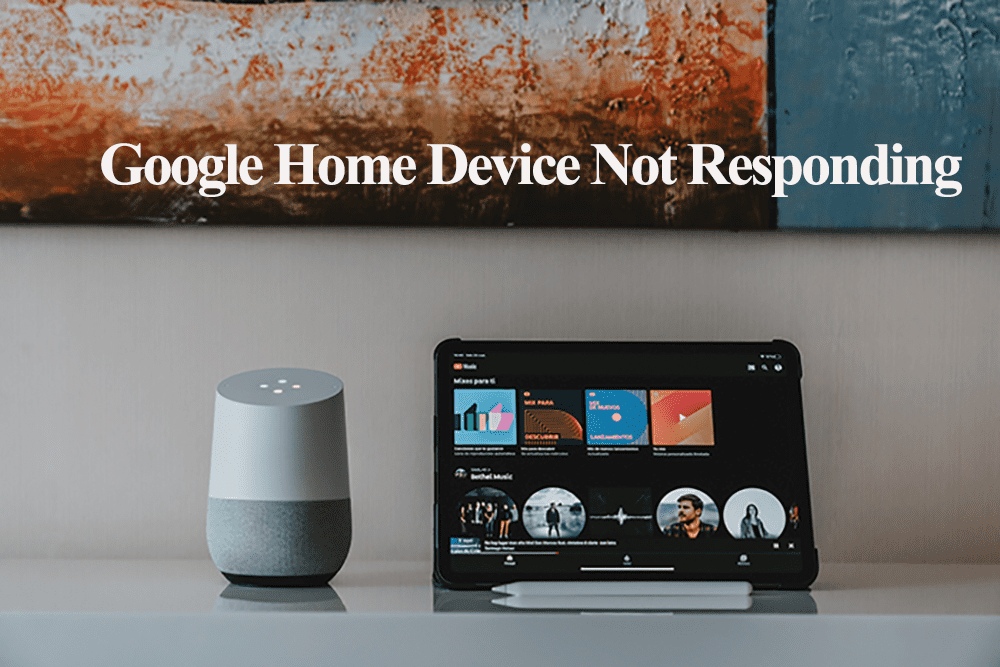
As with any smart home setup, you may encounter some common issues. Don't worry; we've got you covered. Here are some troubleshooting tips to help you resolve common problems with your Google Home setup:
- Check your Wi-Fi connection and ensure it's stable.
- Restart your Google Home device and check for software updates.
- Re-teach your voice recognition patterns to improve voice command accuracy.
- Check your smart device compatibility and ensure it's correctly configured.
- Seek assistance from Google's support team or your device manufacturer.
Conclusion
Setting up a Google Home device and integrating it with smart home devices is easier than ever. With this comprehensive guide, you're now equipped with the knowledge to create a seamless smart home experience. From voice commands to automation routines, Google Home makes it easy to control your smart devices and make life easier. Remember to troubleshoot common issues and stay connected and secure with Google's advanced security features. Happy smart home upgrading!