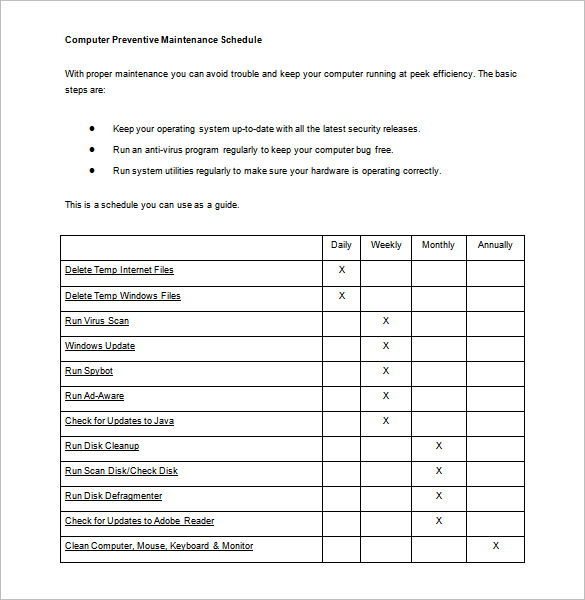
Computer Maintenance Tips: Keep Your Computer Running Smoothly and Securely
As technology continues to advance, our computers have become an essential part of our daily lives. However, with great power comes great responsibility. Proper computer maintenance is crucial to keep your computer running smoothly, securely, and efficiently. In this article, we will provide you with a comprehensive guide on computer maintenance tips, including hardware and software maintenance, security measures, performance optimization, and more.
Why Computer Maintenance is Important
Computer maintenance is not just about keeping your computer in good condition; it's also about ensuring your security and data protection. A poorly maintained computer can lead to performance issues, data loss, and even security breaches. By implementing regular computer maintenance, you can:
- Prevent performance issues and slowdowns
- Protect your data from loss and corruption
- Boost your computer's speed and efficiency
- Prevent security threats and malware
Hardware Maintenance Tips
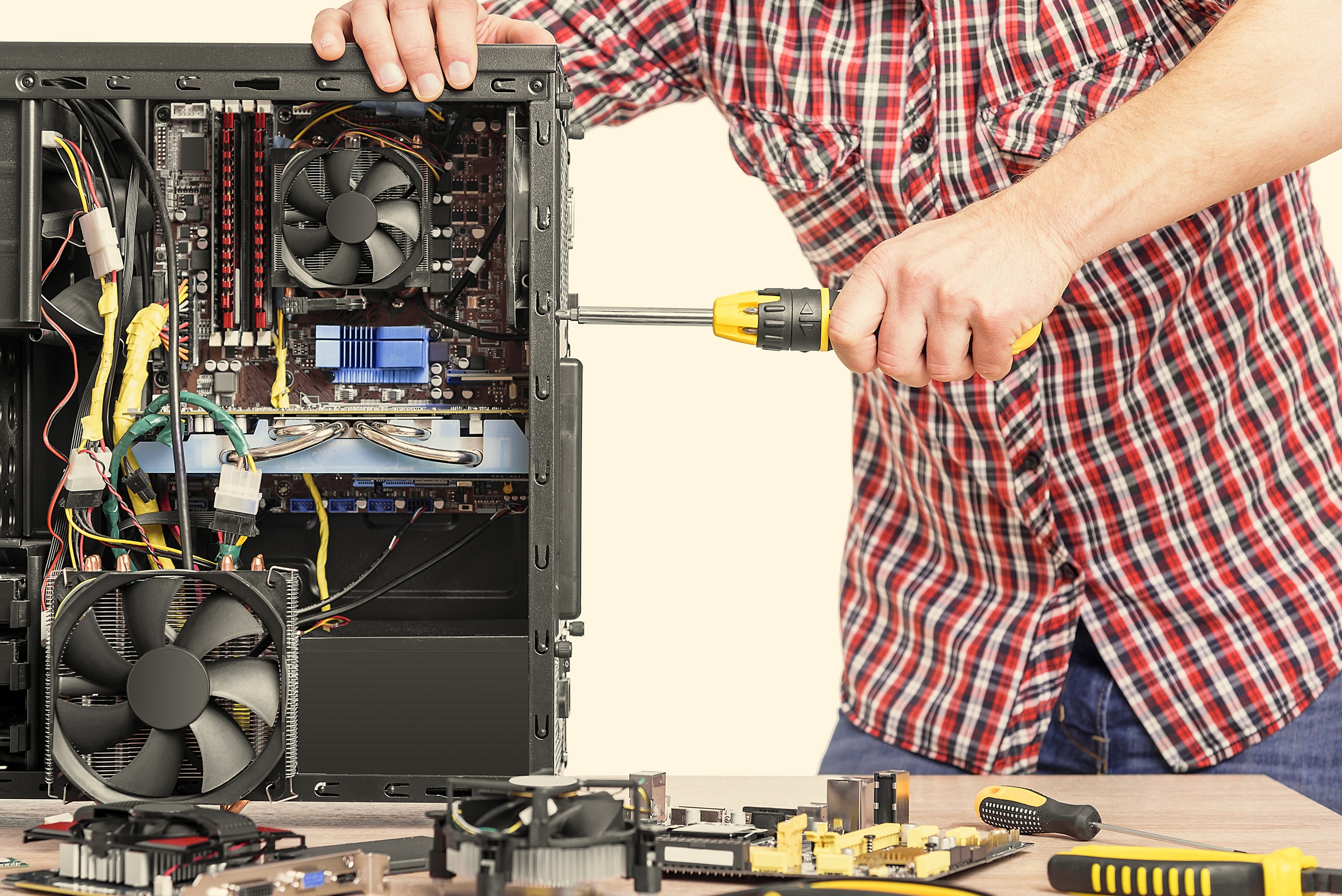
Dusting your computer's hardware regularly is essential to prevent overheating and damage. Here are some hardware maintenance tips:
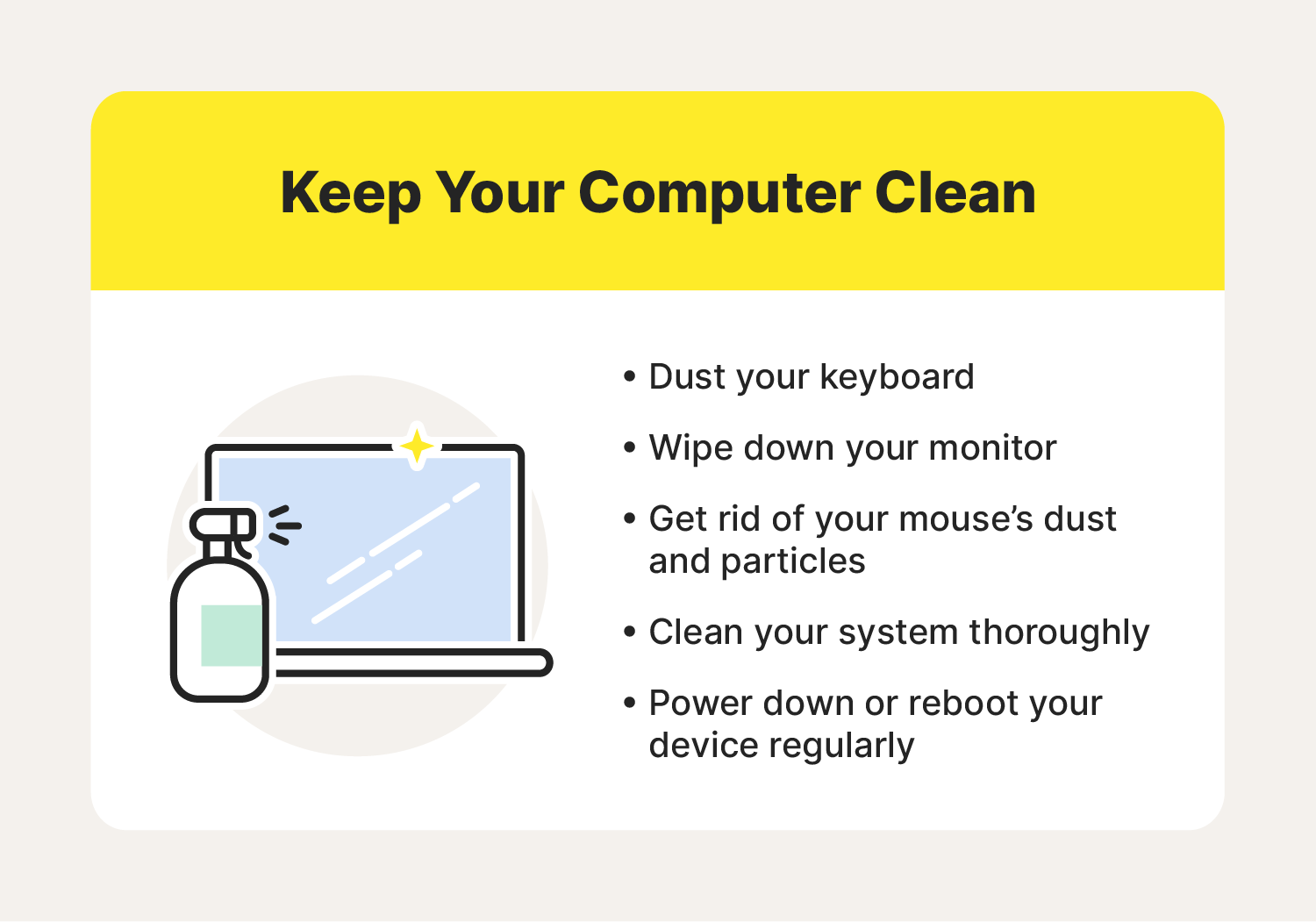
- Clean your keyboard and mouse with compressed air
- Dust your monitor with a soft cloth
- Clean your computer's fans and vents with a can of compressed air
- Update your computer's BIOS and firmware regularly
- Replace your computer's power supply unit (PSU) every 3-5 years
Software Maintenance Tips
Software maintenance is crucial to keep your computer running smoothly and securely. Here are some software maintenance tips:
- Update your operating system (OS) regularly
- Install anti-virus and anti-malware software
- Keep your browser and plugins up-to-date
- Uninstall unused software and applications
- Run disk cleanup and disk defragmentation tools regularly
Security Measures
Security is a top priority when it comes to computer maintenance. Here are some security measures to implement:
- Use strong and unique passwords
- Enable two-factor authentication (2FA)
- Use a reputable anti-virus software
- Keep your operating system and software up-to-date
- Be cautious when opening emails and attachments
Performance Optimization
Performance optimization is essential to keep your computer running smoothly and efficiently. Here are some performance optimization tips:
- Close unnecessary programs and applications
- Disable startup programs and services
- Update your computer's drivers regularly
- Use a solid-state drive (SSD) for faster performance
- Run disk cleanup and disk defragmentation tools regularly
Backup Your Files
Backing up your files is essential to prevent data loss. Here are some backup tips:
- Use an external hard drive or cloud storage
- Backup your files regularly (e.g., weekly or monthly)
- Use a backup software or utility
- Test your backups regularly
Conclusion
Computer maintenance is crucial to keep your computer running smoothly, securely, and efficiently. By implementing the tips and measures outlined in this article, you can prevent performance issues, data loss, and security breaches. Remember, computer maintenance is not just about keeping your computer in good condition; it's about ensuring your security and data protection. Stay ahead of the game by following these computer maintenance tips!
Additional Resources
For more computer maintenance tips and resources, check out the following:


![Top 25 Computer Maintenance Tips: Complete Guide [2026]](https://ifixtechnology.ca/wp-content/uploads/2022/09/Computer-Maintenance-and-Care-Tips.png "Top 25 Computer Maintenance Tips: Complete Guide [2026]")




![25 Computer Maintenance Tips to Keep Computer Safe [Updated for 2026 ]](https://i.ytimg.com/vi/EJQ5_TkcOvM/maxresdefault.jpg "25 Computer Maintenance Tips to Keep Computer Safe [Updated for 2026 ]")