Installing Windows 11 from Safe Mode: A Step-by-Step Guide
When your Windows 11 installation is malfunctioning, Safe Mode can help you diagnose and troubleshoot the issues. But, what if you need to install Windows 11 from Safe Mode? This article will walk you through the process in a step-by-step manner.
What is Safe Mode?
Safe Mode is a special boot mode that starts Windows 11 with a minimal set of system files and drivers. This helps identify and troubleshoot issues that might be causing your system to malfunction. When you start your system in Safe Mode, only the essential services and applications are loaded, while non-essential ones are disabled or not loaded at all.
Why Would I Want to Install Windows 11 from Safe Mode?
There are several reasons why you might want to install Windows 11 from Safe Mode. For example, if your system is infected with malware, or if your installation is corrupted, Safe Mode can help you clean up the mess and install a fresh copy of Windows 11.
- You want to install Windows 11 from scratch to clean up a corrupted installation.
- Malware is preventing you from installing updates or running programs.
- You're experiencing startup issues or errors that need to be resolved.
How to Install Windows 11 from Safe Mode
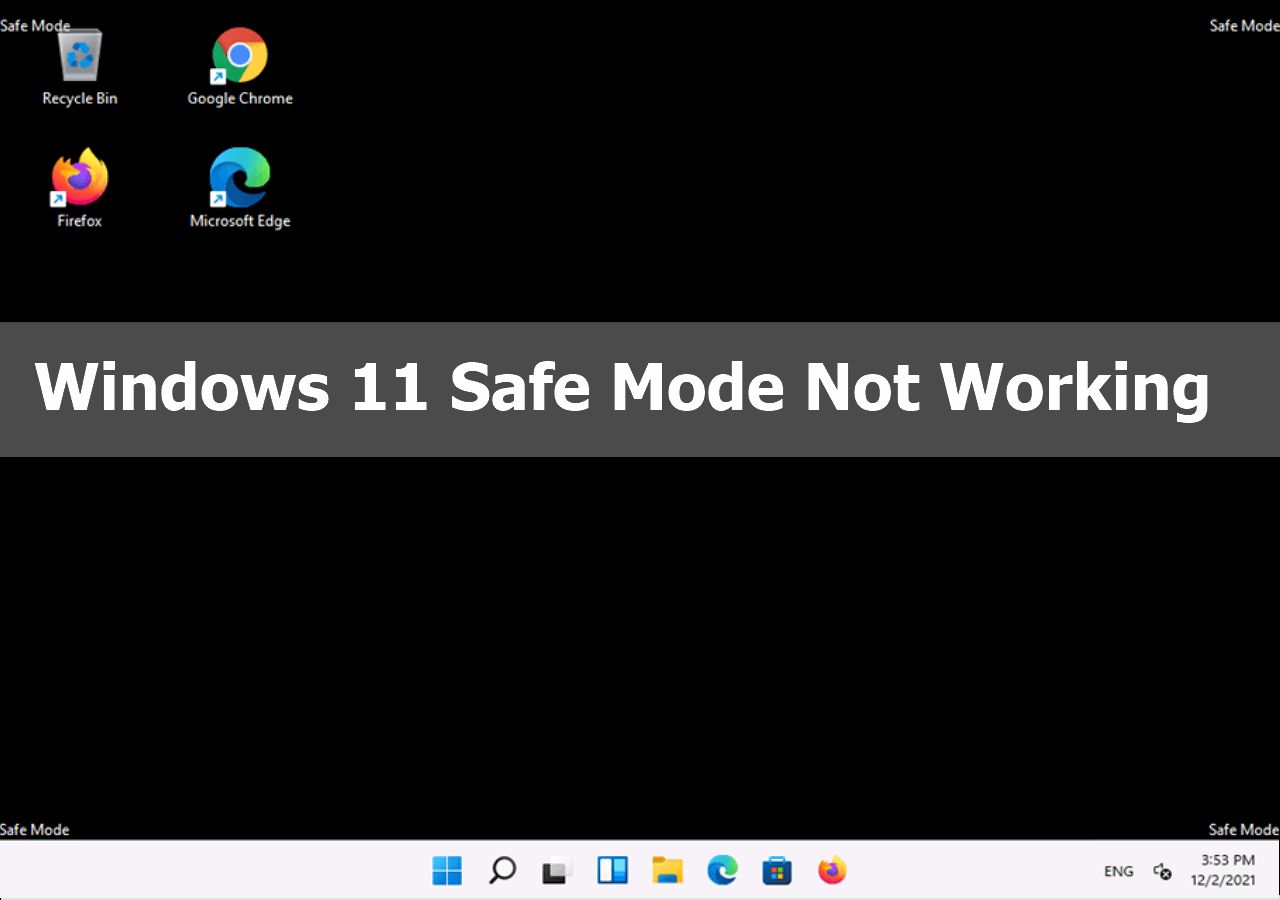
Installing Windows 11 from Safe Mode requires a bit of a different approach than installing from normal mode. Here's how to do it:
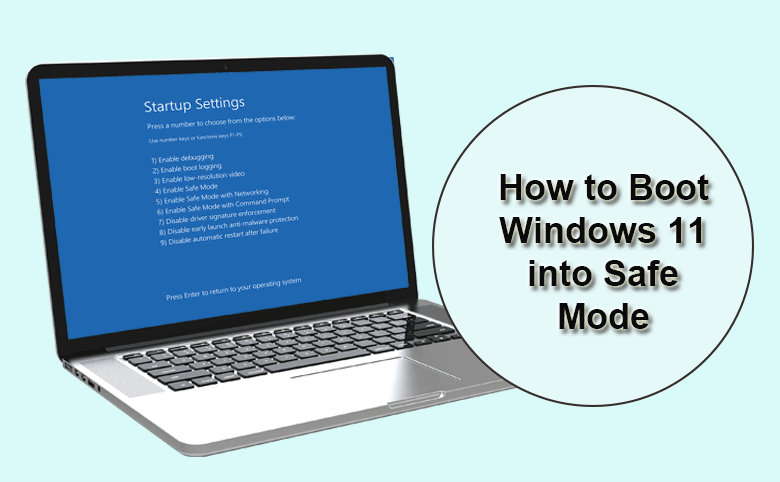
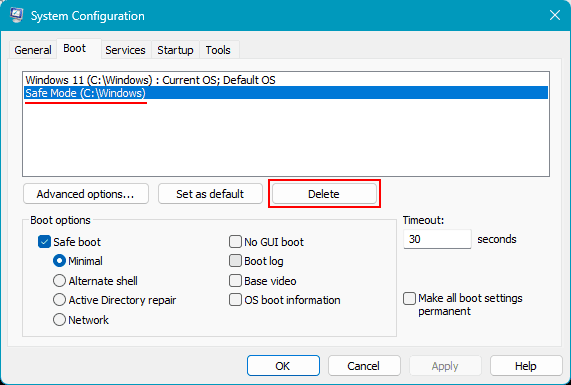
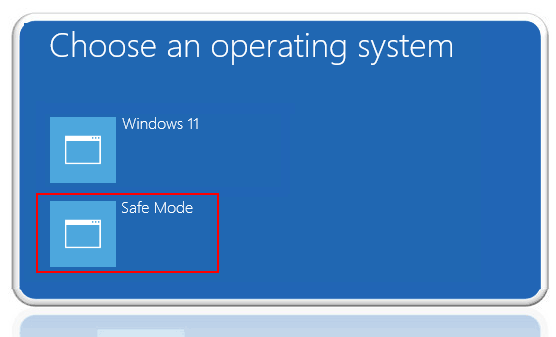
- Step 1: Boot into Safe Mode For Windows 11, you can boot into Safe Mode by following these steps: * Press the Windows key + R to open the Run dialog. * Type "msconfig" and press Enter. * In the System Configuration window, click on the "Boot" tab. * Check the box next to "Safe boot." * Select "Minimal" from the dropdown menu. * Click "OK" to save changes. * Restart your system.
- Step 2: Create a Bootable Media * Download the Media Creation Tool from Microsoft's website. * Run the tool and select your language and other preferences. * Click on the "Create installation media for another PC" option. * Follow the prompts to create a bootable USB drive or CD/DVD.
- Step 3: Boot from the Bootable Media * Insert the bootable media into your system. * Restart your system. * Press the key to select the boot device (usually the F2, F12, or Del key). * Select the bootable media as the primary boot device.
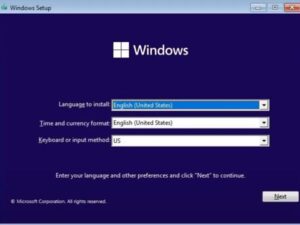
- Step 4: Install Windows 11 * The installation process will begin. * Follow the prompts to install Windows 11. * Accept the terms and conditions. * Choose your language and other preferences. * Click "Next" to start the installation.
- Step 5: Configure Your System * Once the installation is complete, you'll be prompted to configure your system. * Set up your language and other preferences. * Connect to a network (if you choose to). * Create a user account. * Follow the prompts to complete the setup process.
Tips and Variations
When installing Windows 11 from Safe Mode, keep the following tips in mind:
- Make sure your system meets the minimum system requirements for Windows 11.
- If you're installing from a USB drive, make sure it's a compatible drive (16 GB or larger).
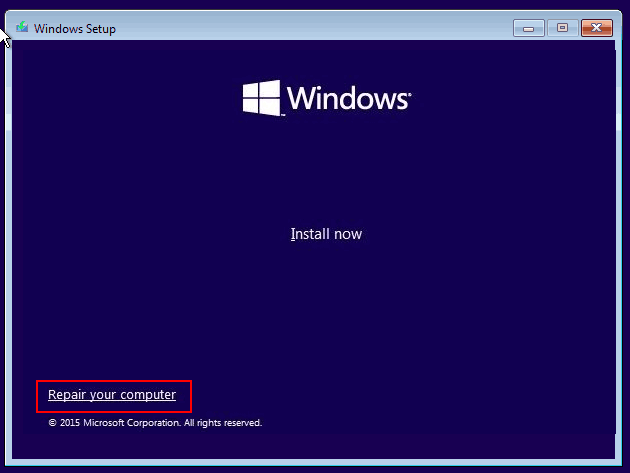
- You can also install Windows 11 from Safe Mode using the Windows RE (Recovery Environment) if your system supports it.
- Be prepared for the installation process to take some time, especially if you're installing from a network.
Conclusion
Installing Windows 11 from Safe Mode requires a bit more effort than installing from normal mode, but it's a viable solution when faced with corrupted installations, malware, or startup issues. By following the steps outlined in this article, you can successfully install Windows 11 from Safe Mode and get your system up and running smoothly.


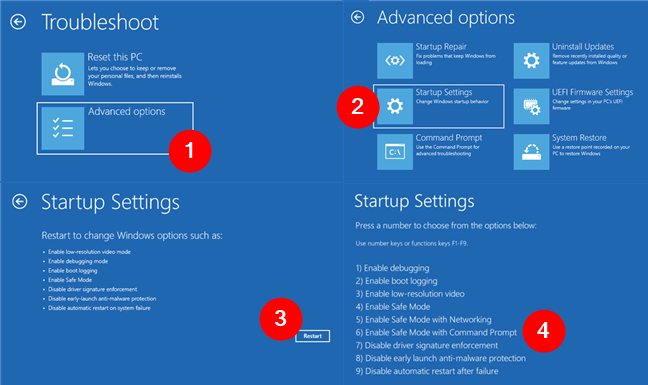



:max_bytes(150000):strip_icc()/A7-StartWindows11inSafeMode-annotated-6925bea1e4de4bec961b9e95666070a5.jpg "How to Boot into Safe Mode in Windows 11 - Full Guide")
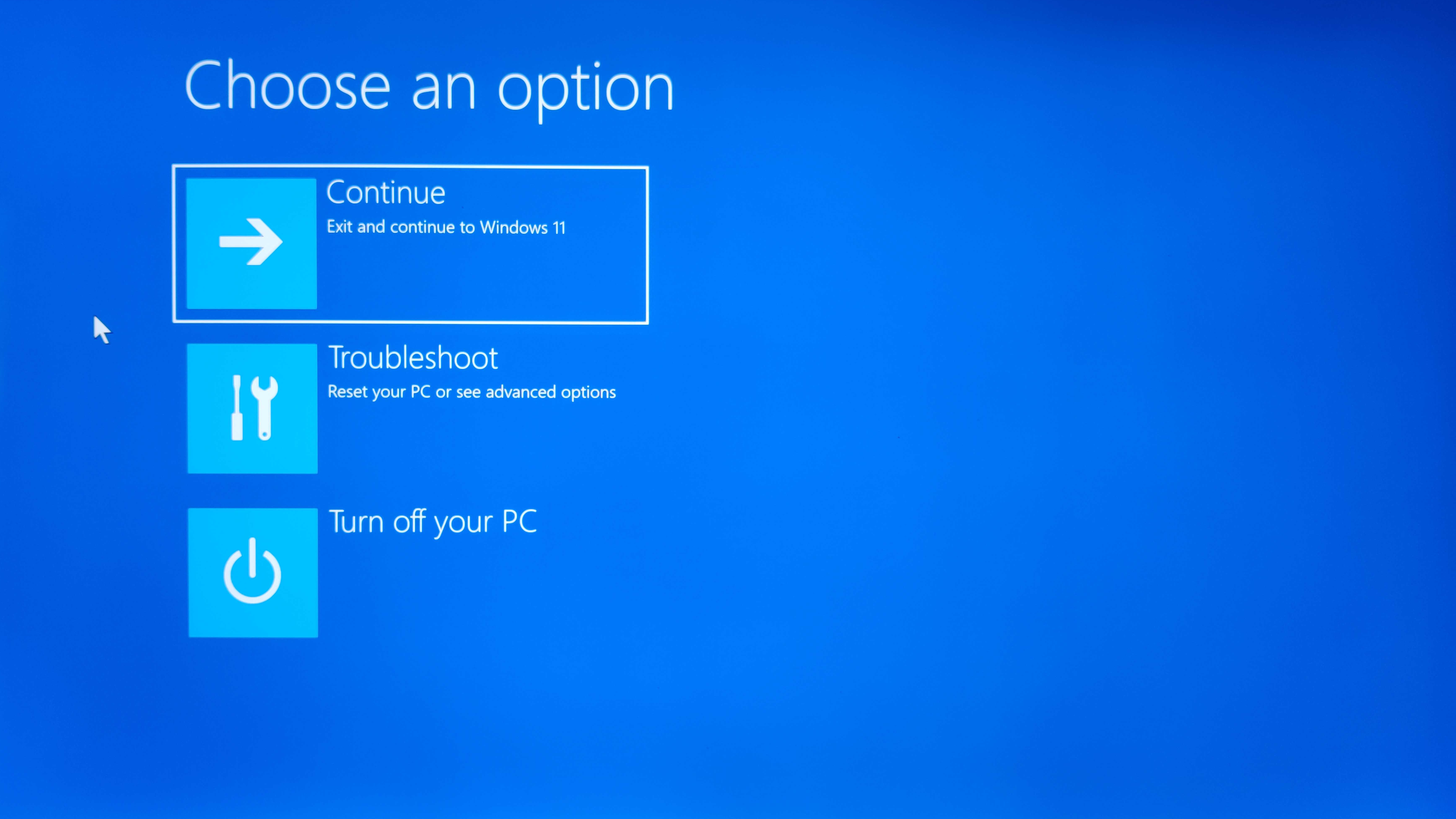
:max_bytes(150000):strip_icc()/C1-StartWindows11inSafeMode-annotated-97518c31a3cd4fdeb4233d2d1ae12b4c.jpg "How to Boot into Safe Mode in Windows 11 - Full Guide")