Computer-Induced Eye Strain: Causes, Symptoms, and Prevention Strategies
Computer-induced eye strain, also known as Computer Vision Syndrome (CVS) or Digital Eye Strain (DES), is a common problem affecting millions of people worldwide. It refers to a group of eye and vision-related problems caused by prolonged use of digital devices such as computers, smartphones, and tablets. In this article, we will explore the causes, symptoms, and prevention strategies for computer-induced eye strain.
Causes of Computer-Induced Eye Strain
Computer-induced eye strain is caused by a combination of factors, including:
- Prolonged use of digital devices
- Inadequate lighting
- Poor posture
- Insufficient breaks
- Blue light emission from digital devices
These factors can cause eye strain, fatigue, and discomfort, which can lead to a range of symptoms including dry eyes, blurred vision, headaches, and neck and shoulder pain.
Symptoms of Computer-Induced Eye Strain
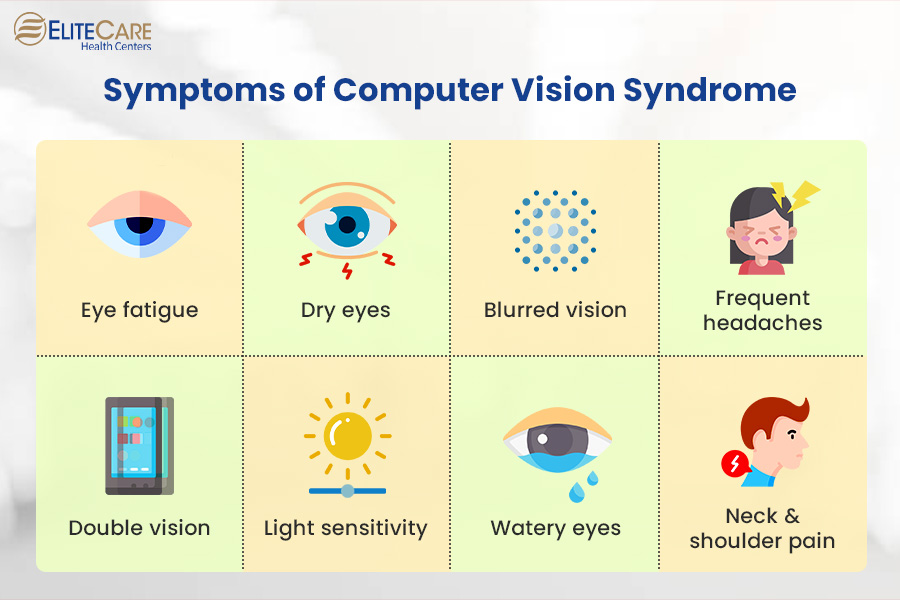
The symptoms of computer-induced eye strain can vary from person to person, but common symptoms include:
- Dry eyes and eye fatigue
- Blurred vision and eye strain
- Headaches and eye pain
- Neck and shoulder pain
- Difficulty focusing and concentrating
It's essential to recognize the symptoms of computer-induced eye strain early on to prevent long-term damage to your eyes.

Prevention Strategies
Preventing computer-induced eye strain is easier than you think. Here are some prevention strategies to help you reduce eye strain and discomfort:
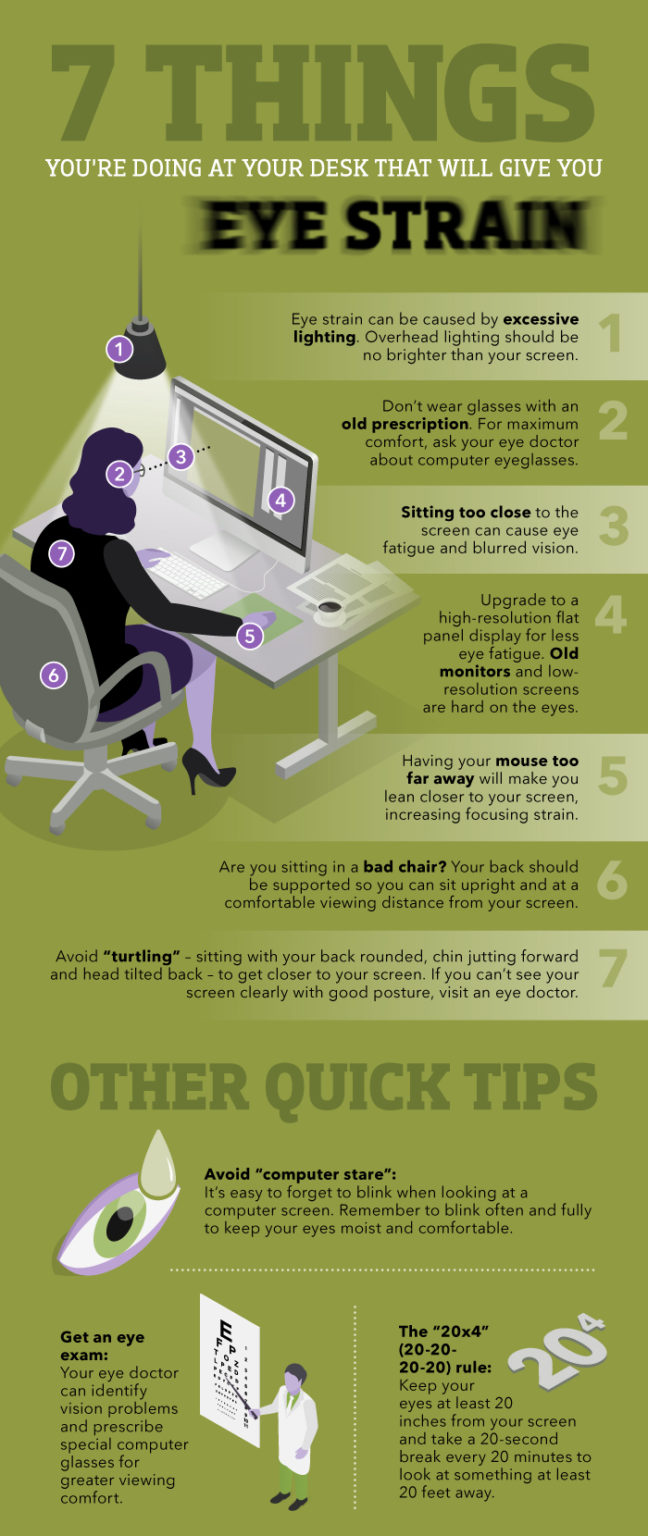
- Follow the 20-20-20 rule: Every 20 minutes, look away from your screen and focus on something 20 feet away for 20 seconds.
- Adjust the display settings: Make sure the display is not too bright or too dim, and adjust the color temperature to reduce blue light emission.
- Take breaks: Take regular breaks to stretch and move around every 60-90 minutes.
- Position the monitor correctly: Place the monitor directly in front of you, at a distance of about 20-25 inches, and at a height that allows you to gaze slightly downward.
- Blink regularly: Make a conscious effort to blink regularly to prevent dry eyes.
- Use good lighting: Ensure the room is well-lit and the lighting is not too harsh or dim.
- Consider eye exercises: Regular eye exercises can help reduce eye strain and improve eye health.
Treatment Options
If you experience computer-induced eye strain, there are several treatment options available. These include:
- Artificial tears: Over-the-counter artificial tears can help relieve dry eyes and eye strain.
- Eye drops: Prescription eye drops can help relieve eye strain and dry eyes.
- Eye exercises: Regular eye exercises can help reduce eye strain and improve eye health.
- Blue light filtering glasses: Special glasses that filter out blue light emission from digital devices can help reduce eye strain.
- Computer glasses: Prescription glasses designed specifically for computer use can help reduce eye strain and improve eye health.
Conclusion
Computer-induced eye strain is a common problem affecting millions of people worldwide. By understanding the causes, symptoms, and prevention strategies, you can reduce eye strain and discomfort. Remember to follow the 20-20-20 rule, adjust the display settings, take breaks, and use good lighting to prevent computer-induced eye strain. If you experience eye strain or discomfort, consider consulting an eye care professional for treatment options.