Minecraft Server Set Up and Hosting Guide: A Step-by-Step Tutorial
Are you ready to set up and host your own Minecraft server? Look no further! This comprehensive guide will walk you through the process of installing and configuring your Minecraft server, as well as explore the different hosting options available to you. Whether you're a seasoned gamer or a newcomer to the world of Minecraft, this guide has everything you need to get started.
Step 1: Choosing a Hosting Option
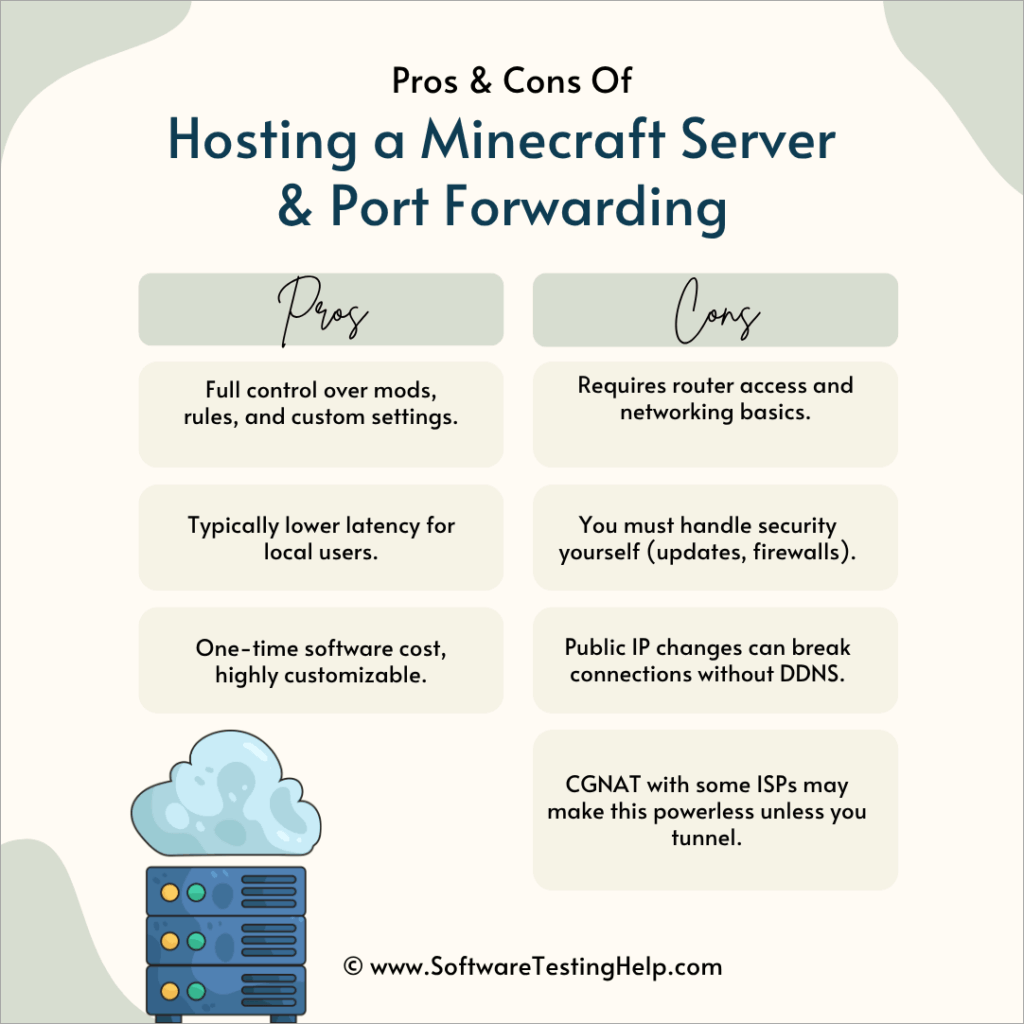
Before you can start setting up your Minecraft server, you need to decide on a hosting option. You have several choices, including shared hosting, VPS hosting, and dedicated hosting. Each option has its pros and cons, so it's essential to research and choose the one that best suits your needs.
- Shared Hosting: Shared hosting is a cost-effective option where multiple servers share the same physical hardware. This option is ideal for small servers with a low number of players.
- VPS Hosting: VPS (Virtual Private Server) hosting provides a virtual server that is dedicated to your Minecraft server. This option is suitable for larger servers with more players.
- Dedicated Hosting: Dedicated hosting offers a physical server that is solely dedicated to your Minecraft server. This option is ideal for large servers with high traffic and complex configurations.
Step 2: Installing Java
Java is required to run a Minecraft server. You can download the latest version of Java from the official Java website. Make sure to download the suitable version for your operating system (Windows, macOS, GNU/Linux, or BSD).
To install Java, follow these steps:
- Go to the official Java website and download the latest version of Java.
- Run the downloaded installer and follow the installation instructions.
- Once installed, open a command prompt or terminal and type `java -version` to verify the installation.
Step 3: Setting Up the Server Software
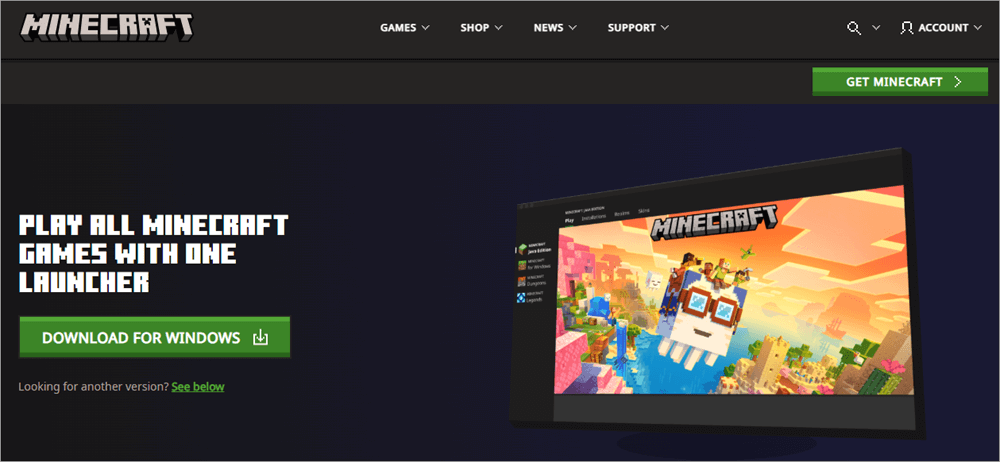
The official Minecraft server software is available for download from the official Minecraft website. You can download the software for Java Edition or Bedrock Edition, depending on your preferences.
Follow these steps to download and install the server software:
- Go to the official Minecraft website and download the server software for the edition you prefer.
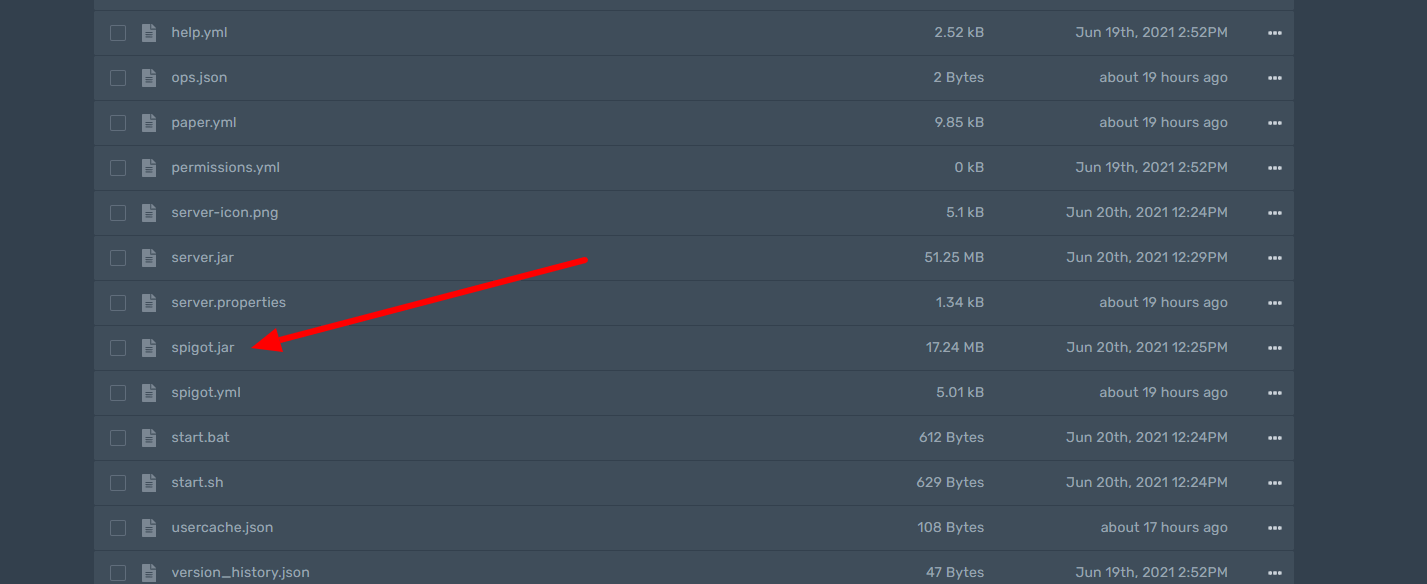
- Rename the downloaded file to `minecraft-server.jar` for Java Edition or `minecraft- bedrock-server.jar` for Bedrock Edition.
- Move the jar file to a folder on your computer, such as `C:\MinecraftServer` on Windows or `~/MinecraftServer` on macOS or Linux.
Step 4: Configuring the Server
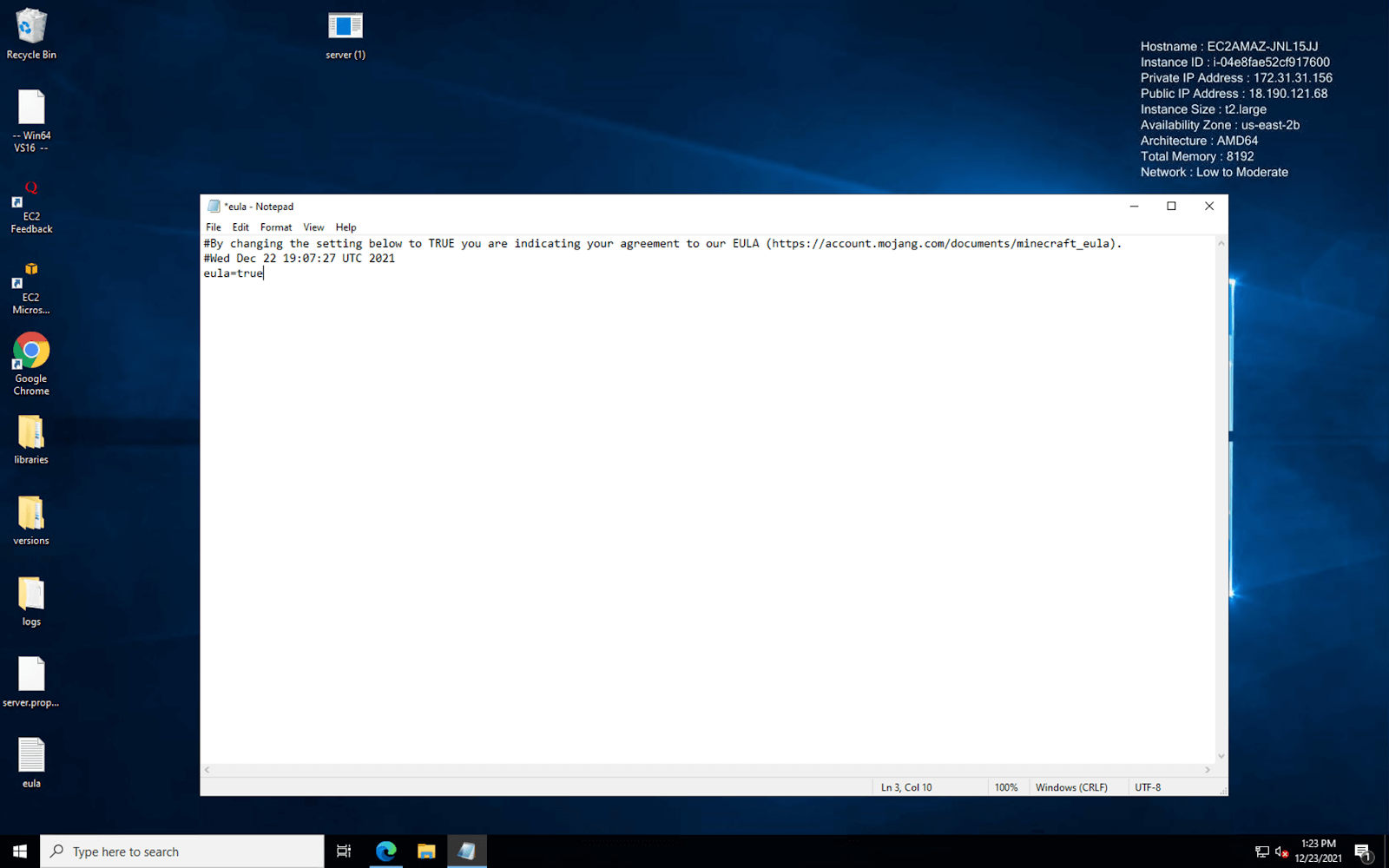
Once you have installed the server software, it's time to configure the server. You can use the `server.properties` file to customize your server settings. For more information on the available settings, refer to the Minecraft Wiki.
Follow these steps to configure the server:
- Open the `server.properties` file in a text editor (notepad for Windows or TextEdit for macOS).
- Adjust the settings to your liking, such as server name, port, and difficulty level.
- Save the changes to the `server.properties` file.
Step 5: Launching the Server
With the server software and configuration complete, it's time to launch the server. Make sure you are in the `MinecraftServer` folder and type `java -jar "your jar name".jar` into the command prompt or terminal.
Step 6: Hosting Your Server
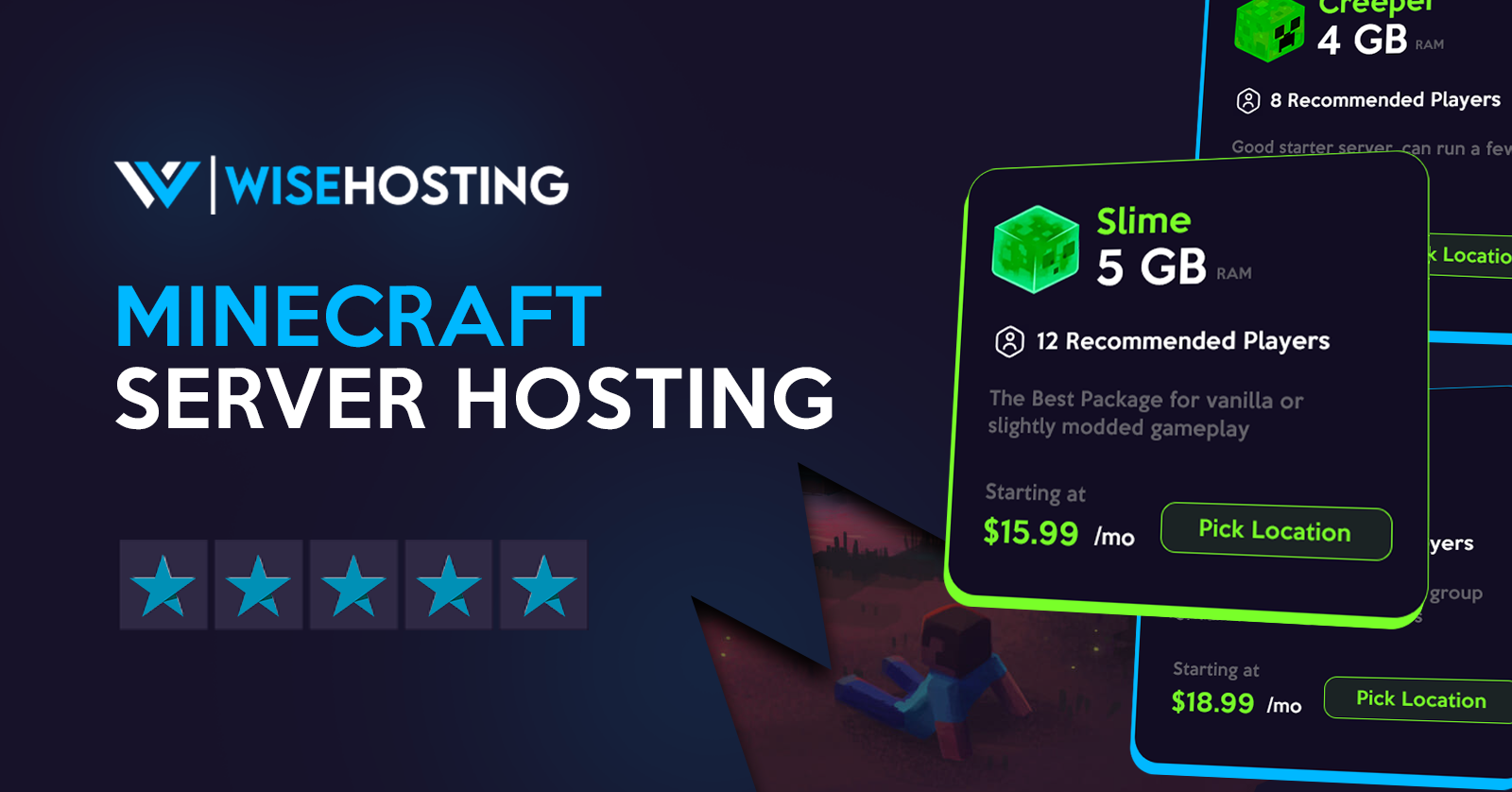
Now that your server is up and running, it's time to consider hosting options. You can choose from shared hosting, VPS hosting, or dedicated hosting. Each option has its pros and cons, so research and choose the one that best suits your needs.
- Hostinger: Hostinger offers budget-friendly hosting options starting at $1/GB. Instant setup and 24/7 support are included.
- ---Skyhawk Gaming: Skyhawk Gaming provides exceptional performance and 24/7 support, starting at $4/month.
- ---Nodecraft: Nodecraft offers free trial periods and expert human support, making it an ideal choice for businesses or large communities.
Conclusion
Setting up and hosting a Minecraft server requires some technical knowledge and research. However, with this comprehensive guide, you're well on your way to creating a thriving Minecraft server that you and your friends can enjoy. Whether you choose shared hosting, VPS hosting, or dedicated hosting, make sure to research and choose the option that best suits your needs.