How to Set Up Wi-Fi Network in Cafe: A Step-by-Step Guide
A reliable Wi-Fi setup does more than just improve customer experience; it also supports backend operations such as point-of-sale systems, inventory tracking, and cloud-based tools. Setting up such a system involves selecting appropriate hardware, planning network coverage, maintaining network security, and ensuring bandwidth allocation is optimized.
Selecting Appropriate Hardware
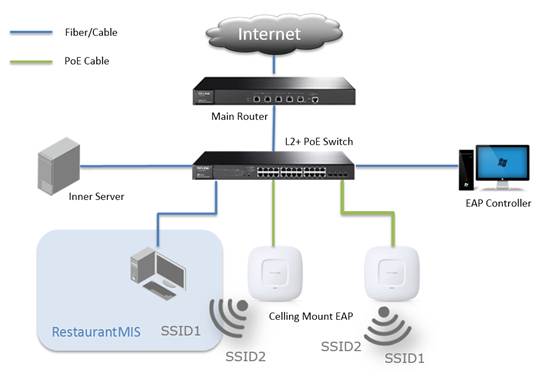
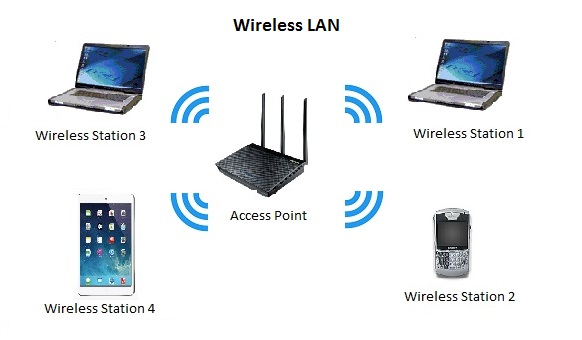
- For small cafes, an 802.11n single-band ceiling-mounted designed AP may be sufficient.
- For larger restaurants, an 802.11AC dual-band ceiling-mounted designed AP is recommended for its stronger anti-interference capacity.
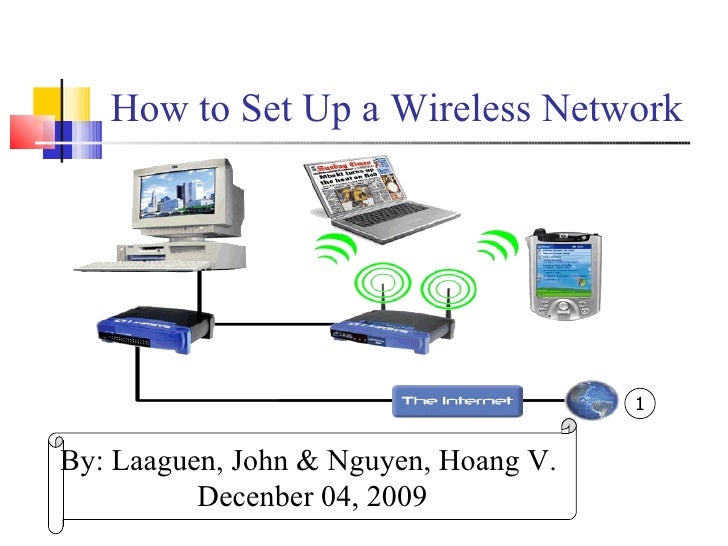
When selecting a router, prioritize a robust modem that supports the latest Wi-Fi standards, such as 802.11ac or 802.11ax. Additionally, consider investing in Wi-Fi extenders or a mesh network to ensure a strong signal throughout the cafe.
Planning Network Coverage
When planning network coverage, ensure that the Wi-Fi signal reaches every area of the cafe, including tables, counters, and corners. Consider using a Wi-Fi analyzer to identify dead spots and adjust the AP placement accordingly.
Maintaining Network Security
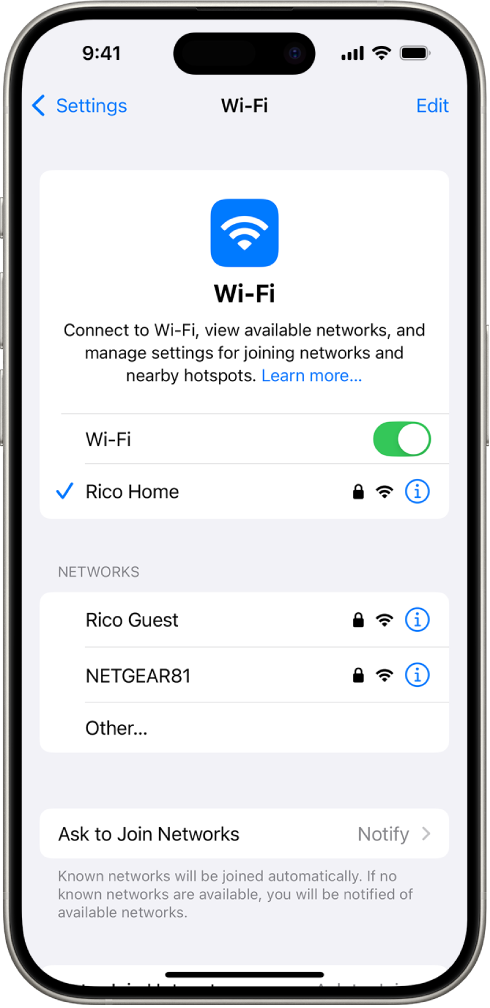
- Configure the router to create a separate guest network to protect valuable business data and prevent unauthorized access to internal networks.
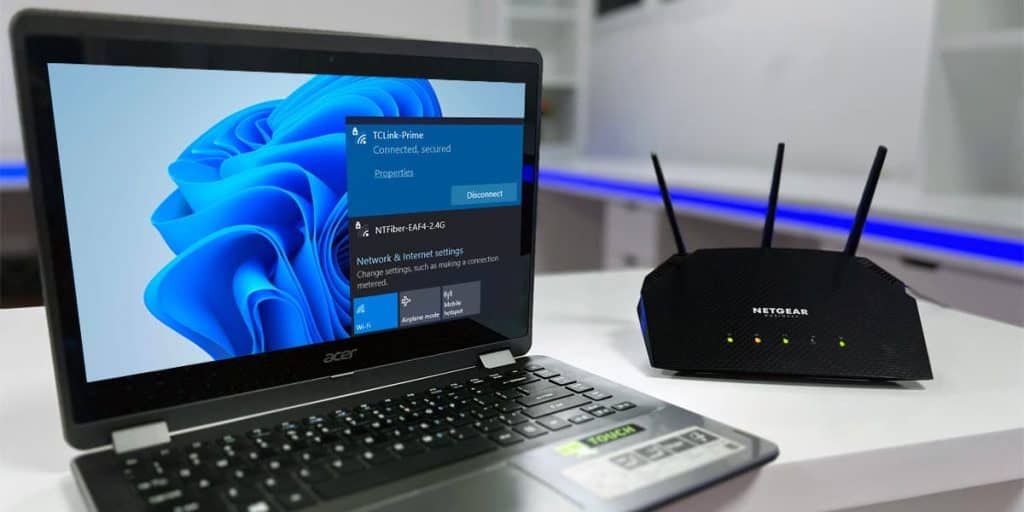
- Set up a strong Wi-Fi password and enforce WPA2 encryption to prevent unauthorized access to the network.
- Regularly update the router's firmware and ensure that all devices connected to the network are up to date with the latest security patches.
Ensuring Bandwidth Allocation
Set up Quality of Service (QoS) settings to prioritize critical business applications, such as point-of-sale systems and inventory tracking software. This ensures that these applications receive sufficient bandwidth and do not impact customer experience.

Setting Up a Guest Wi-Fi Network
A guest Wi-Fi network is a separate version of your main internet, providing internet access to customers without giving them access to your business systems, printers, or staff computers.
Choosing the Right Equipment
When choosing equipment for your Wi-Fi network, consider the following factors:
- Scalability: Choose equipment that can handle a high volume of users and maintain a strong signal.
- Reliability: Select equipment with a high uptime and minimal downtime for maintenance.
- Ease of use: Opt for equipment with user-friendly interfaces and easy setup processes.
- Security: Invest in equipment with robust security features, such as WPA2 encryption and firewalls.
Setting Up a Mesh Wi-Fi Network
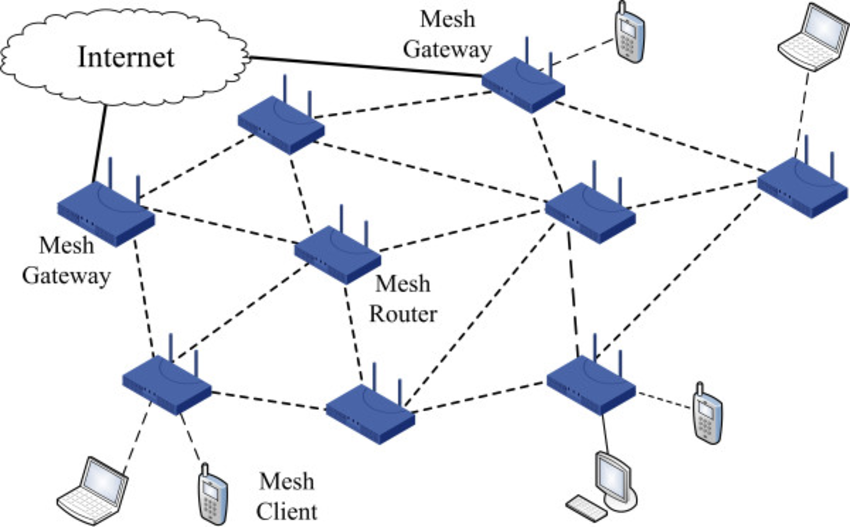
A mesh Wi-Fi network addresses the limitation of single-AP networks by distributing connectivity across multiple nodes that work together as a unified system.
Conclusion
Setting up a reliable Wi-Fi network in a cafe requires careful planning, selection of appropriate hardware, and maintenance of network security. By following the steps outlined in this article, you can ensure a strong and secure Wi-Fi network that supports both customer experience and business operations.