How to Set Up a Ring Light: A Comprehensive Guide
Are you struggling to illuminate your live streams, videos, or photoshoots? A ring light can be a game-changer, but setting it up can be a daunting task. In this article, we will walk you through the step-by-step process of setting up a ring light, covering height, angle, brightness, and more.
Choosing the Right Ring Light
Before we dive into the setup, it's essential to choose the right ring light for your needs. Consider the size, brightness, and portability of the light. Some ring lights come with adjustable arms or clips, making it easier to position them around your face or object.
Preparing Your Space
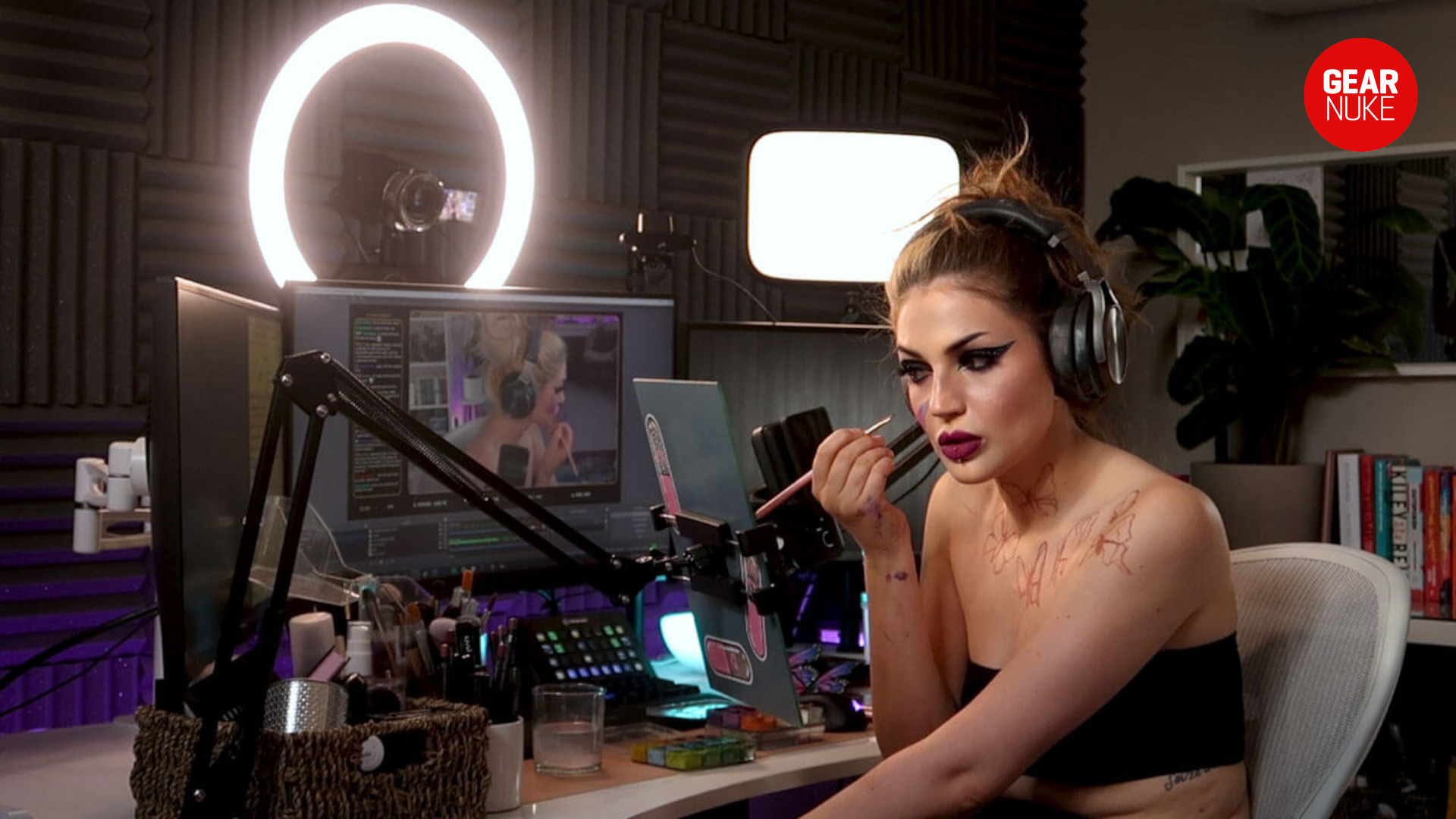
Find a quiet, well-lit space to set up your ring light. Remove any distractions, and position your device or camera at a comfortable height. If you're using a tripod, make sure it's stable and level.
Setting Up Your Ring Light
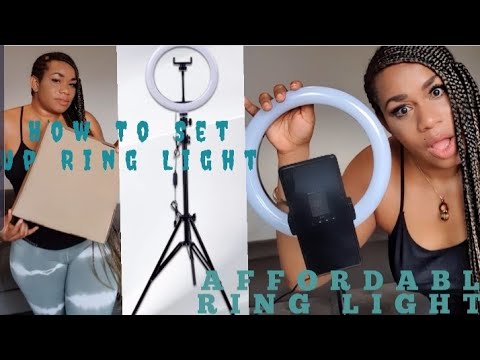
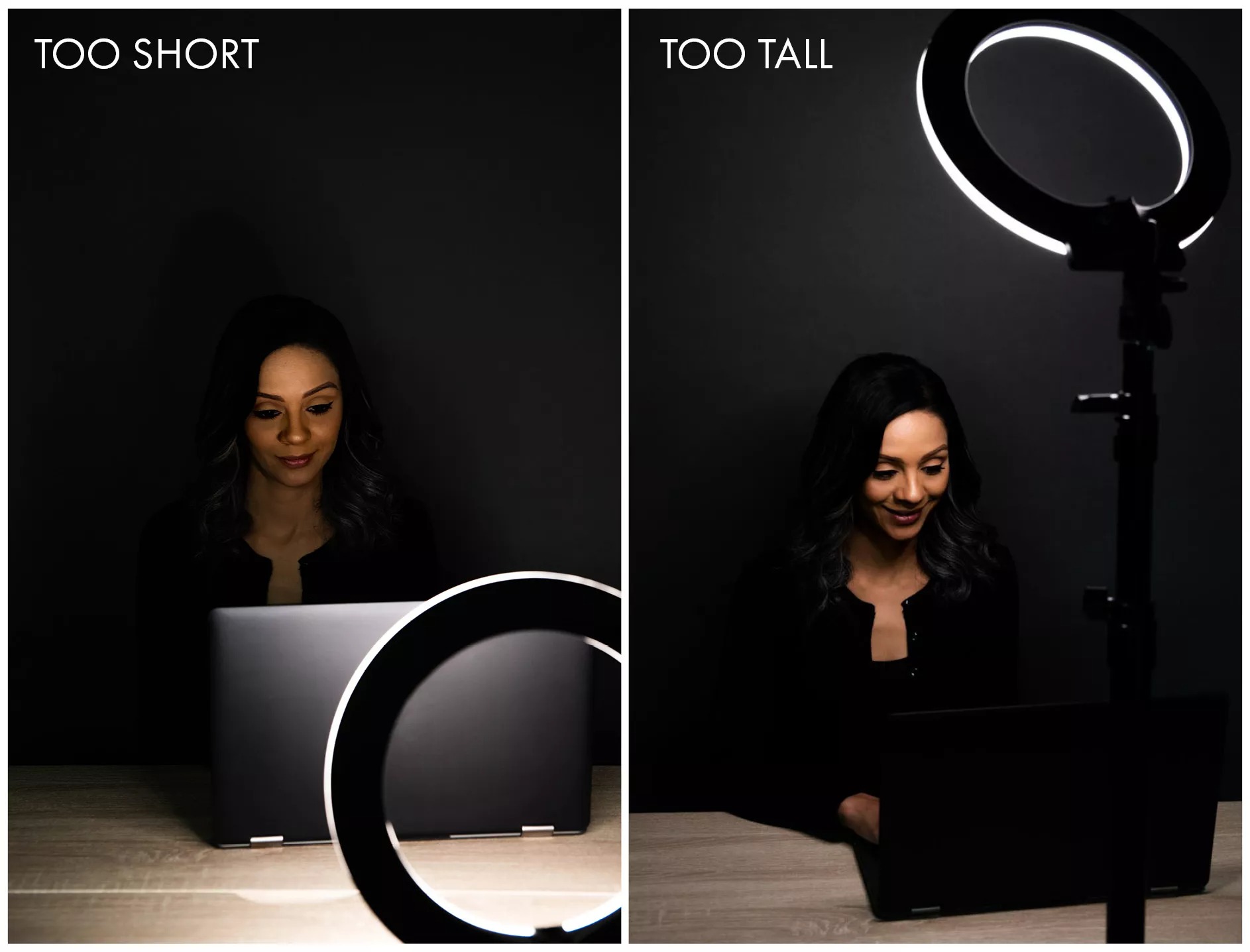
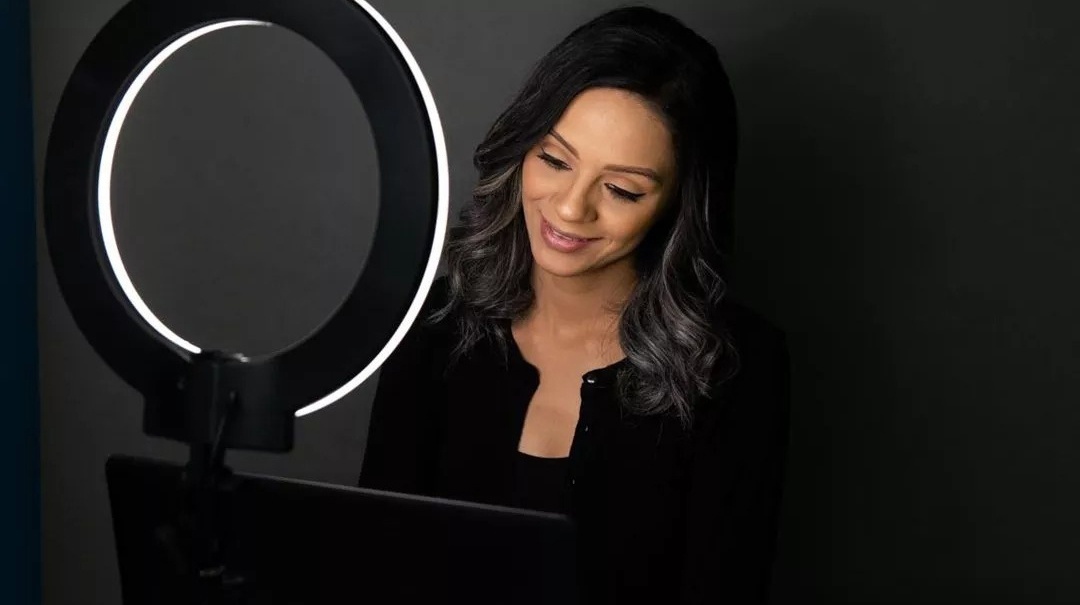
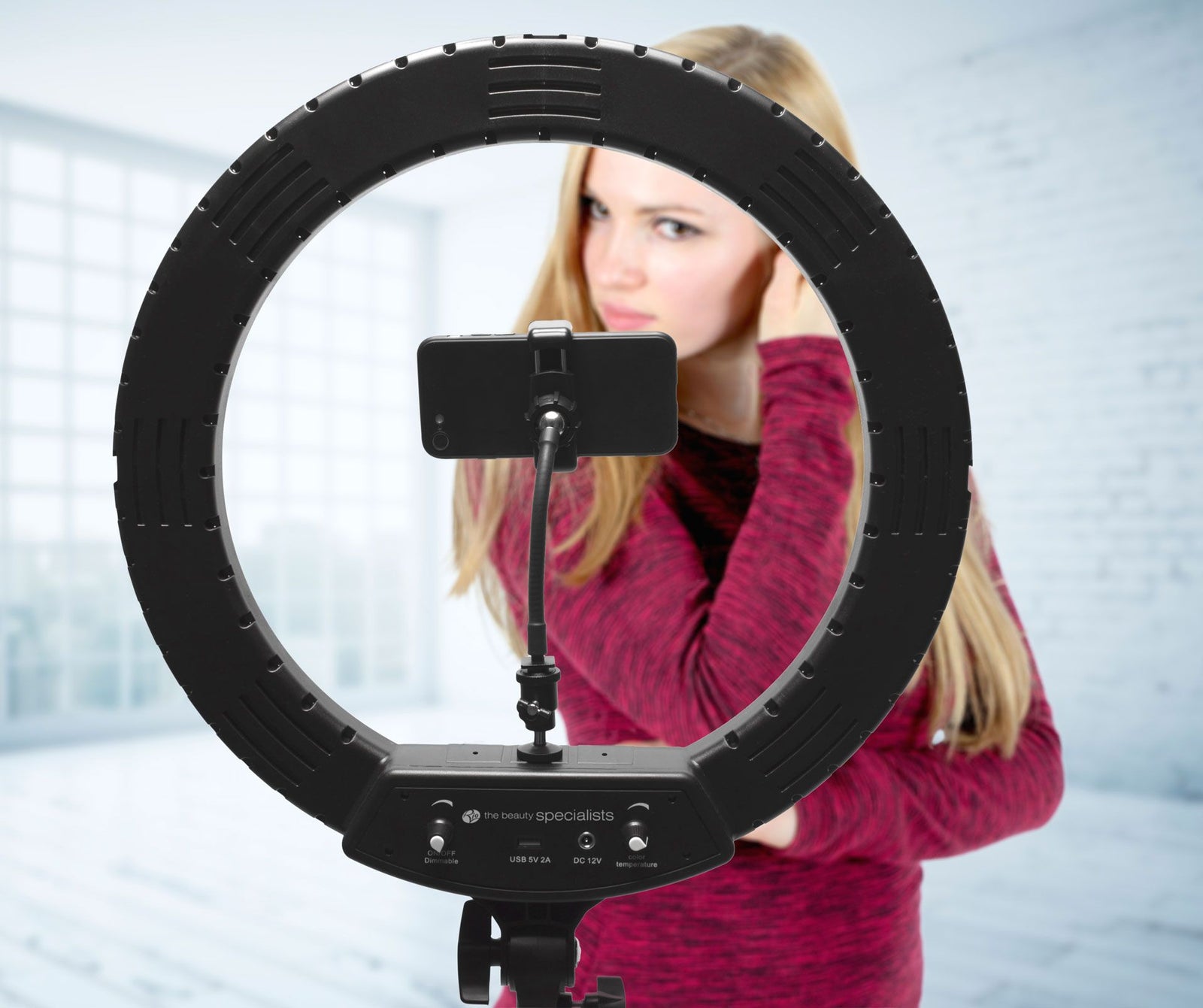
1. **Position the ring light**: Place the ring light at a comfortable height, about 6-8 inches from your face. Adjust the angle to minimize shadows and ensure even lighting. 2. **Secure the light**: Attach the ring light to a stable surface or use a tripod to keep it in place. 3. **Adjust the brightness**: Use the dimming switch or adjust the settings on your ring light to achieve the desired level of brightness. 4. **Check the color temperature**: Ensure the light's color temperature is suitable for your recording or streaming needs. Warm white light is ideal for creating a cozy atmosphere, while cool white light is better for highlighting facial features. 5. **Test the light**: Turn on the ring light and check for any flickering or hotspots. Adjust the position or brightness as needed.
Customizing Your Ring Light
Once you've set up your ring light, experiment with different angles, brightness levels, and positions to achieve the desired effect. Some popular tips include: * **Using a fill light**: Position a fill light on the opposite side of your face or object to create a soft, even lighting effect. * **Achieving a rim effect**: Position the ring light at a 45-degree angle to create a slanted, rim effect that highlights facial features. * **Using a diffusion filter**: Attach a diffusion filter to soften the light and reduce harsh shadows.

Common Mistakes to Avoid
When setting up a ring light, avoid the following common mistakes: * **Insufficient brightness**: Ensure the ring light is bright enough to illuminate your face or object. * **Unbalanced lighting**: Check that the light is evenly distributed around your face or object. * **Incorrect angle**: Experiment with different angles to find the most flattering position for your face or object.
Conclusion
Setting up a ring light can be a simple process, but it requires attention to detail and practice to achieve the desired effect. By following these steps and customizing your ring light, you can create professional-looking videos, photos, and live streams that captivate your audience. Happy streaming!
Additional Resources
For more information on ring lights and lighting techniques, check out the following resources: * **Ring Light App**: Download the Ring app to control and customize your ring lights. * **Lighting Tutorials**: Explore online tutorials and workshops on lighting techniques and ring light setup. * **Ring Light FAQs**: Visit the Ring website for answers to frequently asked questions about ring lights and setup.
Final Tips
Remember, setting up a ring light is an iterative process. Experiment with different settings, angles, and positions to achieve the desired effect. Don't be afraid to try new things and push the boundaries of what a ring light can do!