How to Set Up QuickBooks: A Step-by-Step Guide for Small Business Owners
Introduction
As a small business owner, managing your finances can be a daunting task. That's where QuickBooks comes in – a powerful accounting software designed to help you track your income and expenses, create invoices, and stay on top of your finances. In this article, we'll show you how to set up QuickBooks, from creating your company file to configuring your chart of accounts and connecting your bank accounts.Why Set Up QuickBooks Correctly?
Setting up QuickBooks correctly is crucial for the success of your business. With a well-configured system, you'll be able to: * Easily track your income and expenses * Create accurate financial reports * Stay on top of your taxes and compliance * Make informed business decisionsStep 1: Choosing the Right Version of QuickBooks
QuickBooks offers several versions, each designed for specific business needs. Before setting up QuickBooks, you need to choose the right version for your business. Here are the most popular versions: * QuickBooks Online: Ideal for small businesses with multiple users and advanced features. * QuickBooks Desktop: Suitable for businesses with specific needs, such as inventory management or advanced reporting. * QuickBooks Pro: A mid-range version for small to medium-sized businesses.Step 2: Creating Your Company File
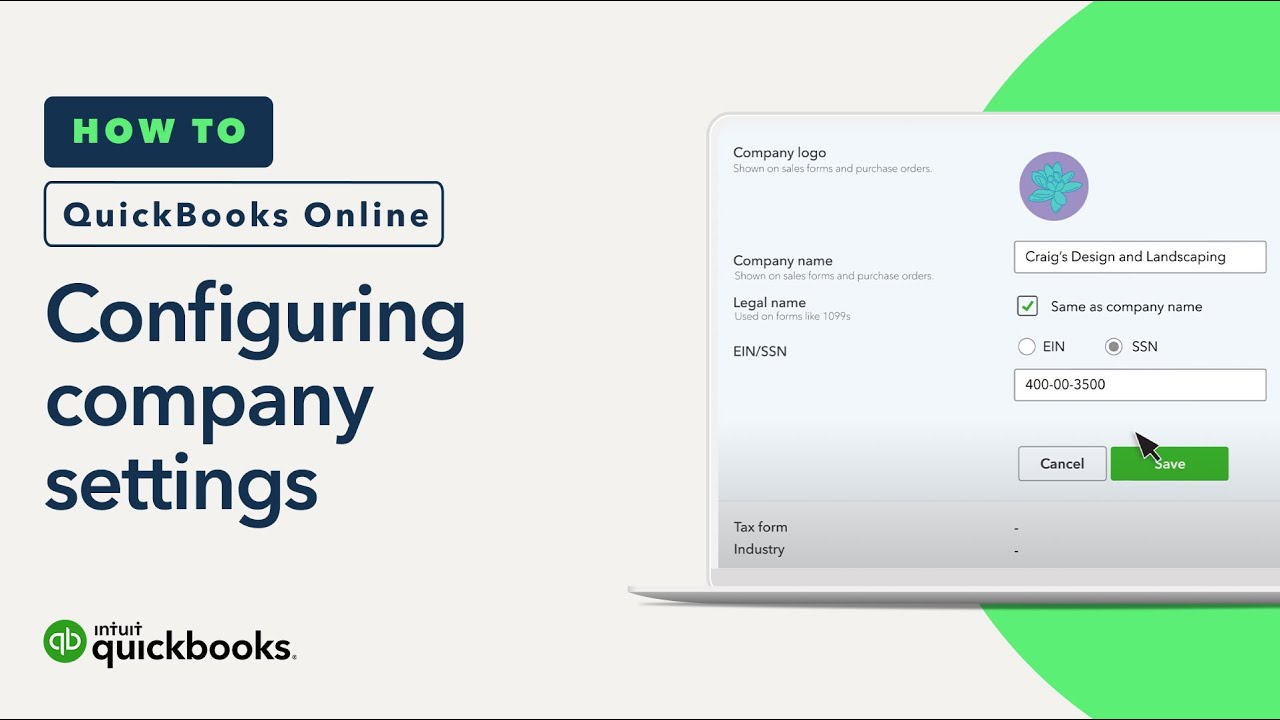
To set up QuickBooks, you need to create a company file. This file will serve as the central hub for all your financial data. Follow these steps: * Go to the QuickBooks website and sign up for an account. * Choose your version and select the "Create a new company file" option. * Enter your business information, including name, address, and tax ID number. * Set up your company file password and security settings.Step 3: Configuring Your Chart of Accounts