How to Set Up GitHub: A Comprehensive Guide for Developers
Are you looking to collaborate on projects, manage code, and contribute to open-source communities? Look no further than GitHub, the go-to platform for developers. In this detailed guide, we'll walk you through the step-by-step process of setting up GitHub, from installing Git to configuring your settings and getting started with repositories and collaboration.
What is GitHub and Why is it Important?
At the heart of GitHub is an open-source version control system (VCS) called Git. Git is responsible for everything GitHub-related that happens locally on your computer. It's essential to understand that Git and GitHub/GitLab are separate entities, developed by different companies. This guide will walk you through the steps to install and configure Git, create a GitHub account, set up your SSH keys, and more.
Step 1: Install Git
Before we dive into configuration, we first need to install Git. You can download the installer from the official Git website. Follow the installation instructions, and you'll be ready to move on to the next step.
Step 2: Set Up Your GitHub Account
Now that you have Git installed, it's time to create a GitHub account. Go to the GitHub website and sign up for an account. You'll need to provide some basic information, such as your name, email address, and password.
Step 3: Configure Your SSH Keys
Once you've created your account, it's essential to generate SSH keys for secure authentication. SSH keys allow you to connect to GitHub without entering your password every time. Follow the instructions to generate your SSH keys and add them to your GitHub account.
Step 4: Configure Your Git Preferences
Now that your identity is set up, you can configure the default text editor that will be used when Git needs you to type in a message. If not configured, Git uses your system's default editor. You can also configure other preferences, such as your email address and username.
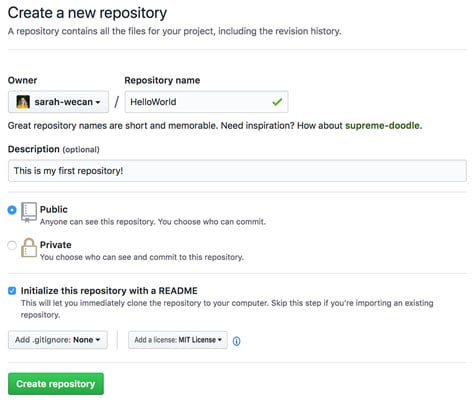
Step 5: Initialize or Clone a Repository
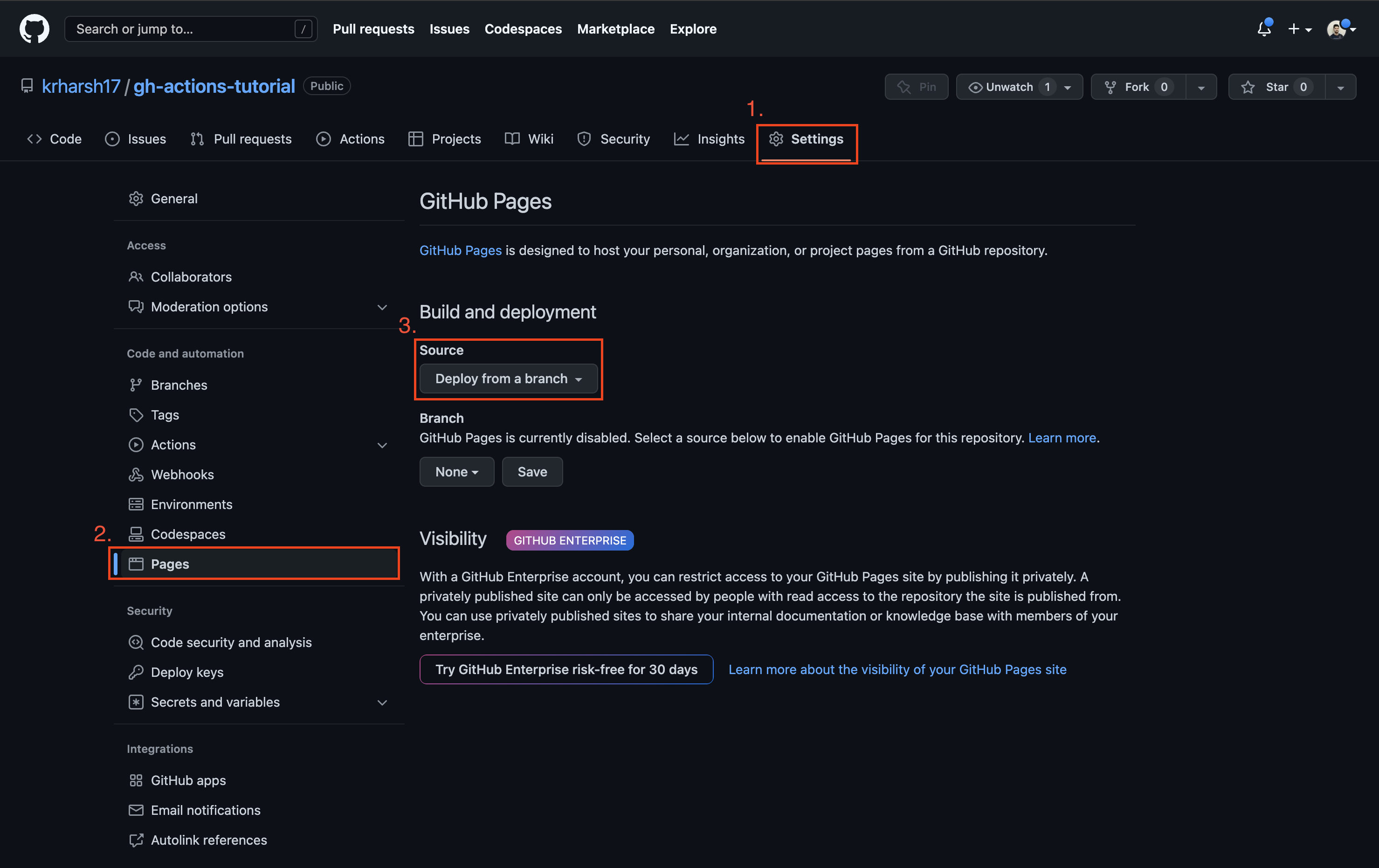
Once you've configured your Git preferences, you're ready to initialize or clone a repository. You can either create a new repository or choose an existing one. If you want to create a GitHub Pages site for a repository, you can configure a publishing source for your site.
Step 6: Connect to GitHub using SSH
You can connect to GitHub using the Secure Shell Protocol (SSH), which provides a secure channel over an unsecured network. Some useful commands to note when using SSH include gh codespace SUBCOMMAND and git push and git pull without needing to set up a separate credential manager or use SSH.
Step 7: Learn Essential Git Commands
As you start working with GitHub, it's essential to learn essential Git commands, such as git add, git commit, and git push. You'll also want to learn how to undo mistakes quickly and easily and browse the history of your project and view changes between commits.
Conclusion
Setting up GitHub is a straightforward process that will help you collaborate on projects, manage code, and contribute to open-source communities. By following these steps, you'll be well on your way to becoming a GitHub expert and leveraging the power of version control and collaboration.