How to Repair a Charging Port on a Device: A Step-by-Step Guide
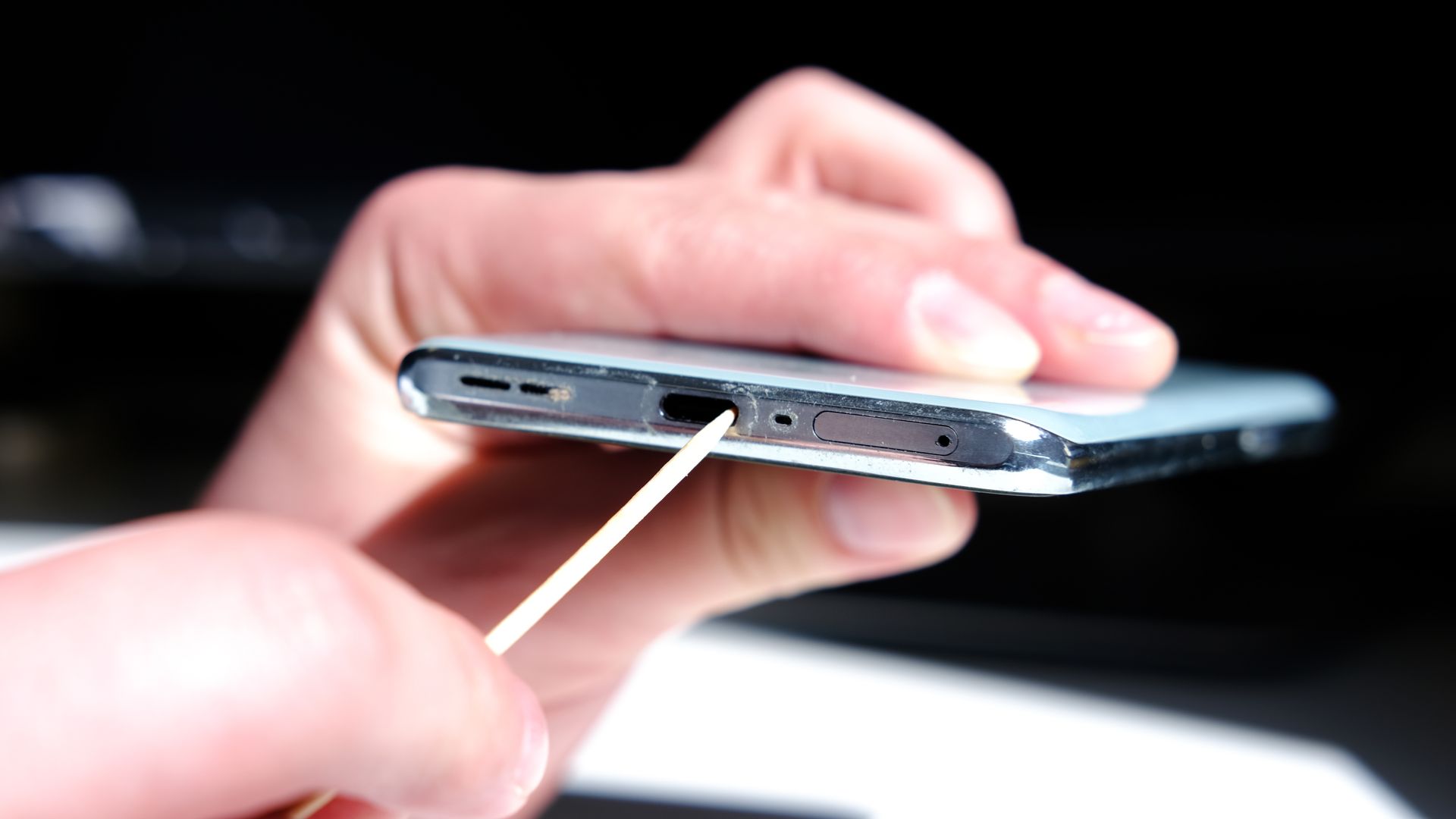
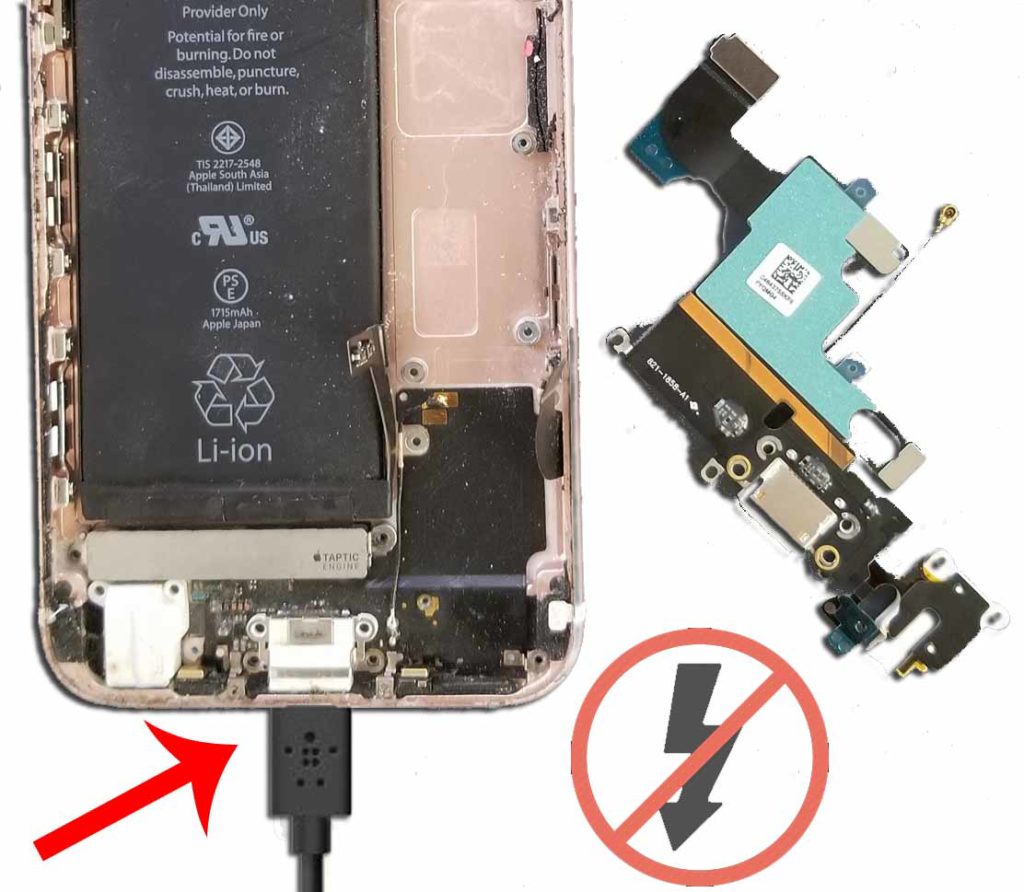
Are you tired of dealing with a faulty charging port on your device? Whether it's a smartphone, tablet, or laptop, a broken charging port can be a real nuisance. Fortunately, in most cases, you can repair or replace the charging port yourself with a few simple tools and some patience. In this article, we'll walk you through the process of diagnosing and fixing a faulty charging port on your device.Identifying the Problem
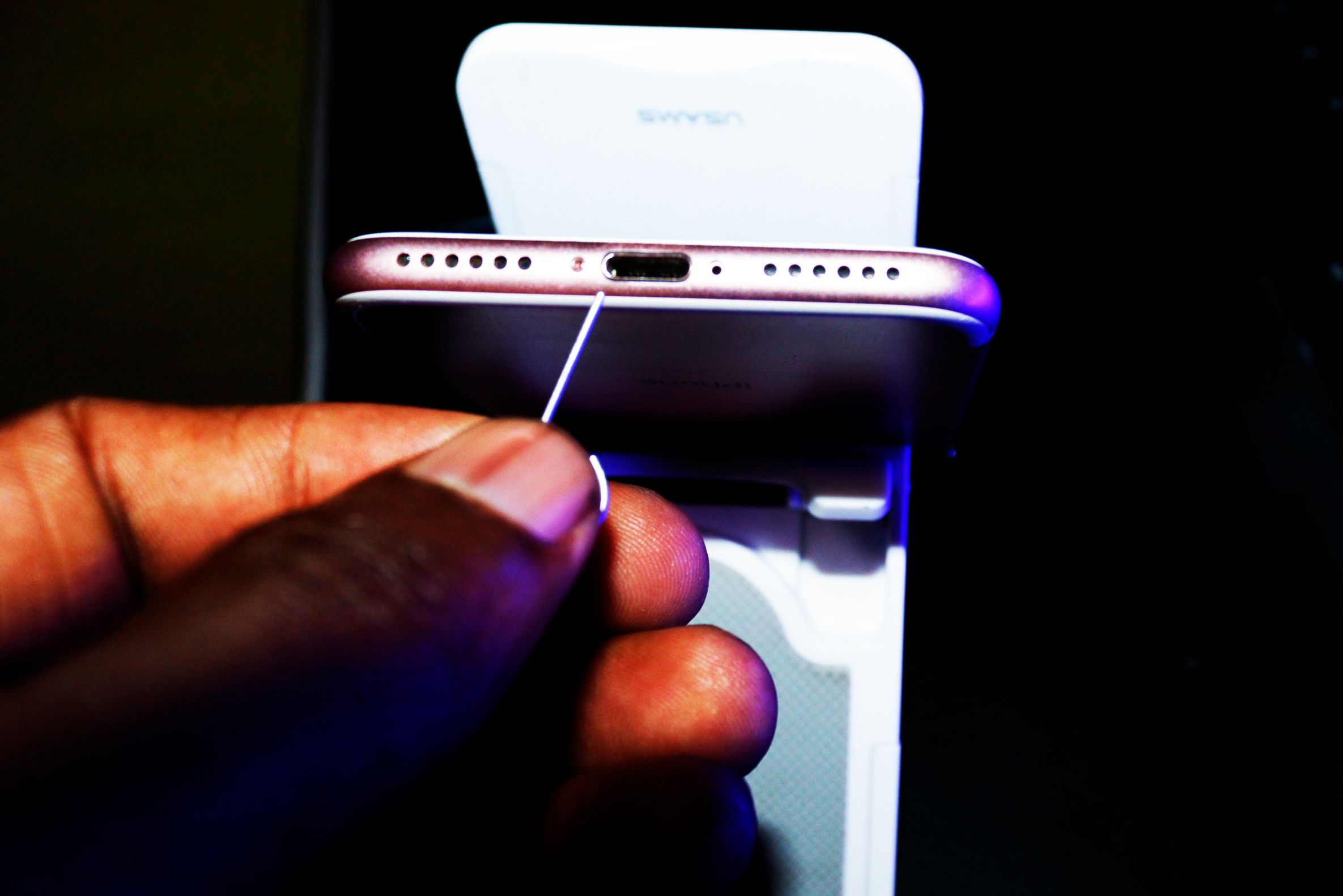
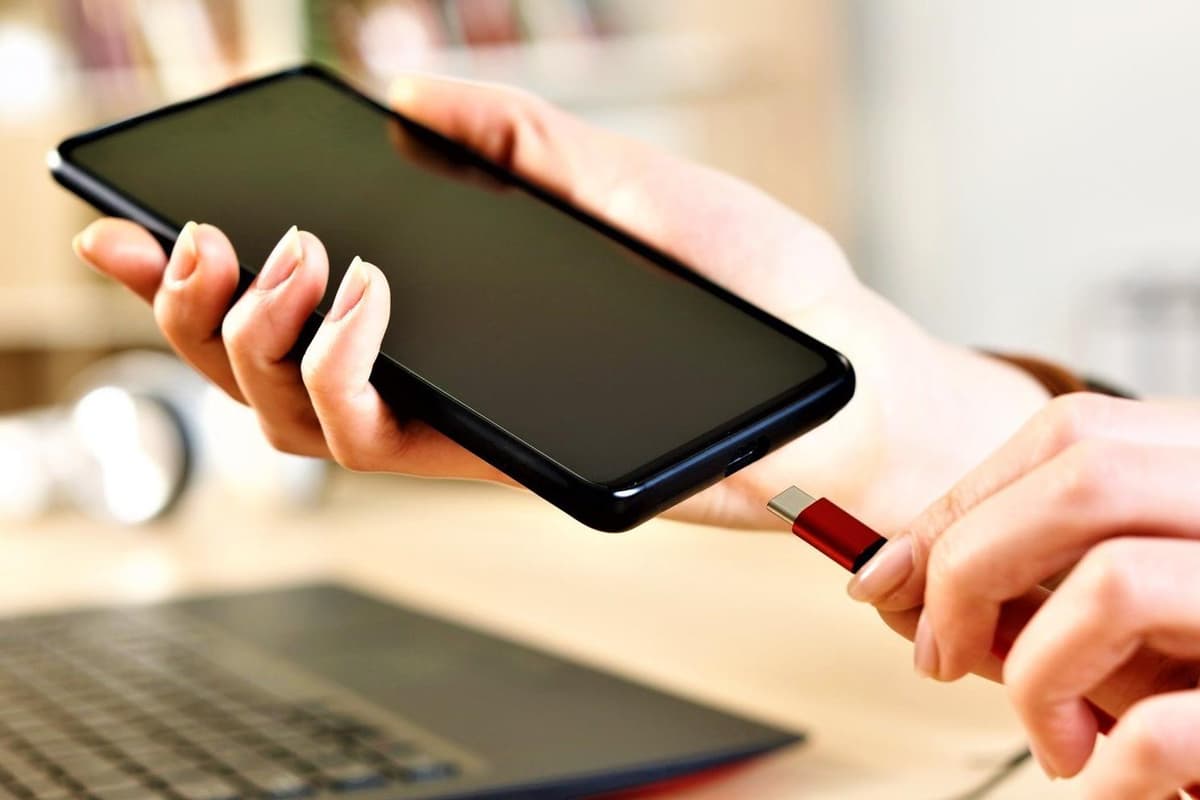
Before you start the repair process, it's essential to identify the problem. Check if your device is not charging, charging intermittently, or not recognizing the cable. If your device is experiencing any of these symptoms, it's likely that the charging port is damaged.Tools and Materials Needed
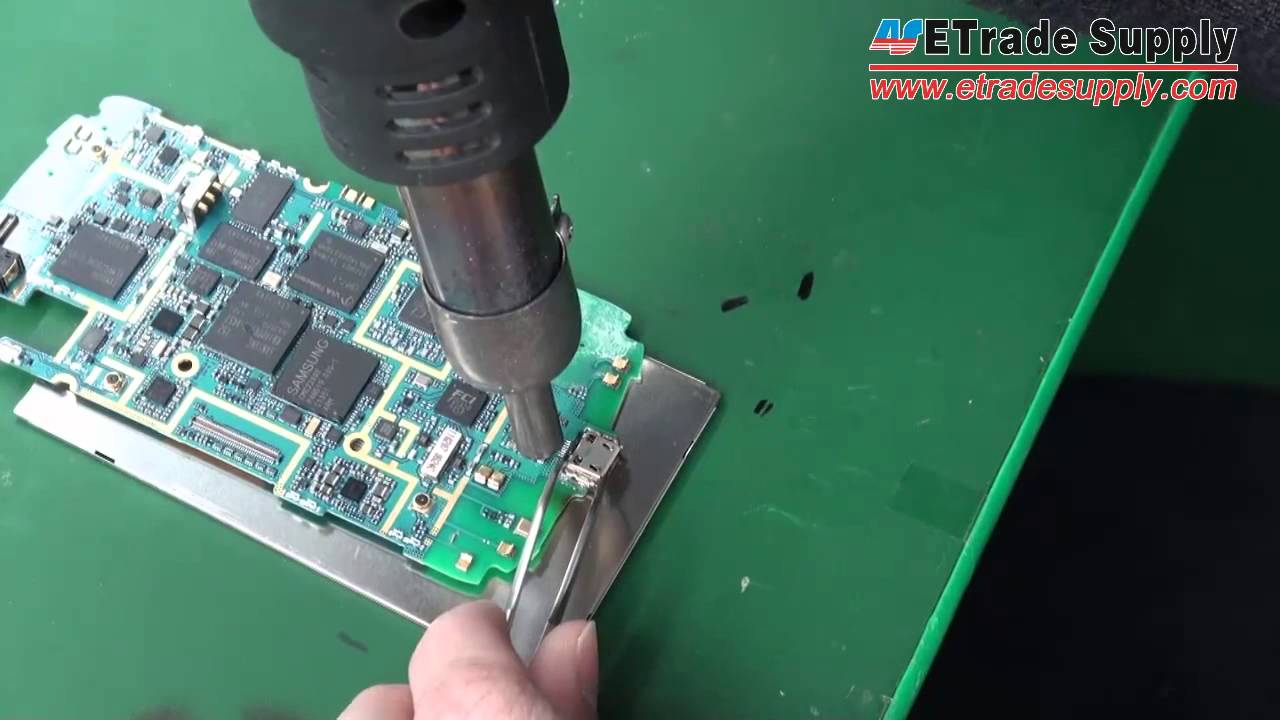
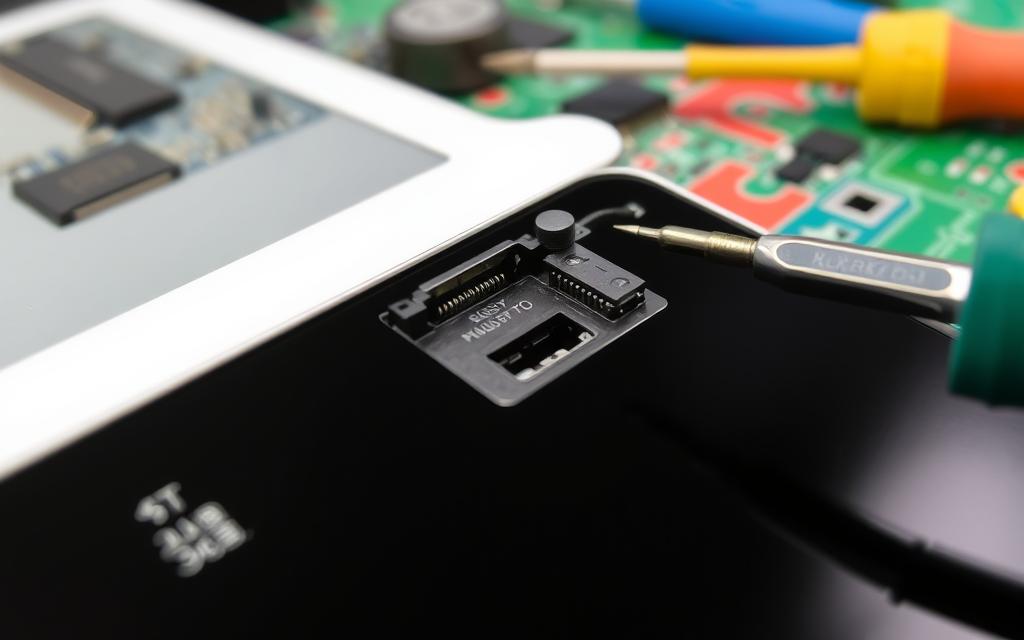
To repair a charging port, you'll need the following tools and materials: * A Phillips screwdriver * A Torx screwdriver (for devices with a Torx screw) * A plastic spudger * A metal spudger * A cotton swab * Compressed air * A replacement charging port (optional)Step-by-Step Instructions