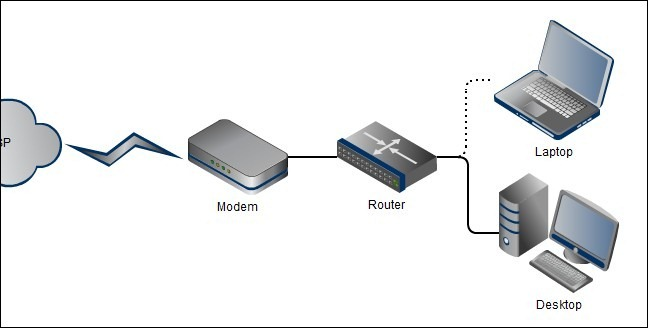
Secure Home Router Setup: Protect Your Home Network from Cyber Threats
The security of your home network is crucial in today's digital age. With the increasing number of connected devices, it's essential to ensure that your home Wi-Fi router is properly secured to prevent cyber threats. In this guide, we'll walk you through the minimum essential steps to secure your home router and keep your network safe.
The Problem with Insecure Home Wi-Fi Networks
If you don't secure your home Wi-Fi network, cyber threat actors can perform a number of operations that can compromise your privacy and security. These include:
- Stealing your personal data and sensitive information
- Launching malware and ransomware attacks
- Accessing your devices and taking control of your network
- Using your network to launch attacks on other networks
Securing Your Home Router: A Step-by-Step Guide
Securing your home router involves several steps, including:
1. Change the Default Administrator Password
The first step in securing your home router is to change the default administrator password. This is usually the first thing that hackers try to do when they gain access to your router.
2. Enable WPA3 Encryption
WPA3 is the latest encryption standard for Wi-Fi networks. It provides a more secure connection between your devices and your router.
3. Set Up a Guest Network
A guest network allows you to create a separate network for your guests that is separate from your main network. This helps to prevent your guests from accessing your personal data and devices.
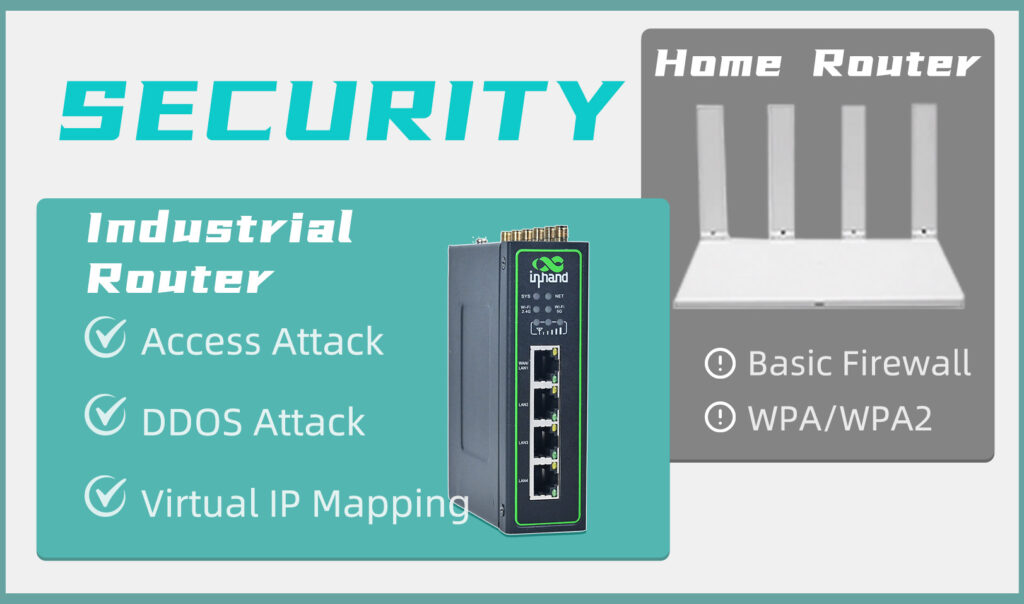
4. Enable Firewall Protection

A firewall helps to block unauthorized access to your network and devices. Make sure to enable firewall protection on your router.
5. Update Your Router's Firmware
Regularly update your router's firmware to ensure that you have the latest security patches and features.
6. Use a VPN (Virtual Private Network)
A VPN helps to encrypt your internet traffic and protect your data from hackers and cyber threat actors.
7. Use Strong Passwords and Network Names
Use strong and unique passwords for your router and network name. Avoid using easily guessable passwords like your name or common words.
Best Practices for Secure Home Router Setup
In addition to the steps above, here are some best practices to keep in mind when setting up your home router:
- Use a router that supports WPA3 encryption
- Enable two-factor authentication (2FA) on your router
- Use a router with a built-in firewall
- Regularly scan your network for vulnerabilities
- Use a reputable antivirus software on your devices
Conclusion
Securing your home router is an essential step in protecting your home network from cyber threats. By following the steps and best practices outlined above, you can ensure that your router is properly secured and your network is safe.
The bottom line is that setting up your home Wi-Fi router to optimize your privacy and cybersecurity is crucial. This guide has provided you with the minimum essential steps that you must take to ensure that your router doesn't introduce any unnecessary cybersecurity risks.