Boost Your Router Security with Expert Tips!
Learn how to safeguard your home network with strong passwords, WPA3 encryption, VPNs, and more. Stay protected!
Router Security Measures to Protect Your Home Network
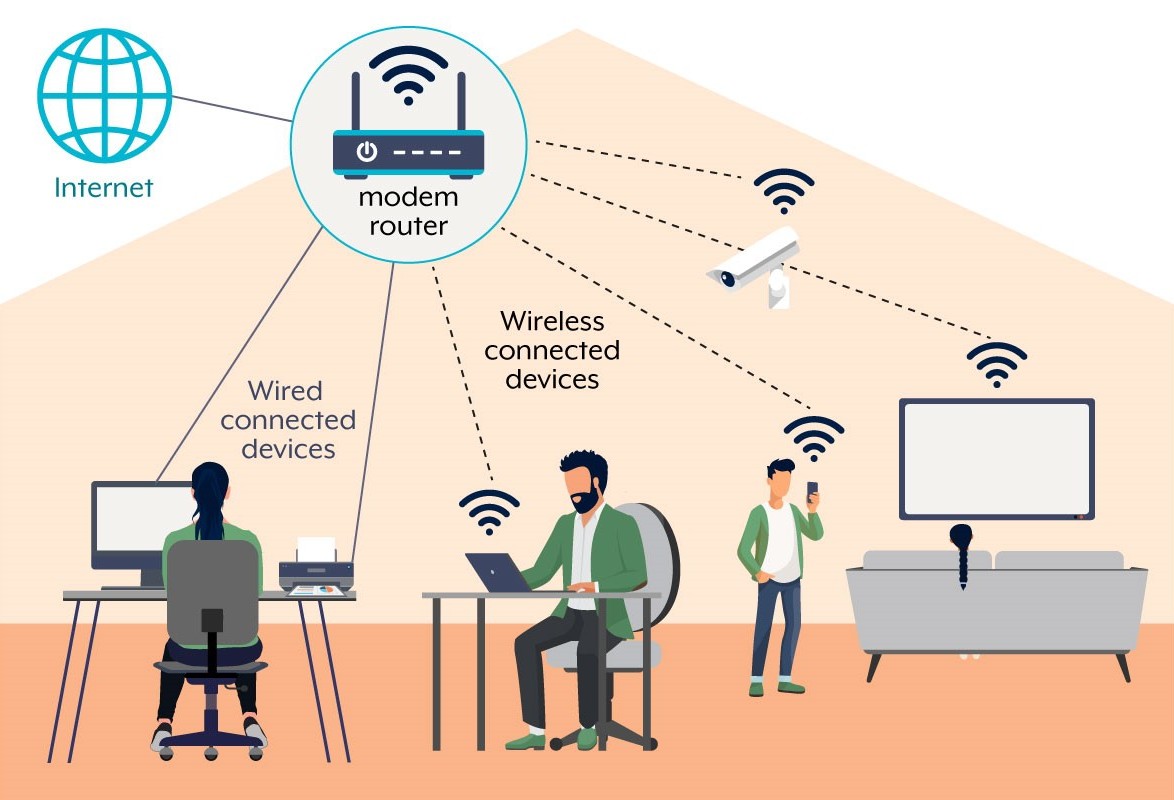
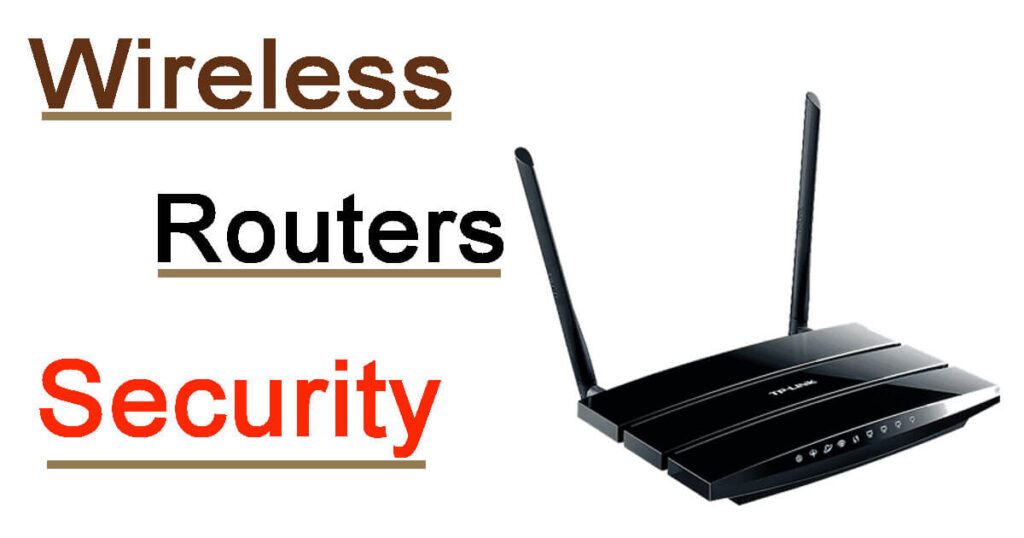
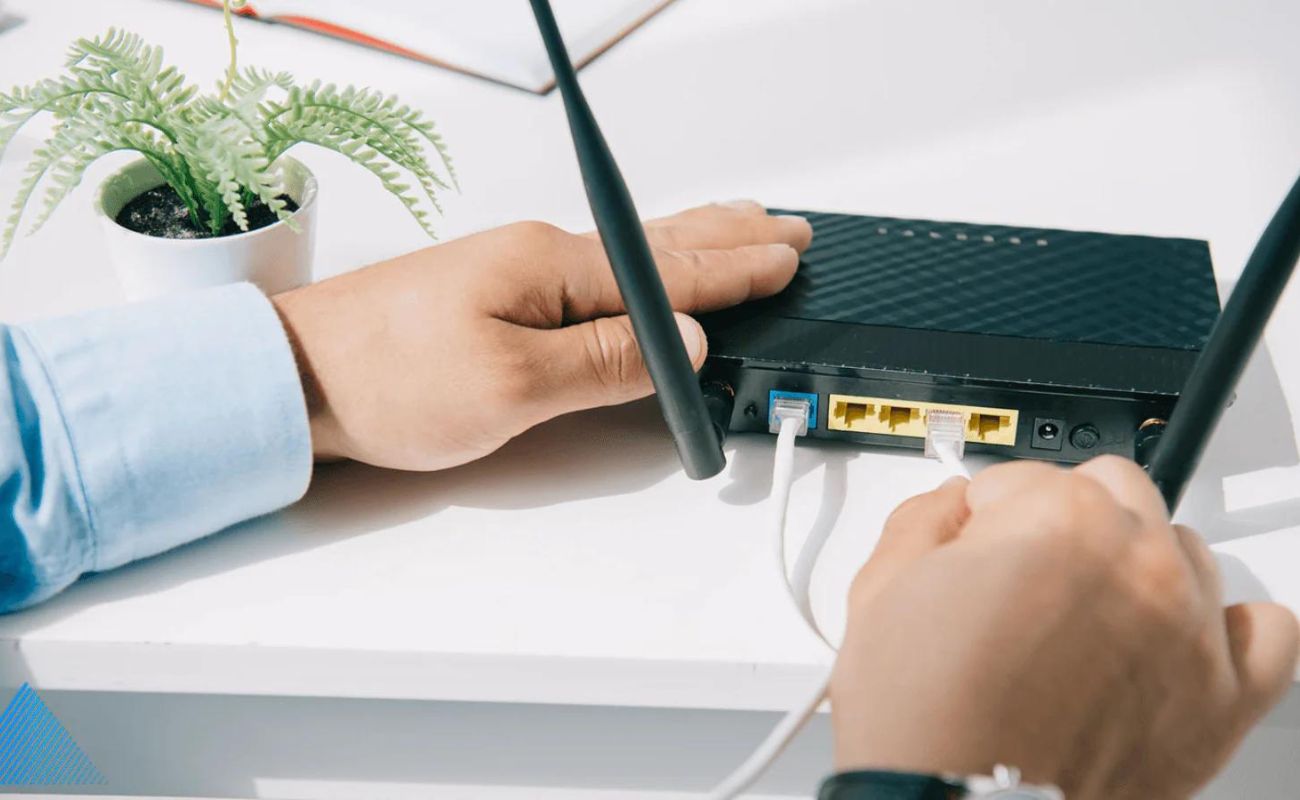
Routers are devices that enable your other devices (e.g., phones, laptops, desktop computers, and smart devices) to connect wirelessly to the internet. This guide will help you adjust settings that are common to all routers for better privacy and security.
Understanding Wireless Router Security
Routers serve as a gateway between the internet and your private digital space. Implementing security precautions is crucial in safeguarding this space, making it harder for threats to compromise your network and data. Just as you would not leave your house with all the doors wide open, you should not leave your router unprotected.
Essential Router Security Measures
- Change Default Login Credentials: Mostrouters come with default usernames and passwords. Cybercriminals often know these default settings, so it's essential to change them to a strong and unique password.
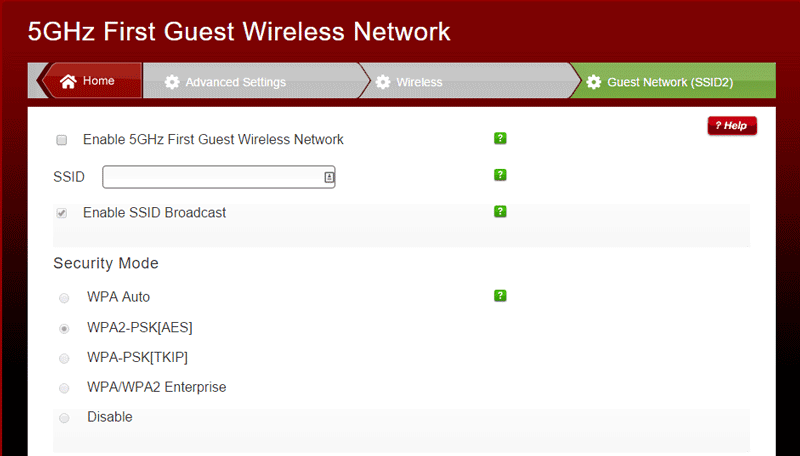
- Use WPA3 Encryption: WPA3 is the latest encryption standard for Wi-Fi networks. It provides robust security and protection against cyber threats.
- Enable VPNs: Virtual Private Networks (VPNs) create a secure and encrypted connection between your router and the internet, protecting your data from hackers and cyber threats.
- Regular Firmware Updates: Keep your router's firmware up-to-date to ensure you have the latest security patches and features.
- Disable Remote Access: Disable remote access to your router's controls to prevent unauthorized access to your network.
- Use a Guest Network: Create a guest network for visitors to prevent them from accessing your main network and sensitive data.
- Secure Your Router's Settings: Change your router's settings to a secure location, such as a network-locked cabinet or a safe.
- Use a Strong Password: Use a strong and unique password for your router and network to prevent unauthorized access.
- Monitor Your Network: Regularly monitor your network for suspicious activity and scan for malware and viruses.
- Use a Firewall: Enable the firewall on your router to block unauthorized incoming and outgoing traffic.
- Use a VPN on Your Devices: Use a VPN on your devices to create a secure and encrypted connection between your device and the internet.
- Secure Your Router's Wireless Settings: Secure your router's wireless settings, such as the channel and SSID, to prevent unauthorized access.
- Regularly Back Up Your Data: Regularly back up your data to prevent loss in case of a cyber attack or system failure.
Additional Router Security Measures
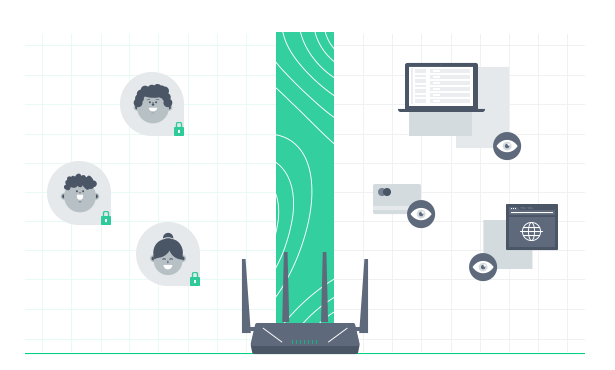
Somerouters have features that can be convenient but weaken your network security. For example, enabling remote access to your router's controls allows you to change settings over the internet. WPS lets you push a button on the router to connect a device to the internet instead of entering the Wi-Fi network password. Disable these features to improve your network security.
Wireless Router Security: A Guide to Best Practices
These 12 best practices are essential for securing your wireless network and ensuring that your data and devices are safe from malicious actors.
- Regularly update your router's firmware.
- Use a strong and unique password for your router and network.
- Enable the firewall on your router.
- Use a VPN on your devices.
- Secure your router's wireless settings.
- Use a guest network for visitors.
- Disable remote access to your router's controls.
- Use a secure protocol, such as WPA3, for your Wi-Fi network.
- Regularly monitor your network for suspicious activity.
- Scan for malware and viruses regularly.
- Regularly back up your data.
- Use a network-locked cabinet or a safe to store your router's settings.
Conclusion
Boosting your router security is essential to protect your home network from cyber threats. By implementing these essential and additional router security measures, you can safeguard your network and data from malicious actors. Remember to regularly update your router's firmware, use a strong and unique password, enable the firewall, and use a VPN on your devices to create a secure and encrypted connection between your device and the internet.