Social Media Account Security for Small Business: Protecting Your Online Presence
As a small business owner, you know how important it is to maintain a strong online presence. Social media platforms have become an essential tool for businesses to connect with customers, promote their brand, and increase sales. However, with the rise of social media, the risk of cyber threats and online security breaches has also increased. In this article, we will discuss the importance of social media account security for small businesses and provide you with valuable tips to protect your online presence.Common Risks Associated with Social Media
Social media is often seen as an attractive target for scammers and hackers. Social media account details may be phished, leading to impersonation and other misuse. Business impersonation can lead to reputational damage, loss of customers, and even financial loss. Customers of the business may also suffer financial loss or compromise of their personal data.Why Social Media Account Security is Crucial for Small Businesses
Small businesses are particularly vulnerable to cyber threats due to limited resources and expertise. A single breach can lead to significant financial losses, damage to reputation, and loss of customers. Social media account security is crucial for small businesses to protect their online presence and prevent cyber threats.Key Social Media Safety Tips for Small Businesses
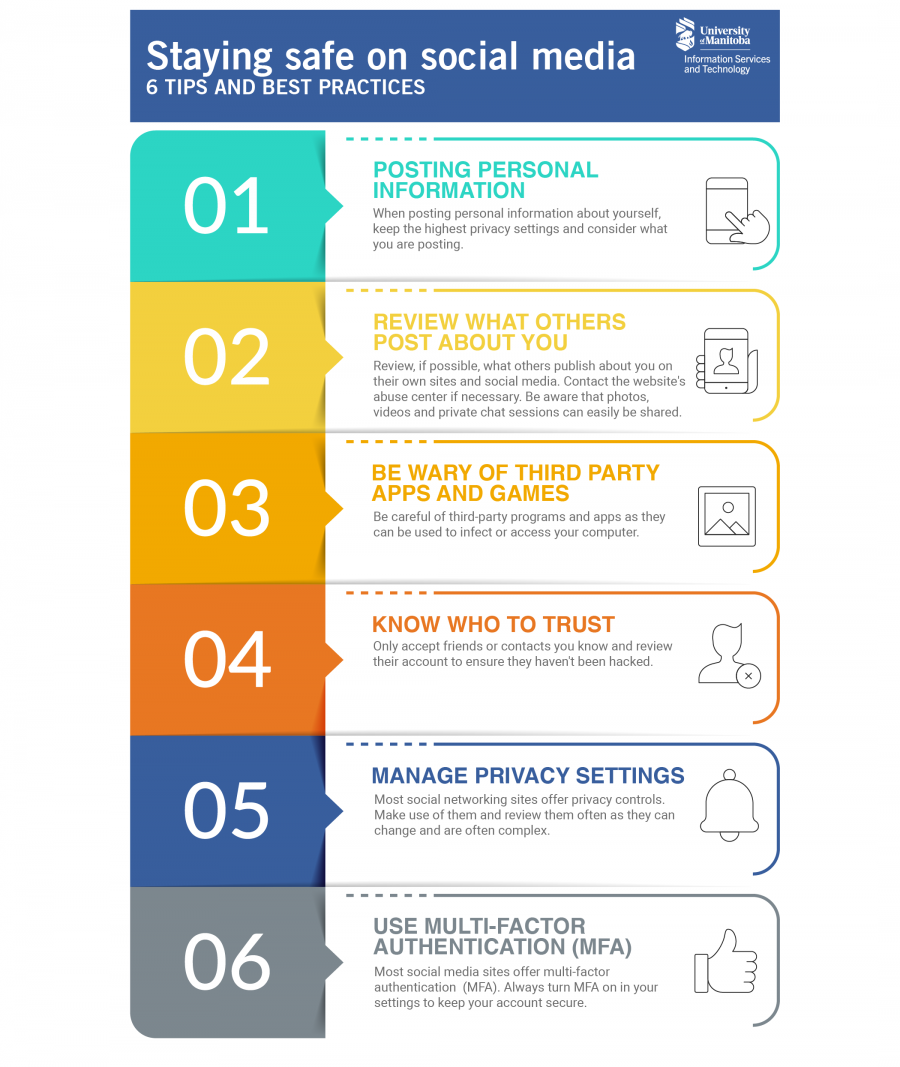
Here are some essential social media safety tips for small businesses:1. Use Strong and Unique Passwords
Use strong and unique passwords for all social media accounts. Avoid using easily guessable information such as names, birthdays, or common words. Use a password manager to generate and store complex passwords.2. Enable Two-Factor Authentication (2FA)
Enable 2FA for all social media accounts. 2FA adds an extra layer of security by requiring a second form of verification, such as a code sent to a phone or a fingerprint scan.3. Monitor Your Accounts
Regularly monitor your social media accounts for suspicious activity. Check for unauthorized logins, strange messages, or unusual behavior.4. Keep Your Software Up-to-Date
Keep your social media software and apps up-to-date with the latest security patches and updates.5. Educate Your Team