Setting Up Multiple Alexas in Different Rooms: A Comprehensive Guide
Are you looking to enhance your smart home experience by setting up multiple Amazon Echo devices in different rooms? Look no further! In this article, we'll guide you through the easy connectivity tips, troubleshooting steps, Alexa features, Amazon Sidewalk, and device pairing that you'll need to get started.
Introduction to Multi-Room Audio
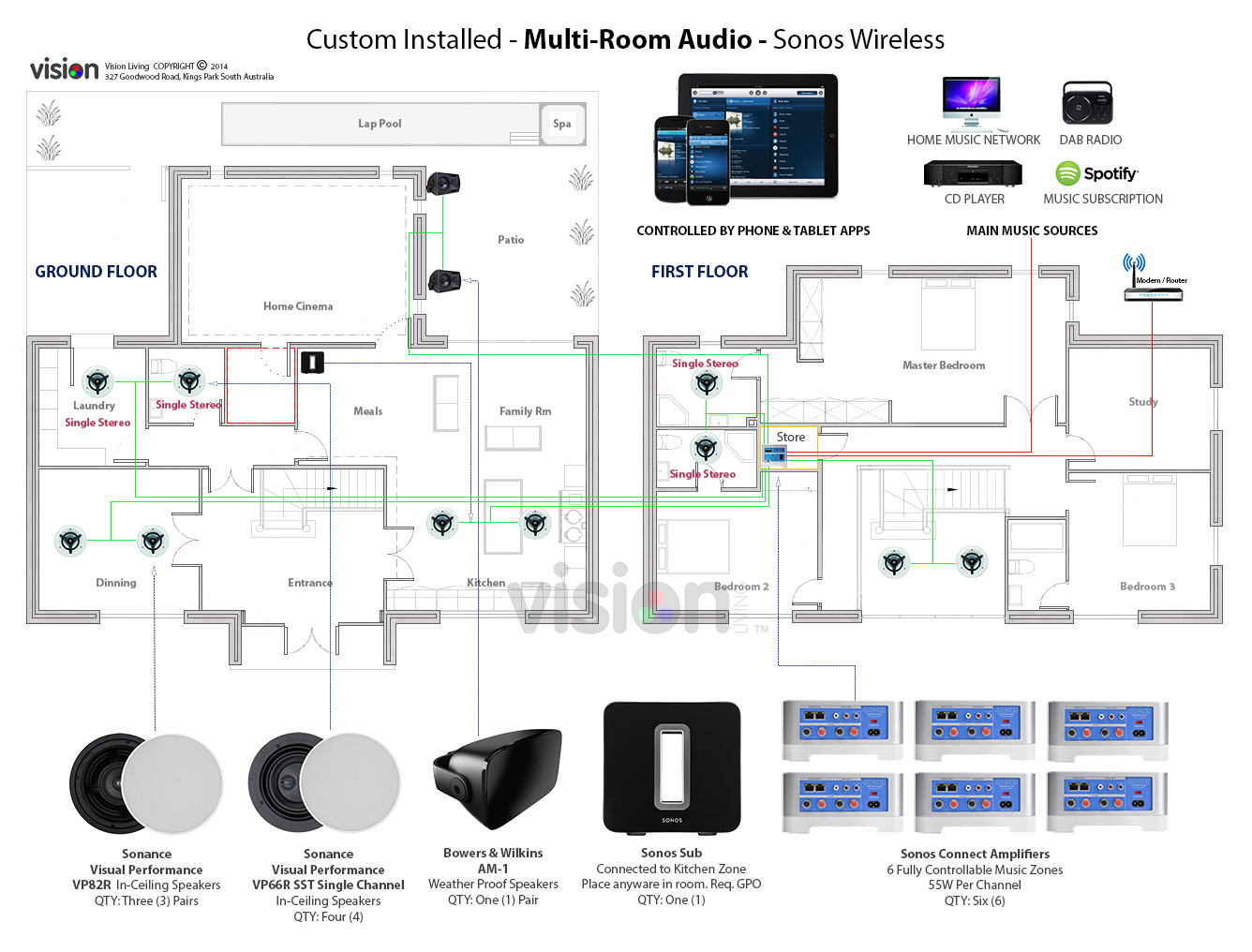
Multi-room audio is a game-changer for smart home enthusiasts. With Amazon Echo devices, you can create a seamless listening experience across multiple rooms. Whether you're in a different room or out of the house entirely, you can easily control your music and podcasts with just your voice.
Setting Up Multiple Alexas
Setting up multiple Alexas in different rooms is easier than you think. To get started, follow these simple steps:
- Register all devices to the same account: Make sure that all your Amazon Echo devices are registered to the same Amazon account. This will allow you to manage all your devices from a single app.
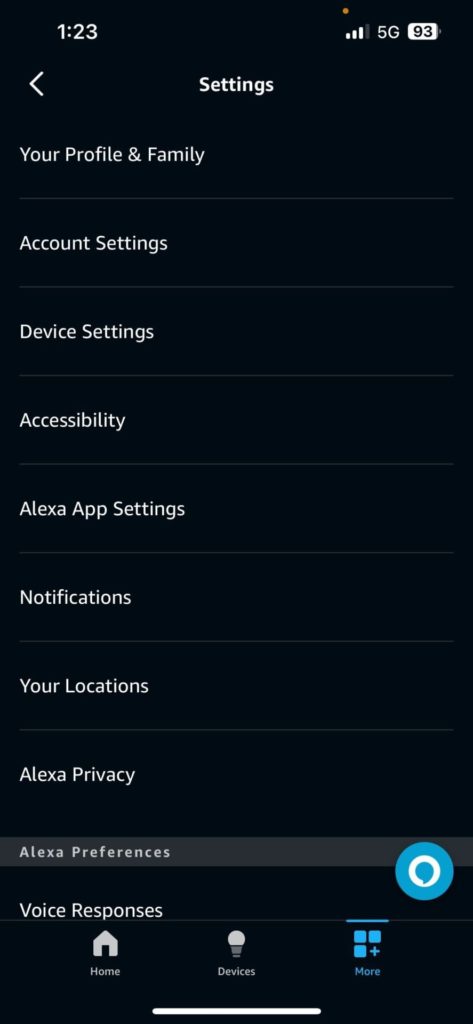
- Launch the Alexa app: Open the Alexa app on your smartphone or tablet, and navigate to the device overview.
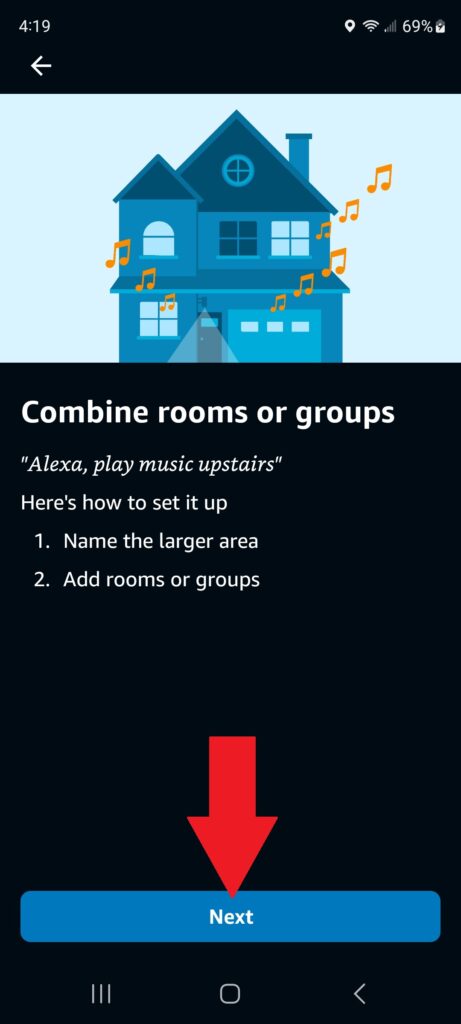
- Create a multi-room group: Tap the "+" icon and select "Create Multi-Room Group." Choose the devices you want to add to the group, and name it accordingly.
- Assign devices to rooms: Once you've created the group, you can assign devices to specific rooms. This will allow you to control each room's playlist separately.
Play Music Across Multiple Devices
Now that you've set up your multi-room audio system, it's time to play some music! To play the same music across multiple devices, follow these simple steps:
- Choose a music service: Select your favorite music service, such as Spotify or Amazon Music.
- Playlist it up: Create a playlist on your preferred music service, and add the songs you want to play.
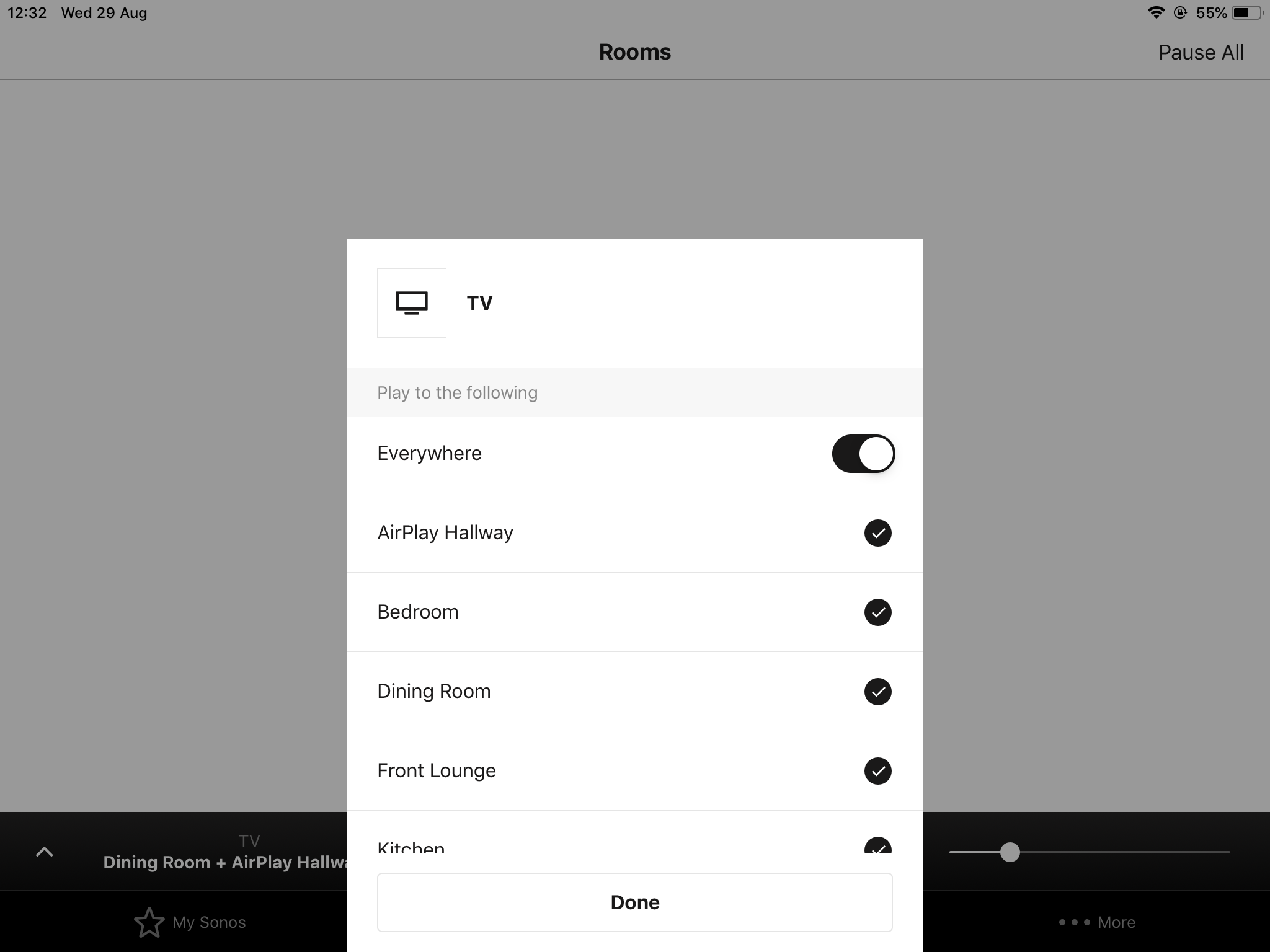
- Play it loud: Use the Alexa app to play your playlist across all the devices in your multi-room group.
Benefits of Having Multiple Alexas
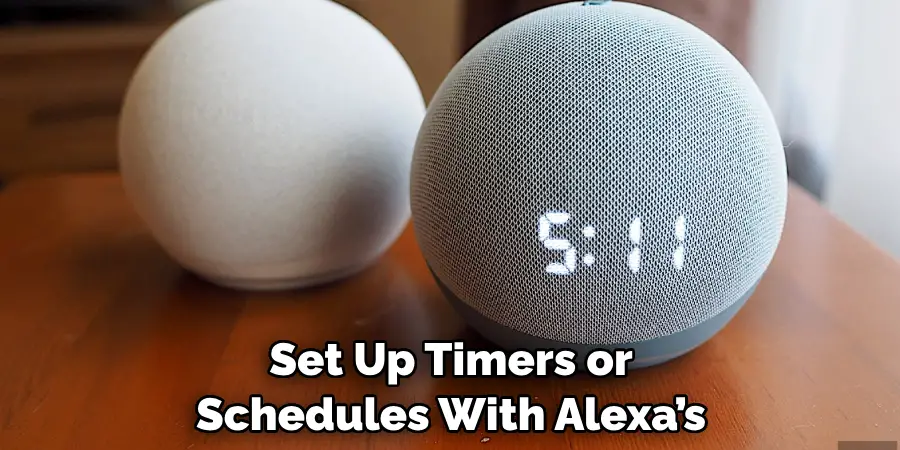
Having multiple Alexas in different rooms offers numerous benefits:
- Multi-Room Audio: Create a whole-home sound system by connecting multiple devices to the same Wi-Fi network.
- Hands-Free Calling: Make hands-free calls and send messages across multiple devices.
- Smart Home Control: Control multiple smart devices, combine rooms, and group lights using the Alexa app.
Common Issues and Troubleshooting
While setting up multiple Alexas in different rooms is relatively easy, you may encounter some common issues along the way. Here are some troubleshooting steps to help you overcome:
- Device Not Detected: Ensure that all devices are registered to the same account and are connected to the same Wi-Fi network.
- Audio Delay: Check your device settings and ensure that the audio delay is set to a reasonable interval.
- Disjointed Audio: Try resetting your devices or updating the Alexa app to resolve this issue.
Conclusion
Setting up multiple Alexas in different rooms is a great way to enhance your smart home experience. With this comprehensive guide, you'll be able to set up a seamless multi-room audio system in no time. Whether you're looking to play music across multiple devices or control smart home devices, Alexa has got you covered.
Additional Tips and Resources
For more information on setting up multiple Alexas in different rooms, check out the following resources:


:max_bytes(150000):strip_icc()/alexa-app-home-page-settings-1688-1000-yellow-dc8a40d9f4fc40fe934c1f7fbcce66ae.jpg "Play Music on All Your Echo Devices - Amazon Customer Service")