Protecting Your Instagram Account from Hackers: A Comprehensive Guide
As one of the most popular social media platforms, Instagram has become a hub for users to share their lives, connect with others, and showcase their creativity. However, with its massive user base comes a growing risk of account hacking. In this article, we'll provide you with a comprehensive guide on how to protect your Instagram account from hackers and keep your online presence secure.
Why Protect Your Instagram Account from Hackers?
Protecting your Instagram account from hackers is essential to prevent unauthorized access, data breaches, and phishing attacks. Hackers can steal your account credentials, sensitive information, and even use your account to spread malware or spam. With millions of active users, Instagram is a prime target for cybercriminals, making it crucial to take proactive measures to secure your account.
1. Use Strong Passwords and 2FA (Two-Factor Authentication)
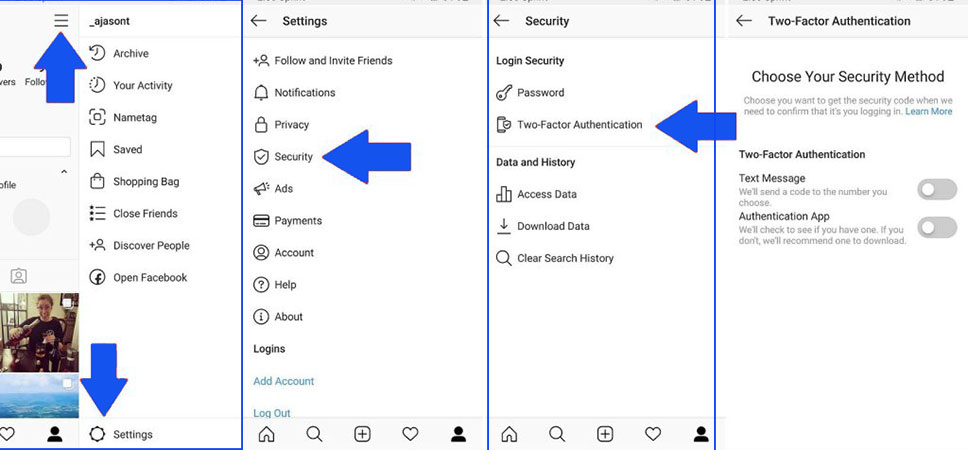
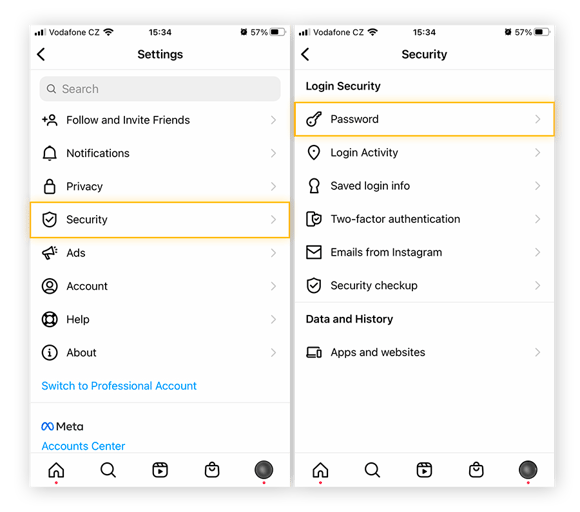
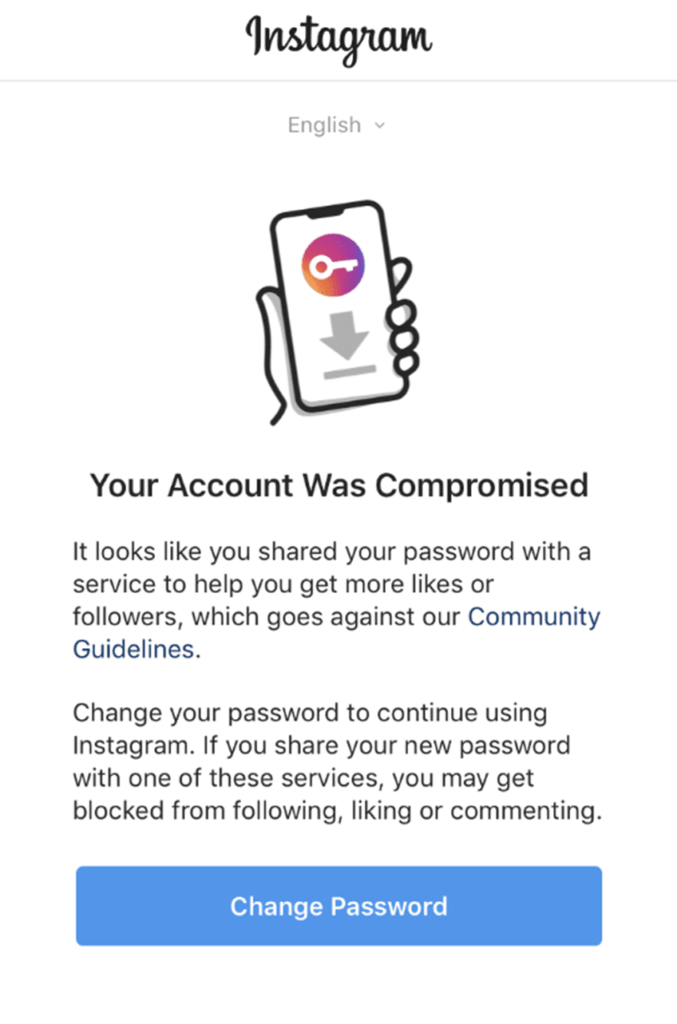
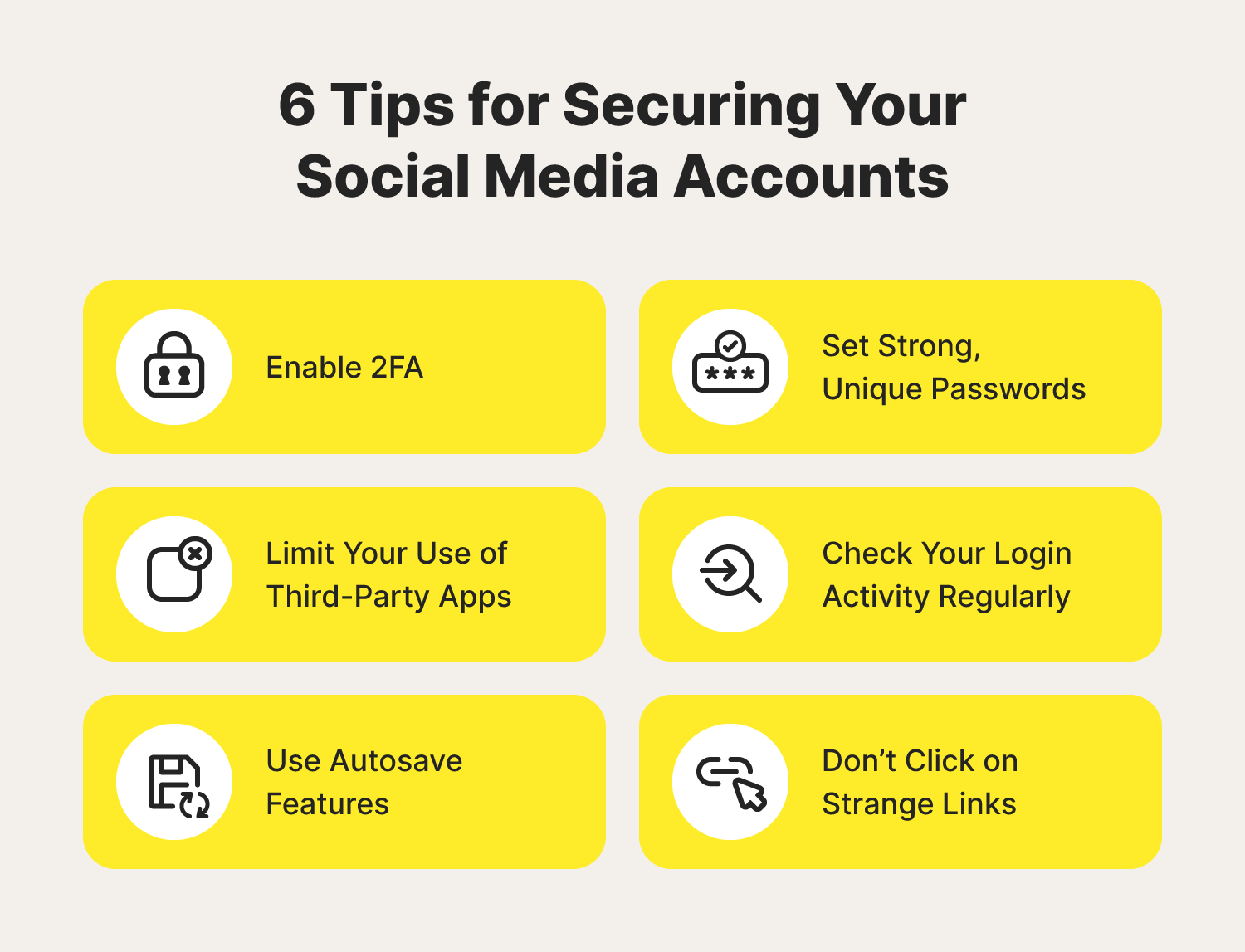
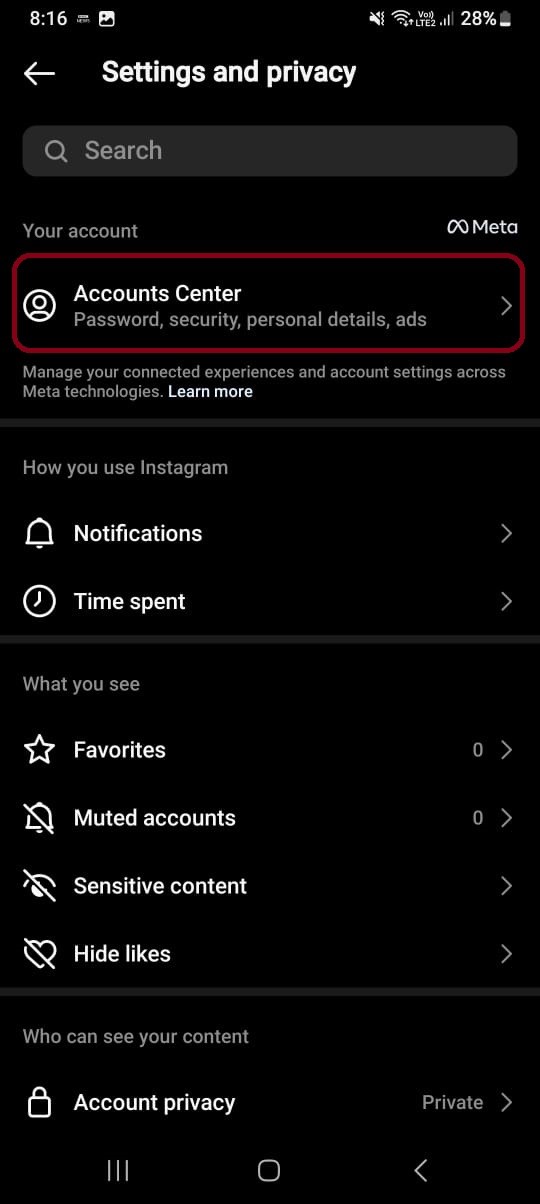
A strong password is the first line of defense against hackers. Use a combination of uppercase and lowercase letters, numbers, and special characters to create a unique password. Additionally, enable 2FA, which requires you to enter a verification code sent to your phone or email in addition to your password. This adds an extra layer of security to prevent unauthorized access.
2. Monitor Your Account Activity
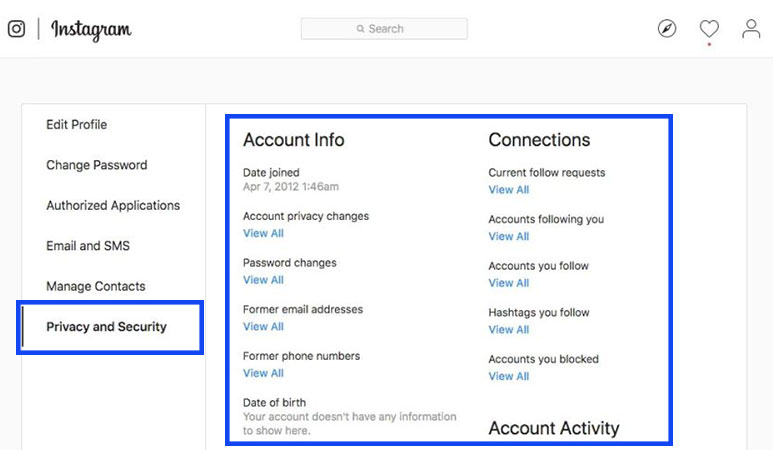
Keep a close eye on your account activity, including login history, device connections, and location data. If you notice any suspicious activity, report it to Instagram immediately. You can also use third-party apps to monitor your account activity and receive alerts if any unusual activity occurs.
3. Avoid Clicking on Suspicious Links
Be cautious when clicking on links from unknown sources, especially if they ask for your login credentials or sensitive information. Phishing scams often use fake links to trick users into revealing their account details. Always verify the authenticity of the link and avoid clicking on suspicious ones.
4. Limit 3rd Party App Connections
Limiting 3rd party app connections helps prevent hackers from accessing your account through connected apps. Avoid using the same account to login to multiple apps, and review what's connected to your account to ensure you're not sharing sensitive information.
5. Enable Account Recovery

Enable account recovery by adding a backup email address or phone number to your account. This allows you to recover your account if you forget your password or if your account is compromised. Make sure to keep this information up-to-date and secure to prevent unauthorized access.
6. Regularly Review and Update Your Account Settings
Regularly review and update your account settings to ensure they're secure. Check for any suspicious activity, update your password, and adjust your account settings to prevent unauthorized access.
7. Report Suspicious Activity
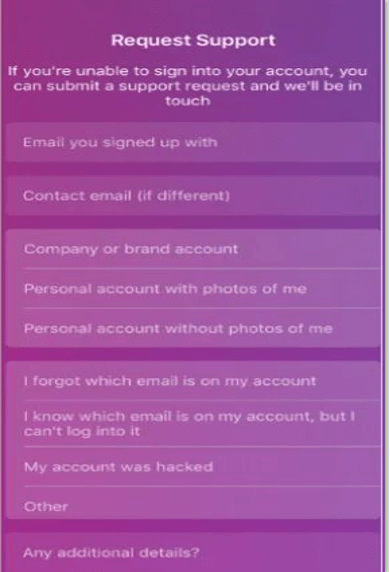
If you suspect your account has been hacked or if you notice any suspicious activity, report it to Instagram immediately. You can also use the Instagram Help Center to learn how to secure your account and prevent further attacks.
Conclusion
Protecting your Instagram account from hackers requires proactive measures to prevent unauthorized access, data breaches, and phishing attacks. By following the tips outlined in this article, you can safeguard your online presence, prevent hacking attempts, and maintain a secure Instagram account. Remember to stay vigilant, monitor your account activity, and report suspicious activity to prevent hacking and keep your online presence secure.
Additional Resources
For more information on how to protect your Instagram account from hackers, visit the Instagram Help Center or follow these resources:
- Instagram Security Checkup
- Facebook Account Recovery
- Twitter Account Security
- Cybersecurity Resources
Stay safe online and protect your Instagram account from hackers by following these simple tips and staying informed about the latest cybersecurity threats.



 "How to Protect Your Instagram Account from Hackers | Poprey Blog")