Setting up a Gaming Channel on Twitch: A Step-by-Step Guide
Are you ready to take your gaming experience to the next level by setting up your very own gaming channel on Twitch? With over 140 million active users per month, Twitch is the ultimate platform for gamers to share their passions, connect with like-minded individuals, and build a vibrant community. In this article, we will walk you through the process of setting up a gaming channel on Twitch, from the basics to advanced tips and tricks to help you succeed.
Understanding Twitch and Why Start a Gaming Channel?
Twitch is a live streaming platform primarily focused on video game content, but it has evolved to become a community-driven space where creators share their passions, engage with their audience, and monetize their content. Whether you're a seasoned gamer, artist, or simply a casual streamer, setting up a Twitch channel is an excellent way to share your experiences, learn from others, and build a loyal following.
Five Steps to Set Up and Start a Gaming Channel
- Step 1: Sign Up for Twitch - Registering for a Twitch account is free and straightforward. Simply go to Twitch.tv, enter your details, and personalize your profile image, banner, and description.
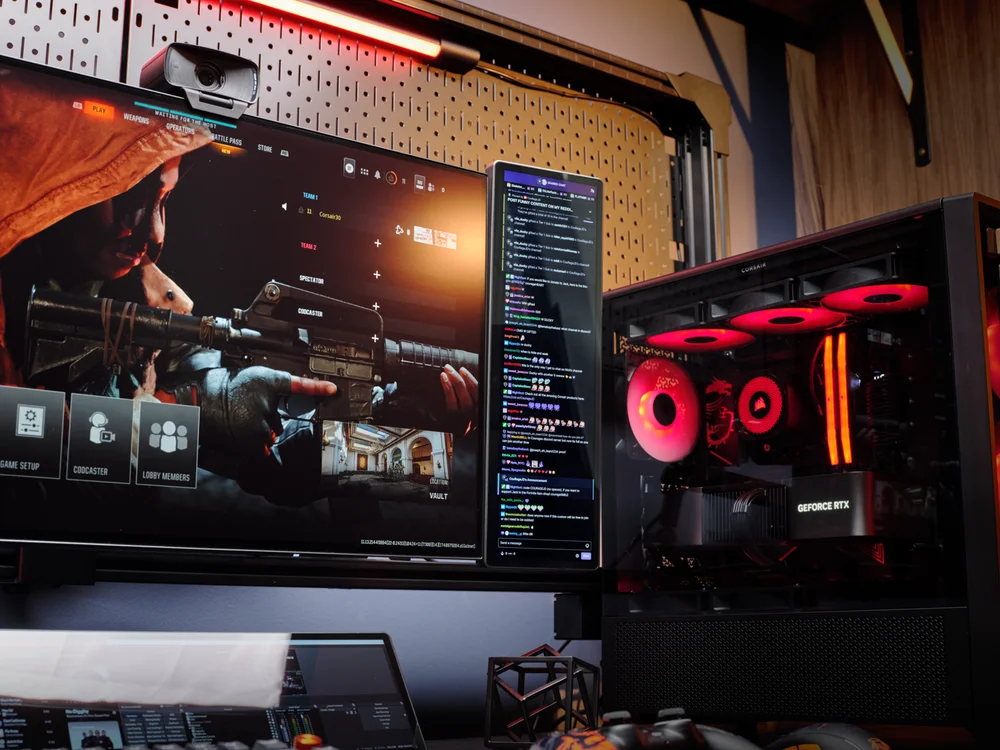
- Step 2: Choose Your Equipment - Invest in basic equipment such as a gaming PC with solid CPU power, a webcam, and a microphone to ensure high-quality streaming.
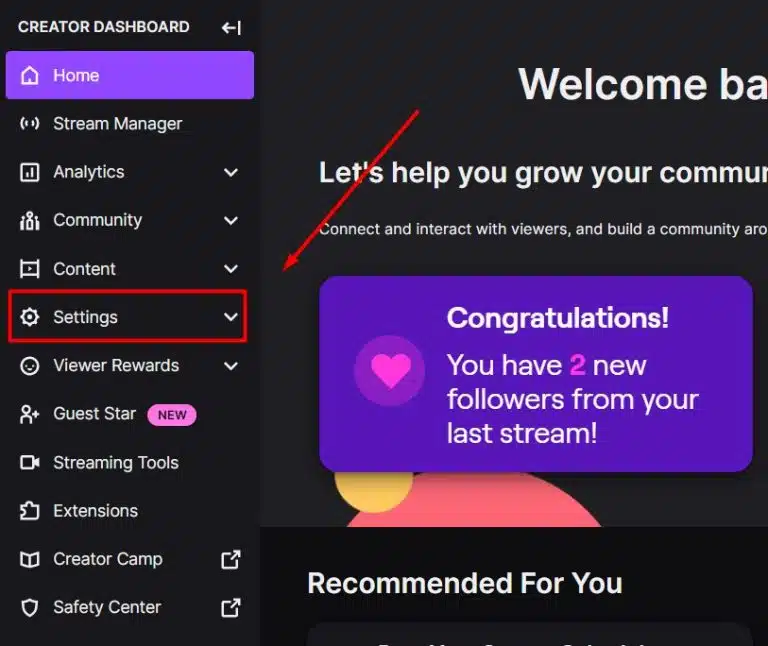
- Step 3: Set Up Your Channel - Customize your channel page, add your logo, and create an eye-catching banner to attract viewers.
- Step 4: Choose Your Broadcasting Software - Popular options include OBS (Open Broadcasting Software) and XSplit. Select the one that best suits your needs and download it.
- Step 5: Connect Your Twitch Account and Start Streaming - Connect your Twitch account to your broadcasting software, configure your settings, and start streaming.
Setting Up Your First Twitch Stream
Once you've completed the initial setup, it's time to configure your stream. Here's a step-by-step guide to help you get started:
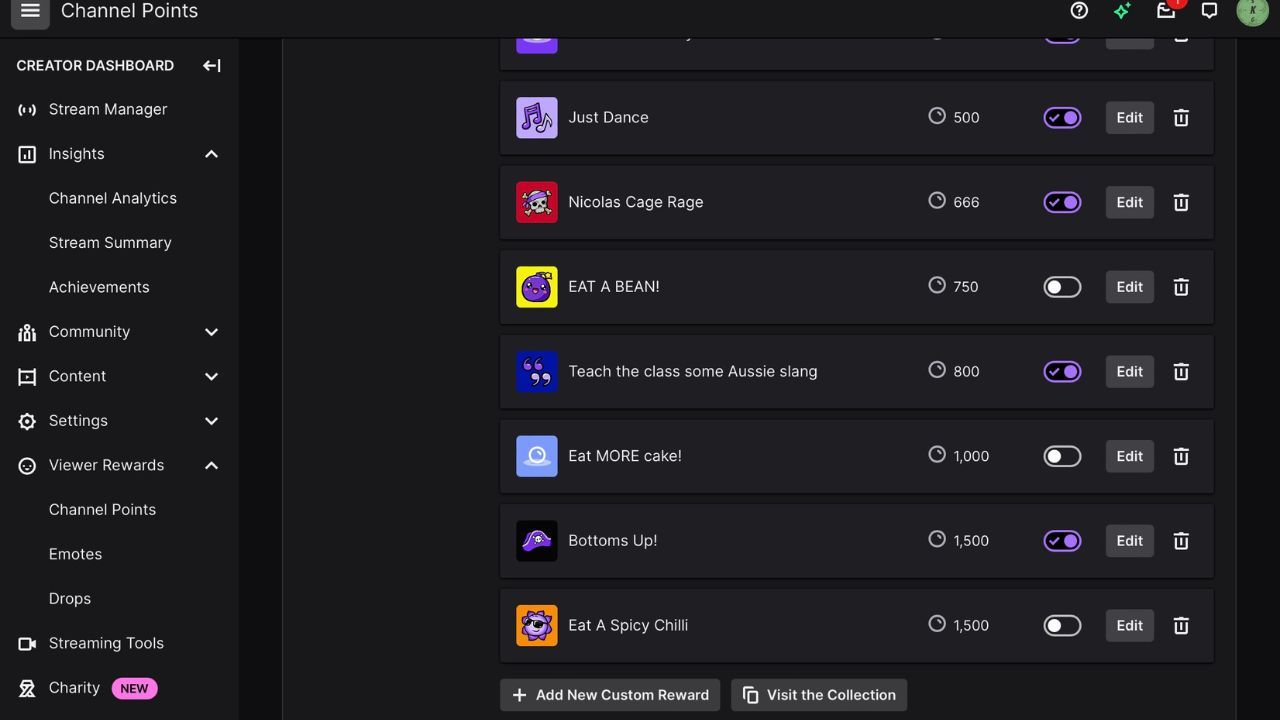
- Download and install OBS, your broadcasting software of choice.
- Configure your stream settings, including resolution, bitrate, and frame rate.
- Set up your webcam and microphone to ensure high-quality video and audio.
- Test your stream to ensure it's working smoothly and troubleshoot any issues.
- Go live and start sharing your gaming experiences with the world!
Growing Your Audience and Monetizing Your Channel
Once you've set up your channel, it's time to focus on growing your audience and monetizing your content. Here are a few tips to get you started:
- Network and Promote Your Channel - Engage with other streamers, join online communities, and promote your channel on social media.
- Develop a Unique Persona - Create a strong brand identity, including your username, avatar, and streams.
- Engage with Your Audience - Interact with your viewers, respond to comments, and host Q&A sessions.
- Apply for Affiliate or Partner Status - Meet Twitch's requirements, including a minimum number of followers, watch hours, and revenue.
Conclusion
Setting up a gaming channel on Twitch is an exciting journey that requires effort, patience, and dedication. By following these steps and tips, you'll be well on your way to building a successful channel that attracts a loyal audience and generates revenue. Remember to continuously improve your streaming quality, engage with your viewers, and adapt to the ever-changing landscape of the gaming industry. Happy streaming!





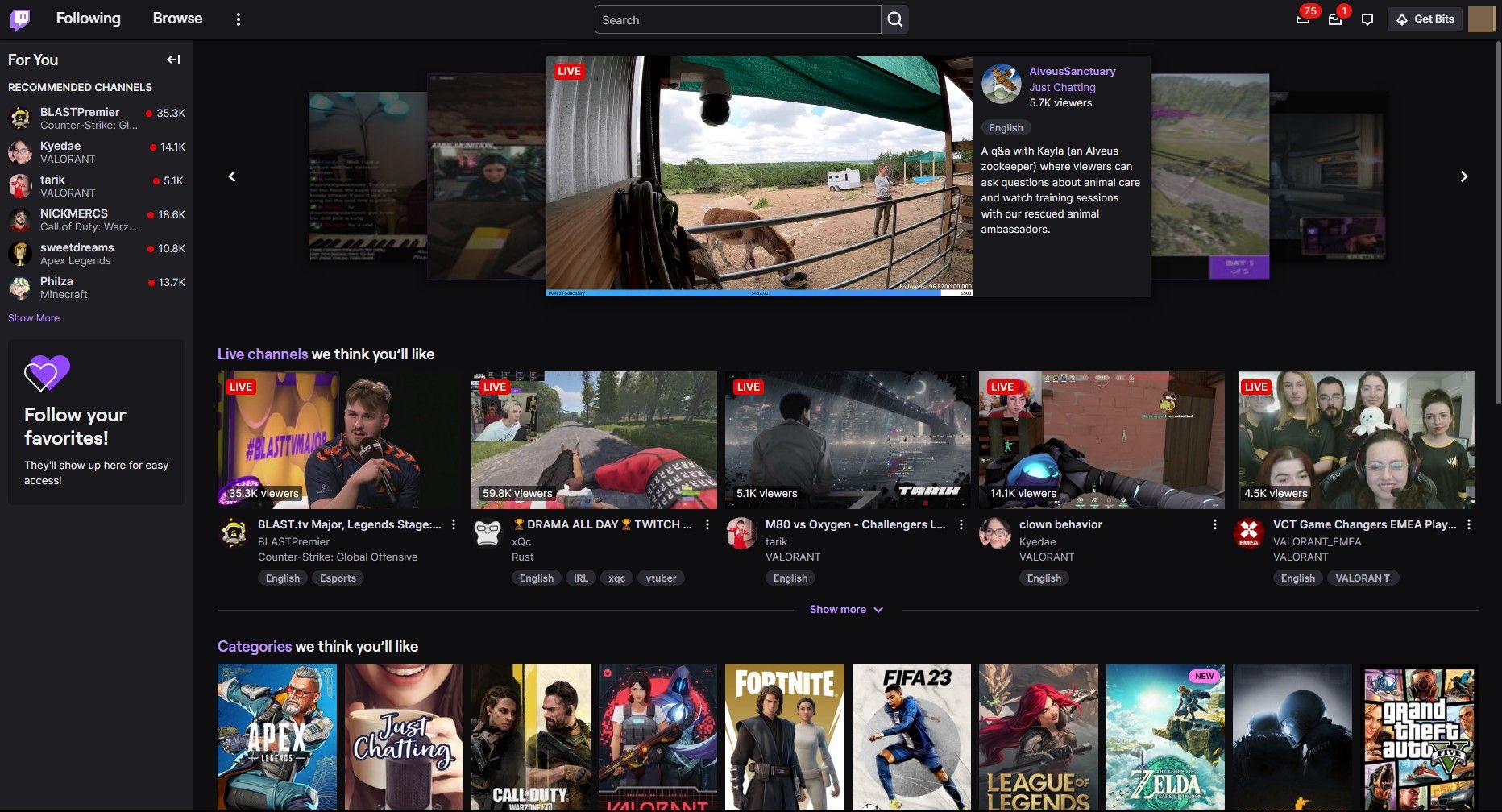
![How to Start a Gaming Channel [Youtube, Facebook, Twitch] | Namecheap](https://preview.redd.it/is-there-any-admin-on-twitch-how-can-this-scam-channels-v0-xb08xla2o7jc1.jpeg?width=1080&crop=smart&auto=webp&s=f58c9f59221ed521af4722182f8df2d9a47ed94e "How to Start a Gaming Channel [Youtube, Facebook, Twitch] | Namecheap")

