Remove Malware from Laptop without Using Antivirus: 10 Easy Steps
Malware is a significant concern for computer users, and at times, antivirus software may not be able to effectively remove the threat. However, there are alternative methods to reduce malware threats from your laptop without relying on antivirus software. In this article, we will guide you through the steps to safely remove malware from your laptop without using antivirus software.
Step 1: Boot into Safe Mode
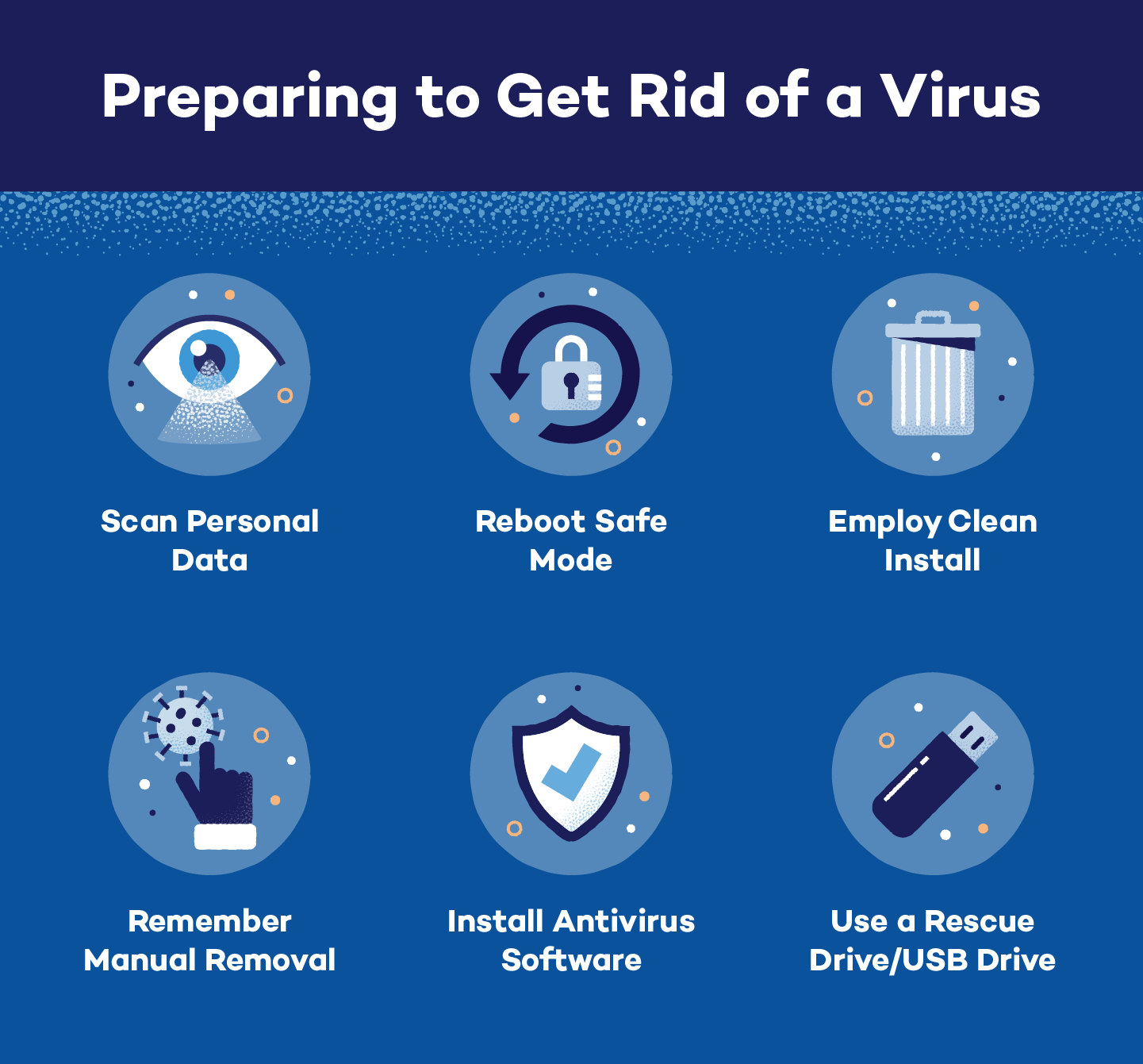
When your laptop is infected with malware, booting into Safe Mode can help you access the infected system and remove the virus. To do this, restart your laptop and press the F8 key continuously as it boots up. Select Safe Mode and press Enter to start the laptop in Safe Mode.
Step 2: Uninstall Suspicious Programs
Malware often disguises itself as legitimate software. Uninstalling suspicious programs can help you identify and remove malware from your laptop. To do this, go to the Control Panel and uninstall any recently installed programs that you don't recognize.
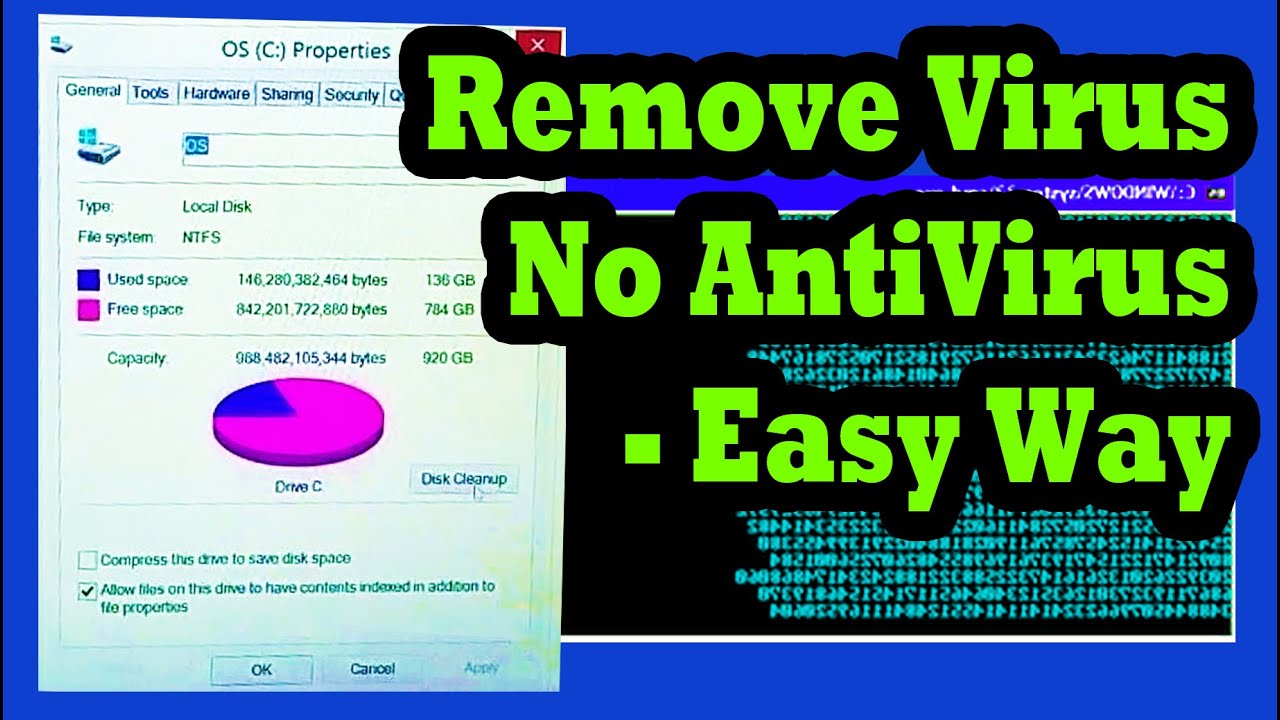
Step 3: Use Disk Cleanup
Malware can also consume disk space on your laptop. Using Disk Cleanup can help you free up space and remove temporary files that are created by the virus. To do this, go to the Start menu, select Disk Cleanup, and follow the prompts to clean up unnecessary files.
Step 4: Reset System Settings
Malware can also alter system settings on your laptop, including the start-up programs. Resetting system settings will help you revert to the default settings and remove malware from your laptop. To do this, go to the Start menu and select Settings. Click on Update & Security and then Recovery. Select Reset this PC to reset your system settings.
Step 5: Use Command Prompt
Command Prompt can be used to remove malware from your laptop without relying on antivirus software. To do this, open Command Prompt as an administrator and enter the command "sfc /scannow" to scan for corrupted files and repair them. Enter the command "chkdsk C:" to scan for disk errors and fix them.

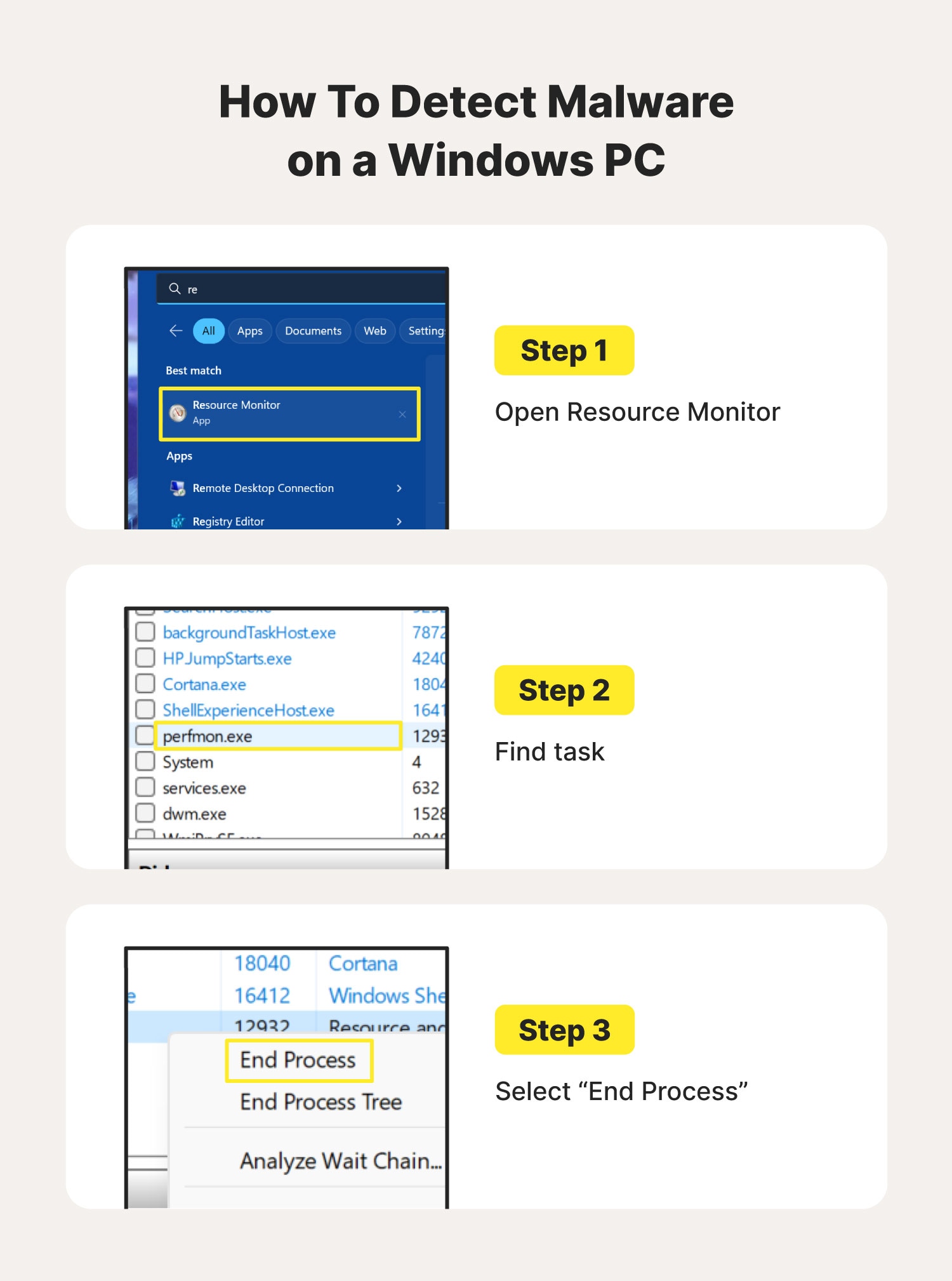
Step 6: Disable Unknown Processes
Malware can also run in the background as a process. Disabling unknown processes can help prevent malware from running on your laptop. To do this, press Ctrl + Shift + Esc to open Task Manager. Go to the Processes tab and disable any unknown processes.
Step 7: Use Windows Defender
Windows Defender is a built-in security software that comes with Windows operating system. You can use Windows Defender to remove malware from your laptop. To do this, go to the Start menu and select Settings. Click on Update & Security and then Windows Security. Select Virus & threat protection to scan for malware and remove it.
Step 8: Use System File Checker
System File Checker is a built-in tool that can be used to verify and replace corrupted system files. To do this, open Command Prompt as an administrator and enter the command "sfc /scannow" to scan for corrupted files and replace them.
Step 9: Use Autoruns
Malware can also hide in the autorun files on your laptop. Using Autoruns can help you identify and remove malware from autorun files. To do this, download and install Autoruns from Microsoft and run it as an administrator.
Step 10: Use Registry Editor
Registry Editor can be used to remove malware from the registry of your laptop. To do this, open Registry Editor and navigate to the key where malware is stored. Delete the key and restart your laptop to complete the removal.
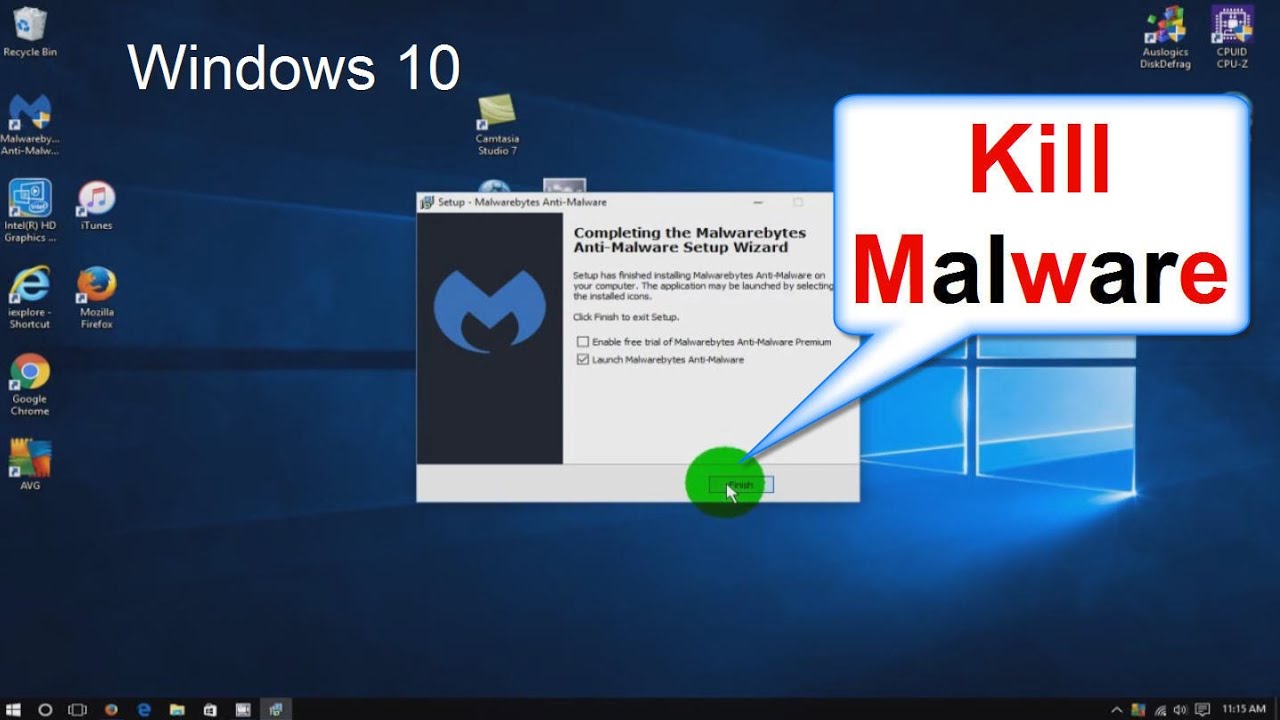
Removing malware from your laptop without using antivirus software requires patience and caution. Follow these steps carefully to avoid causing further damage to your computer. Remember to also install reputable antivirus software to prevent future malware infections.