Secure Your Facebook Account Information: A Comprehensive Guide
Facebook is one of the most widely used social media platforms, with over 2.7 billion monthly active users. With great power comes great responsibility, and securing your Facebook account information is crucial to protecting your personal and sensitive data. In this article, we will provide you with a comprehensive guide on how to secure your Facebook account information and what to do in case your account is hacked or compromised.
Why Securing Your Facebook Account Information is Important
Facebook stores a vast amount of personal and sensitive information about its users, including names, dates of birth, email addresses, phone numbers, and other contact information. This information can be used for malicious purposes, such as identity theft, phishing, and hacking. Securing your Facebook account information is essential to prevent unauthorized access and protect your identity.
Top Tips to Secure Your Facebook Account Information
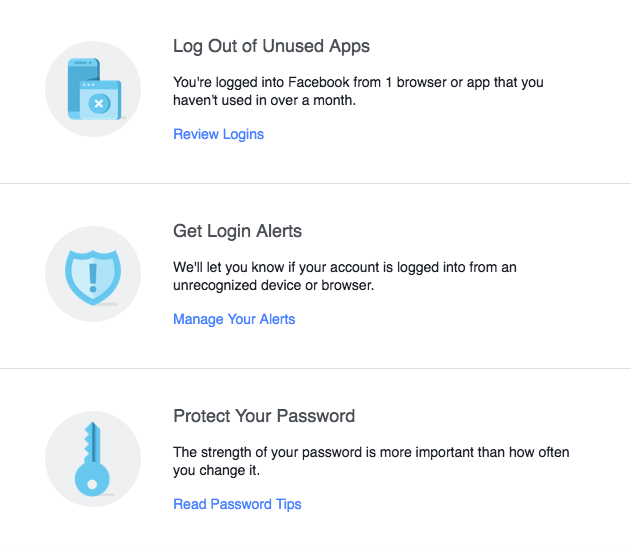
- Use a strong and unique password: Avoid using easily guessable passwords, such as your name, birthdate, or common words. Instead, use a combination of letters, numbers, and special characters to create a strong and unique password.
- Enable two-factor authentication (2FA): 2FA adds an extra layer of security to your Facebook account by requiring a verification code sent to your phone or email in addition to your password.
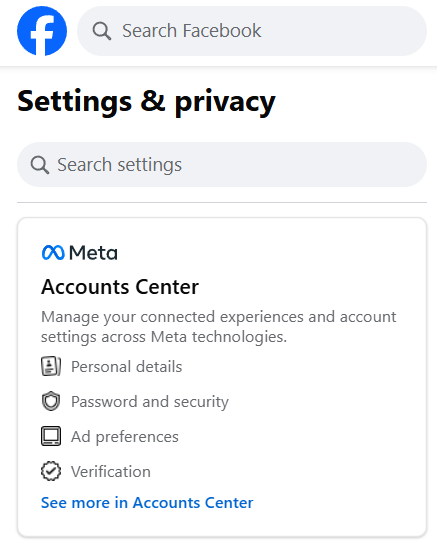
- Review and update your security settings regularly: Check your Facebook security settings regularly to ensure that they are up-to-date and accurate. This includes reviewing your account recovery methods, login settings, and permission levels.
- Be cautious with friend requests and messages: Be wary of suspicious friend requests and messages, and do not accept friend requests from unknown users. Also, be cautious when sharing personal information or photos with friends.
- Use a secure browser and update regularly: Ensure that your browser is up-to-date and uses the latest security patches. Also, consider using a secure browser like Google Chrome or Mozilla Firefox.
- Monitor your account activity regularly: Regularly check your account activity to ensure that there are no suspicious login attempts or unauthorized transactions.
- Use a password manager: Consider using a password manager like LastPass or 1Password to generate and store unique and complex passwords for all your online accounts, including your Facebook account.
What to Do if Your Facebook Account is Hacked or Compromised

If you suspect that your Facebook account has been hacked or compromised, follow these steps to secure your account information:
- Change your password immediately: Change your password to a strong and unique one to prevent further unauthorized access.
- Review recent login activity: Check your account activity to identify any suspicious login attempts.
- Enable 2FA: Activate two-factor authentication to add an extra layer of security to your account.
- Report the issue to Facebook: Contact Facebook support to report the hacking incident and seek assistance in recovering your account.
- Update your security settings: Review and update your account recovery methods, login settings, and permission levels to ensure that they are secure and up-to-date.
Conclusion
Securing your Facebook account information is crucial to protecting your personal and sensitive data. By following the top tips outlined in this article, you can significantly reduce the risk of your account being hacked or compromised. Remember to regularly review and update your security settings, use strong and unique passwords, and be cautious with friend requests and messages. If you suspect that your account has been hacked, take immediate action to change your password, review recent login activity, and report the issue to Facebook.
By securing your Facebook account information, you can enjoy a safer and more secure online experience, and protect your identity from malicious hackers and scammers.