Boost Your Router Wireless Network Security with Expert Tips
Learn how to safeguard your home network with strong passwords, WPA3 encryption, VPNs, and more. Stay protected!
The Importance of Router Wireless Network Security
Setting up your home Wi-Fi router to optimize your privacy and cybersecurity is crucial. This guide will provide you with the minimum essential steps that you must take to ensure that your router doesn't introduce any unnecessary cybersecurity risks.
The Problem of Unsecured Home Networks
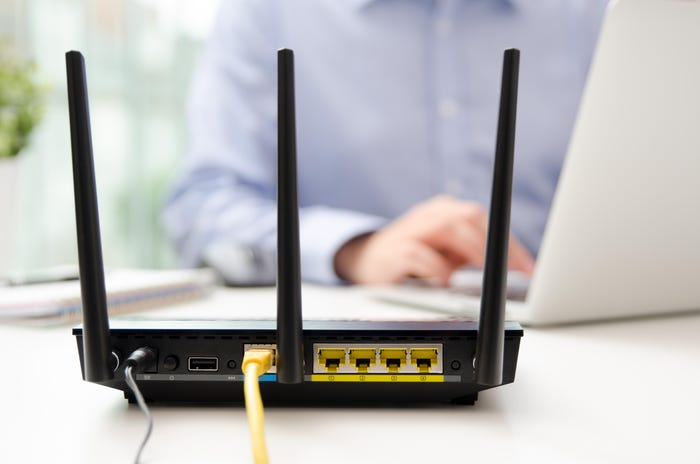
If you don't secure your home Wi-Fi network, cyber threat actors can perform a number of operations that can compromise your personal data and online safety. Your router is the hub for all of the devices on your home network, and it helps protect all of the devices on your network against attack from the Internet.
Ways to Secure Your Router's Wireless Network
Here are some ways you can make sure your security is in tip-top shape:

- Disable Remote Access: Routers offer a web interface, allowing you to configure and manage your router remotely. However, this exposes your router to potential threats. Disable remote access to prevent unauthorized access to your router.
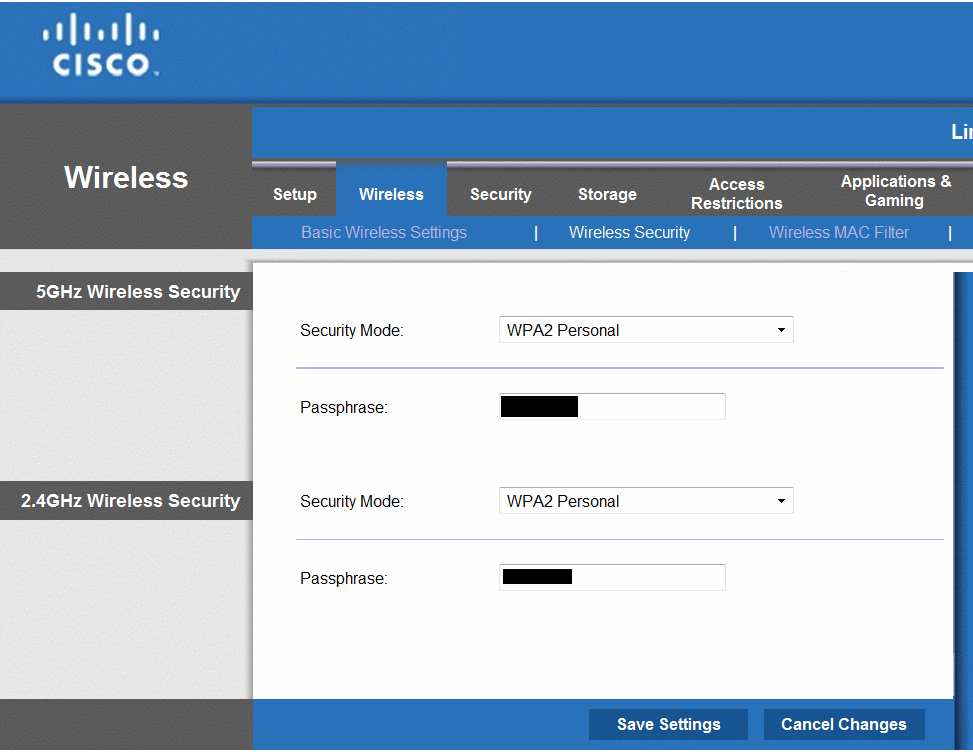
- Use Strong Passwords: Use strong and unique passwords for your router and network. Use a password manager to generate and store complex passwords.
- Use WPA3 Encryption: WPA3 encryption is the most secure encryption method available for Wi-Fi networks. Make sure to use WPA3 encryption on your router to protect your network from hacking attempts.
- Use a VPN: A Virtual Private Network (VPN) helps to encrypt your internet traffic and protect your data from hacking and surveillance.
- Regularly Update Firmware: Regularly update your router's firmware to ensure you have the latest security patches and features.
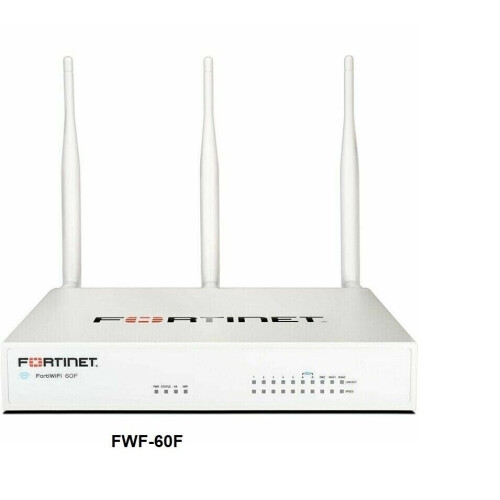
- Use a Firewall: Enable the firewall on your router to block unauthorized access to your network.
- Use a Wireless Network Analyzer: Use a wireless network analyzer to scan your network for any suspicious devices or activity.
- Regularly Check for Vulnerabilities: Regularly check for any vulnerabilities in your router and network, and address them promptly.
- Use a Secure Antivirus Software: Use a secure antivirus software to protect your devices from malware and other online threats.
Staying Protected: Tips and Best Practices
Here are some additional tips and best practices to help you stay protected:
- Use a secure DNS server: Use a secure DNS server to protect your network from DNS spoofing attacks.
- Use a intrusion detection system: Use an intrusion detection system to detect and prevent hacking attempts.
- Use a secure login system: Use a secure login system to protect your network from unauthorized access.
- Regularly back up your data: Regularly back up your data to prevent loss in case of a hacking attempt or system failure.
- Stay informed: Stay informed about the latest cybersecurity threats and trends, and update your network accordingly.
Conclusion
By following these expert tips and best practices, you can make sure your router's wireless network is secure and protected from cyber threats. Remember to regularly update your firmware, use strong passwords, and enable firewall protection to ensure your network is safe and secure.
_20240830055723o.jpg "How to Secure Your Router & Protect Your Network | Essential Tips - NETGEAR")