Python Programming for Web Development with Flask
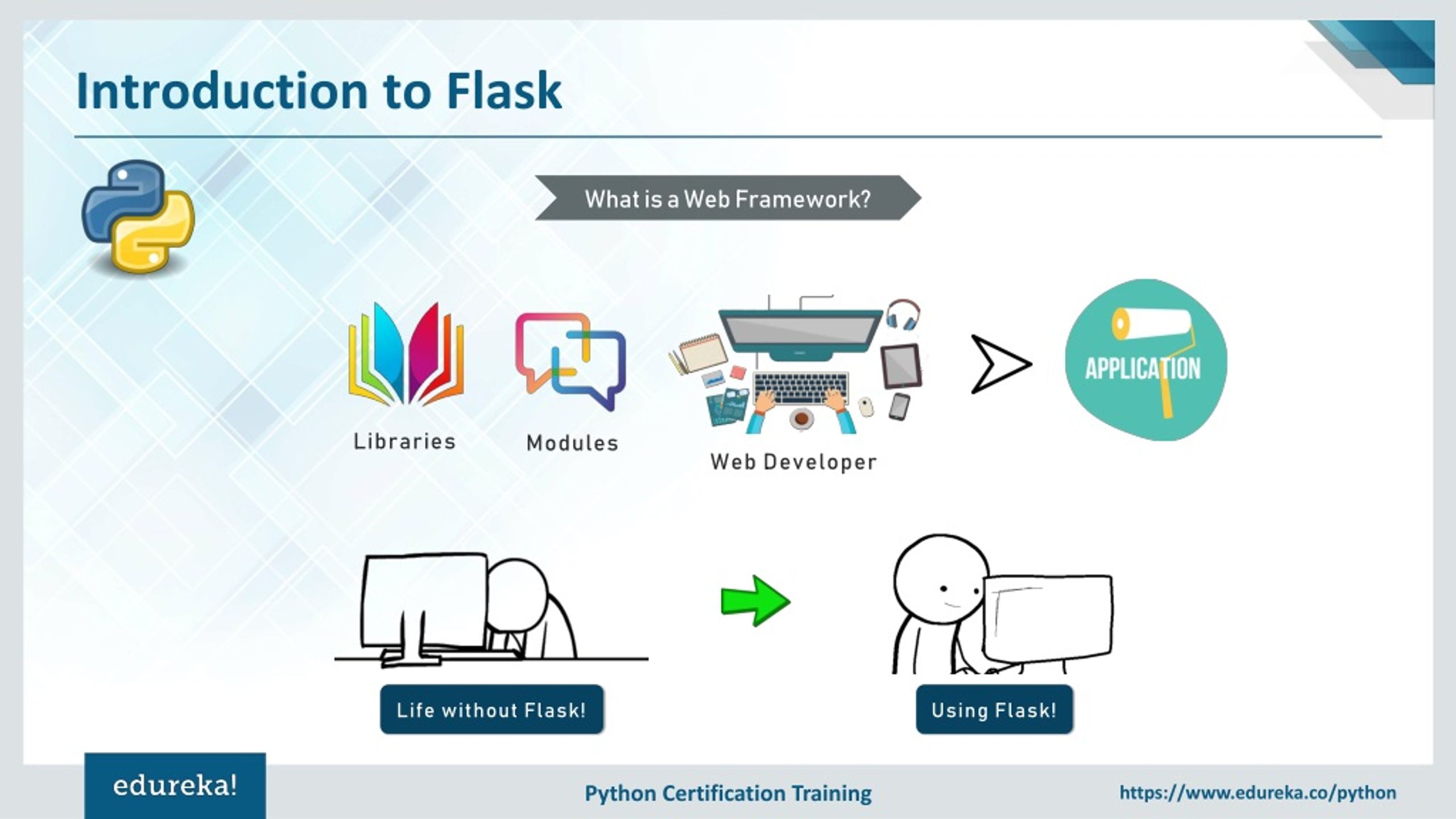
When it comes to web development, the choice of programming language can be overwhelming, especially for beginners. However, with the rise of Python, many developers have made the switch to this versatile language for building web applications. In this article, we'll focus on one of the most popular Python web frameworks, called Flask, and explore why it's an ideal choice for web development.
What is Flask and Why Use it for Web Development?
Flask is a micro web framework designed to be lightweight, flexible, and modular. It's built on top of the Werkzeug WSGI toolkit and the Jinja2 template engine, making it a great choice for small to medium-sized applications. Unlike other frameworks, Flask isn't opinionated, meaning it doesn't enforce a specific project structure or coding style. This gives developers the freedom to choose their own approach and customize their projects as needed.
Key Features of Flask
- Lightweight**: Flask is designed to be lightweight and doesn't require any complicated setup or configuration.
- Flexible**: Flask is highly customizable, allowing developers to choose their own project structure, coding style, and dependencies.
- Modular**: Flask's modular design makes it easy to add or remove features as needed.
- Routing**: Flask provides a robust routing system, making it easy to map URLs to specific functions and templates.
Getting Started with Flask
To get started with Flask, you'll need to install it using pip, Python's package manager. You can do this by running the following command in your terminal:
pip install flask

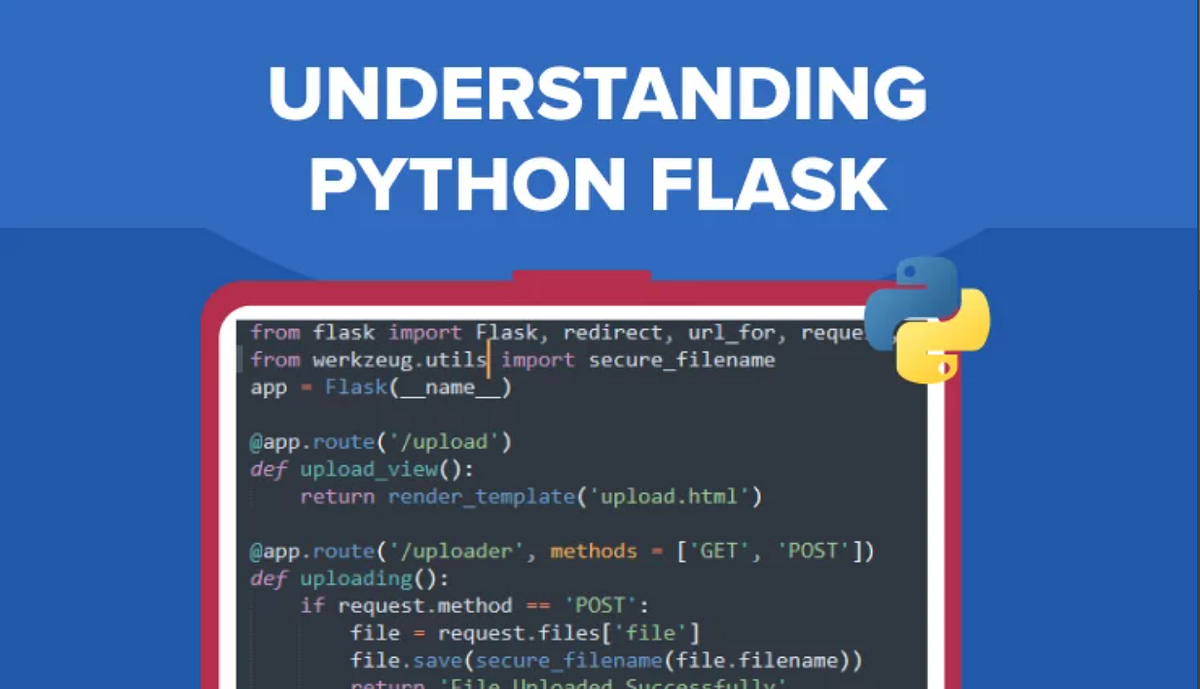
Once installed, create a new Python file and import the Flask library. You can create your first Flask application by using the following code:
```python from flask import Flask app = Flask(__name__) @app.route("/") def hello_world(): return "Hello, World!" if __name__ == "__main__": app.run(debug=True) ```Building a Simple Web Application with Flask
With Flask's straightforward API, building a simple web application is a breeze. Here's an example of how to create a web application that displays a list of items:
```python from flask import Flask, jsonify app = Flask(__name__) items = [ {"id": 1, "name": "Item 1"}, {"id": 2, "name": "Item 2"}, {"id": 3, "name": "Item 3"} ] @app.route("/items", methods=["GET"]) def get_items(): return jsonify(items) if __name__ == "__main__": app.run(debug=True) ```Deploying Flask Applications
Once you've built your Flask application, it's time to deploy it. Flask can be deployed to a variety of environments, including production servers, containers, and cloud platforms. You can even deploy Flask applications using virtual environments like Docker or Kubernetes.
Conclusion
In this article, we explored the world of Flask and why it's the perfect choice for web development with Python. With its lightweight, flexible, and modular design, Flask is an ideal framework for small to medium-sized applications. We also covered the key features of Flask and provided examples of how to get started with building a web application. Whether you're a beginner or an experienced developer, Flask is a great choice for your next web development project.




![Top Python Courses Online - Updated [March 2026] - Udemy](https://stackpython.co/media/django-summernote/2020-11-04/c94b6e78-9c1e-423c-9b19-8bc27bb3d26e.png "Top Python Courses Online - Updated [March 2026] - Udemy")