Protecting Your Facebook Account from Cyber Attacks: Essential Tips and Strategies
In today's digital landscape, Facebook accounts are prime targets for hackers seeking to monetize stolen identities, impersonate users, or gain access to business assets. Cybersecurity experts estimate that nearly 3 in 10 incidents recorded in 2024 involved unauthorized account access, highlighting the growing threat to personal, professional, and creator accounts alike.
Why Protecting Your Facebook Account is Crucial
Cyber attacks on Facebook accounts can have severe consequences, including identity theft, financial loss, and reputational damage. By protecting your account, you can prevent hackers from accessing your personal and sensitive information, as well as your professional networks and connections.
Understanding Common Methods Used for Hacking Facebook Accounts
Hackers use various tactics to compromise Facebook accounts, including:
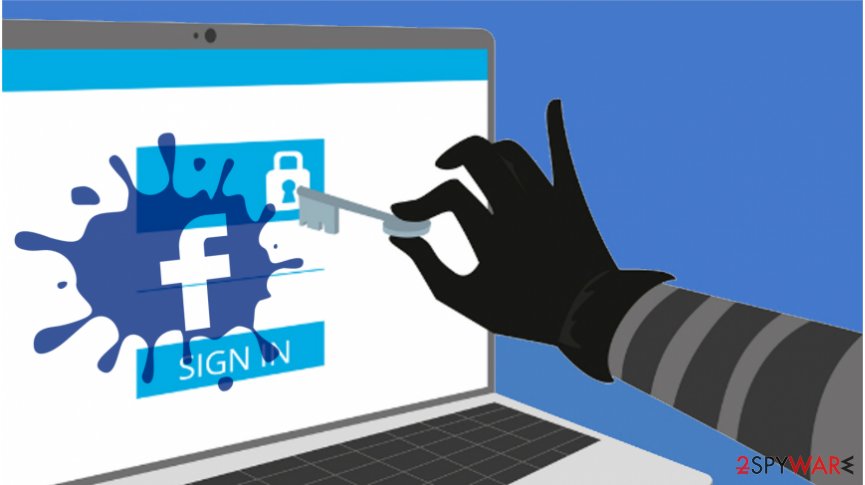
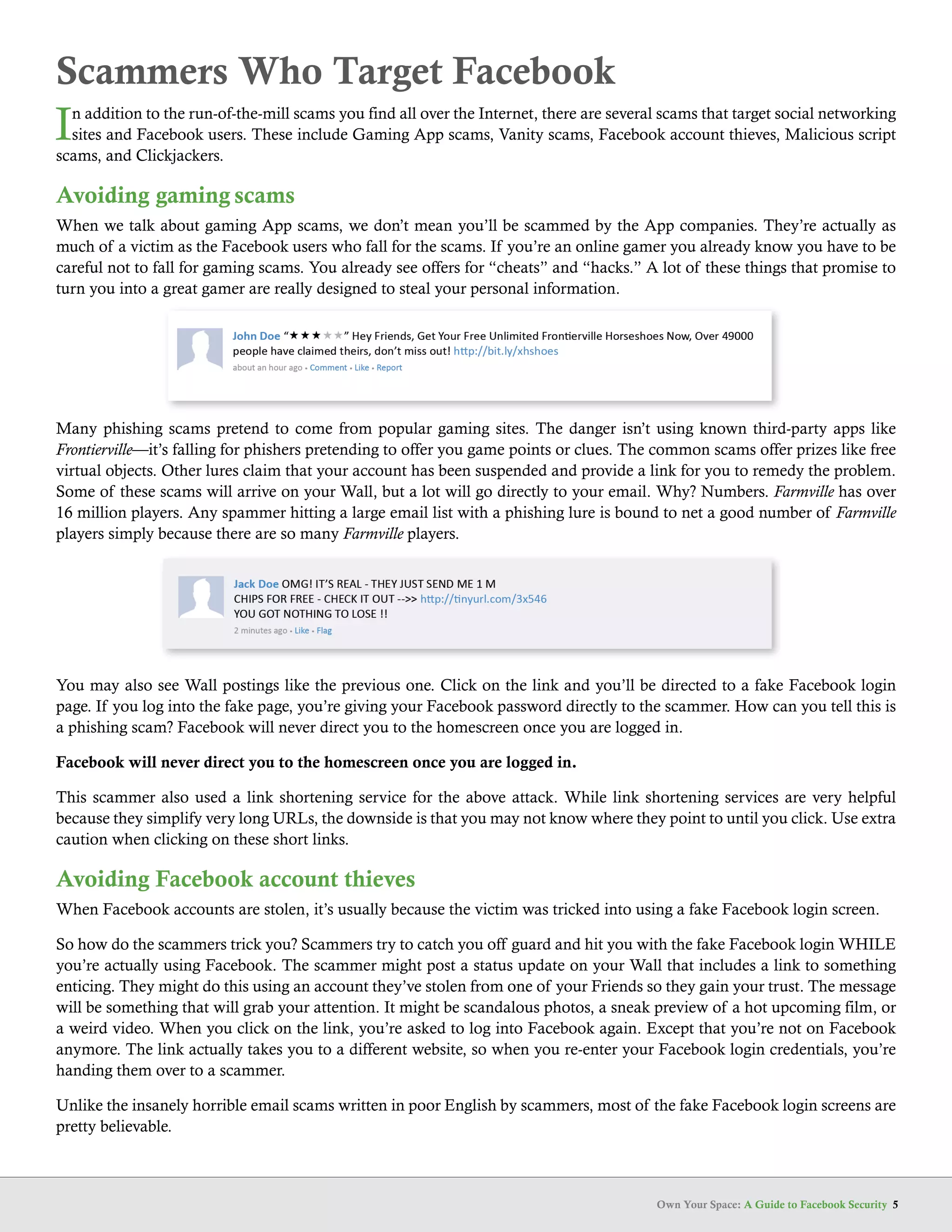
- Phishing attacks: Hackers send fake emails or messages that appear to be from Facebook, tricking users into revealing their login credentials.
- Password attacks: Hackers use brute-force methods or exploit vulnerabilities in password storage to gain access to user accounts.
- Social engineering: Hackers manipulate users into divulging sensitive information or performing certain actions that compromise their accounts.
Protecting Your Facebook Account from Cyber Attacks
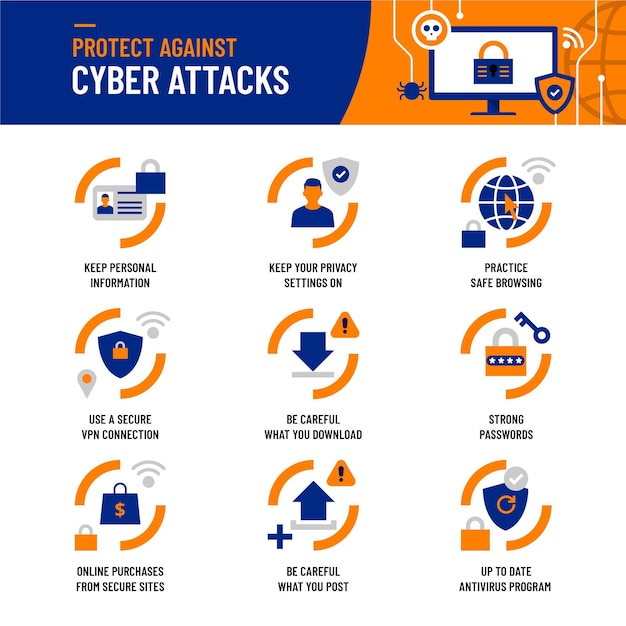
To protect your Facebook account from cyber attacks, follow these essential tips and strategies:
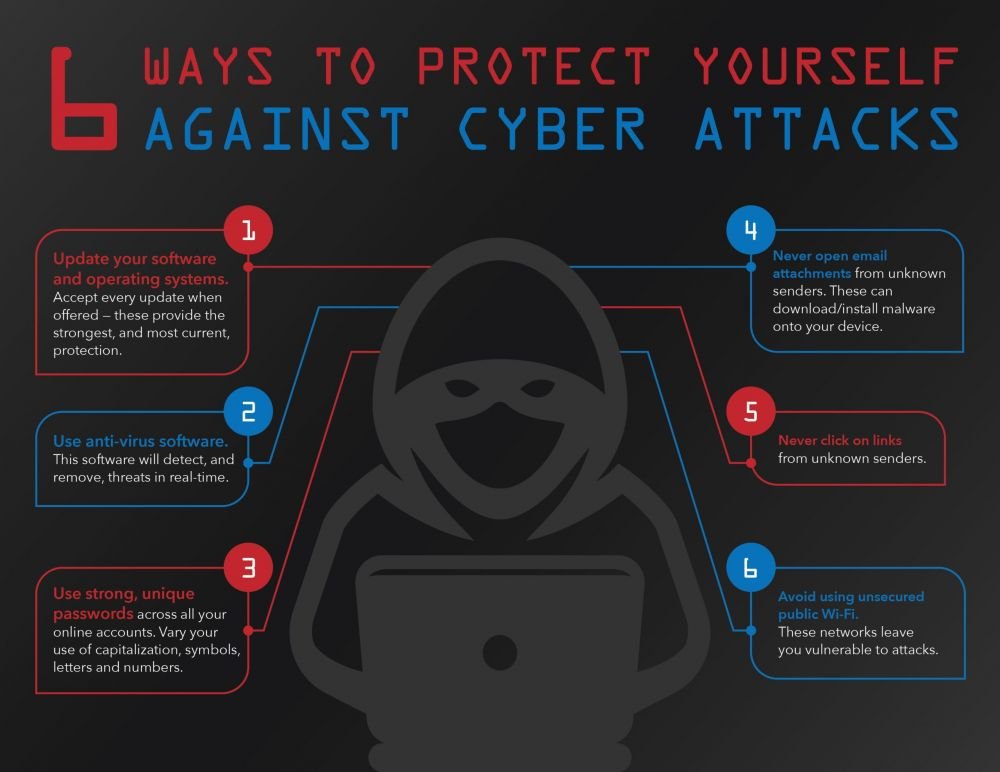
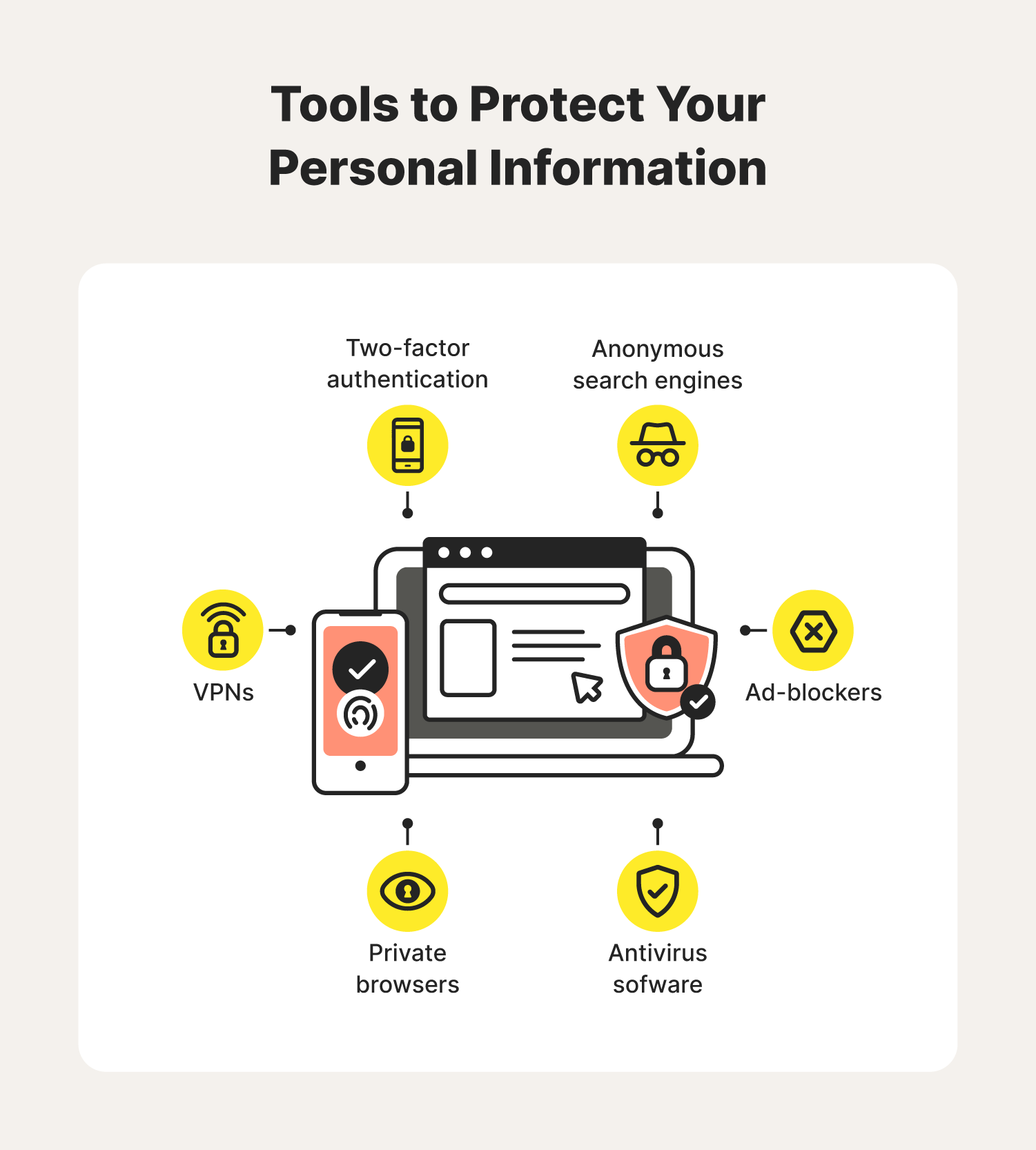
1. Enable Two-Factor Authentication (2FA)
2FA adds an extra layer of security to your account by requiring a second form of verification, such as a code sent to your phone or a biometric scan, in addition to your password.
2. Use a Strong Password
Choose a unique and complex password that is difficult to guess, and avoid using the same password across multiple accounts.
3. Monitor Your Account Activity
Regularly review your account activity to detect any suspicious behavior, such as unauthorized logins or changes to your account settings.
4. Be Cautious with Links and Attachments
Avoid clicking on suspicious links or opening attachments from unknown sources, as they may contain malware or phishing attacks.
5. Use Facebook's Security Features
Facebook offers various security features, including login alerts, approvals, and security settings, which can help you add an extra layer of protection to your account.
Recovering Your Facebook Account after a Hack
If your Facebook account has been compromised, follow these steps to recover your account and secure your data:
1. Change Your Password
Immediately change your password to prevent further unauthorized access.
2. Enable 2FA
Enable two-factor authentication to add an extra layer of security to your account.
3. Review Your Account Activity
Review your account activity to detect any suspicious behavior and report it to Facebook's support team.
4. Update Your Security Settings
Update your security settings to ensure that your account is protected from future attacks.
Conclusion
Protecting your Facebook account from cyber attacks is crucial in today's digital landscape. By following these essential tips and strategies, you can prevent hackers from accessing your personal and sensitive information, as well as your professional networks and connections. Remember to stay vigilant, monitor your account activity, and use Facebook's security features to add an extra layer of protection to your account.