Preventing Malware from Executing on Mac: Essential Tips and Strategies
Protect Your Mac from Malware: macOS Features and Beyond
macOS has many features that help protect your Mac and your personal information from malicious software, or malware. One common way malware is distributed is by embedding it in a harmless-looking app. You can reduce this risk by using software only from reliable sources. This is crucial in preventing malware from executing on your Mac.Gatekeeper: A Security Measure to Prevent Malware Execution
Gatekeeper is a built-in security measure in macOS that helps prevent untrusted apps and software from running on your Mac. This feature acts as a safety net, blocking potential threats from running on your system. While Gatekeeper is effective in preventing malware execution, it's not foolproof. Therefore, it's essential to be cautious when downloading software and apps from the internet.Ways to Avoid Malware and Harmful Apps on Mac
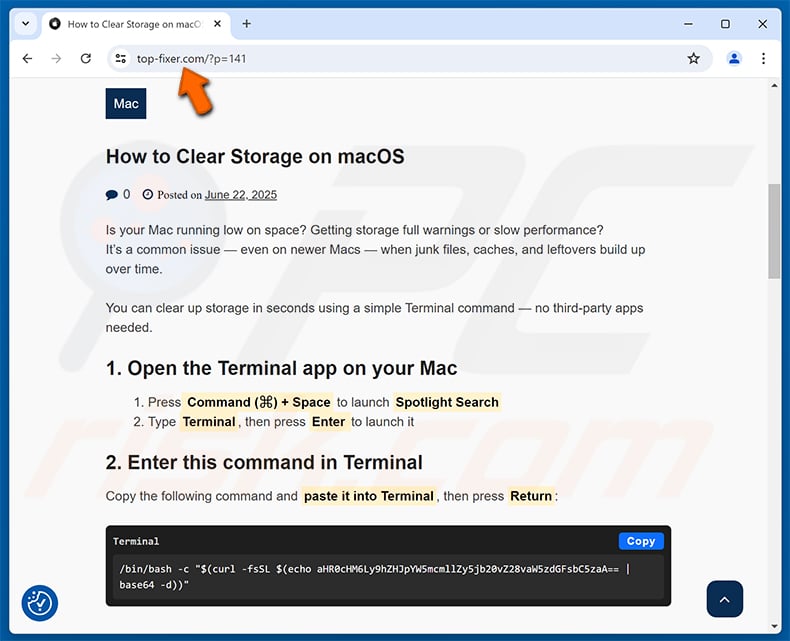
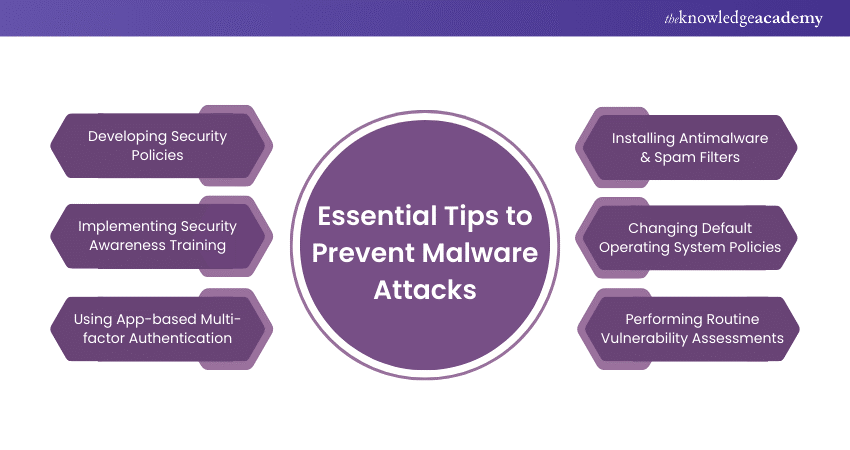
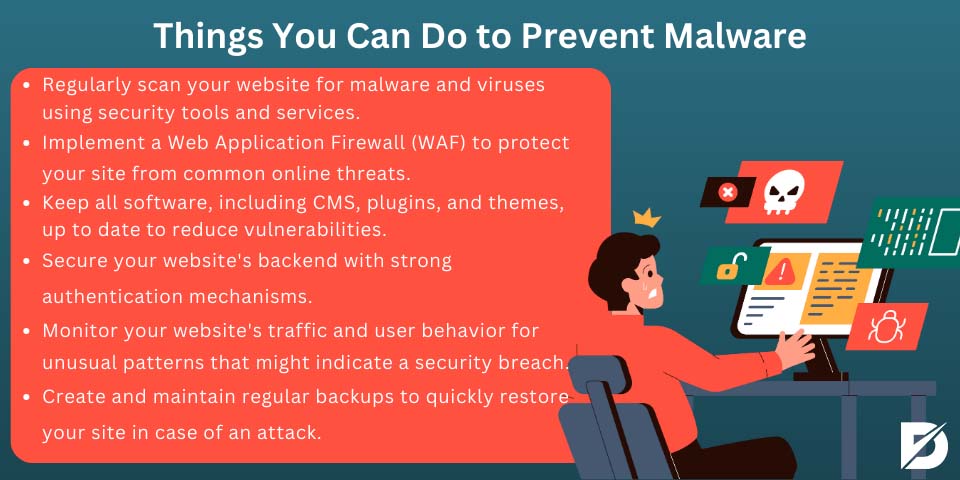
To avoid malware and harmful apps on your Mac, you need to be vigilant when downloading software and files from the internet. Here are some tips:- Use reputable sources: Only download software and apps from trusted sources, such as the Mac App Store, software developer's official website, or reputable download websites.
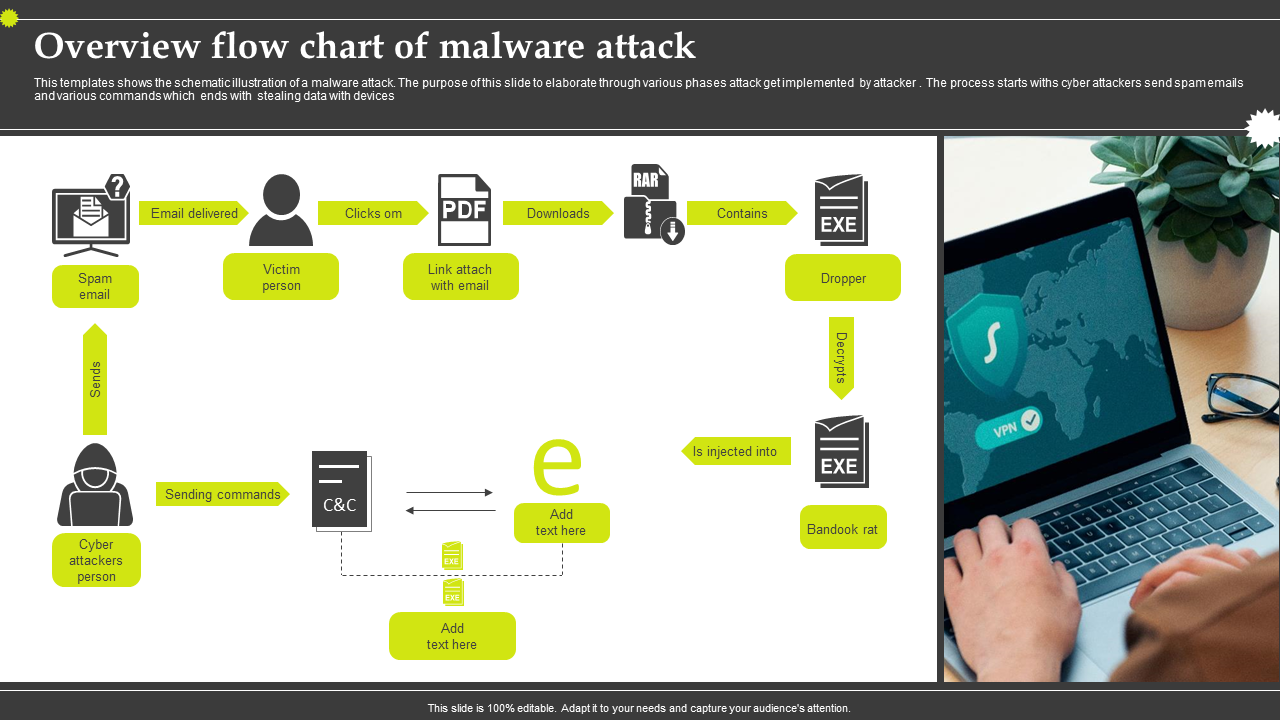
- Be cautious of attachments and links: Be careful when opening email attachments and clicking on links from unknown senders, as they may contain malware.
- Keep your Mac updated: Regularly update your operating system, software, and apps to ensure you have the latest security patches and features.
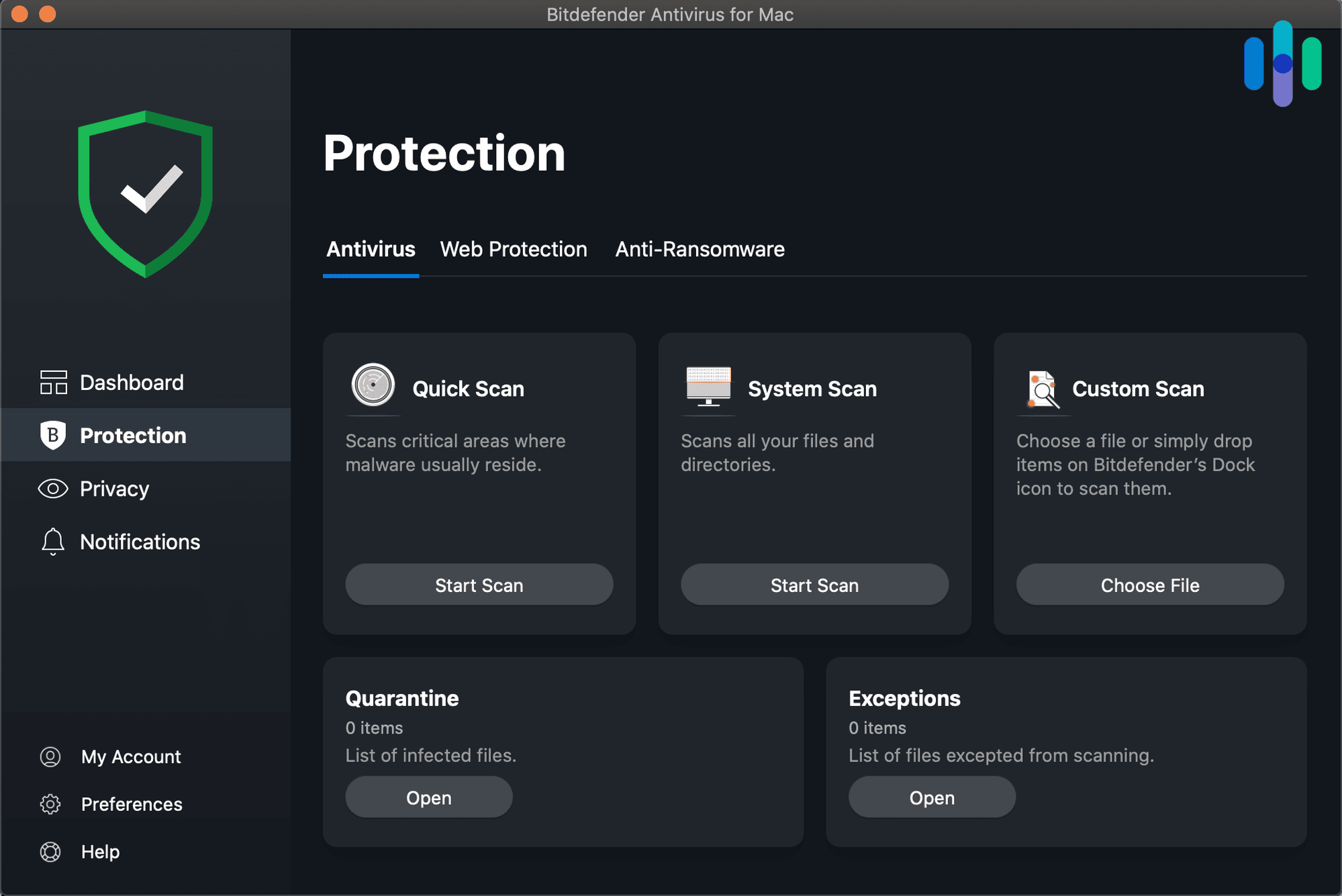
- Use a reputable antivirus program: Install and regularly run a reputable antivirus program, such as Malwarebytes or Sophos, to detect and remove malware.
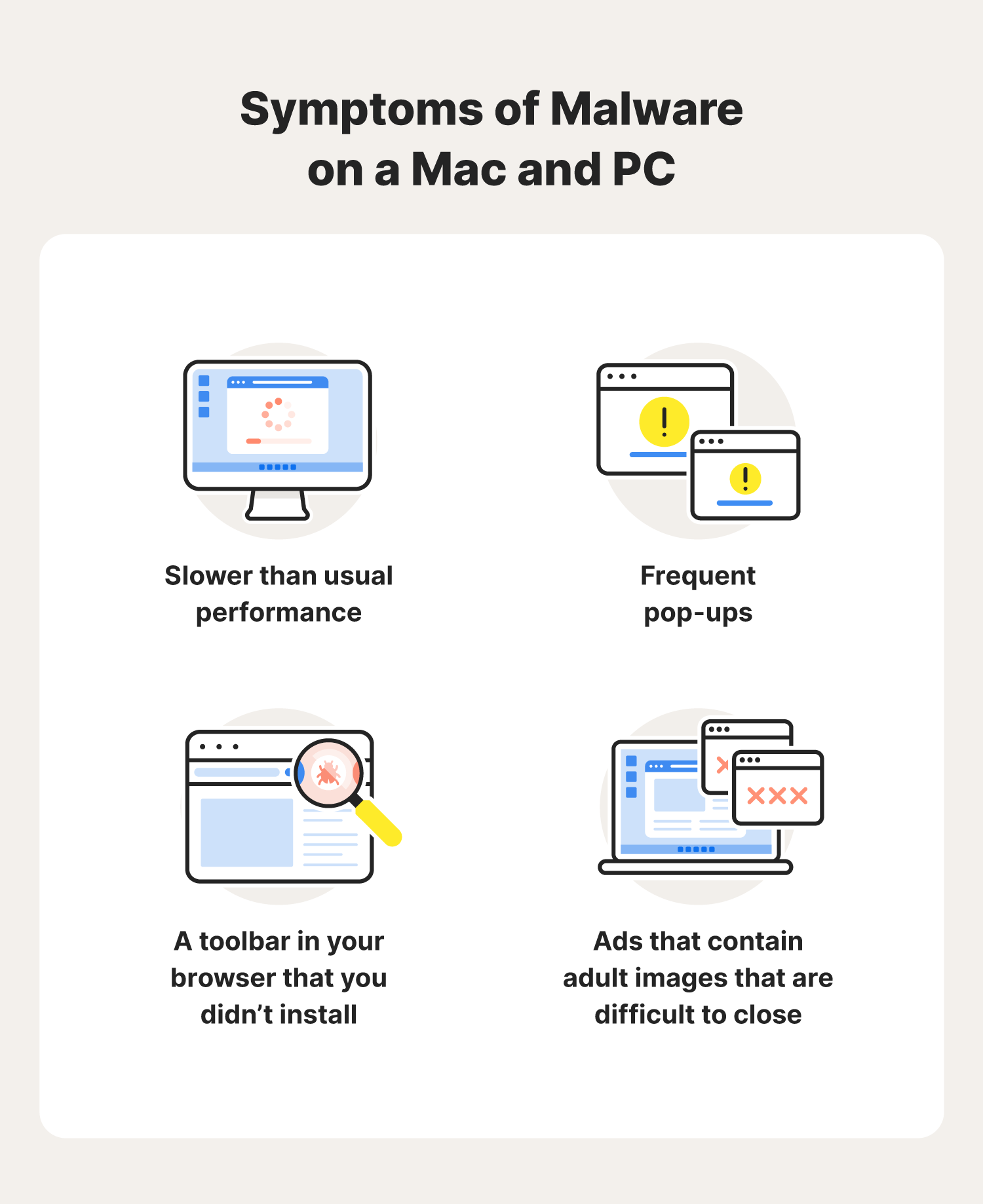
- Monitor your Mac's activity: Keep an eye on your Mac's activity and watch for suspicious behavior, such as unexpected pop-ups or slow performance.
- Back up your data: Regularly back up your important files and data to an external drive or cloud storage to prevent data loss in case your Mac is infected with malware.