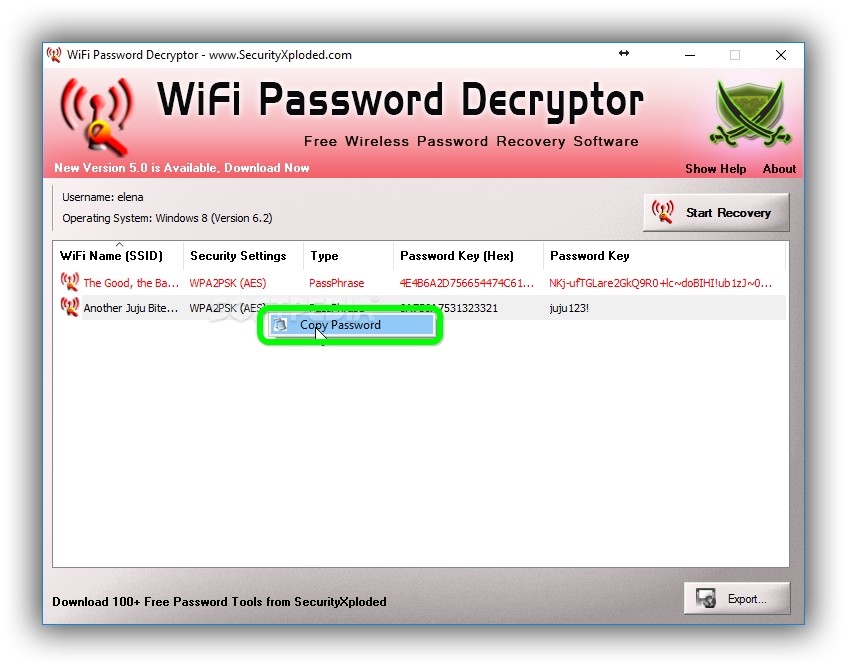
How to Secure WiFi Network with Username and Password
A Comprehensive Guide to Protect Your Home Network
In today's digital age, securing your home WiFi network is crucial to protect your personal data, financial records, and professional communications from unauthorized access and cyber threats. A secure WiFi network is the foundational layer of your digital security, and properly configuring your router is a critical step in safeguarding your connected life.
Why is Securing Your WiFi Network Important?
An insecure or outdated router exposes your entire network to potential security breaches, leaving sensitive information vulnerable to cyber threats. Thus, ensuring the safety of your WiFi connection necessitates more than just a strong password; it involves mastering the art of accessing and configuring your router's settings.
Step 1: Change the Default Administrator Username and Password
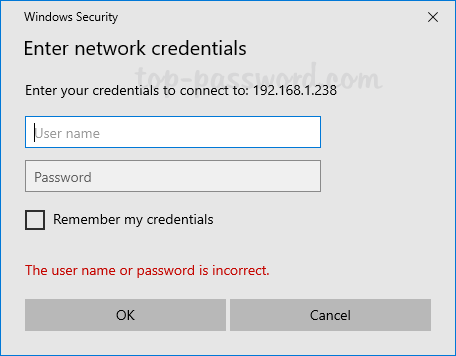
Most WiFi routers come with default login credentials, which are easy for hackers to guess and can quickly access your network. To prevent this, try securing your WiFi router by changing these default login credentials. Use a strong and unique password that is difficult to guess, and avoid using easily identifiable information such as your name or birthdate.
Step 2: Enable WPA3 (or WPA2-AES) WiFi Encryption
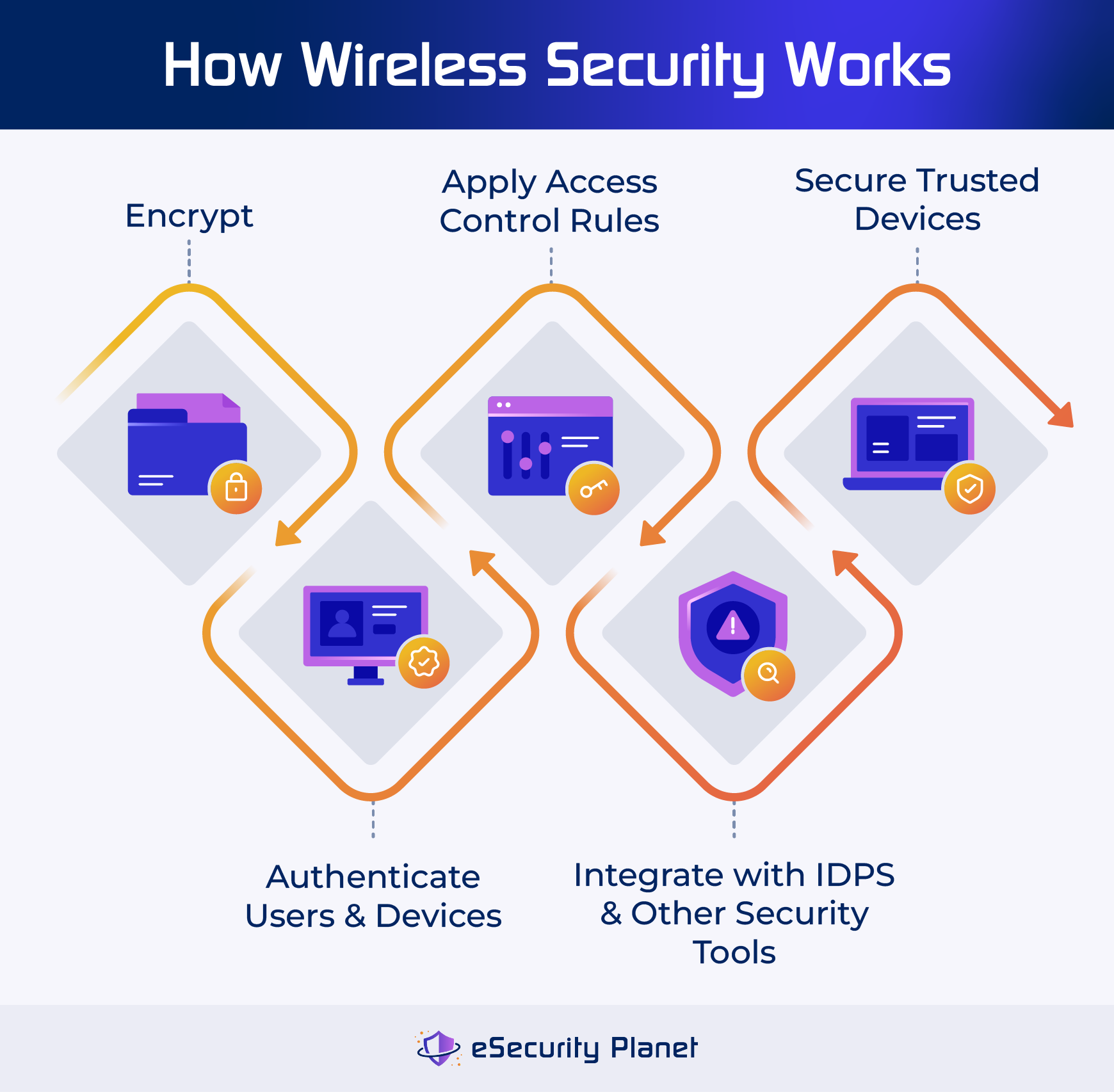
WPA3 is the latest WiFi encryption standard, which provides a higher level of security compared to WPA2. To enable WPA3 on your router, follow the manufacturer's instructions. If your router doesn't support WPA3, WPA2-AES is the next best option. A strong password and WPA3 encryption will make it difficult for hackers to intercept your data.
Step 3: Update the Router's Firmware
Regularly update your router's firmware to ensure you have the latest security patches and features. Enable automatic firmware updates if available, and check for updates regularly. This will help prevent hackers from exploiting vulnerabilities in outdated firmware.

Step 4: Disable WPS, Remote Management, and Other Unnecessary Features
WPS (Wi-Fi Protected Setup) can be a security risk, as it allows devices to connect to your network without a password. Disable WPS and other unnecessary features such as remote management, UPnP/NAT-PMP, and Telnet. This will help reduce the attack surface of your network.
Step 5: Create a Guest Network for Visitors and IoT Devices
A guest network is a separate network that isolates visitors and IoT devices from your main network, which is a more secure way to share access. Create a guest network and set it to use its own subnet, which will prevent them from accessing sensitive areas of your network.
Step 6: Regularly Check and Manage Devices Connected to Your Network
Regularly check the devices connected to your network and disconnect any devices that are no longer in use. This will help prevent hackers from gaining unauthorized access to your network.
Conclusion
Securing your WiFi network is an ongoing process that requires regular monitoring and maintenance. By following these steps, you can significantly reduce the risk of cyber threats and ensure the safety of your personal data, financial records, and professional communications. A secure WiFi network is the foundation of your digital security, and it's essential to take the necessary steps to protect it.
Additional Tips and Best Practices
- Use a VPN (Virtual Private Network) to add an extra layer of security when browsing the internet.
- Use a strong and unique password for your WiFi network and router login credentials.
- Change your WiFi network name and password regularly.
- Use a router with built-in intrusion prevention and security features.
- Regularly back up your data to prevent data loss in case of a security breach.


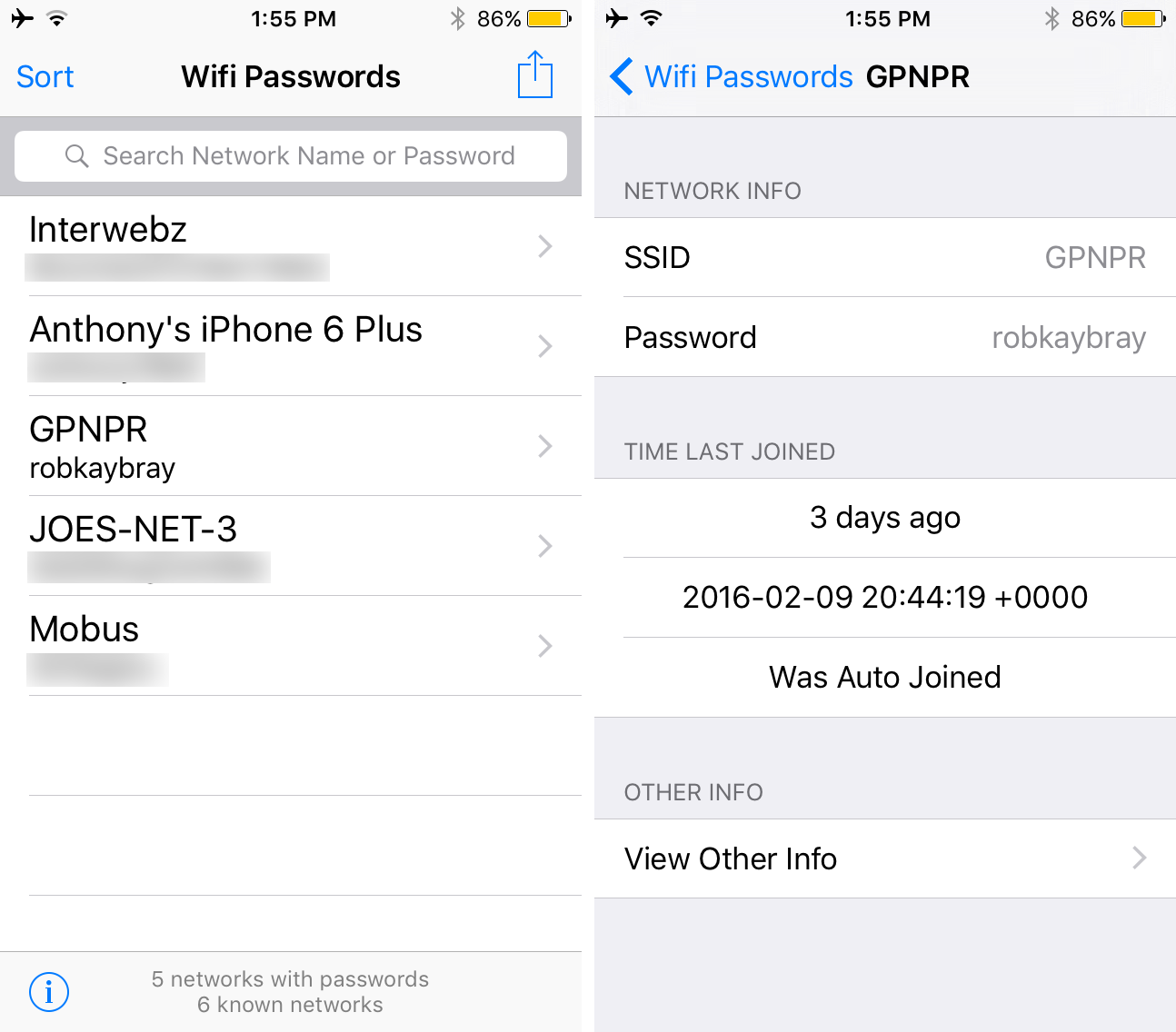
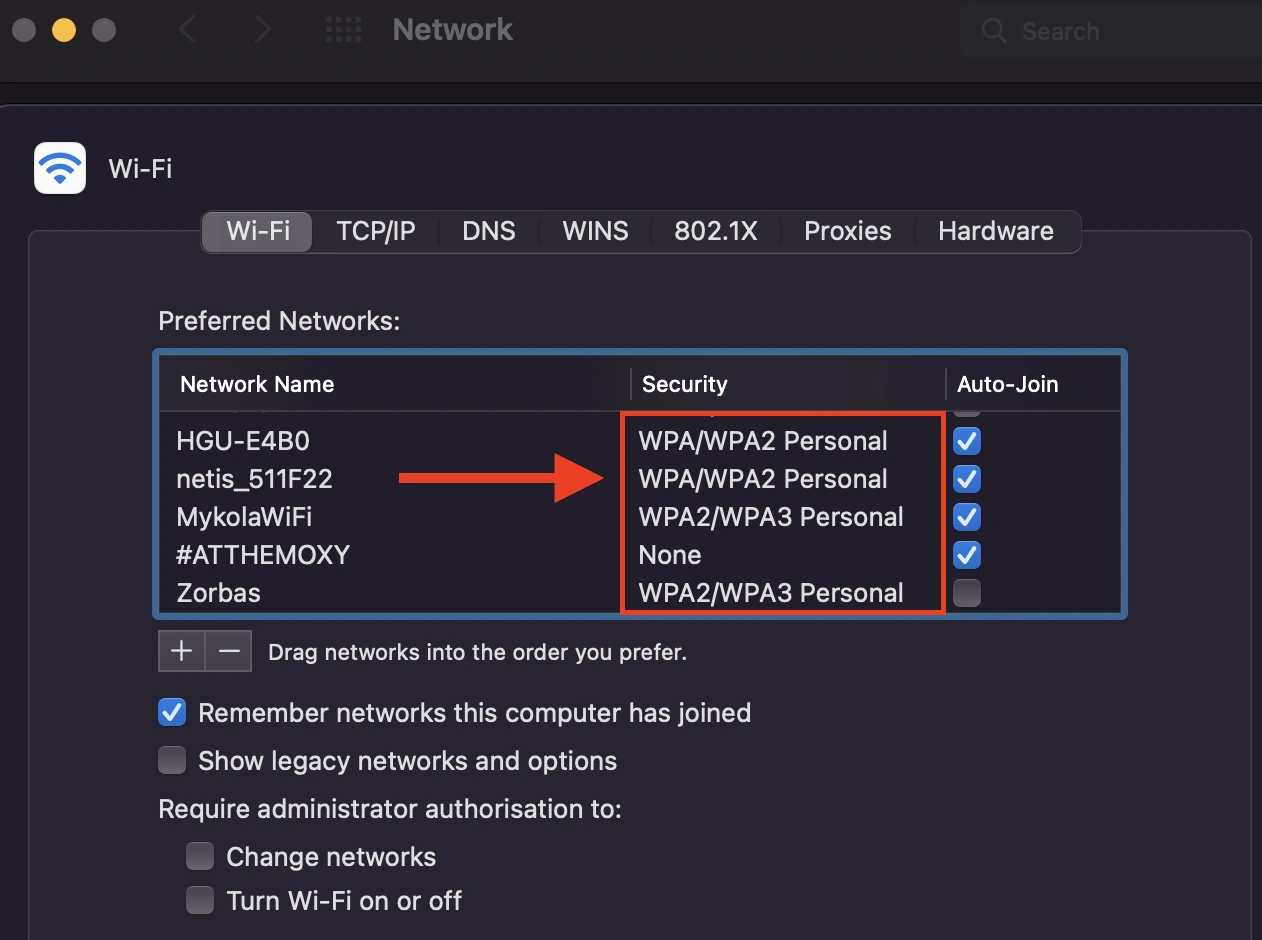

:max_bytes(150000):strip_icc()/CiscoDefaultPasswordList_2619151-97559d7678014370aae3d50a6a7158e1.png "How to Secure Your Home Wi-Fi Network: A Step-By-Step Guide")

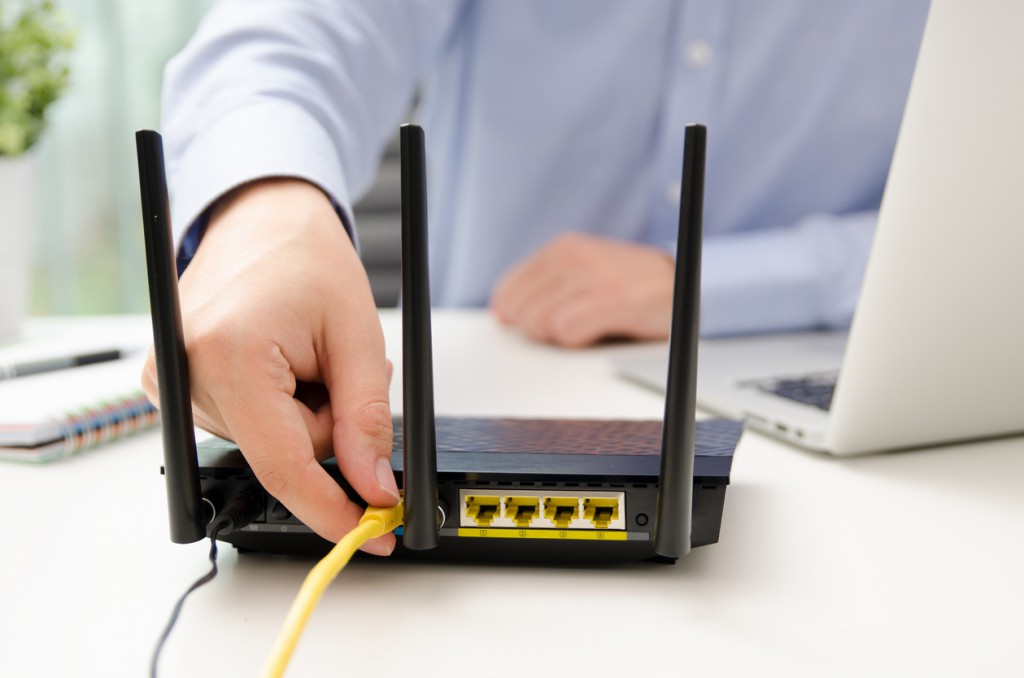
![[Wireless Router] How do I enter my ASUS router's setting page using ...](https://instafbcaptions.com/wp-content/uploads/2021/09/Passwords-for-Wifi-to-secure-your-Network.png "[Wireless Router] How do I enter my ASUS router's setting page using ...")