Free Malware Removal Tools for Windows: Keeping Your PC Safe without Breaking the Bank
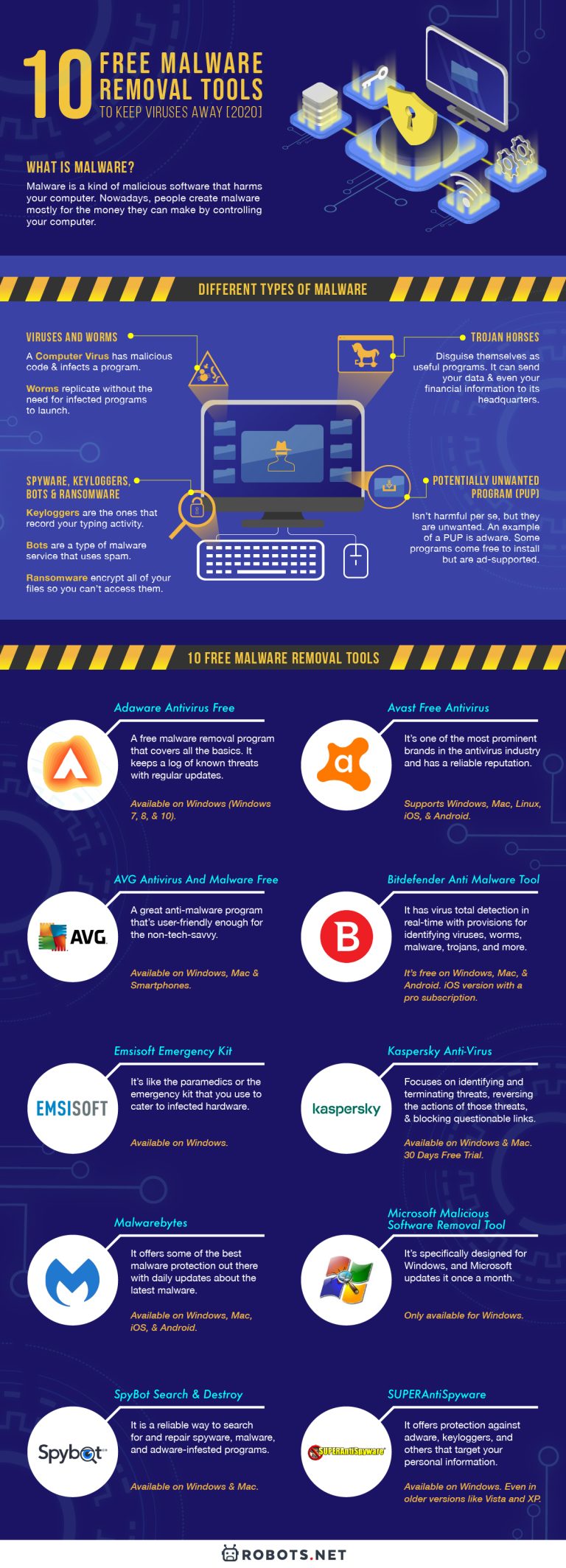
When it comes to protecting your Windows PC from malware and other security threats, you don't need to spend a fortune. There are numerous free malware removal tools available that can help you keep your device safe and secure. In this article, we'll explore some of the best free malware removal tools for Windows, so you can choose the one that suits your needs.
The Importance of Malware Removal Tools
Malware, short for malicious software, can cause a wide range of problems, from slowing down your PC to stealing sensitive information. If left unchecked, malware can even lead to identity theft, financial loss, and other nasty consequences. That's why it's essential to have a reliable malware removal tool on hand to detect and eradicate threats.
The Best Free Malware Removal Tools for Windows
-
Avast Free Antivirus
Avast offers a comprehensive set of features, including real-time anti-malware protection, password management, and a Wi-Fi scanner. Its free version is packed with capabilities that can help you stay safe online.
-
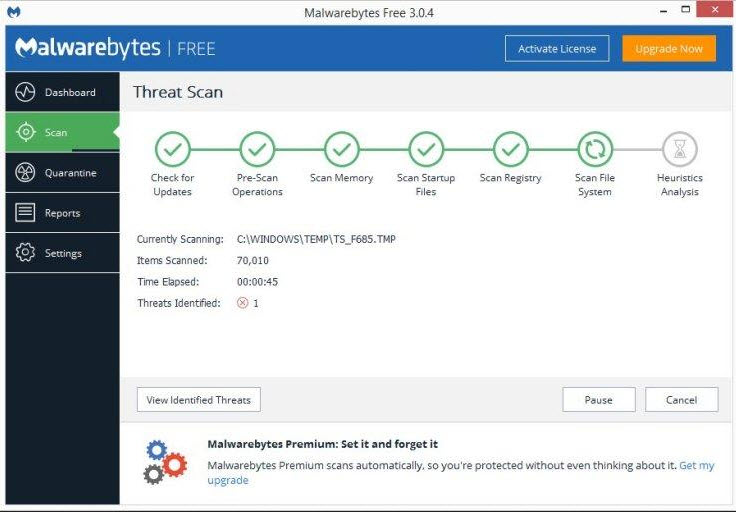
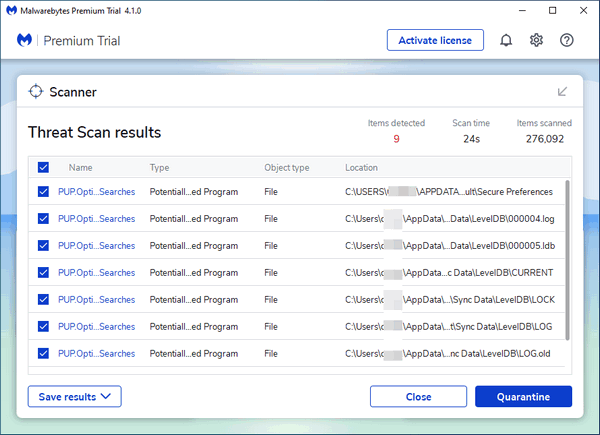
Malwarebytes Anti-Malware
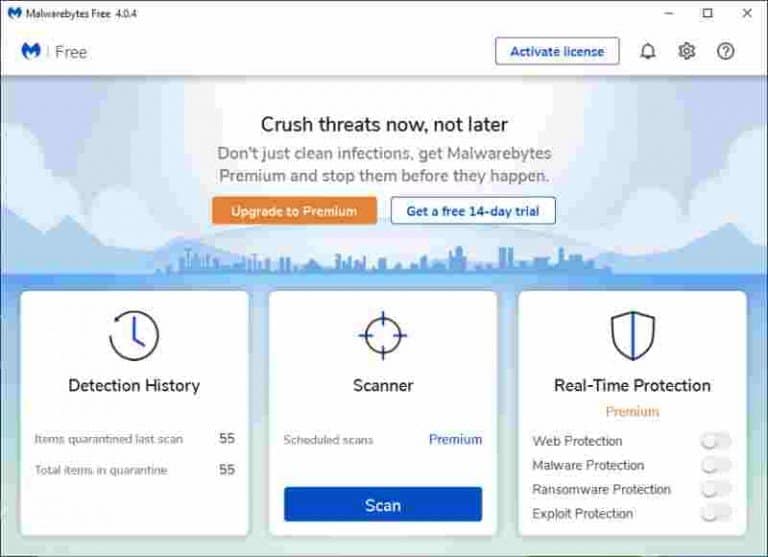
Malwarebytes is a popular choice among cybersecurity experts and enthusiasts alike. Its free version scans for and removes malware, adware, and spyware, while its premium version offers additional features like real-time protection.
-
HitmanPro Malware Removal
HitmanPro is a powerful malware removal tool that detects and removes a wide range of threats, including viruses, Trojans, and keyloggers. Its free version is a great starting point, but you may want to consider the premium version for added features.
-
RogueKiller Anti-Malware
RogueKiller is a free malware removal tool that targets adware, rootkits, and other types of malware. Its intuitive interface makes it easy to use, even for beginners.
-
Microsoft Defender Antivirus
Microsoft Defender Antivirus is a built-in malware removal tool in Windows 10. It offers real-time protection, automatic scans, and a user-friendly interface.
Other Notable Mention
-
GridinSoft Anti-Malware
GridinSoft Anti-Malware effectively targets PC threats, including adware, malware, and PUPs, allowing you to purge them with ease.
-
Norton Power Eraser
Norton Power Eraser uses aggressive scanning technology to eliminate threats that traditional virus scanning doesn't detect.
-
Malwarebytes Browser Guard
Malwarebytes Browser Guard protects your browser from malicious software and unwanted advances.
Conclusion
As you can see, there are many excellent free malware removal tools available for Windows. Whether you're looking for a simple scan or a comprehensive suite of features, there's a tool out there for you. By using one of these free tools, you can keep your PC safe from malware and other security threats without breaking the bank.
Remember
While these free malware removal tools are great, it's essential to remember that prevention is the best cure. Always practice safe computing habits, like avoiding suspicious downloads and using strong passwords.
Get Proactive
Try out one of these free malware removal tools today and take the first step towards protecting your Windows PC from malware and other security threats.
Stay Safe Online
Remember, staying safe online is a continuous process. Stay informed, stay vigilant, and always keep your device protected with the help of these fantastic free malware removal tools.


:max_bytes(150000):strip_icc()/bitdefender-scanning-28e74335997d4f0eb0b52673b8f5a864.jpg "9 Best FREE Malware Removal Tools (2026) - Guru99")