Creating an Alexa Skill for Setup: A Comprehensive Guide
Alexa has revolutionized the way we interact with smart devices, and creating custom skills is a great way to enhance its capabilities. In this article, we will walk you through the process of creating an Alexa skill for setup, covering the basics, requirements, and step-by-step instructions.
Getting Started with Alexa Skills
Alexa skills are essentially voice applications that add more features to Alexa's voice commands. To create a custom Alexa skill, you need to first set up an Amazon Developer Account. This will give you access to the Alexa Skills Kit (ASK), which is a collection of tools and services provided by Amazon to help you build and publish your custom skills.
Types of Skills
There are various types of skills you can create, including games, education, music & audio, health & fitness, smart home devices, business & finance, weather, travel, and more. The possibilities are endless, and the type of skill you create depends on your creativity and the needs of your users.
Creating an Alexa Skill from Scratch
To create an Alexa skill from scratch, you will need to follow these steps:
- Sign up for an Amazon Developer Account and set up your developer console.
- Create a new skill and choose a skill type from the options provided.
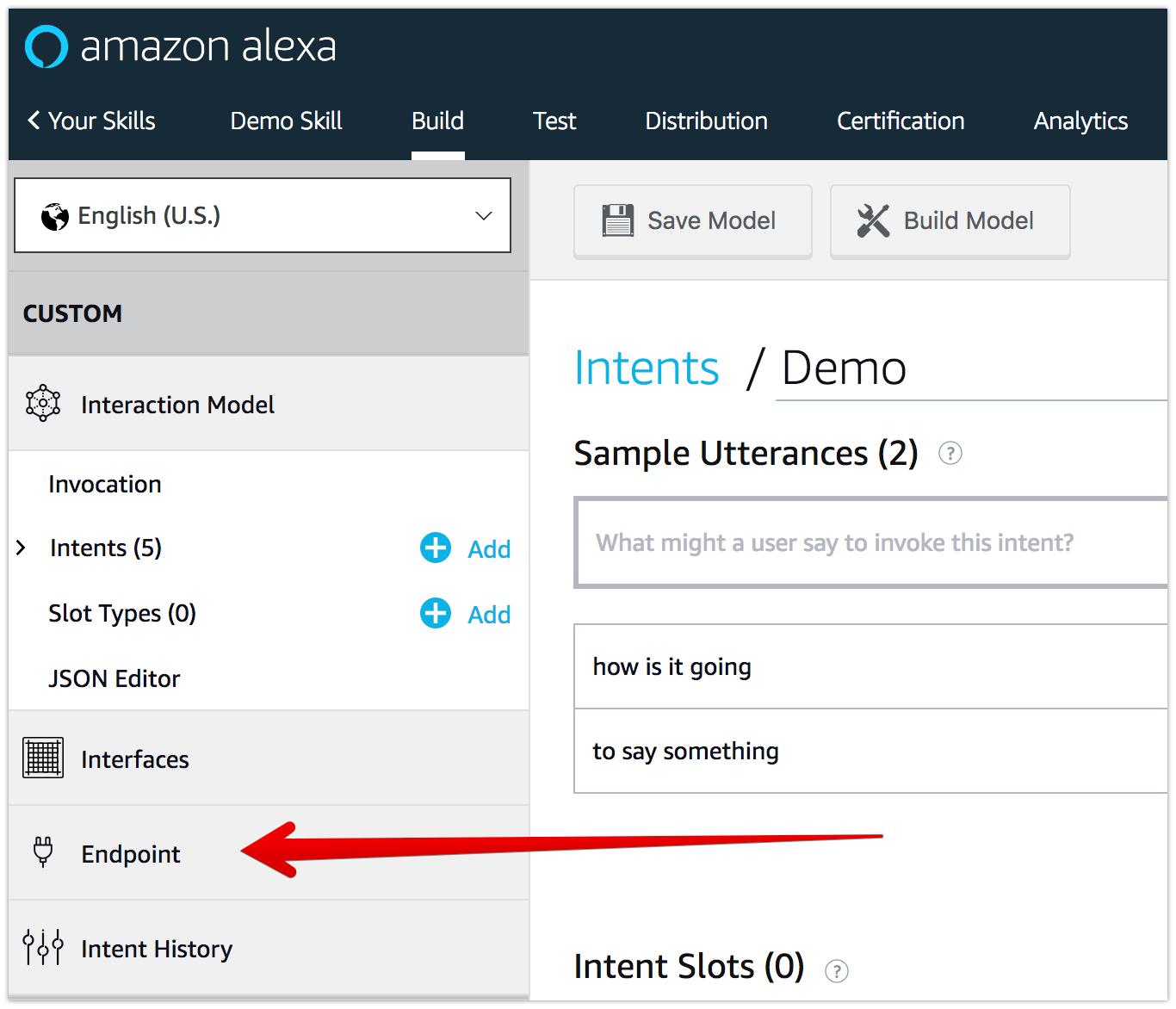
- Design your skill's interaction model, including intents, slots, and responses.
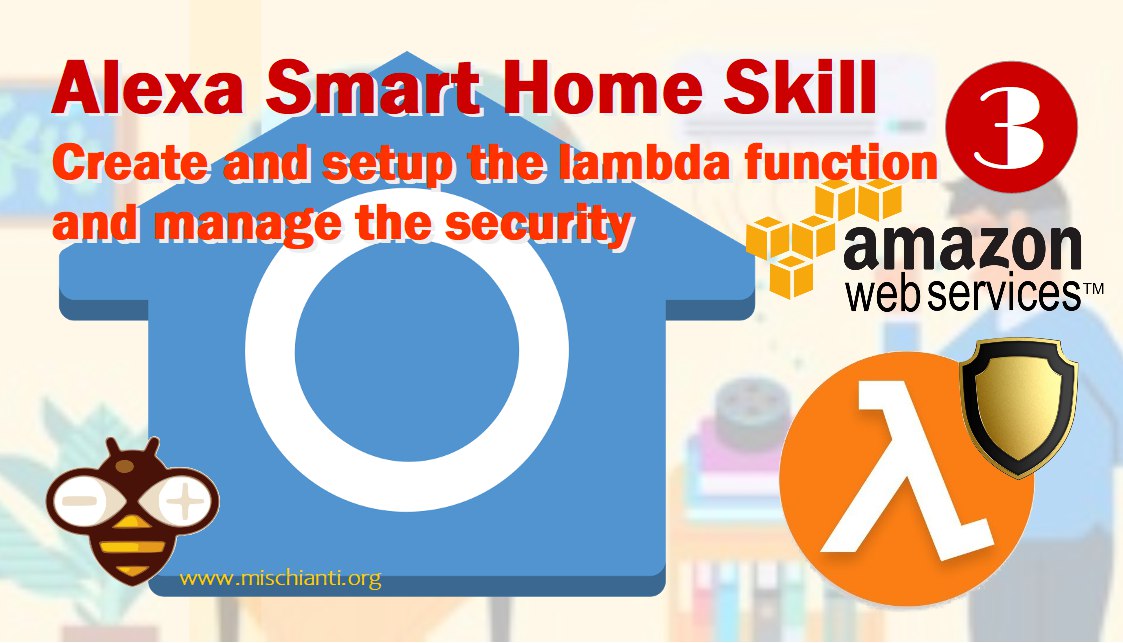
- Develop your skill's backend using Amazon Lambda, which is a serverless compute service that allows you to run code without provisioning or managing servers.
- Test and refine your skill to ensure it works as expected.
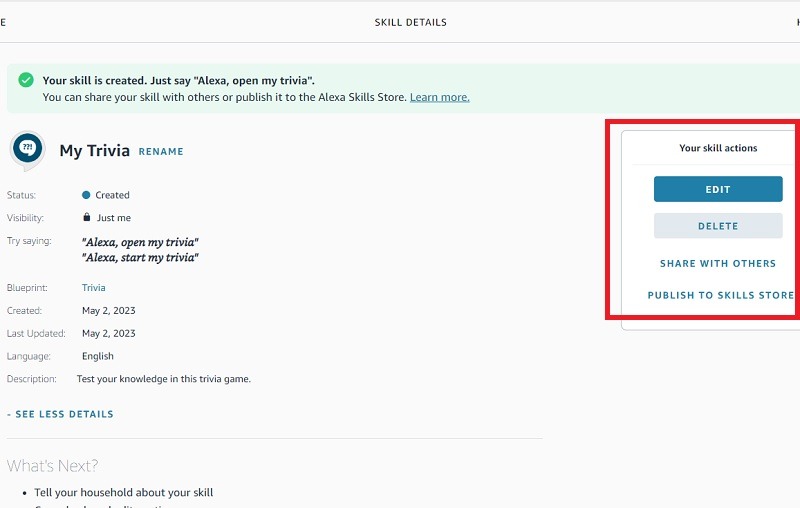
- Publish your skill to the Alexa Skills Store, making it available to users.
Using Alexa Skill Blueprints
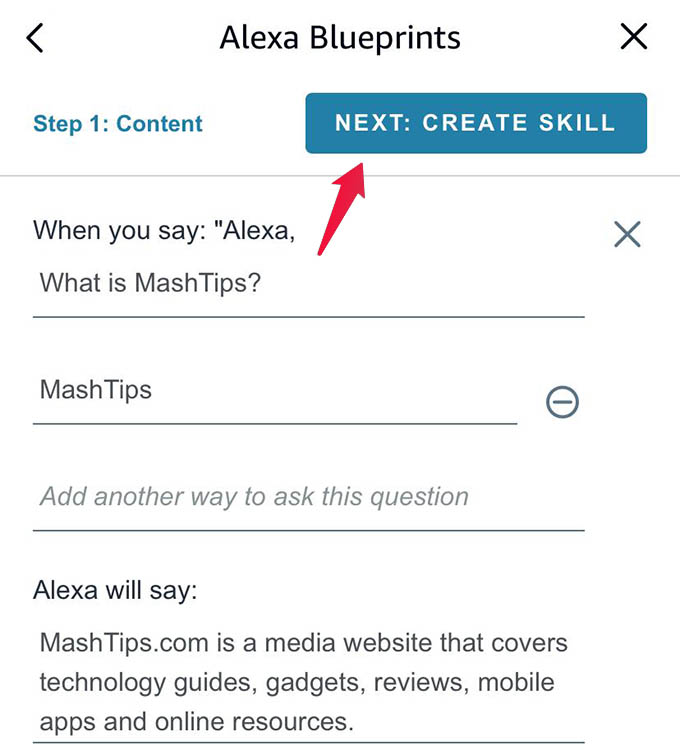
Alexa Skill Blueprints is a program that allows you to create custom skills without any coding knowledge. It provides a visual interface where you can design your skill's interaction model and connect it to your backend using Amazon Lambda. This is a great option for beginners or those who want to create a simple skill quickly.

Testing and Refining Your Skill
Once you have created and published your skill, it's essential to test and refine it to ensure it works as expected. You can use the Alexa Skills Kit to test your skill and identify any issues. You can also use the Alexa Developer Console to debug and fix any problems.
Conclusion
Creating an Alexa skill for setup is a straightforward process that requires some technical knowledge and patience. By following the steps outlined in this article, you can create a custom skill that enhances Alexa's capabilities and provides value to your users. Remember to test and refine your skill to ensure it works as expected, and don't be afraid to experiment and try new things.
Resources
If you're new to Alexa skills, here are some resources to get you started:
- Alexa Skills Kit (ASK) - A collection of tools and services provided by Amazon to help you build and publish custom skills.
- Alexa Developer Console - A web-based interface where you can create, test, and refine your skills.
- Alexa Skill Blueprints - A program that allows you to create custom skills without any coding knowledge.
- Alexa Skills Store - A marketplace where you can publish and sell your custom skills.
FAQs
Here are some frequently asked questions about creating an Alexa skill:
- What is an Alexa skill?
- How do I create an Alexa skill?
- What types of skills can I create?
- How do I test and refine my skill?
An Alexa skill is a voice application that adds more features to Alexa's voice commands.
You can create an Alexa skill using the Alexa Skills Kit (ASK) and following the steps outlined in this article.
You can create various types of skills, including games, education, music & audio, health & fitness, smart home devices, business & finance, weather, travel, and more.
You can use the Alexa Skills Kit to test your skill and identify any issues. You can also use the Alexa Developer Console to debug and fix any problems.