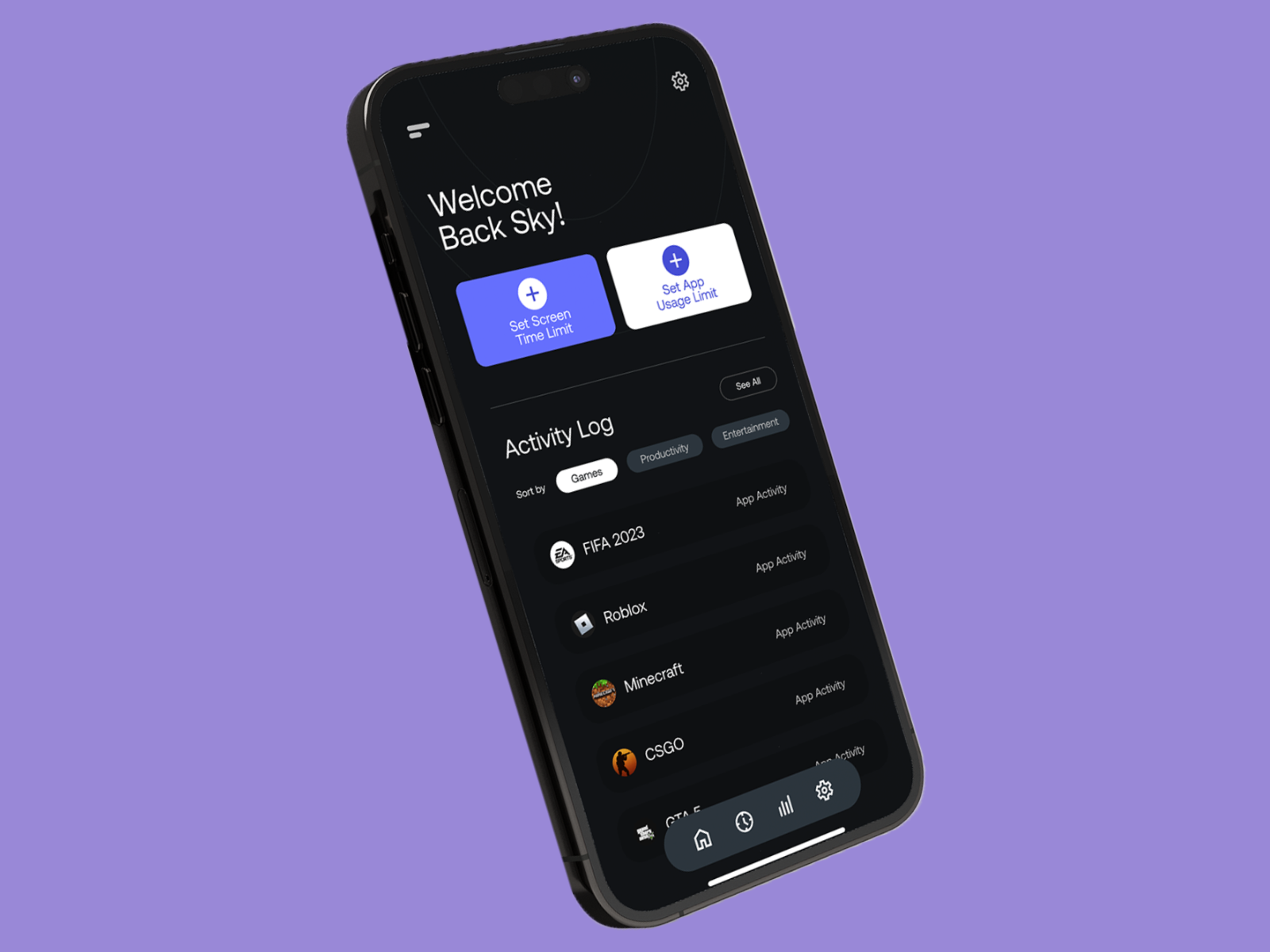
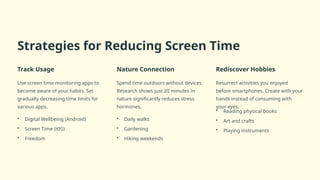
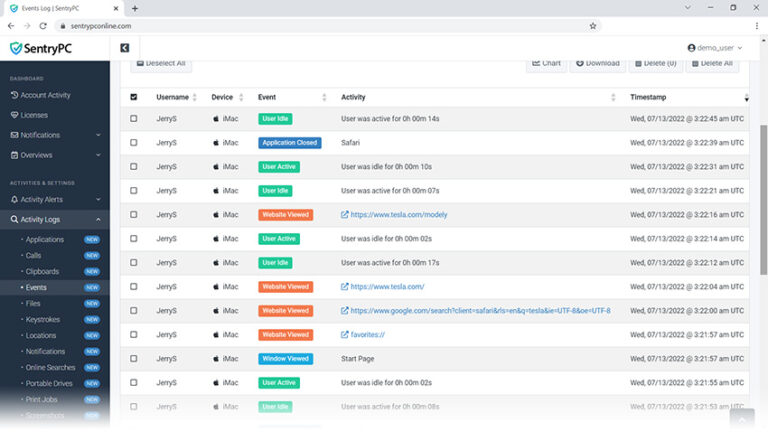
Mastering Screen Time Tracking for iOS: Tips, Apps, and Best Practices
In today's digital age, staying connected and informed is easier than ever. However, excessive screen time can have negative effects on our physical and mental health, relationships, and productivity. That's why it's essential to understand and manage our screen time usage effectively. If you're an iOS user, you're in luck, as Apple offers a built-in feature called Screen Time, which provides an easy way to track and control your screen time. However, for more comprehensive and personalized tracking, you may also consider using third-party apps. In this article, we'll explore the ins and outs of screen time tracking for iOS, highlighting the best apps and techniques to help you establish a healthier relationship with your device.
Understanding Screen Time on iOS
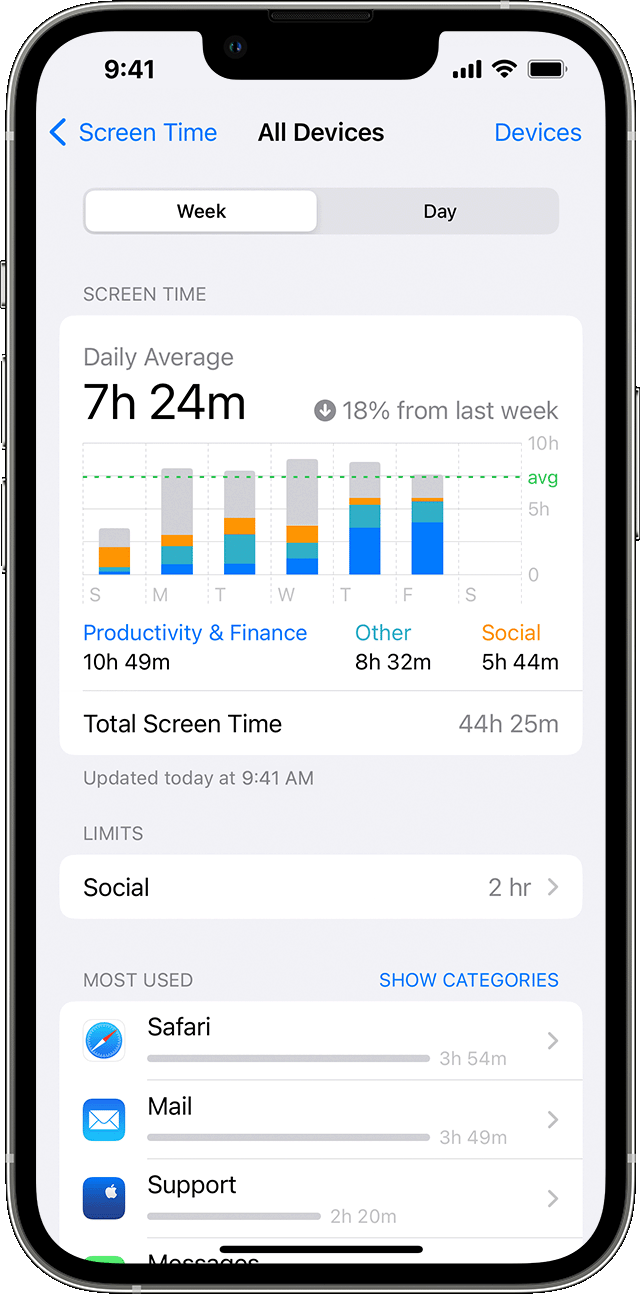
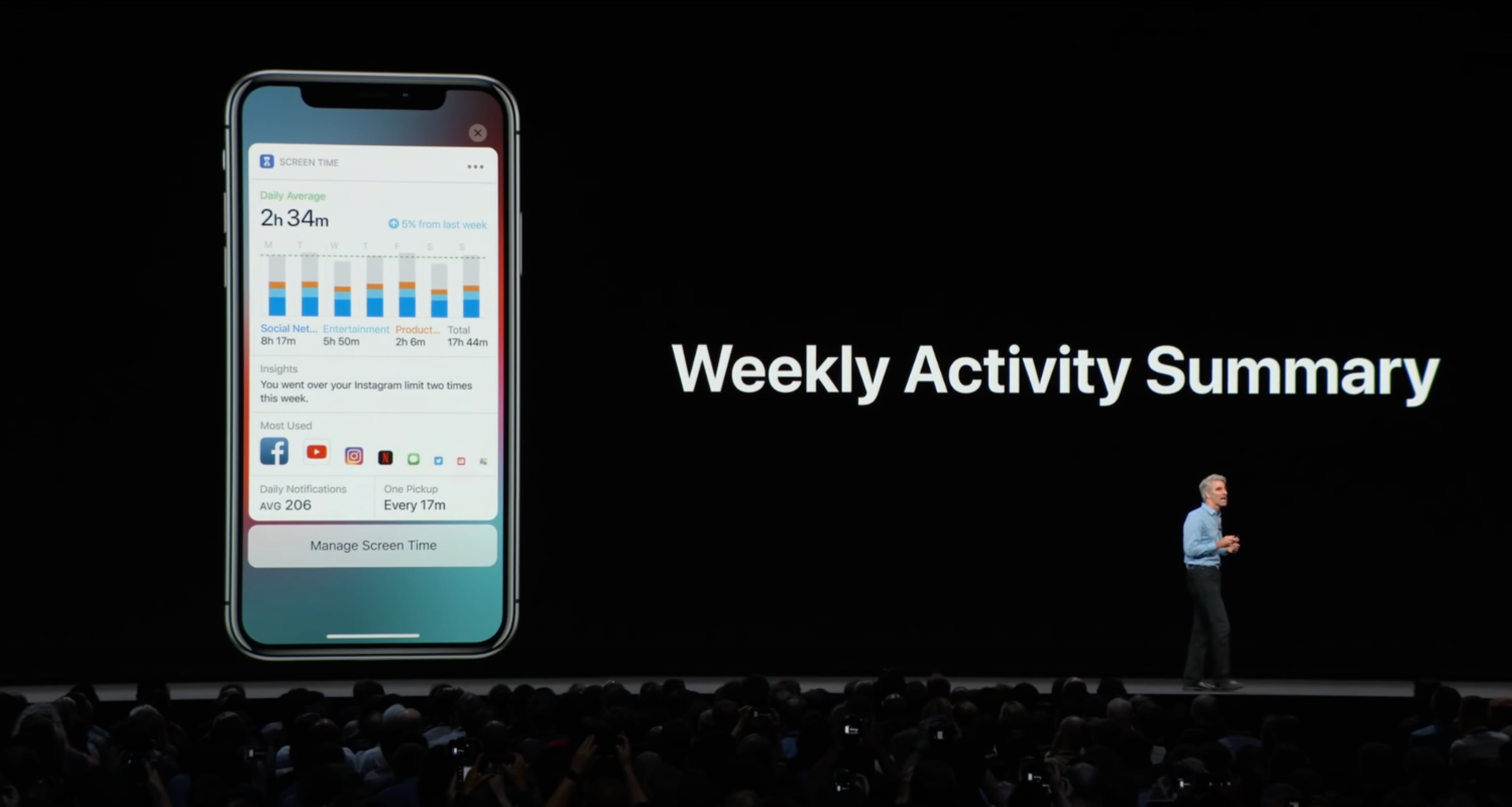
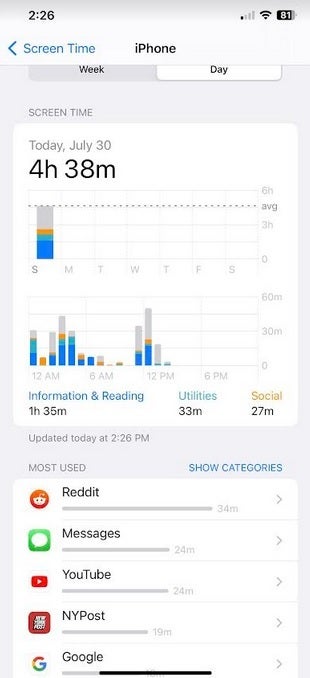
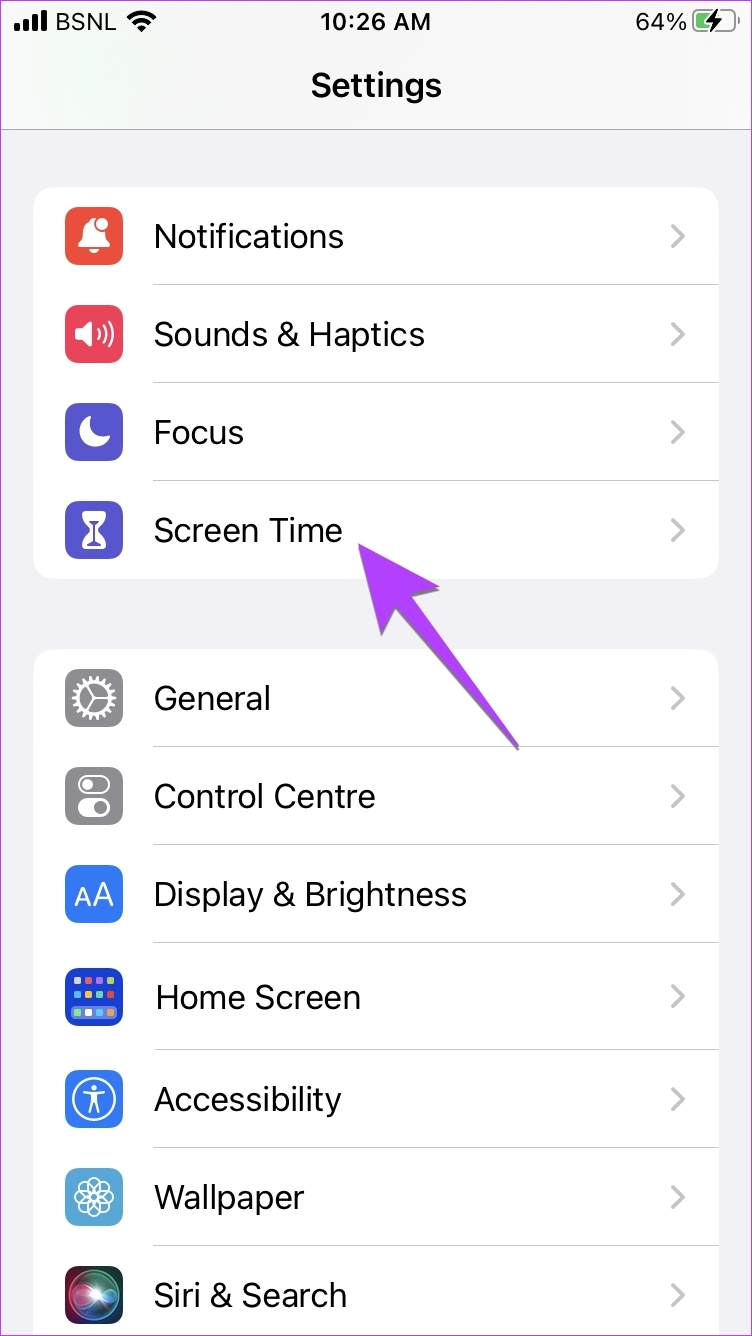
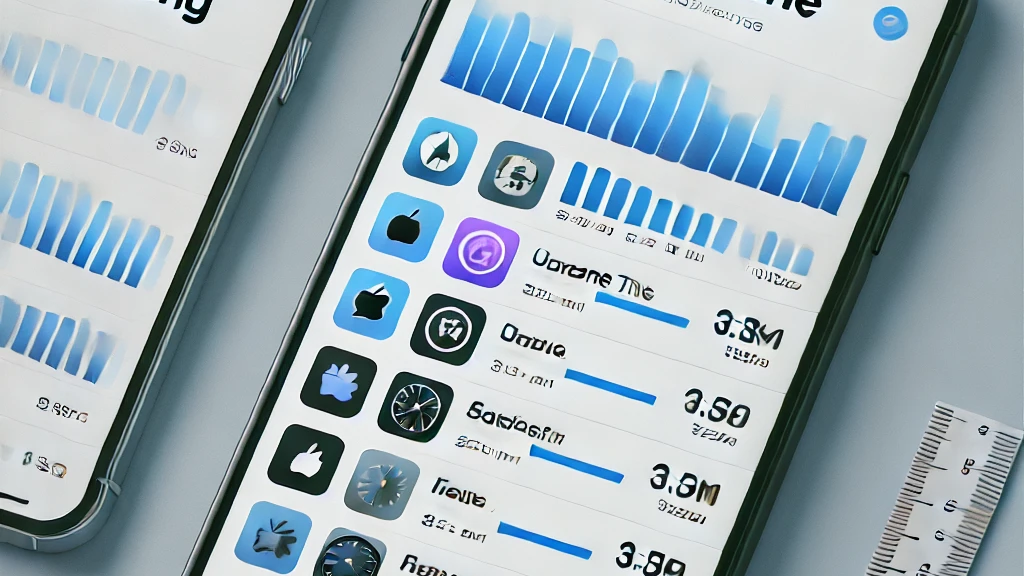
iOS devices come equipped with a built-in feature called Screen Time, which helps you track and manage your screen time usage. You can access Screen Time on your iPhone or iPad by navigating to Settings > Screen Time > Turn On Screen Time. Once enabled, you'll gain insights into your overall screen time, including the amount of time spent on specific apps, websites, and categories. This feature also allows you to set daily limits, schedule downtime, and receive alerts when you exceed your allocated time.
Benefits of Screen Time Tracking for iOS
- Gain insights into your screen time habits
- Set daily limits and schedule downtime
- Implement screen-free zones and times
- Monitor app usage and categories
- Customize notifications and alerts
- Receive recommendations for reducing screen time
Top Screen Time Tracking Apps for iOS
Beyond Apple's built-in Screen Time feature, there are many excellent screen time tracking apps available for iOS. Here are some of the top-rated options:
1. Opal
Opal is a powerful screen time management app that helps users focus by blocking distracting apps and tracking screen time usage. With Opal, you can set daily limits, schedule downtime, and monitor your app usage in real-time.
2. Focus Score
Focus Score is a unique screen time tracking app that provides insights into your productivity and focus levels. By tracking your screen time and focus changes over time, you'll gain a deeper understanding of your habits and be able to make positive changes.
3. Screen Time Master
Screen Time Master is a feature-rich app that allows you to track and manage your screen time, set limits, and schedule downtime. With its comprehensive reporting feature, you can monitor your app usage, website visits, and screen time across all your devices.
4. Moment
Moment is a highly acclaimed screen time tracking app that provides detailed insights into your screen time habits. Using machine learning algorithms, Moment identifies areas where you can improve your productivity and suggests personalized recommendations.
5. StayFocused
StayFocused is a user-friendly screen time tracking app that helps you stay on track by blocking distracting apps and tracking your screen time. With its customizable settings, you can tailor the app to fit your specific needs.
Best Practices for Effective Screen Time Tracking
While screen time tracking apps are powerful tools, it's essential to use them effectively to achieve your goals. Here are some best practices to keep in mind:
1. Set clear goals
Before starting a screen time tracking app, define your goals and reasons for using the app. This will help you stay motivated and focused throughout the process.
2. Monitor your progress
Regularly review your screen time reports to identify areas where you can improve. This will help you stay on track and make informed decisions about your screen time habits.
3. Establish screen-free zones
Designate specific areas or times as screen-free to help you stay focused and manage your screen time more effectively.