Understanding Motherboard Capacitor Replacement and Repair
Introduction
Motherboards are the backbone of any computer system, housing crucial components that enable communication and power supply to various parts of the computer. One of the essential components on a motherboard is the capacitor, which filters, regulates, and stores electrical energy. However, capacitors can deteriorate over time, causing system instability, shutdowns, or even complete failure.Identifying a Faulty Capacitor
A faulty capacitor can be identified through a series of symptoms, including system instability, random restarts, erratic behavior, and even a burning electronics smell coming from inside the computer case. These symptoms can be caused by a variety of issues, but the most common culprit is a faulty capacitor. If you suspect that your motherboard capacitor is failing, it is essential to identify the issue as soon as possible to prevent further damage.Tools Required for Motherboard Capacitor Replacement

Capacitor Replacement Strategy
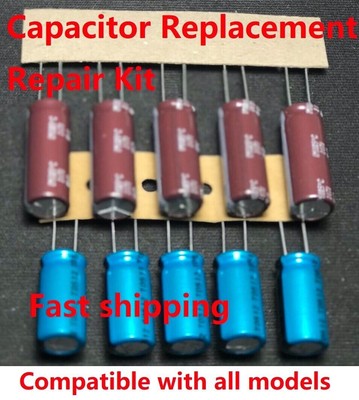
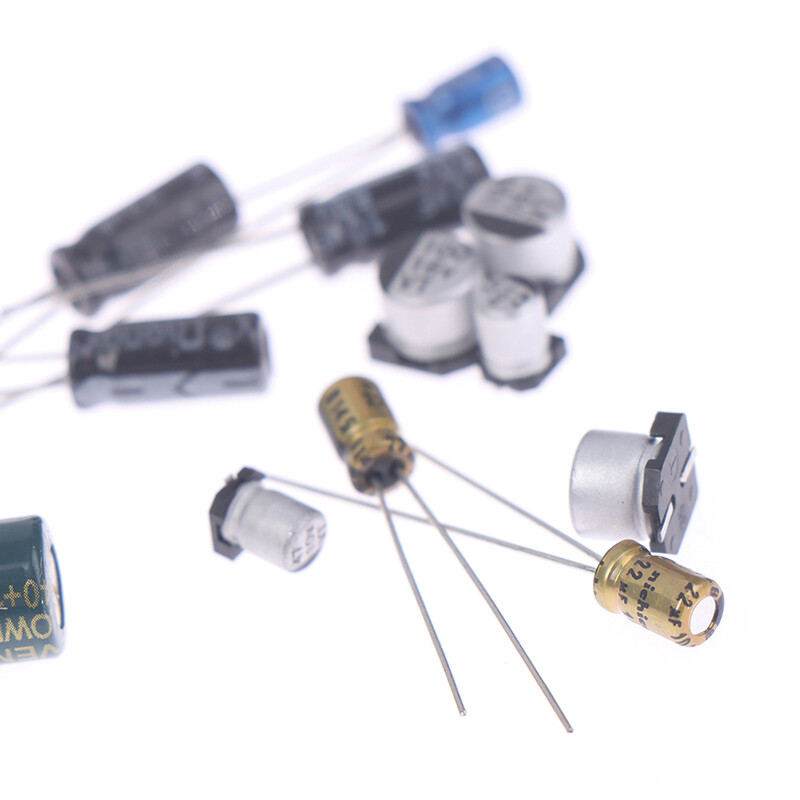
When replacing a faulty capacitor, it is essential to follow a capacitor replacement strategy to ensure that the repair is done correctly. The strategy involves replacing the faulty capacitor with a new one of the same or equivalent specifications, making sure that the new capacitor is compatible with the motherboard's power delivery circuit.Step-by-Step Guide to Motherboard Capacitor Replacement
Replacing a faulty capacitor on a motherboard can be a complex process, but with the right tools and a step-by-step guide, it can be done by a beginner. Here is a general guide on how to replace a faulty capacitor on a motherboard:- Shut down the computer and unplug the power cord.
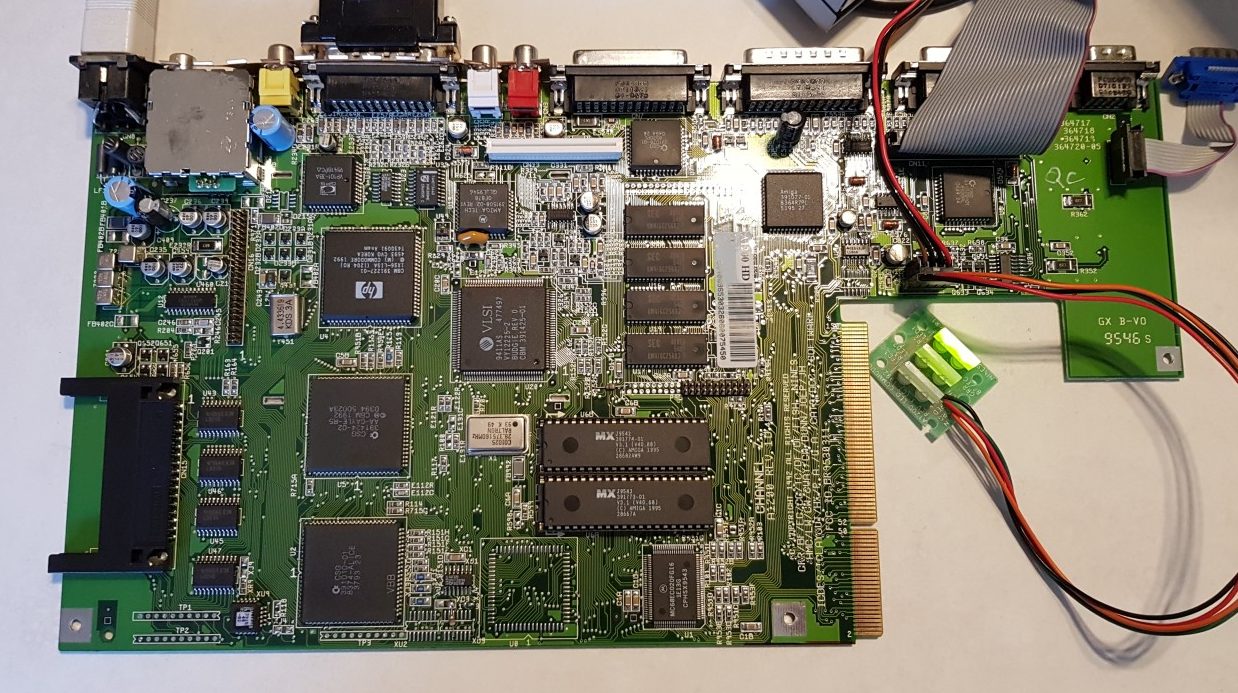
- Remove the motherboard and locate the faulty capacitor.
- Desolder the faulty capacitor.
- Clean the area around the capacitor.
- Install new capacitor of the same specifications.
- Solder the new capacitor.
- Reassemble the computer and test the motherboard.