How to Protect Email Account from Hacking: A Comprehensive Guide
In today's digital age, securing your email account is more crucial than ever. With cybercriminals constantly developing new tactics, knowing how to protect against email hack attempts is essential. In this article, we will outline the best practices to safeguard your email account from falling into the wrong hands.
Why Email Accounts are a Prime Target
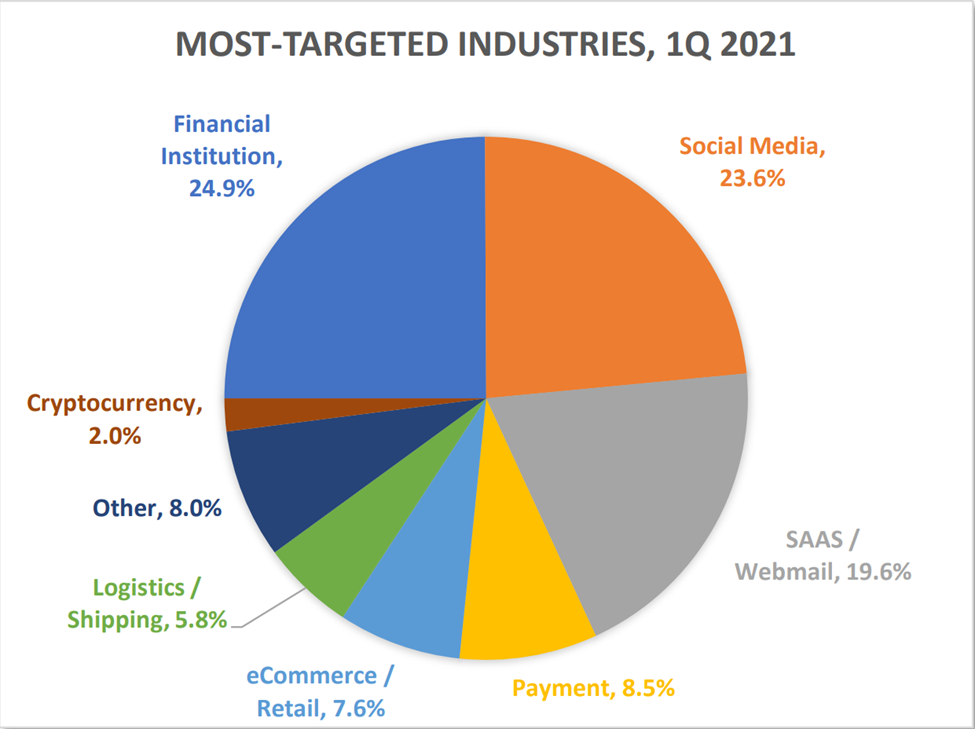
Email accounts are a prime target for hackers due to their vast usage and the sensitive information they contain. A compromised email account can lead to identity theft, financial losses, and damage to your reputation. Cybercriminals often target people's email accounts as they can be used to reset other passwords, making it essential to protect your email account from hacking.
Understanding Email Hacking Methods
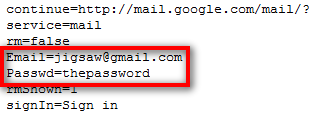
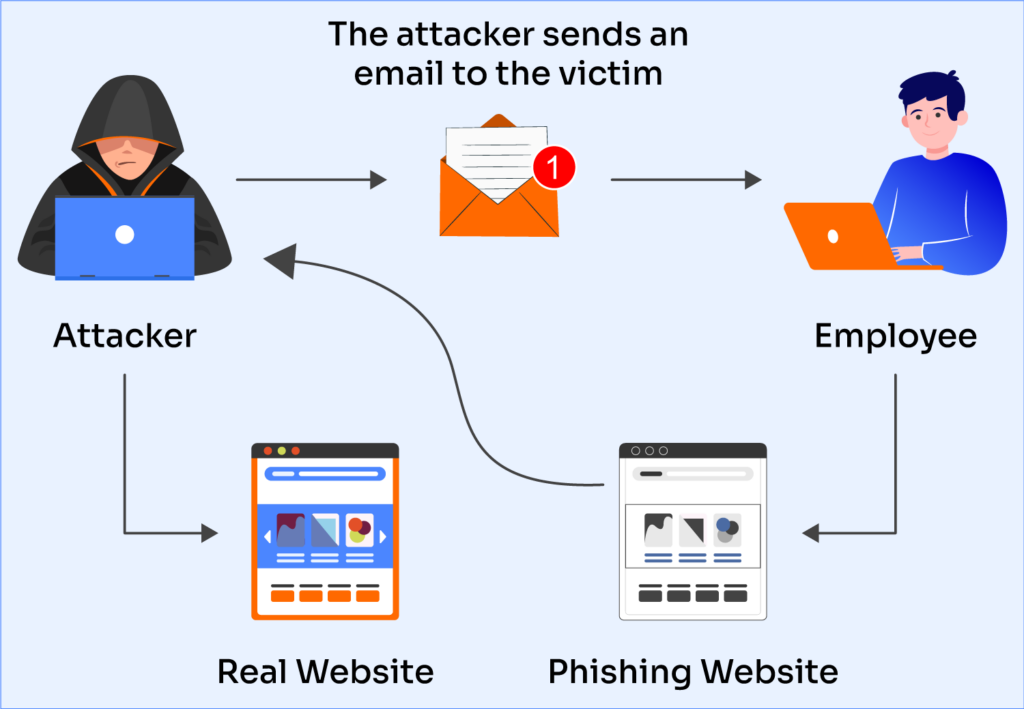
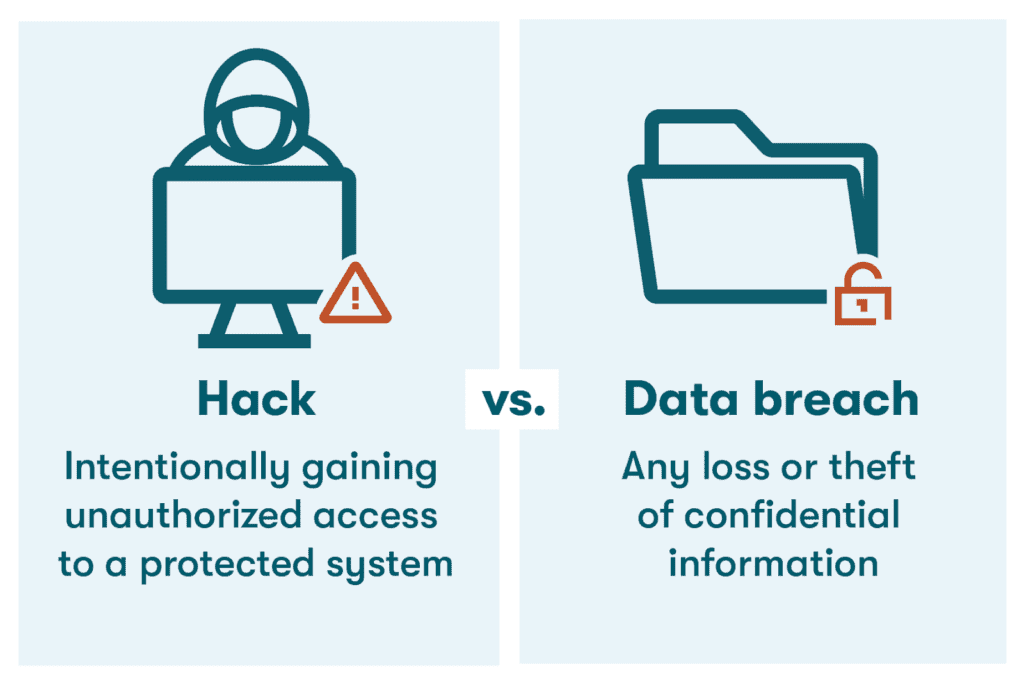
Email hacking methods include phishing, malware, and data leaks. Phishing is a common tactic used by hackers to trick users into revealing sensitive information, such as passwords and financial details. Malware, on the other hand, is software designed to harm or exploit a computer system. Data leaks occur when sensitive information is exposed due to a security breach or vulnerability in a system. Understanding these methods will help you recognize warning signs and take preventive measures to protect your email account.
5 Ways to Protect Your Email Account from Hacking
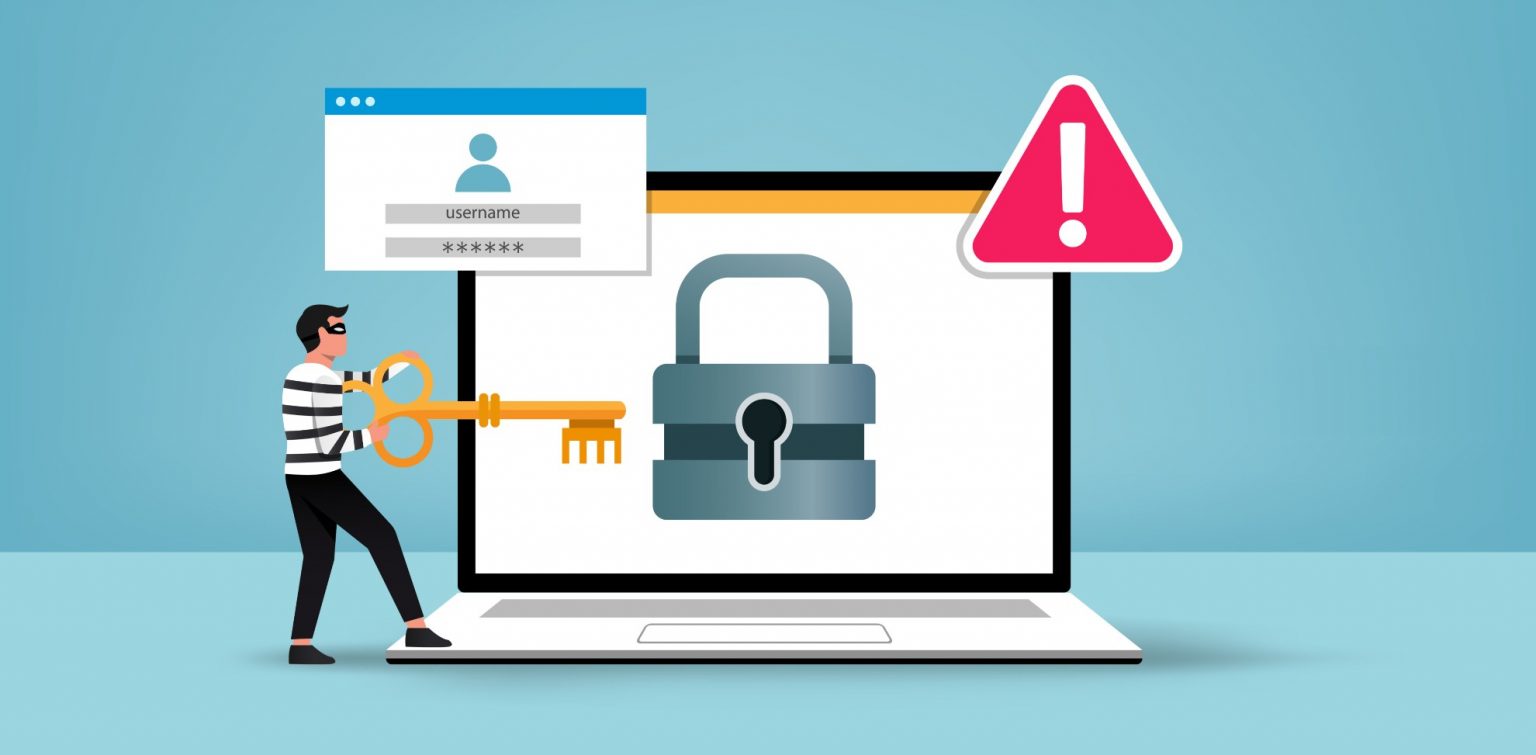
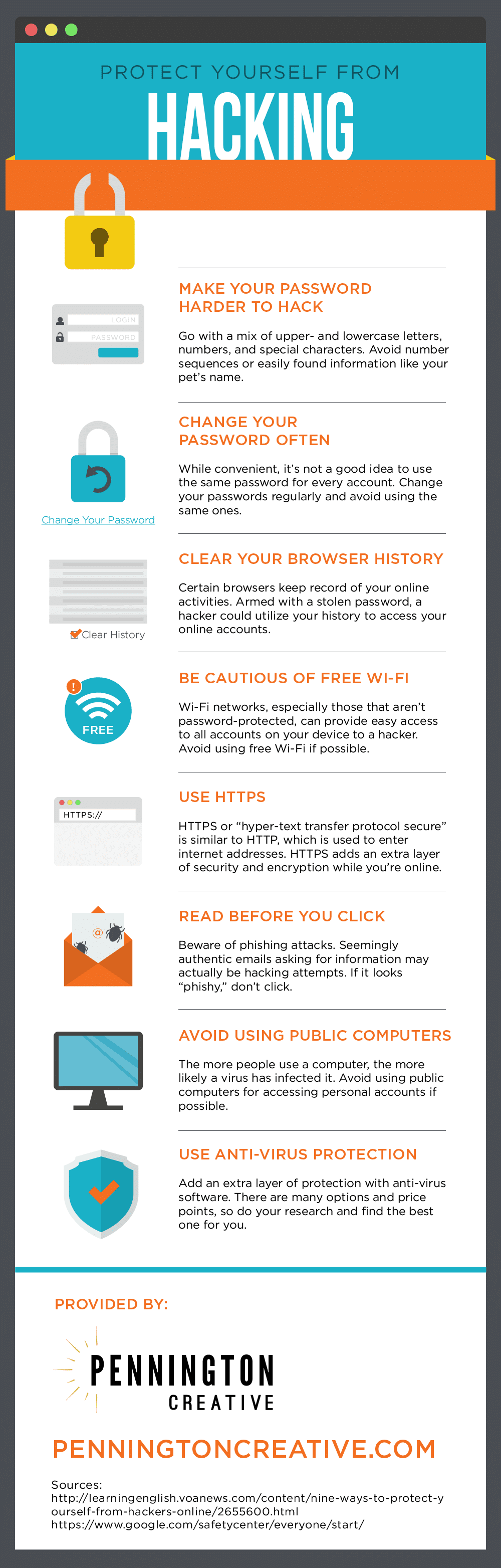
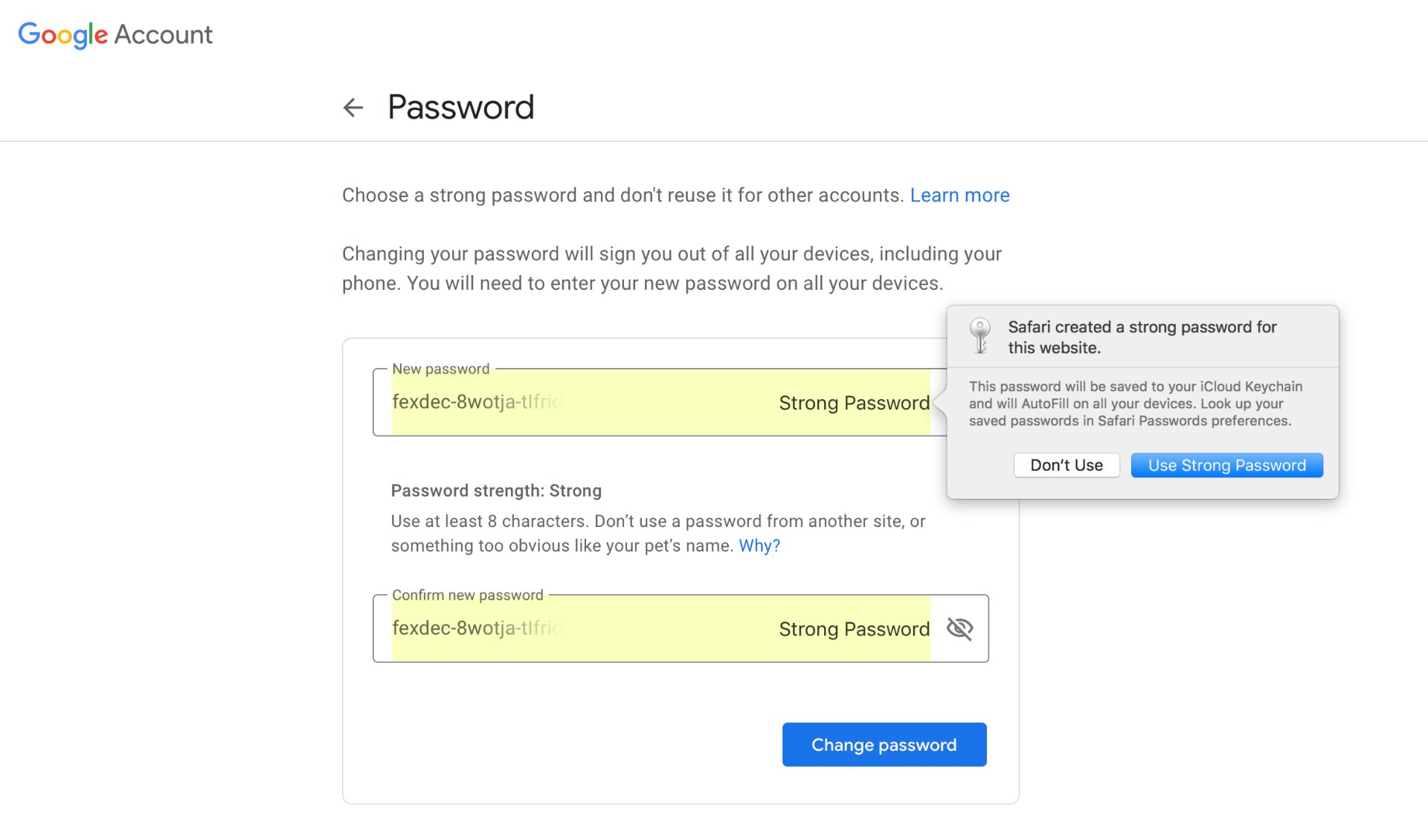
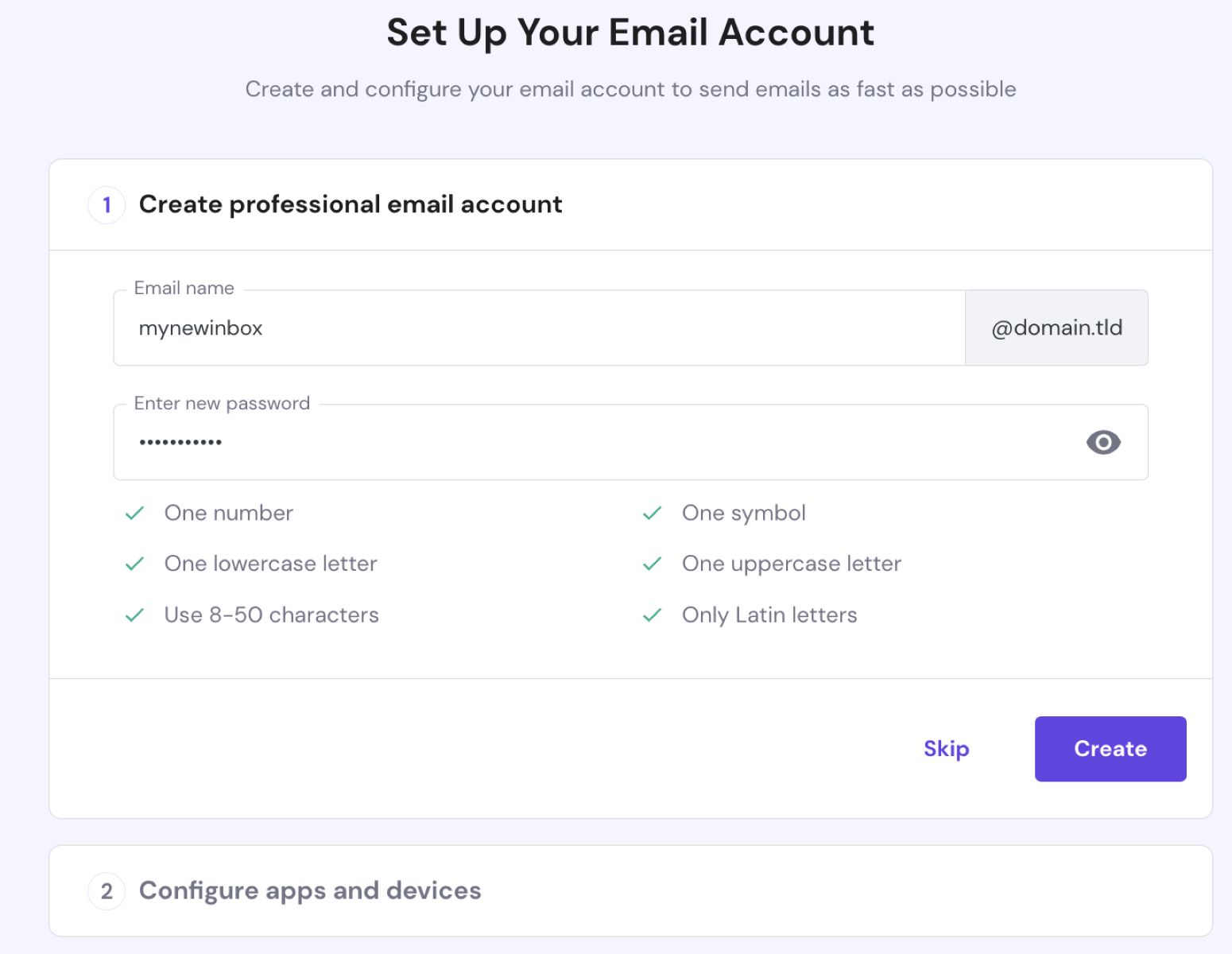
- Use a Strong Password: Use a combination of uppercase and lowercase letters, numbers, and special characters to create a strong and unique password for your email account. Avoid using easily guessable information such as your name, birthdate, or common words.
- Enable Two-Factor Authentication (2FA): 2FA adds an extra layer of security to your email account by requiring a verification code sent to your phone or authenticator app in addition to your password. This makes it much harder for hackers to gain access to your account.
- Be Cautious of Phishing Emails: Be wary of emails that ask you to reveal sensitive information or click on suspicious links. Legitimate emails from your email provider or other companies will never ask you to reveal sensitive information via email.
- Regularly Update Your Account Settings: Regularly review your account settings to ensure that you are using the most secure settings available. This includes enabling 2FA, setting up a recovery email address, and regularly changing your password.
- Use a Secure Browser and Antivirus Software: Use a secure browser and antivirus software to protect your device from malware and other online threats. This will help prevent hackers from gaining access to your email account through your device.
What to Do If Your Email Account is Hacked
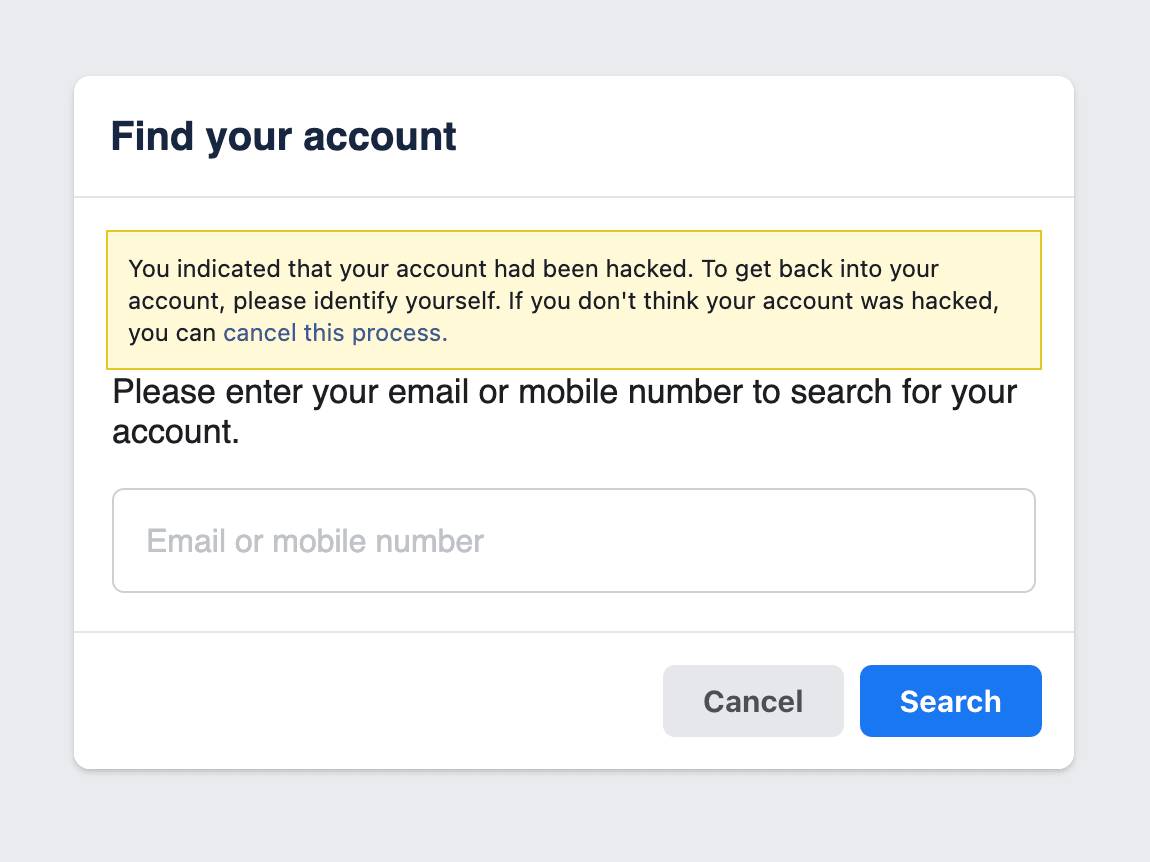
If you suspect that your email account has been hacked, act quickly to secure your account and prevent further damage. Follow these steps:
- Change your password immediately.
- Enable 2FA to add an extra layer of security.
- Review your account settings to ensure that no unauthorized access has occurred.
- Report the incident to your email provider and seek their assistance in securing your account.
- Monitor your account activity closely to prevent further unauthorized access.
Conclusion
Protecting your email account from hacking is a crucial step in maintaining your online security. By understanding email hacking methods, implementing best practices, and taking prompt action if your account is compromised, you can safeguard your email account from falling into the wrong hands. Remember, securing your email account is an ongoing process that requires regular attention and vigilance.
-1920w.png "How To Protect Your Email From Being Hacked In 2026")