How to Protect Business Passwords: Best Practices for a Secure Online Presence
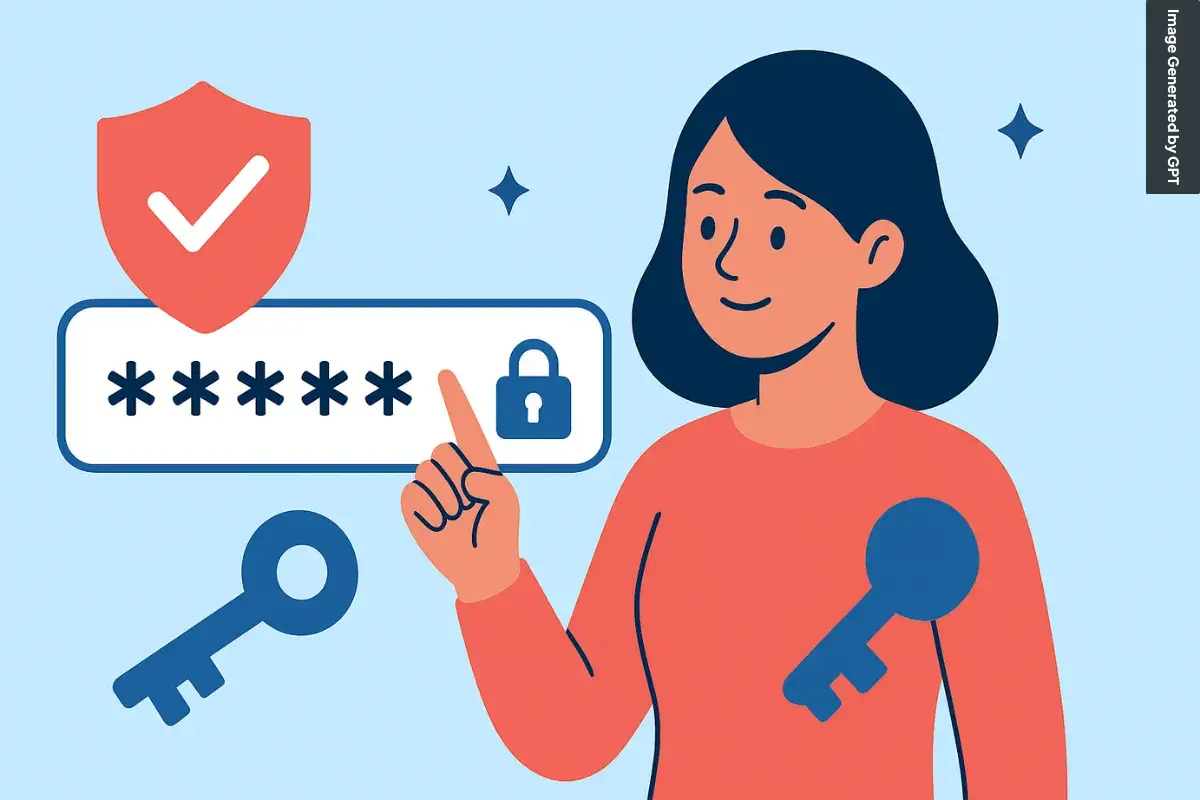
As a business owner, you understand the importance of maintaining a secure online presence. One of the most critical aspects of this is protecting business passwords. Weak or compromised passwords can lead to devastating consequences, including data breaches, identity theft, and financial loss. In this article, we will explore the best practices for protecting business passwords and provide you with a comprehensive guide on how to safeguard your online accounts.
Why Password Protection is Crucial for Businesses
Cyber threats are becoming increasingly sophisticated, and small to medium-sized businesses are frequent targets. Weak or stolen passwords are one of the easiest ways for cybercriminals to gain access to business accounts. According to the NCA's annual Oh, Behave! survey, 35% of participants still use personal details, like names or birthdays, as passwords. This highlights the importance of implementing strong password management practices to protect your business from cyber threats.
Best Practices for Password Management
To protect your business passwords, follow these best practices:
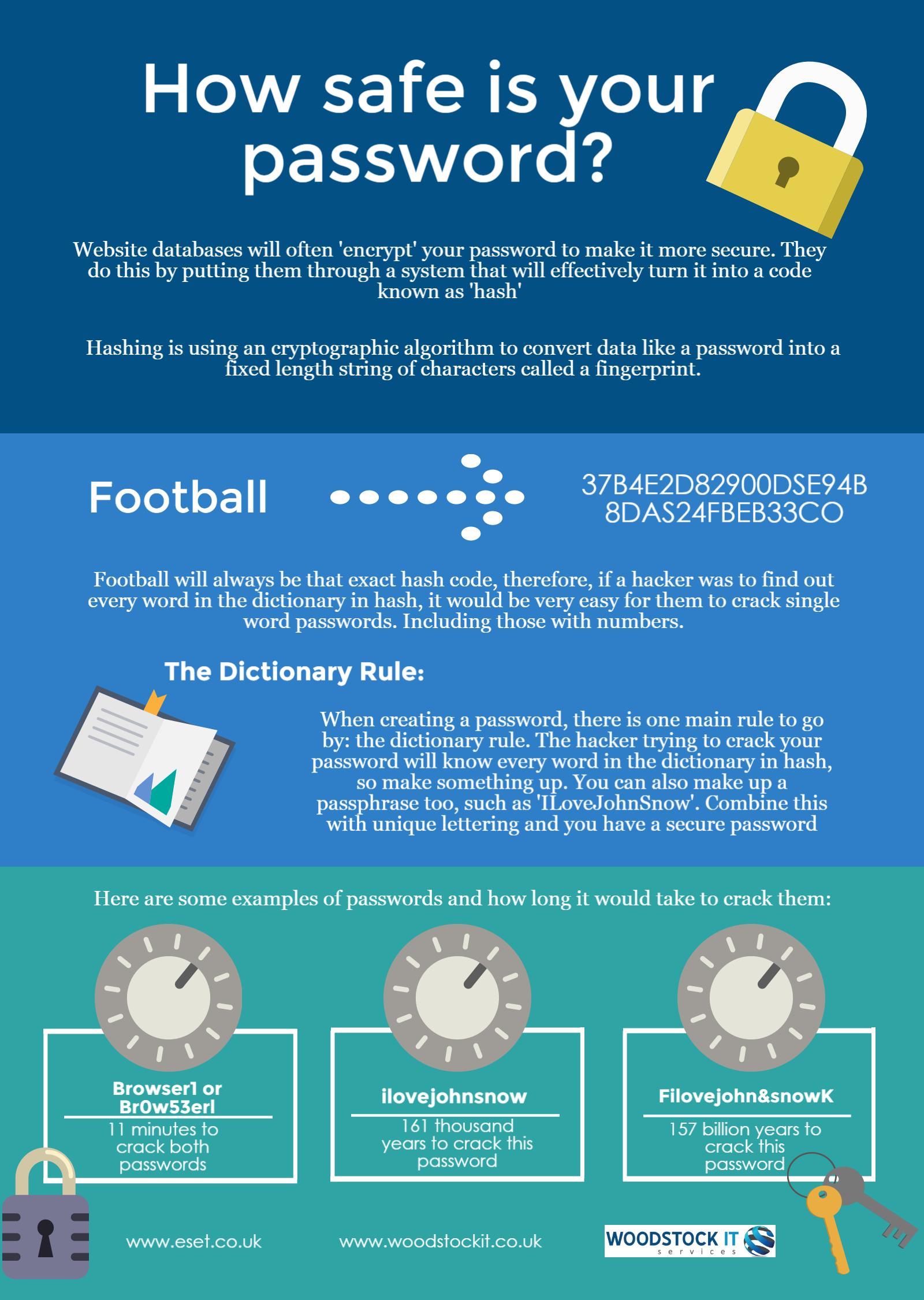
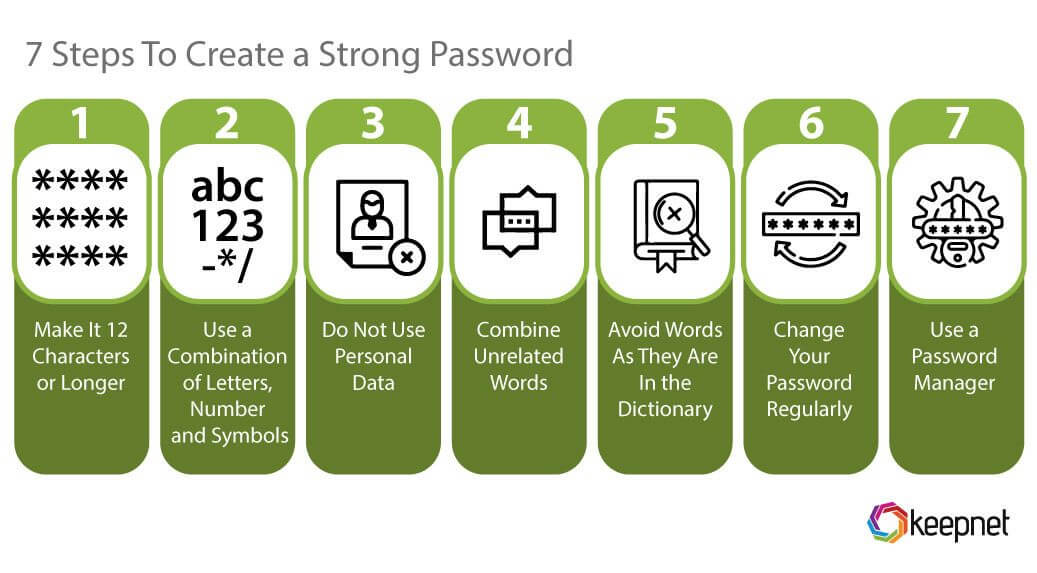
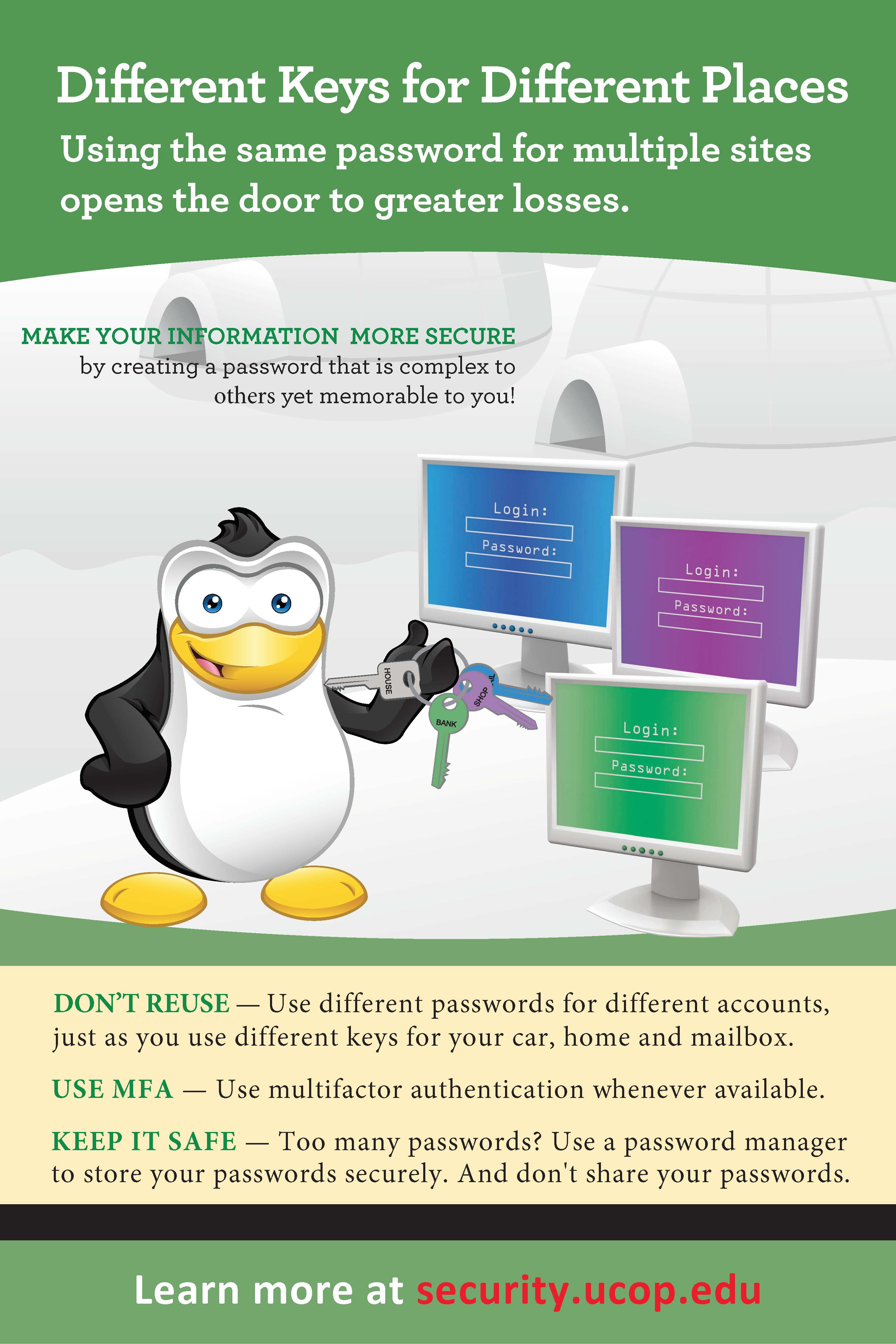
- Use Strong Passwords**: Passwords should be at least 12 characters long, including a mix of uppercase and lowercase letters, numbers, and special characters. Avoid using easily guessable information, such as your name, birthdate, or common words.
- Use a Password Manager**: A password manager is a secure application that stores and generates complex passwords for you. It eliminates the need to remember multiple passwords and provides an additional layer of security.
- Enable Multi-Factor Authentication (MFA)**: MFA adds an extra layer of security by requiring a second form of verification, such as a fingerprint, facial recognition, or a one-time password, in addition to your password.
- Use Two-Factor Authentication (2FA)**: 2FA requires a second form of verification, such as a code sent to your phone or a biometric scan, in addition to your password.
- Rotate Passwords**: Regularly rotate passwords to ensure that even if one password is compromised, the others will remain secure.
- Use a Password Generator**: A password generator creates complex, unique passwords for you, eliminating the risk of using weak or easily guessable passwords.
- Monitor and Manage Access Rights**: Regularly review and update access rights to ensure that only authorized personnel have access to sensitive information.
Storing Passwords Securely

When storing passwords, follow these best practices:
- Use Encrypted Storage**: Store passwords in an encrypted format to prevent unauthorized access.
- Use a Secure Password Manager**: Utilize a password manager that offers end-to-end encryption, secure password sharing, and more.
- Use a Password Vault**: Store passwords in a password vault, which provides an additional layer of security and organization.
Conclusion
Protecting business passwords is a critical aspect of maintaining a secure online presence. By implementing the best practices outlined in this article, you can significantly reduce the risk of data breaches and cyber attacks. Remember, a strong password is only as secure as the measures you take to protect it. Stay vigilant, and keep your business passwords secure with these expert tips.
Additional Resources
For further guidance on password management, consider the following resources:
- NordPass**: A password manager that offers end-to-end encryption, secure password sharing, and more.
- Proton Pass**: A free password manager with end-to-end encryption, secure password sharing, and more across unlimited devices.
- Bitwarden**: A password tester tool that ensures your password strength will protect your online information.