Effective Email Hacking Prevention Tips: Safeguard Your Inbox
In today's digital age, securing your email account is more crucial than ever. Cybercriminals are constantly developing new tactics to exploit vulnerabilities in email security, putting your personal and professional information at risk. Implementing best practices to avoid email hacks is essential to safeguard your digital life. This article outlines the best practices to prevent email hacking and protect your inbox from malicious attacks.Understanding Email Hacking Prevention
Email hacking prevention involves taking proactive steps to secure your email account, recognize potential threats, and respond effectively in case of a breach. By employing these strategies, you can significantly reduce the risk of email hacking and maintain your online security. Implementing email hacking prevention tips can also safeguard your digital identity and prevent unauthorized access to sensitive information.7 Tips to Prevent Email Hacking
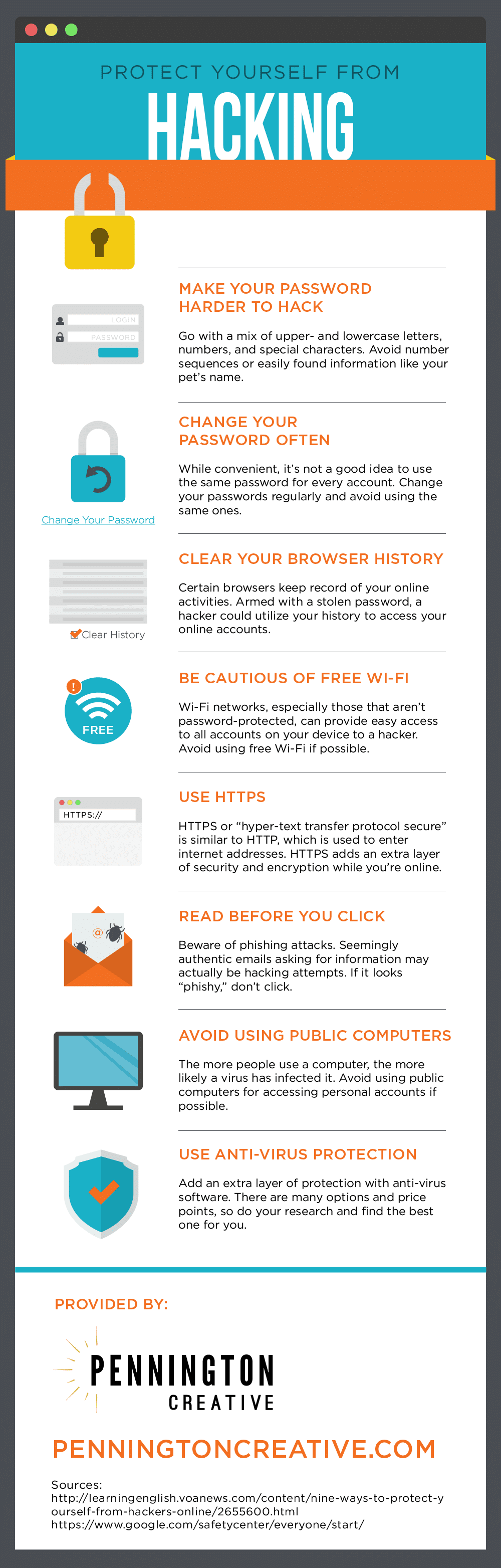
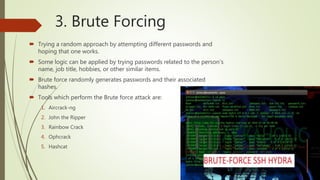
To secure your email account and prevent hacking attempts, consider the following 7 email hacking prevention tips:- Use strong passwords: Create unique and complex passwords for your email account, avoiding easily guessable information such as birthdates or common words.
- Enable two-factor authentication (2FA): Activate two-factor authentication to add an extra layer of security, requiring both your password and a verification code sent to your phone or email.
- Keep your account up-to-date: Regularly update your email account settings, password, and login information to prevent hackers from exploiting old vulnerabilities.
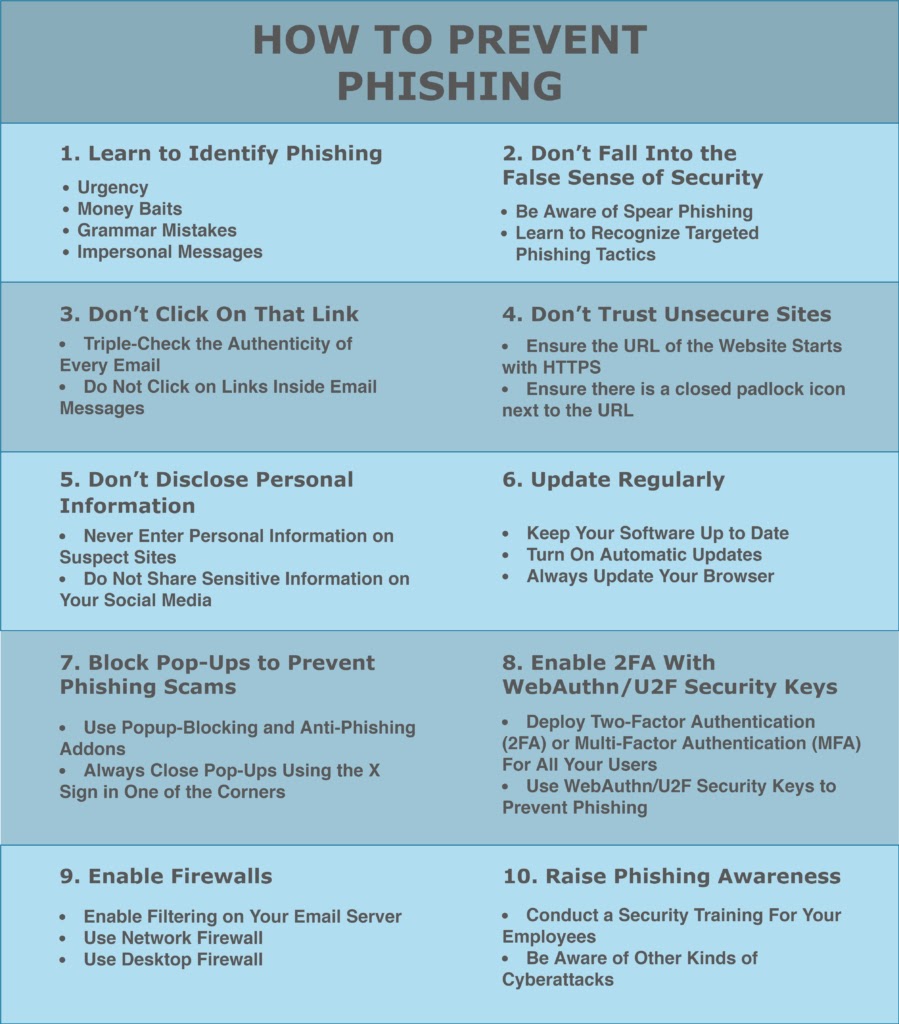
- Be cautious with links and attachments: Avoid opening suspicious links or attachments from unknown senders, as they may contain malware or phishing attacks.
- Monitor account activity: Regularly review your email account activity to identify any suspicious behavior or unauthorized access.
- Use reputable email clients and services: Choose reputable email clients and services, and avoid using public or shared computers to access your email.
- Backup your emails: Regularly backup your emails to prevent data loss in case your account is compromised or deleted.
Recognizing Email Hacking Threats

- Unexplained account activity: If you notice unfamiliar devices or locations accessing your email account, it may indicate a hacking attempt.
- Phishing attempts: Be cautious of suspicious emails or messages requesting sensitive information, as they may be phishing attempts.
- Unfamiliar login locations: Regularly review your email account's login locations to identify any unfamiliar devices or browsers accessing your account.
Responding to Email Hacking
In the event of an email hacking incident, respond promptly to minimize the damage. Follow these steps:- Change your password: Reset your email account password to prevent unauthorized access.
- Update account settings: Review and update your email account settings, including 2FA and account recovery options.
- Report the incident: Inform your email provider and local authorities about the hacking attempt, providing relevant details and evidence.
- Monitor your account: Regularly review your email account activity to prevent further hacking attempts.