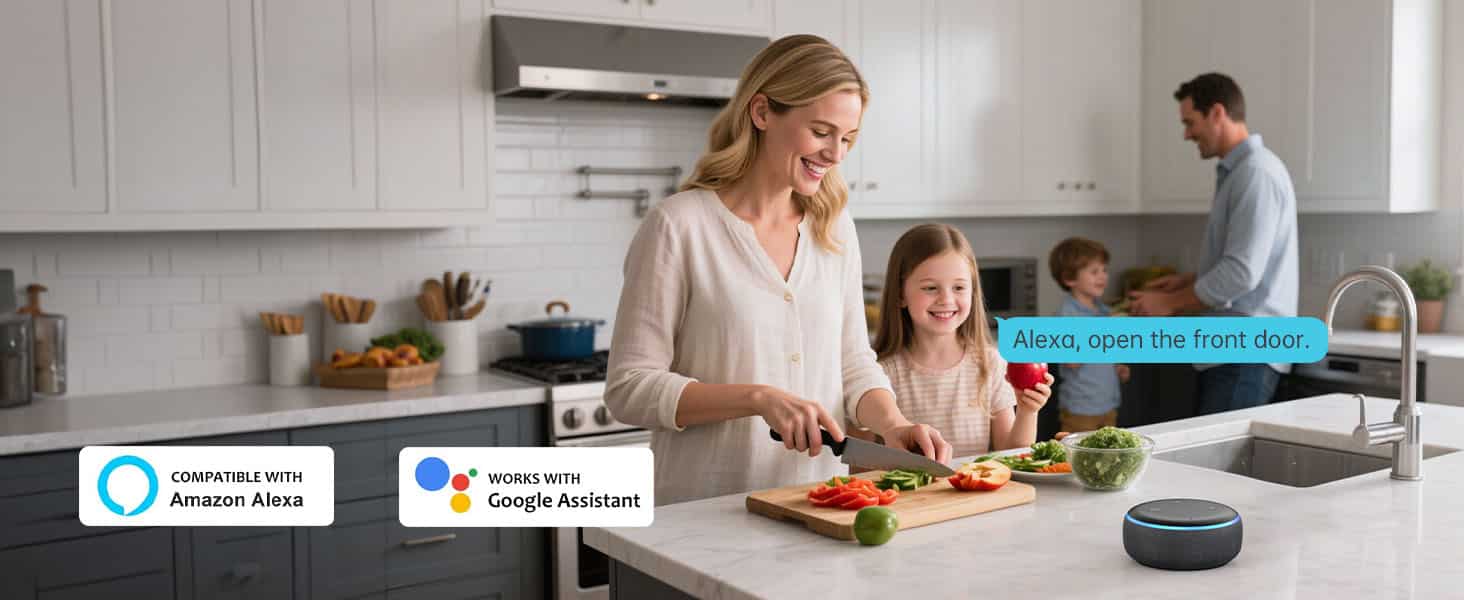
Setting Up Alexa with Smart Lock: A Step-by-Step Guide
Introduction
Are you looking to enhance your home's security and convenience with the help of Amazon's Alexa and smart locks? This comprehensive guide will walk you through the process of setting up Alexa with your smart lock, ensuring a seamless integration that brings you hands-free control and better security.
Configuring Your Smart Lock
Before diving into the setup process, ensure that your smart lock is compatible with Alexa. Different manufacturers may have varying requirements for pairing their devices with the virtual assistant. Typically, this involves checking the lock's compatibility with Alexa through the manufacturer's website or app.
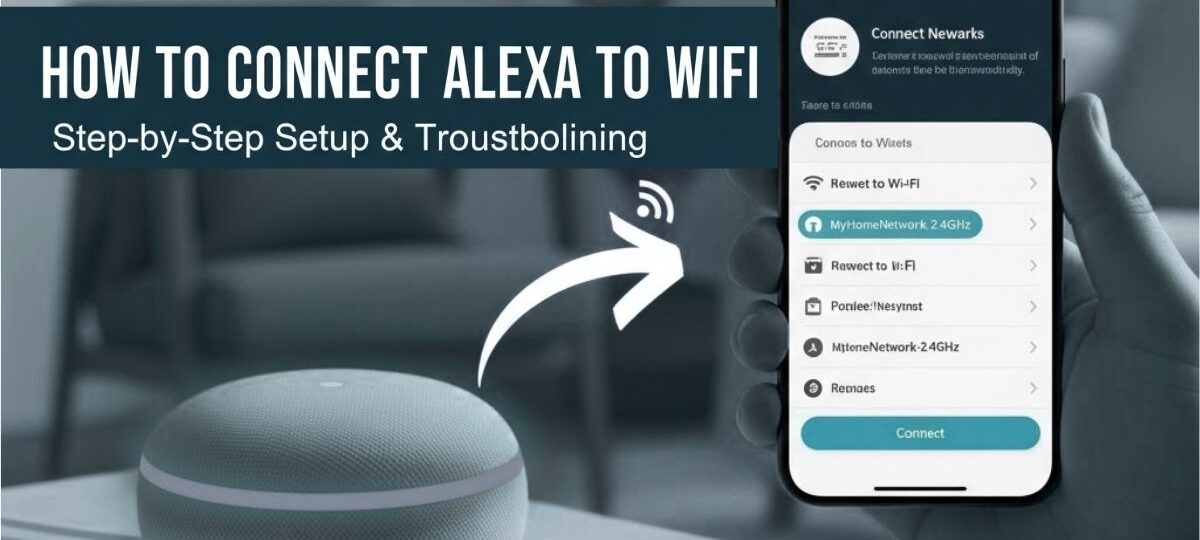
Once you've confirmed compatibility, follow the manufacturer's instructions to set up your smart lock. Most locks can be configured using the accompanying app or through the Alexa app. This part of the process usually involves creating an account, setting up a Wi-Fi connection, and configuring basic settings such as lock type, deadbolt style, and number of users.
Connecting Your Smart Lock to Alexa
The next step is to enable the Alexa skill for your smart lock. This can be done through the Alexa app, where you can search for your lock's name or manufacturer in the "Skill & Games" section. If you're unable to find the skill, check the Alexa website for instructions on how to add new skills or contact the lock's manufacturer for assistance.
After enabling the skill, you'll be prompted to link your smart lock to your Alexa account. This usually involves confirming your account information and authorizing Alexa to access your lock's data. Once the linking process is complete, you'll be able to control your smart lock using voice commands through Alexa.
Testing the Connection
Before relying on voice control, it's essential to test the connection between your smart lock and Alexa. Ensure that your lock responds to voice commands and that you can lock and unlock it successfully using the virtual assistant.
If you encounter any issues during the setup process or experience connection problems, refer to your manufacturer's user manual or their customer support resources for assistance.
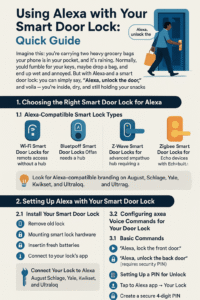
Common Issues and Troubleshooting
Unfortunately, wireless connectivity issues can occur, causing problems with voice control. Common issues include dropped connections, lock notifications that won't show up in the Alexa app, or trouble pairing the lock with Alexa.
If you're experiencing one of these issues, consult the manufacturer's troubleshooting guide or check online resources for solutions. Typically, resolving the problem involves reinstalling the lock's app, restarting both devices, or performing a manual sync between the smart lock and Alexa.
Exploring Advanced Features
With your smart lock and Alexa set up, you can explore additional features to elevate your home's security and convenience. Custom routines allow you to automate tasks, combining smart lock control with other devices in your home for greater efficiency.
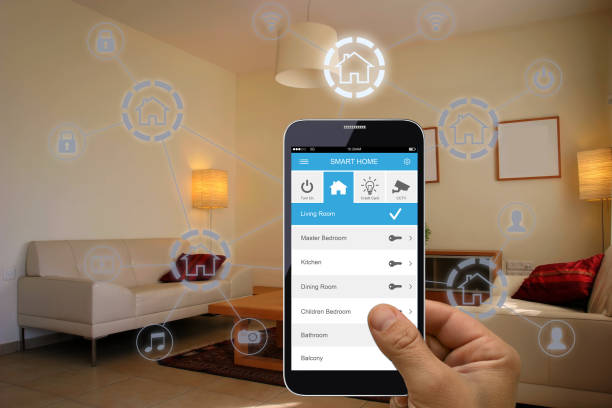
Also, consider integrating your smart lock with other smart home devices, such as security cameras, thermostats, and lighting systems, to create a seamless and secure living environment.
Conclusion
Elevate your home's security and convenience by integrating Alexa with your smart lock. This hassle-free setup process provides you with hands-free control, enabling secure entry and exit methods, as well as streaming various smart home applications.
With this comprehensive guide, you're ready to enjoy a more convenient, convenient, and connected home experience. Explore the specifics of your smart lock and smart home needs, addressing the innately intertwined system with control simplicity.
References
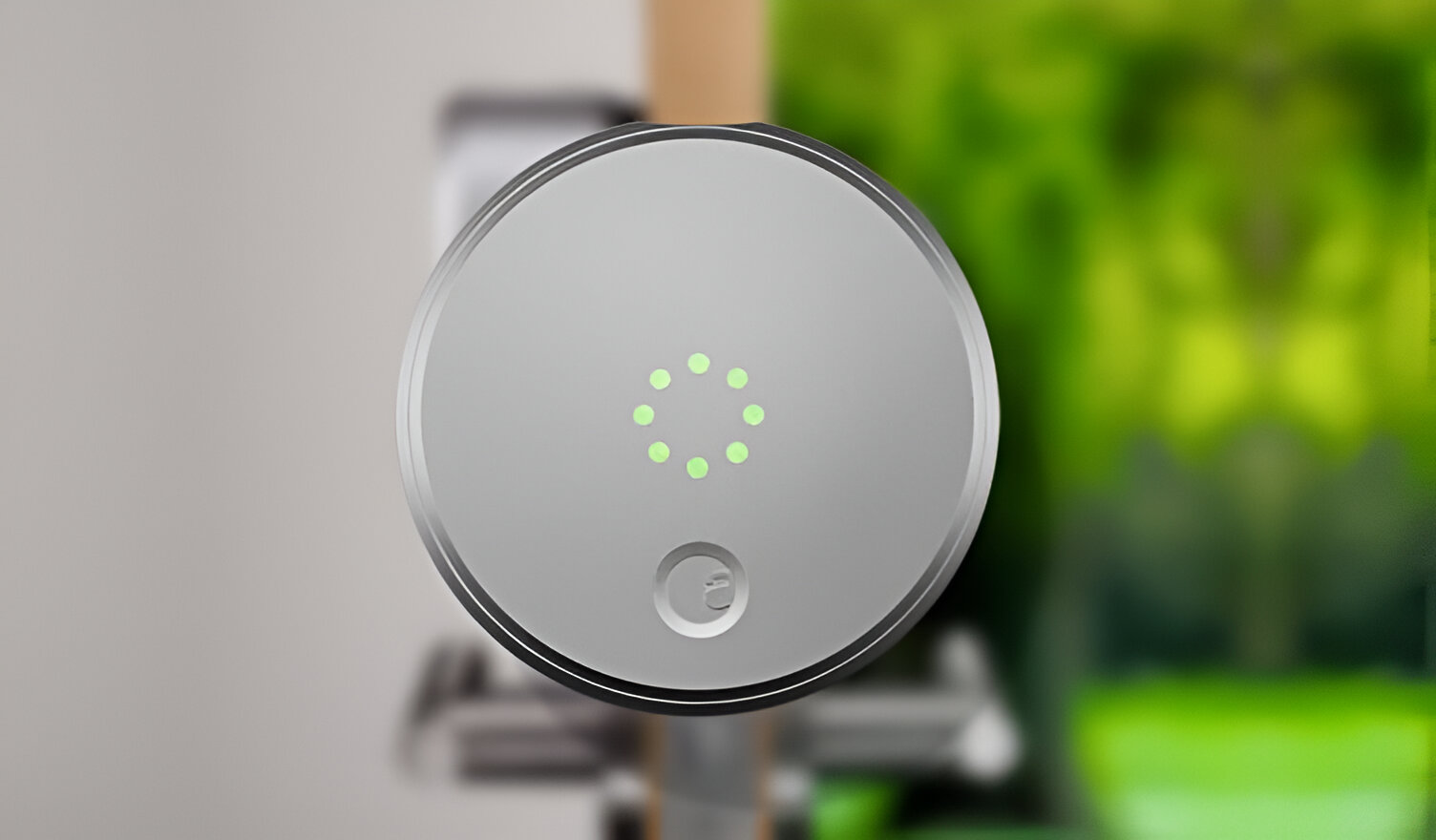
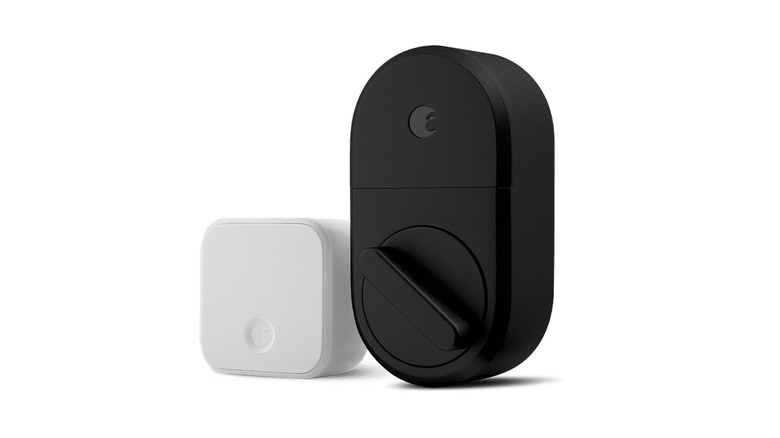
- August's Wi-Fi Smart Lock, Smart Lock Pro, and Smart Lock work with all Alexa-enabled devices including Echo Show, Echo Plus, Echo, Echo Dot - even Alexa-enabled Sonos devices.
- Lockly Visage is an award-winning Wi-Fi Smart Lock featuring industry-first facial recognition unlocking.
- The Kwikset app includes Bluetooth Connectivity to directly manage access codes, adjust lock settings, and share access with guests.
- Amazon Smart Plug works with Alexa to add voice control to any outlet, simple to set up and use – plug in, open the Alexa app, and get started in minutes.
- Shop DESLOC B200 Smart Lock Keyless Entry Fingerprint Deadbolt with Handle Set, Front Door Replacement, Bluetooth App Black products at Best Buy.
- Lockly Vision Elite Smart Lock Deadbolt with App/Keypad/Biometric/Voice Assistant/Key Access Solar Charging Matte Black products at Best Buy.