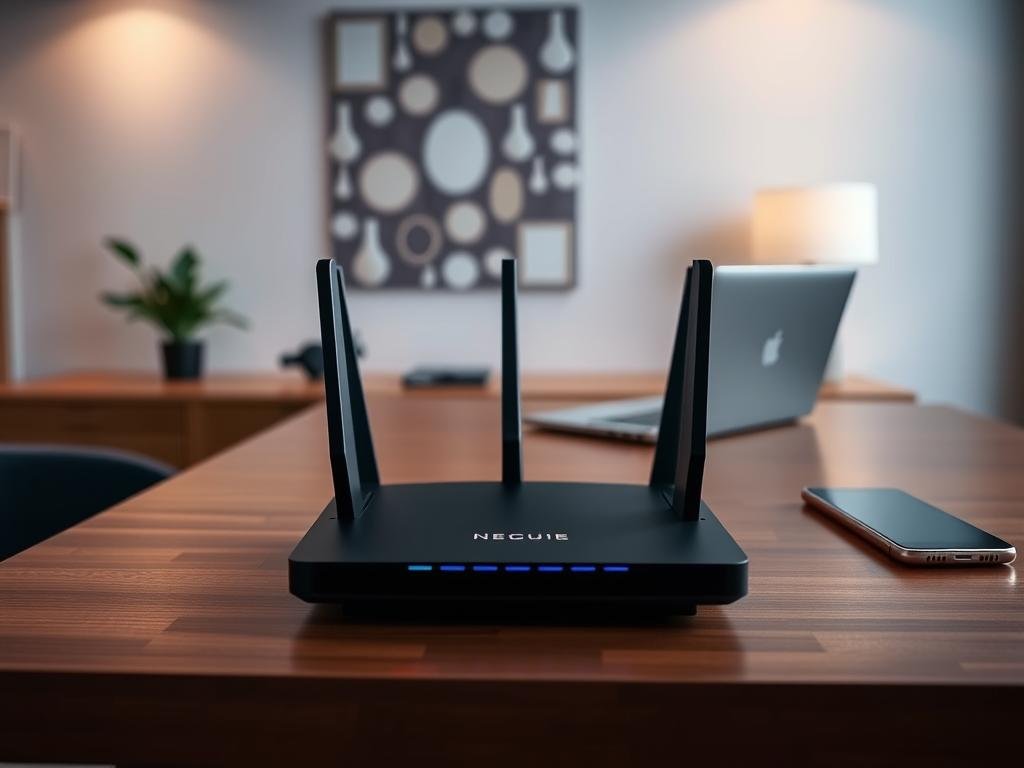
Securing Router Settings Remotely: A Comprehensive Guide
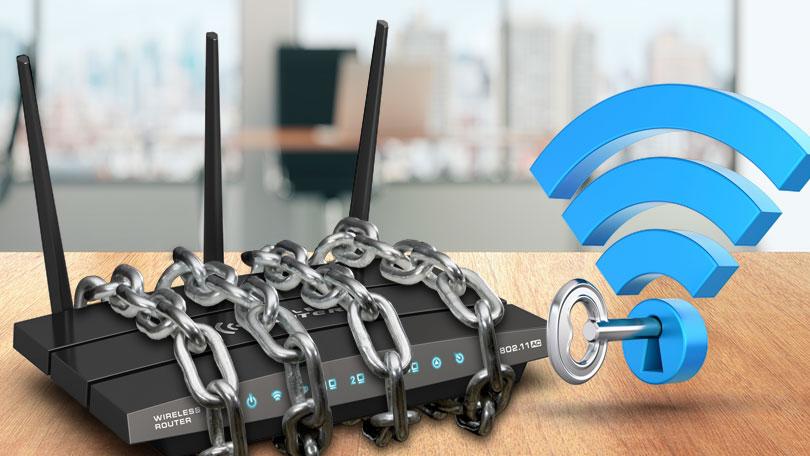
Securing router settings remotely is a crucial step in protecting your home network from potential cyber threats. With the rise of IoT devices and connected devices, it's essential to take the necessary measures to safeguard your network from unauthorized access and tampering. In this article, we'll cover the key steps to secure your router settings remotely and provide you with a comprehensive guide on how to do it securely.
Why Securing Router Settings Remotely is Important
Securing your router settings remotely is essential because it protects your network from unauthorized access and tampering. When your router is exposed to the public internet, it can be vulnerable to attacks and cyber threats. By securing your router settings remotely, you can prevent malicious actors from accessing your network and compromising your personal data.
The Most Secure Method for Accessing Router Settings Remotely
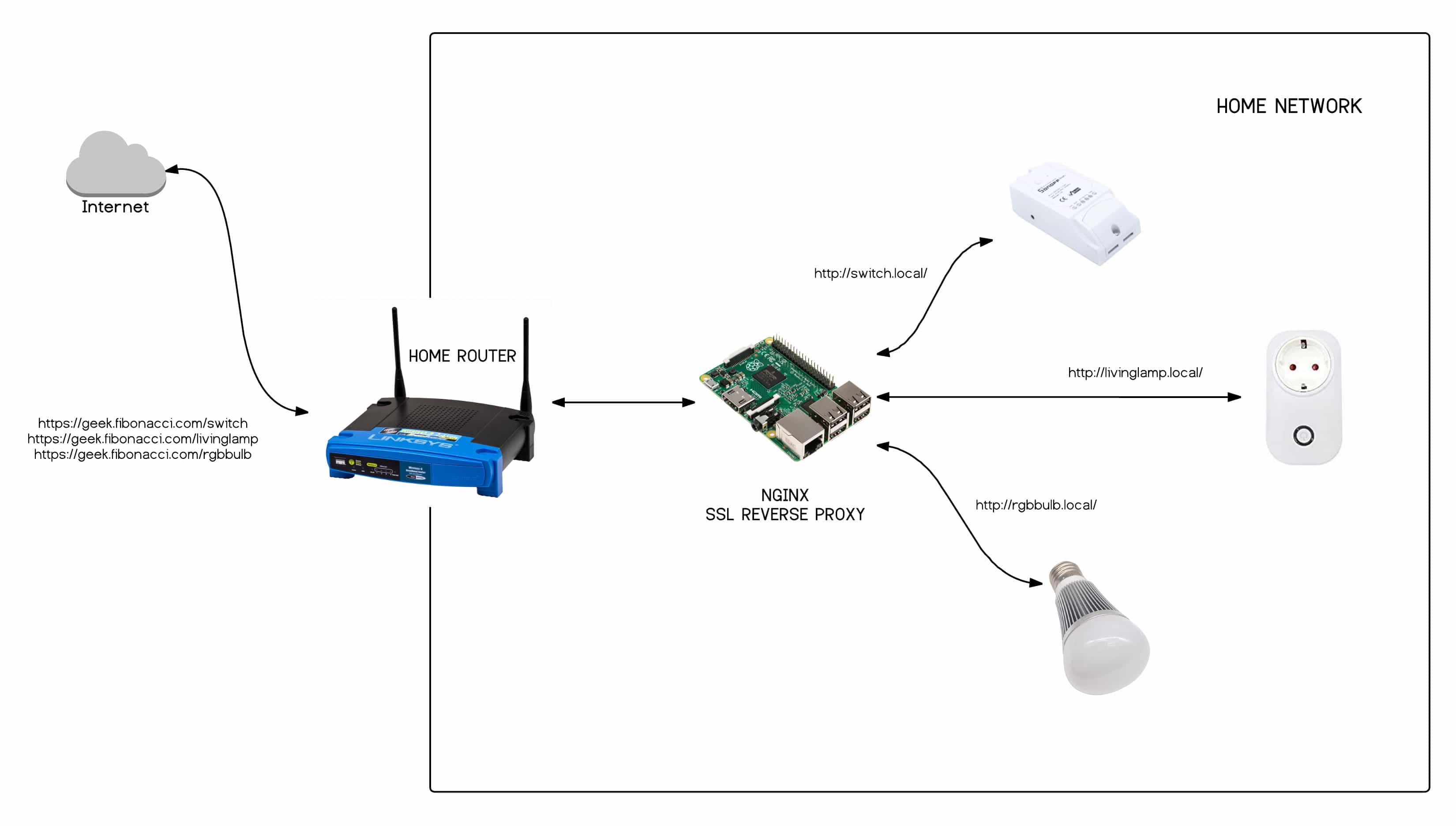
The most secure method for accessing your router settings remotely is through a VPN (Virtual Private Network). Instead of exposing your router's administration port to the public internet, you establish an encrypted tunnel into your home network. This method ensures that your data is encrypted and secure, making it difficult for malicious actors to intercept and access your network.
Disable Remote Management
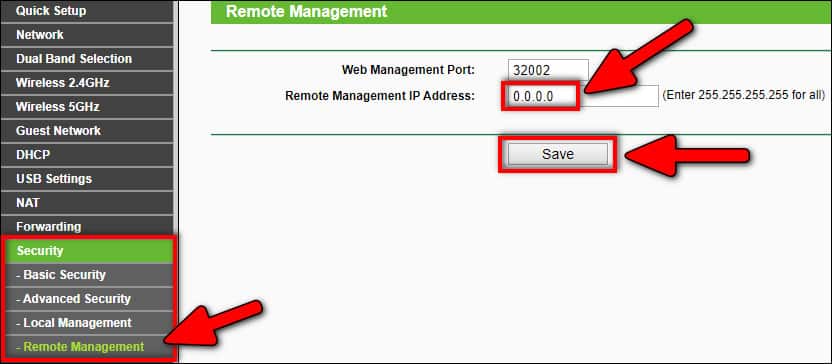
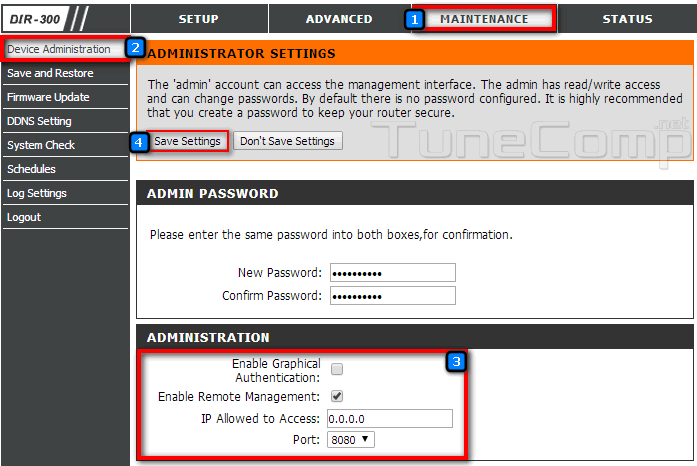
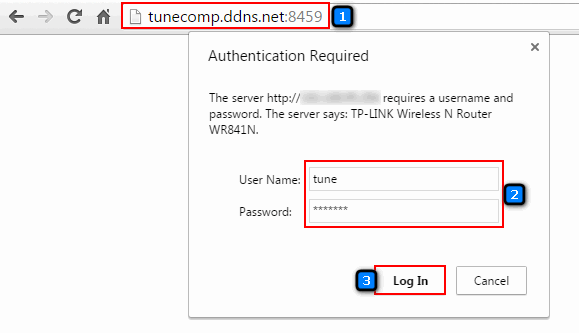
Disable remote management on your router to prevent unauthorized access to your network. Remote management allows you to log in to your router over the internet to make changes. Disabling this feature can prevent threat actors from making changes to your router without connecting to your network first, either wirelessly or via cable.
- Open your router's web interface and look for the "Remote Access," "Remote Administration," or "Remote Management" feature.
- Ensure it's disabled — it should be disabled by default on most routers, but it's good to check.
Disabling Wi-Fi Protected Setup (WPS)
Disabling Wi-Fi Protected Setup (WPS) is another essential step in securing your router settings remotely. WPS allows you to push a button on your router to connect a device to the internet instead of entering the Wi-Fi network password. By disabling this feature, you prevent malicious actors from accessing your network using WPS.
- Open your router's web interface and search for the WPS settings.
- Disable WPS by clicking on the "Disable" button.

Enabling Remote Access through a VPN
Enabling remote access to your router settings securely requires a VPN (Virtual Private Network) solution. By using a VPN, you can establish a secure channel to your local network, preventing unauthorized access and tampering.
Changing Default Settings
Changing default settings on your router is critical to secure your network. Default settings put your network at risk, allowing freeloading strangers to squeeze bandwidth and potentially commit crimes. Use our summary to configure your standard router settings to prevent unauthorized access to your network.
Conclusion
Securing your router settings remotely is essential in today's connected world. By following the steps outlined in this guide, you can set up remote access, configure DDNS, and test your setup to ensure everything is working correctly. Remember to disable remote management, disable Wi-Fi Protected Setup (WPS), and enable remote access through a VPN for a secure remote access experience.
Additional Tips
Here are some additional tips to secure your router settings remotely:
- Upgrade to a WPA3 router to enhance your network security.
- Position your router in a central location to optimize your network's performance.
- Use a strong password and keep your firmware up to date.
- Enable two-factor authentication and set up regular backups.
- Use a reputable VPN solution to secure your remote access.
Final Thoughts
Securing your router settings remotely is a critical step in protecting your network from potential cyber threats. By following the steps outlined in this guide, you can ensure your network is secure and protected from unauthorized access and tampering. Remember to stay vigilant and regularly update your router settings to maintain a secure and safe online experience.