Protecting Your Facebook Account from Phishing: A Comprehensive Guide
Phishing attacks are a growing concern for Facebook users, and it's essential to take proactive steps to protect your account from these malicious attempts. In this article, we'll provide you with a comprehensive guide on how to safeguard your Facebook account from phishing attacks and keep your personal information secure.
What is Phishing?
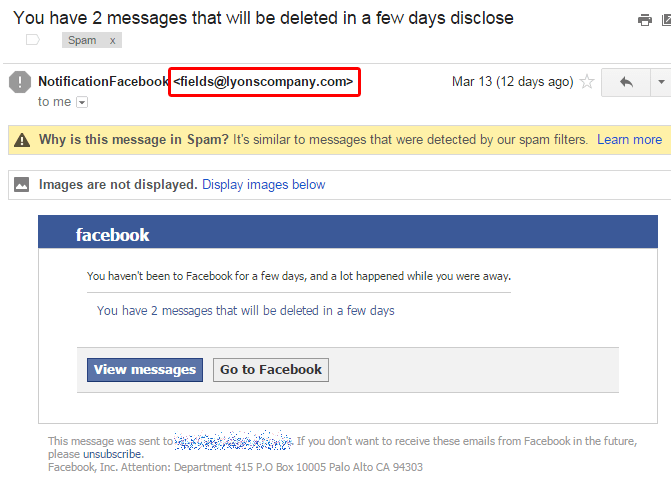
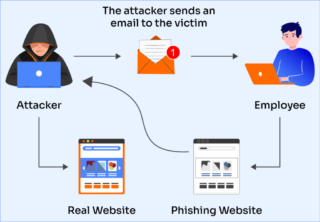
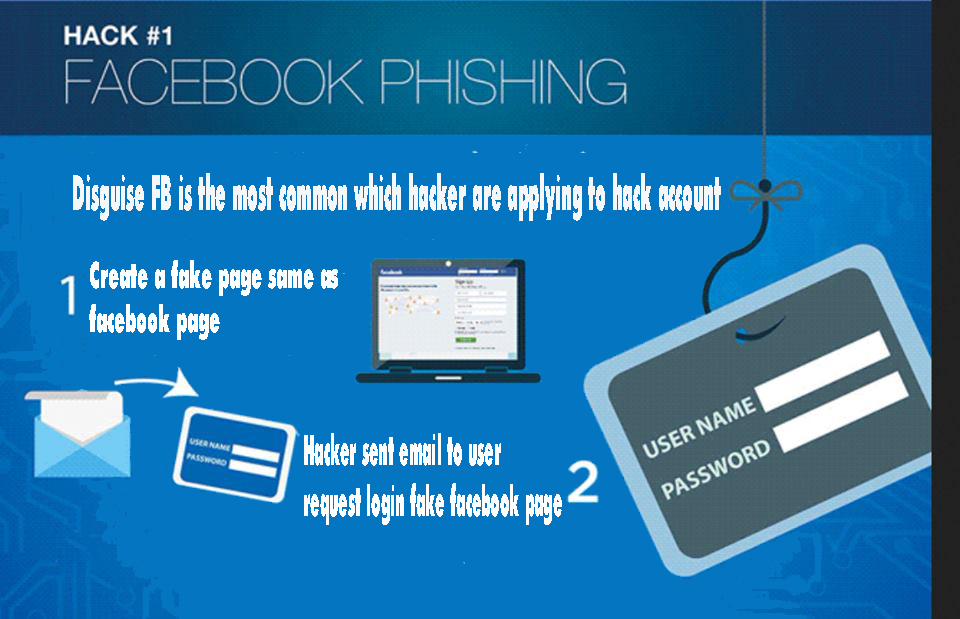
Phishing is a type of cyber attack where scammers attempt to trick victims into revealing sensitive information such as login credentials, passwords, or financial information. Phishing attacks often come in the form of suspicious emails, messages, or links that appear to be from legitimate sources, but are actually designed to deceive and steal your information.
Why is Protecting Your Facebook Account from Phishing Important?
Protecting your Facebook account from phishing is crucial because it can lead to identity theft, account compromise, and financial loss. When scammers gain access to your Facebook account, they can use it to send spam messages, post fake content, and even steal your identity. Moreover, if your Facebook account is compromised, it can lead to a domino effect, where other accounts and devices are also compromised.
How to Protect Your Facebook Account from Phishing
Here are some essential tips to help you protect your Facebook account from phishing attacks:
- Password Protection: Use a strong and unique password for your Facebook account. Avoid using easily guessable information such as your name, birthdate, or common words. Consider using a password manager to generate and store complex passwords.
- Two-Factor Authentication: Enable two-factor authentication (2FA) on your Facebook account to add an extra layer of security. This will require you to enter a verification code sent to your phone or email in addition to your password.
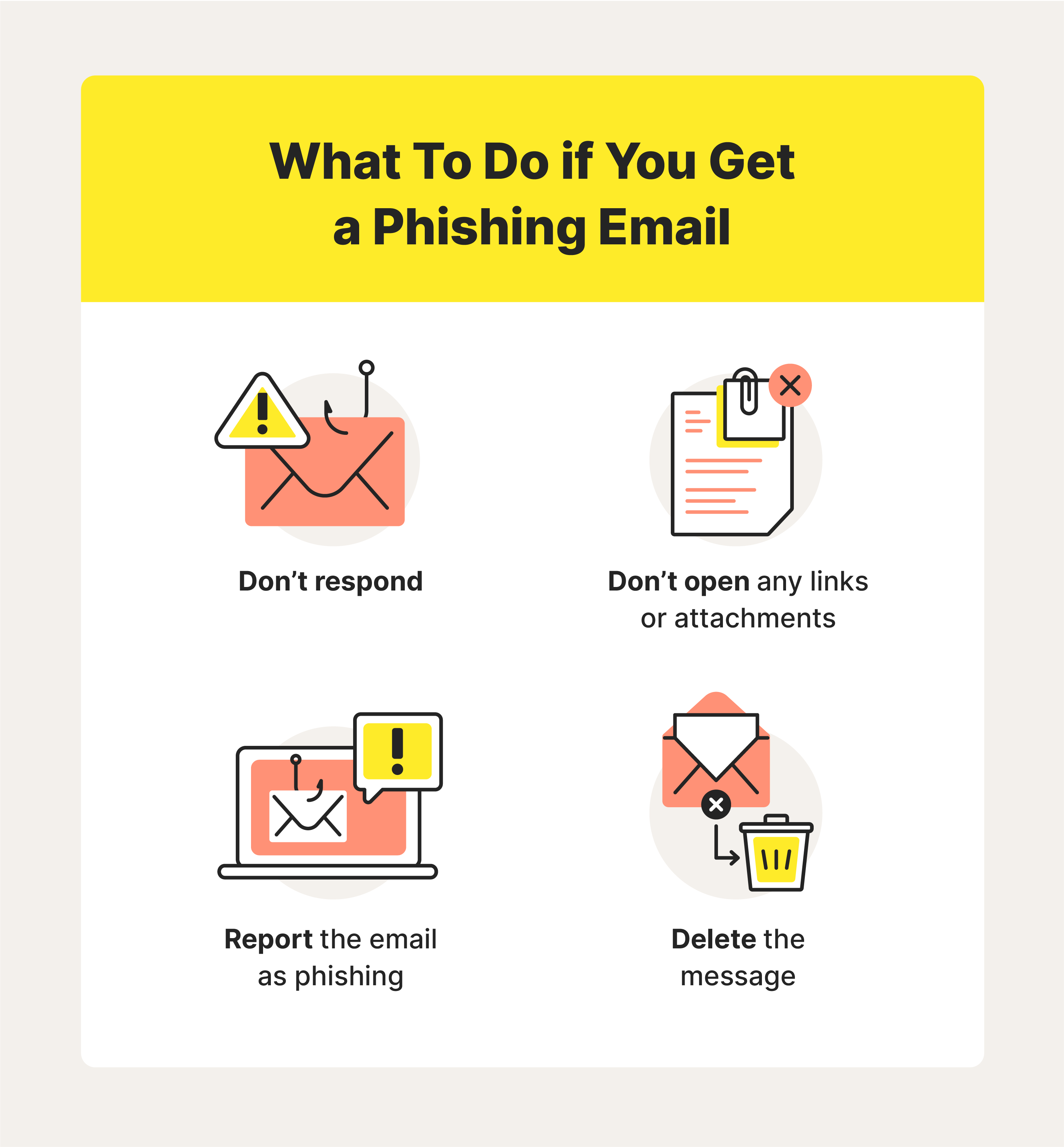
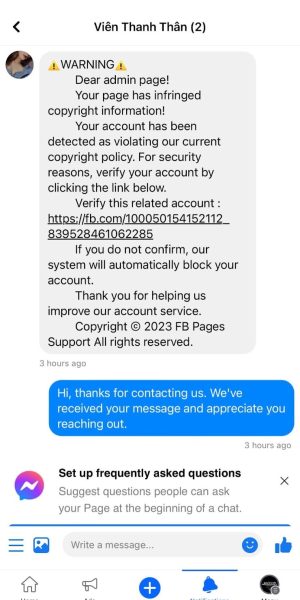
- Be Cautious with Links and Messages: Be wary of suspicious links and messages that ask you to click on them or provide sensitive information. If you receive a message from someone you don't know, it's best to ignore it or report it to Facebook. li>Keep Your Browser and Apps Up-to-Date: Ensure that your browser and apps are updated with the latest security patches and features. This will help protect you from known vulnerabilities and phishing attacks.
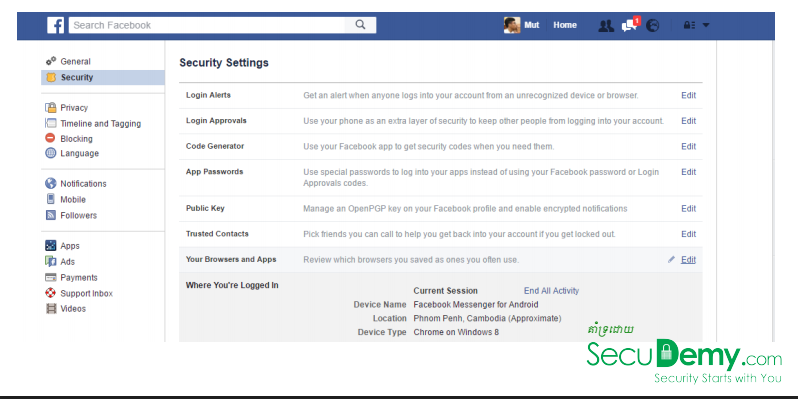
- Monitor Your Account Activity: Regularly check your Facebook account activity to detect any suspicious logins or changes. If you notice anything unusual, report it to Facebook immediately.
- Use a Security Software: Install a reputable security software that can detect and block phishing attacks, malware, and other online threats.

Common Phishing Tactics to Watch Out For
Phishers often use various tactics to deceive victims. Here are some common phishing tactics to watch out for:
- Suspicious Links and Messages: Be cautious of links and messages that ask you to click on them or provide sensitive information.
- Urgency and Scarcity: Phishers often create a sense of urgency or scarcity to trick victims into taking action quickly. Be wary of messages that claim to offer limited-time offers or rewards.
- Personalized Attacks: Phishers may use your personal information to make the attack seem more legitimate. Be cautious of messages that appear to be from a trusted source, but ask for sensitive information.
What to Do if Your Facebook Account is Compromised
If you suspect that your Facebook account has been compromised, follow these steps:
- Change Your Password: Immediately change your password to a strong and unique one.
- Report the Incident: Report the incident to Facebook and provide them with the necessary information to help them investigate and resolve the issue.
- Update Your Security Settings: Review and update your security settings to ensure that you have the latest security features enabled.
Conclusion
Protecting your Facebook account from phishing attacks requires ongoing vigilance and awareness. By following the tips outlined in this article, you can significantly reduce the risk of your account being compromised. Remember, it's always better to err on the side of caution when it comes to your online security.