Improving Windows 11 Setup for Security: Essential Tips and Tricks
Introduction
Are you looking to improve your Windows 11 setup for security? With the increasing number of cyber threats and data breaches, it's essential to take proactive steps to protect your device. In this article, we'll explore the best security-enhancing configurations you can enable and configure on Windows 11, including virus and phishing protection, encryption, biometric, and more.The Importance of Windows 11 Security
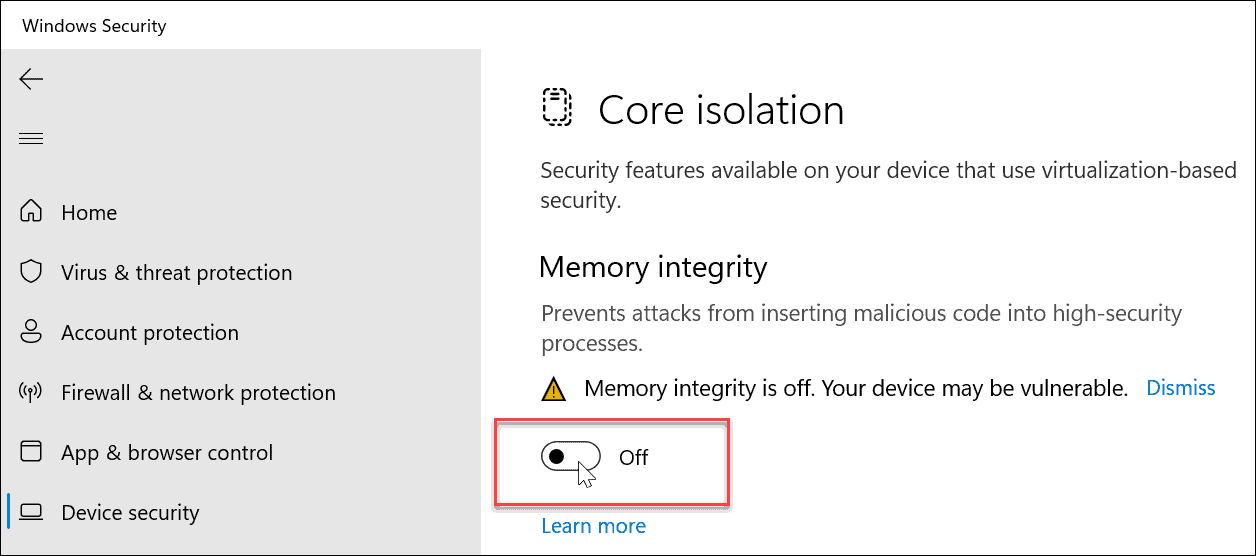
Windows 11 is designed with robust security features enabled by default, but it's crucial to take the time to adjust critical security settings immediately after setup. This can save you from a world of trouble later on. By following these tips, you can significantly improve your Windows 11 security and privacy posture, making it harder for attackers to breach your device.Five Essential Security Settings to Configure on Windows 11
1.Enable Microsoft Defender Antivirus
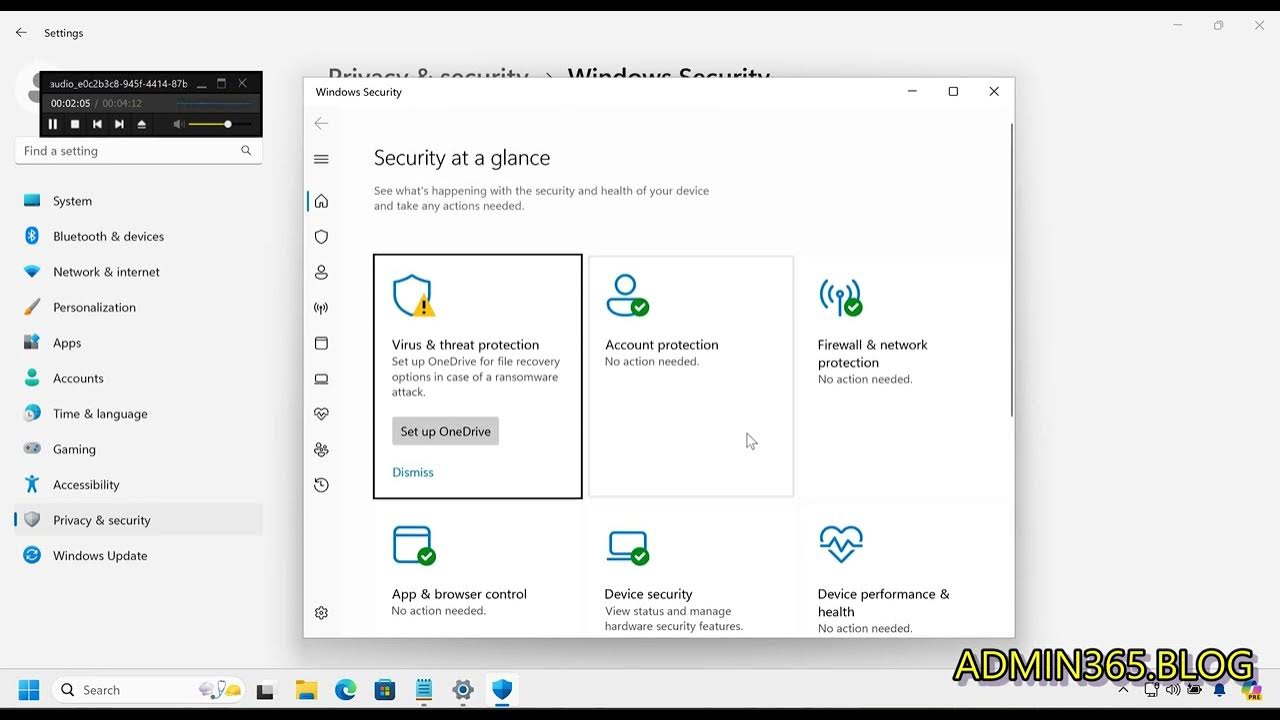
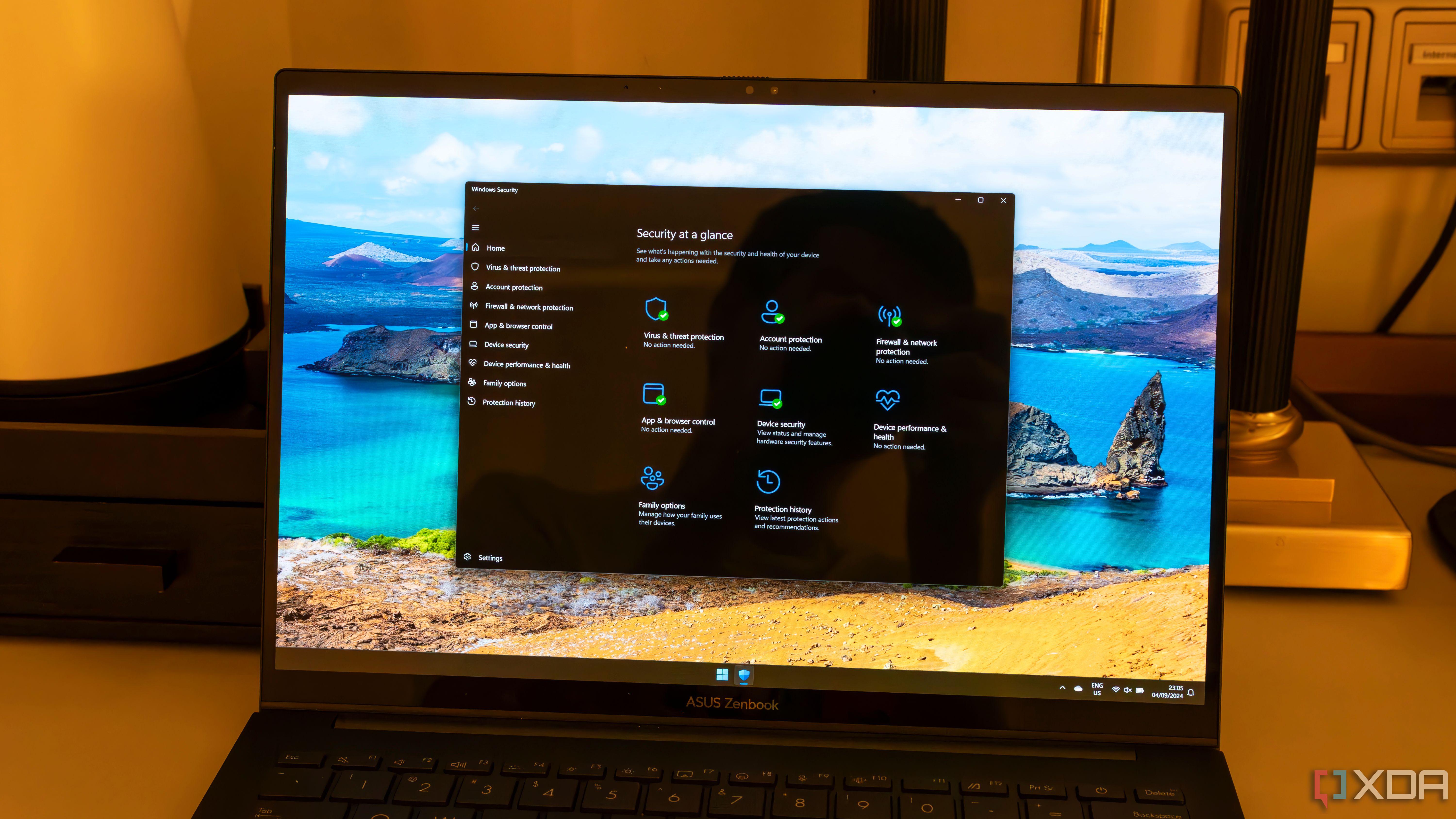
Microsoft Defender Antivirus is a powerful tool that comes pre-installed on Windows 11. It provides real-time protection against malware, viruses, and other threats. Make sure to enable it and keep it updated to provide the best possible security. 2.Configure Firewall Settings
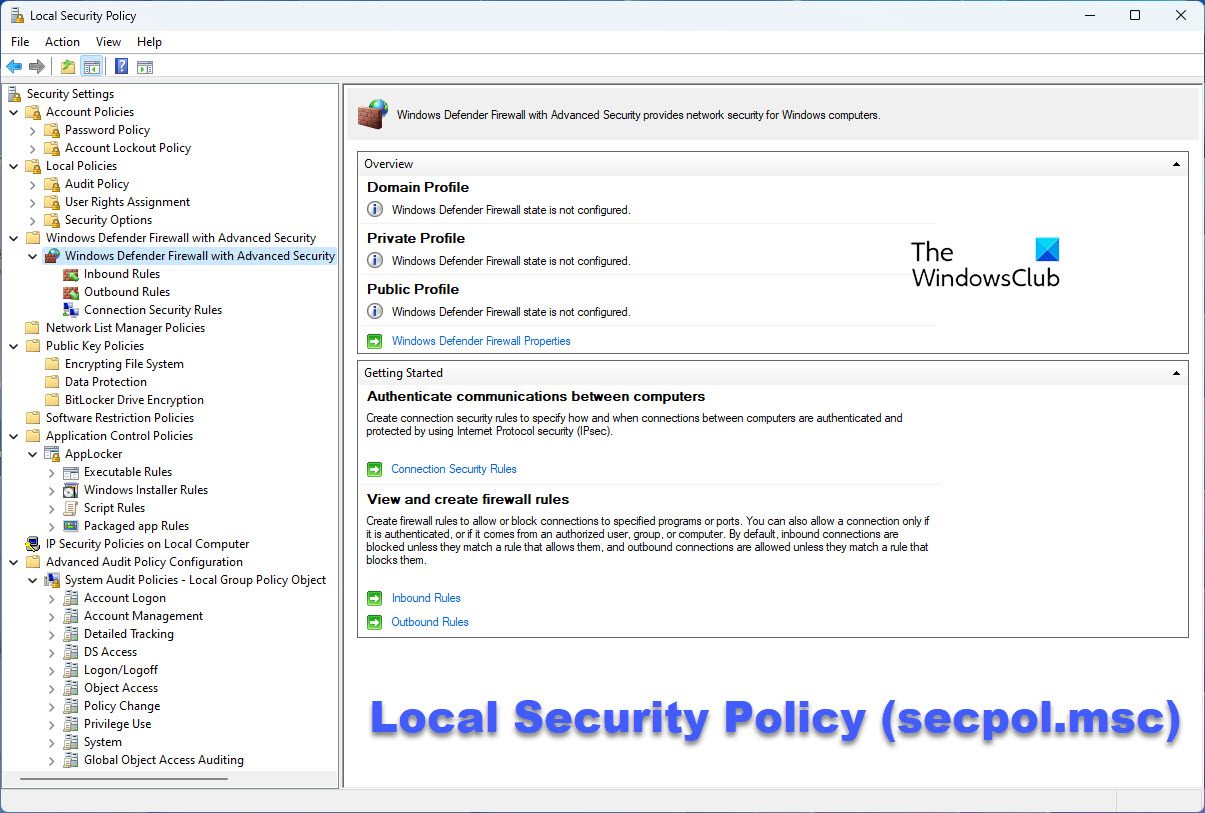
The Windows Firewall helps block unauthorized access to your device. By configuring the firewall settings, you can protect your device from malicious software and other threats. 3.Enable BitLocker